Fist landing on a street
A figure drives a fist into a city street and a shockwave ring tears outward, cracking asphalt and flipping debris. Low ground-level wide angle, camera shaking with the impact as the ring races past.
Editar prompt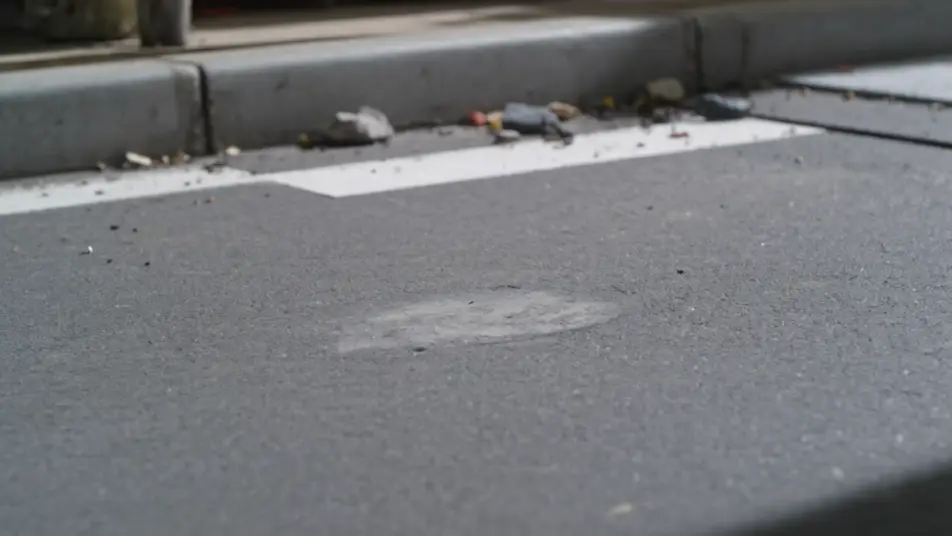
Direct expanding shockwaves in your browser with Morphic's shockwave effect AI video generator. Generate a blast ring racing outward from a landed fist or a dome of distorted air rippling across a city block. Hit the impact on the downbeat with Music, then stitch it into one sequence on the Canvas.
A figure drives a fist into a city street and a shockwave ring tears outward, cracking asphalt and flipping debris. Low ground-level wide angle, camera shaking with the impact as the ring races past.
Editar promptAn unseen blast sends a dome of distorted air rippling across a crowded plaza, warping the buildings behind it. High wide shot craning slowly back as the distortion expands and fades.
Editar prompt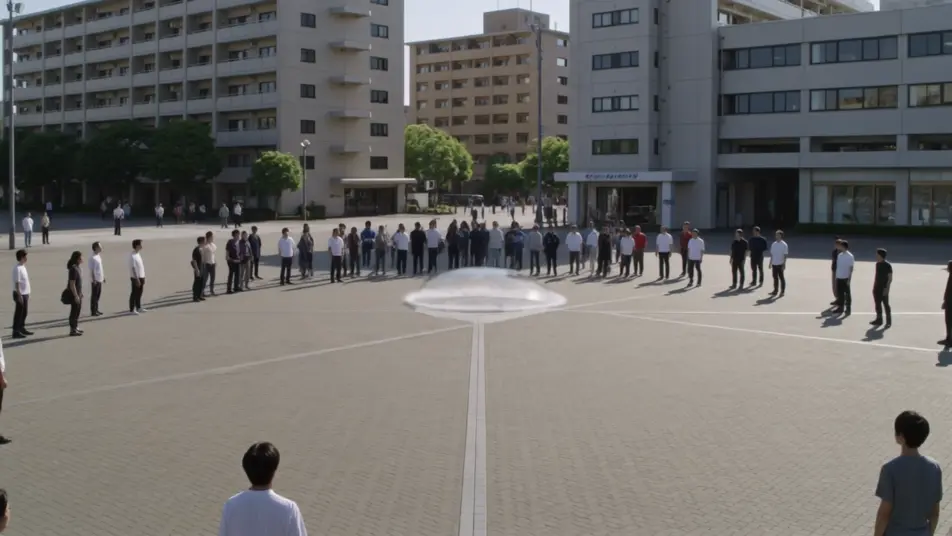
At dawn a shockwave erupts on a mirror-still lake, a ring of spray racing out while the center heaves upward. Low static shot just above the waterline, mist catching the early light.
Editar prompt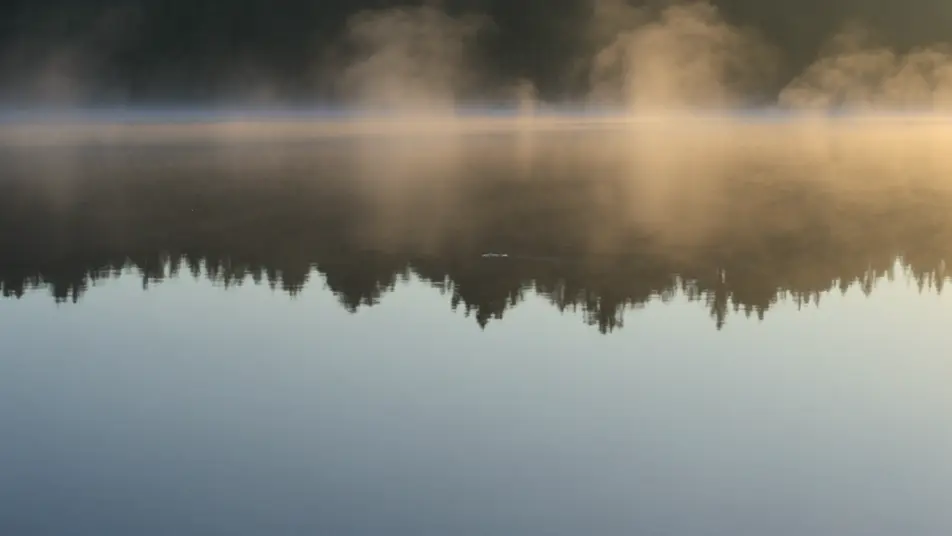
Inside a long corridor a pressure wave rolls forward, blowing doors open and glass inward down the line. Locked wide down the hall, camera holding as the wave passes through frame.
Editar prompt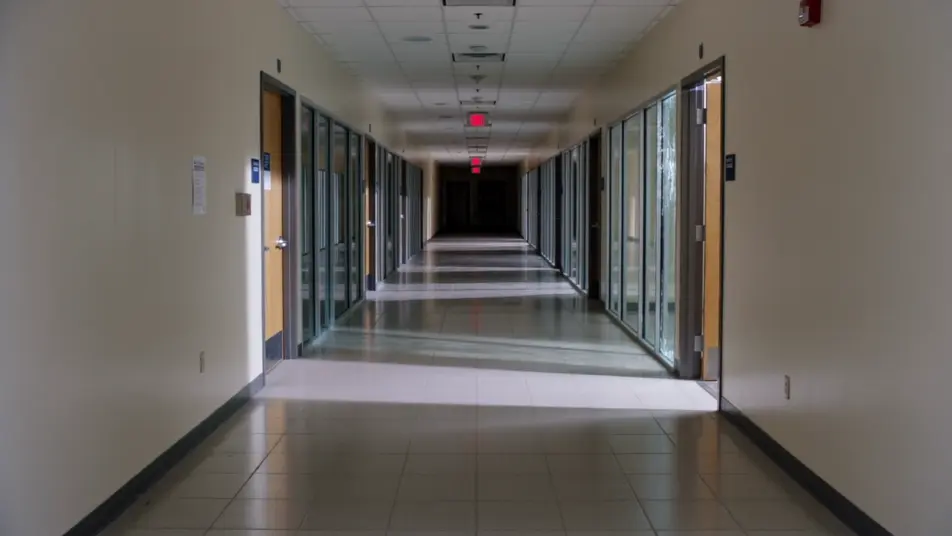
Escreva a cena de shockwave effect que você quer, em poucas palavras.
A Morphic gera um clipe cinematográfico e pronto para uso no seu Canvas em segundos.
Ajuste o prompt, gere novas variações e depois baixe ou compartilhe a cena.
Cinematic time-freeze short film for any scene

Dramatize any text conversation into a cinematic multi-shot video.

Generate a professional film title card from scratch, with optional cinematic animation.
Photo of any real-estate becomes a cinematic renovation timelapse video with construction SFX and music.
One image to a 9-scene cinematic video.
Drop in a photo of yourself. Get a 12-second cinematic movie with animation and a matched soundtrack.
AI Energy Beam videos
Generate AI energy beam videos with Morphic. Charging orbs, plasma blasts, beam clashes, and bass-synced power prompts that just run.
AI Black Hole Effect videos
Generate AI black hole videos with Morphic. Accretion disks, gravitational lensing, event horizons, and drone-scored cosmic prompts that just run.
Vídeos de VFX com IA
Crie vídeos de VFX com IA no Morphic: explosões, energia, destruição e criaturas a partir de um prompt. Sem green screen, sem composição.
Vídeos morph com IA
Crie vídeos morph com IA no Morphic. Transições suaves, revelações com mudança de forma e cortes morph no ritmo, prontos para usar.
Comece grátis hoje mesmo, com a opção de fazer upgrade ou cancelar quando quiser.
Basic
2400 mensal créditos
1 apenas usuário
Todos os modelos
Workflows
Standard
3625 mensal créditos
1 apenas usuário
Todos os modelos
Workflows
Pro
6350 compartilhado mensal créditos
1 usuário
Todos os modelos
Workflows
Max
24650 compartilhado mensal créditos
1 usuário
Todos os modelos
Workflows
Enterprise
Para limites maiores
Personalizado
termos de preços e cobrança

Free
Para experimentar
$0
grátis para sempre