The cold open and monologue
A bright studio stage where a quick comedic bit rolls before the host steps to the mark under warm light. The camera settles into a clean medium shot as the monologue works the laughing crowd.
Editar prompt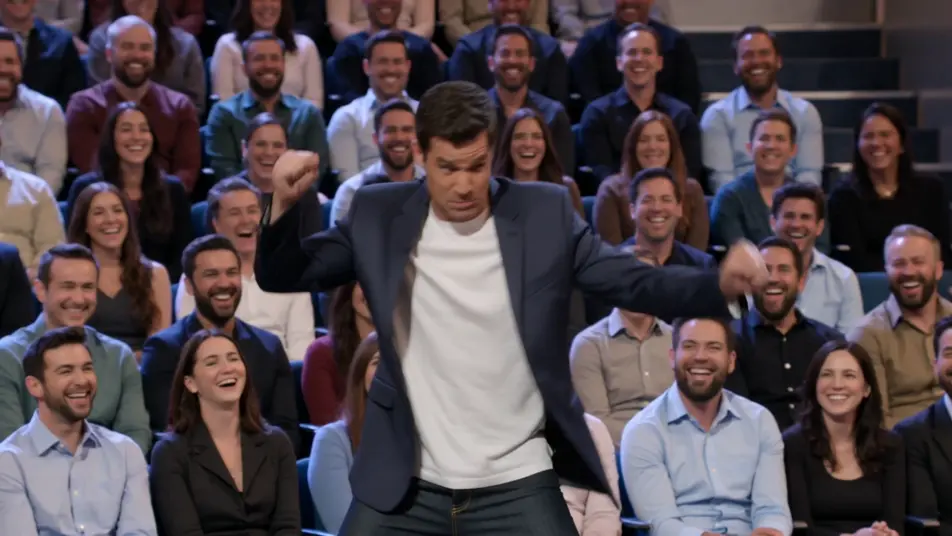
Direct a talk show clip in your browser with Morphic's talk show clip AI video generator. Generate a host monologue under warm stage light, or a desk interview two-shot with a laughing guest. Voice the host with Speech and score with Music, then stitch the clip on the Canvas.
A bright studio stage where a quick comedic bit rolls before the host steps to the mark under warm light. The camera settles into a clean medium shot as the monologue works the laughing crowd.
Editar promptA warm desk set against a glowing city backdrop where host and guest trade a story mid-clip. A slow push-in tightens on the two-shot as the exchange builds, audience cutaways breaking the rhythm.
Editar prompt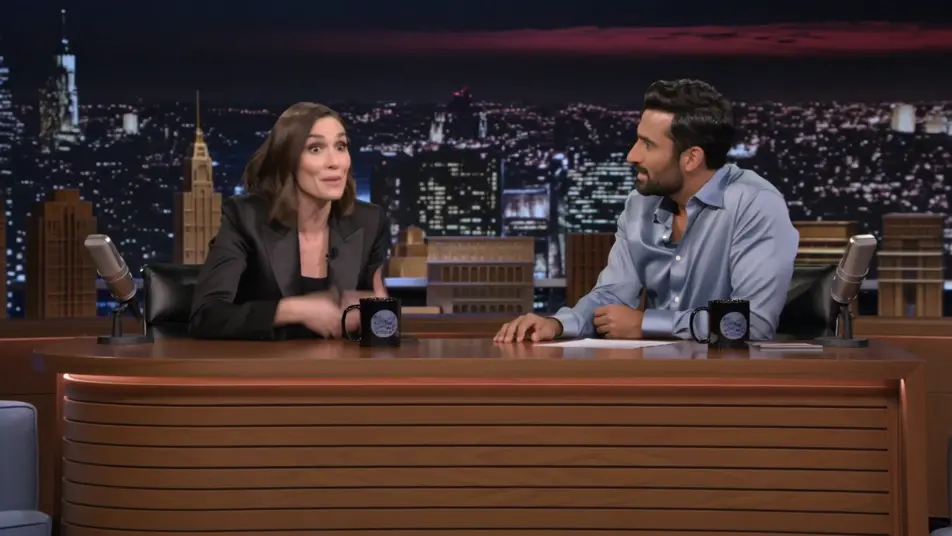
A relaxed multi-guest couch under even studio light where the banter bounces between people. A lateral dolly drifts across the group as the overlapping laughter and cross-talk fill the frame.
Editar prompt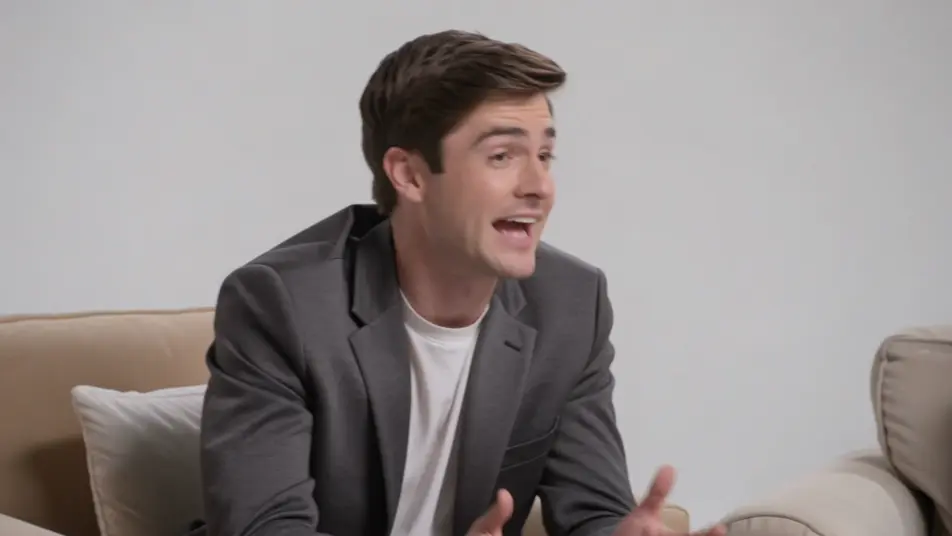
A hazy stage washed in colored light where a musical act performs to close the episode. A sweeping crane move crosses the band and the crowd as the energy lifts into the outro.
Editar prompt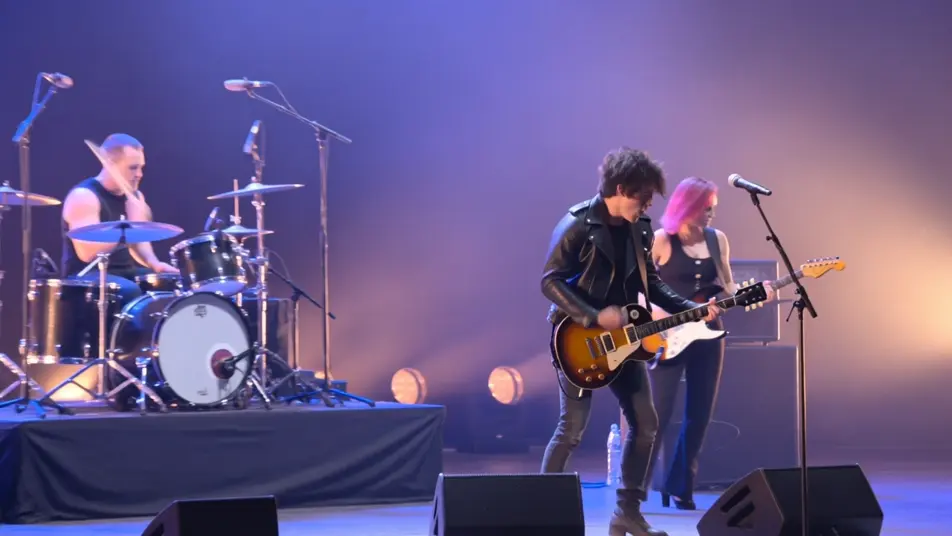
Escreva a cena de talk show clip video que você quer, em poucas palavras.
A Morphic gera um clipe cinematográfico e pronto para uso no seu Canvas em segundos.
Ajuste o prompt, gere novas variações e depois baixe ou compartilhe a cena.

Dramatize any text conversation into a cinematic multi-shot video.
Cinematic time-freeze short film for any scene

Generate a professional film title card from scratch, with optional cinematic animation.
Photo of any real-estate becomes a cinematic renovation timelapse video with construction SFX and music.
One image to a 9-scene cinematic video.

Describe a first-person scenario. Get sequential POV frames animated into video clips with audio.
AI Interview Format videos
Generate AI interview format videos with Morphic. Talking heads, two-shots, b-roll cutaways, and over-the-shoulder setups with a natural voice and quiet score.
AI Game Show videos
Generate AI game show videos with Morphic. Host entrances, contestant rows, buzzer beats, and prize reveals with a booming announcer and bright fanfare score.
Vídeos com tela verde por IA
Crie vídeos com tela verde usando IA. Troque qualquer fundo, sem tela física nem chroma key. Coloque o apresentador em qualquer cenário.
Vídeos lyric com IA
Crie lyric videos com IA no Morphic. Tipografia cinética, letras à mão sobre imagens, texto neon e cenas sincronizadas com sua música.
Comece grátis hoje mesmo, com a opção de fazer upgrade ou cancelar quando quiser.
Basic
2400 mensal créditos
1 apenas usuário
Todos os modelos
Workflows
Standard
3625 mensal créditos
1 apenas usuário
Todos os modelos
Workflows
Pro
6350 compartilhado mensal créditos
1 usuário
Todos os modelos
Workflows
Max
24650 compartilhado mensal créditos
1 usuário
Todos os modelos
Workflows
Enterprise
Para limites maiores
Personalizado
termos de preços e cobrança

Free
Para experimentar
$0
grátis para sempre