Repair worn and damaged footage in your browser with Morphic's video restoration AI generator. Generate clean versions of scratched archive reels, noisy home movies, or shaky handheld clips, removing dust, grain, and flicker while keeping the footage true to itself, and pair the result with the Music tool. Stitch the restored shots into one continuous sequence on the Canvas.

Video restoration styles you can direct

Video restoration sequences you can stage

A scratched reel made clean

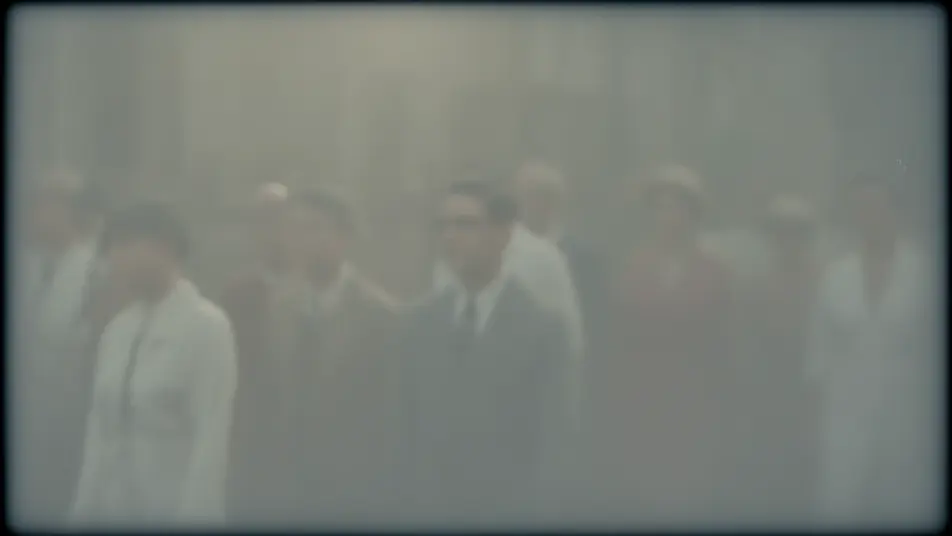
An archive parade clip has dust flecks and vertical scratches lifted away, the picture rebuilt beneath them frame by frame, the original soft daylight and filmic grain kept intact through a slow pan across the crowd.

Editar prompt

A noisy home movie calmed

A grainy low-light family clip is cleaned to a smooth, natural image, coarse noise settling without smearing faces or edges, warm lamp light preserved as the family moves through the room.

Editar prompt

A flickering clip steadied

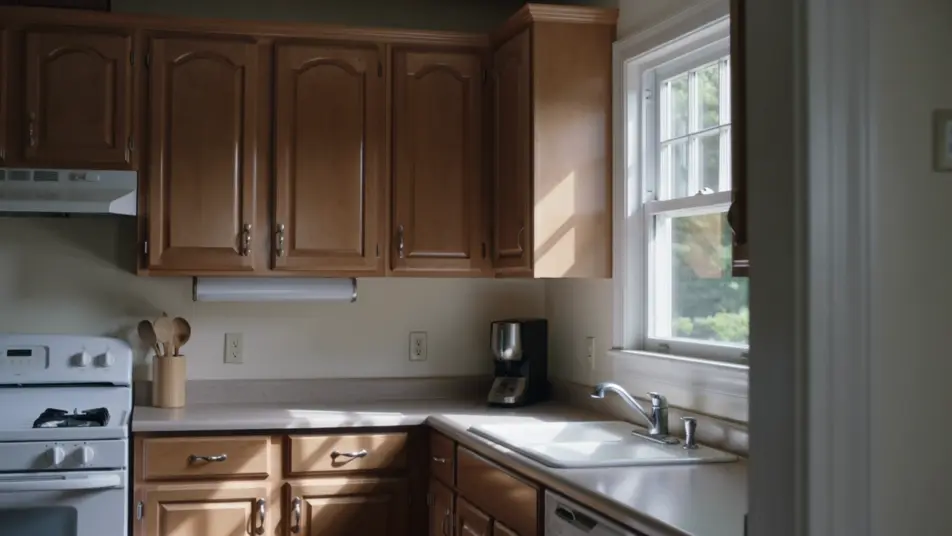
An old kitchen scene that pulses between light and dark is evened out to a consistent exposure, the breathing brightness gone, so the shot plays as one calm continuous take under steady window light.

Editar prompt

A shaky handheld shot smoothed

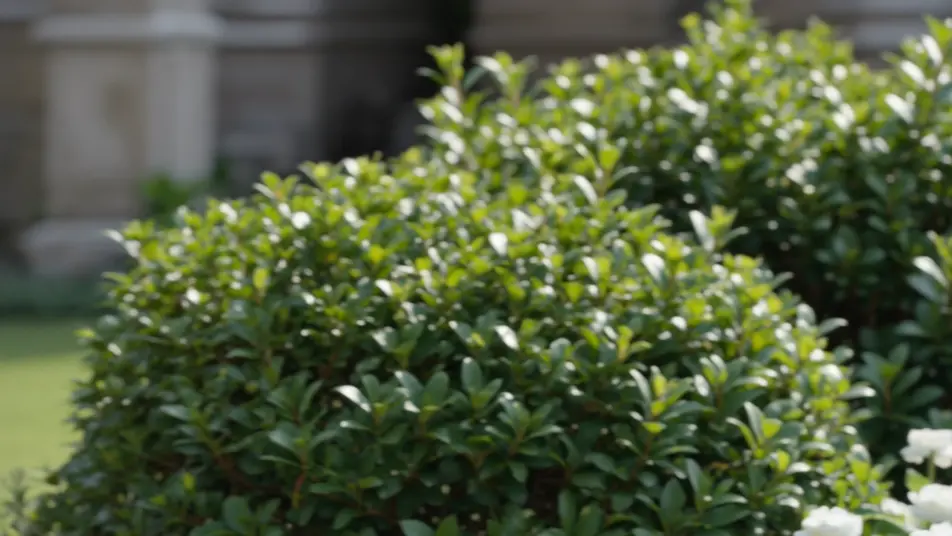
A jittery garden clip is stabilized into a watchable, smooth shot, unwanted shake removed while the gentle intended pan is kept, greenery and light holding steady across the corrected frame.

Editar prompt

Crie vídeos de video restoration em três passos

  1. 01

    Descreva sua cena de video restoration

    Escreva a cena de video restoration que você quer, em poucas palavras.

  2. 02

    Gere o vídeo

    A Morphic gera um clipe cinematográfico e pronto para uso no seu Canvas em segundos.

  3. 03

    Refine seu vídeo de video restoration

    Ajuste o prompt, gere novas variações e depois baixe ou compartilhe a cena.

Workflows relacionados

Você também pode gostar

Preços simples

Comece grátis hoje mesmo, com a opção de fazer upgrade ou cancelar quando quiser.

Basic

$9/ mês
cobrado como $0 por ano

900 mensal créditos

1 apenas usuário

Todos os modelos

Workflows

Standard

$24/ mês
cobrado como $0 por ano

3200 mensal créditos

1 apenas usuário

Todos os modelos

Workflows

Pro

$45/ mês
cobrado como $0 por ano

6200 compartilhado mensal créditos

1 usuário

+ até 4 mais com custo adicional

Todos os modelos

Workflows

Pro Max

$170/ mês
cobrado como $0 por ano

24000 compartilhado mensal créditos

1 usuário

+ até 9 mais com custo adicional

Todos os modelos

Workflows

Enterprise

Para limites maiores

Personalizado

termos de preços e cobrança

Créditos ilimitados
Limites de vagas personalizados
Todos os modelos
Workflows
Pricing Gradient

Free

Para experimentar

$0

grátis para sempre

Até 20 créditos
apenas 1 usuário
Modelos limitados
Workflows

Perguntas frequentes

Where can I make restored videos with AI?
You can restore video directly in your browser on Morphic. Bring a damaged or degraded clip into the tool, describe the flaws to fix and what to preserve, and Morphic returns a cleaned version. No installs and no specialist restoration suite.
What kinds of footage restore best with AI?
Scratched archive reels, noisy home movies, flickering clips, and shaky handheld footage all restore well because their problems are consistent and repairable. Clips with recognizable structure give the generator strong cues to rebuild from.
How do I write a good prompt for a restoration?
Name each flaw, dust, noise, flicker, shake, and the clean result you want. Then say what to keep, the original grain, the intended pan, so the repair heals the damage without stripping the footage of its character.
How do I keep the restored clip consistent across frames?
Ask for temporal consistency and name what should stay steady, exposure, grain, motion. On the Canvas you can compare the restored clip against the source frame by frame and refine until the repair holds without flicker or smear.
Can I add music and narration to my restored videos?
Yes. Once a clip is clean, the Music tool scores an original soundtrack and the Speech tool adds narration in the voice you choose. Both layer onto the restored footage so a revived reel or home movie arrives as a finished piece.
Do I need video editing experience to restore a clip?
No. Morphic runs in your browser and you direct it with plain-language prompts. If you can describe the damage and what you want preserved, you can restore a clip. The prompts on this page paste and run directly.