A punch into a stare
A wide shot of a figure at the end of a hallway snaps in a single hard zoom to a tight close-up of their eyes, cold overhead light, the push stopping dead on the beat with no drift.
Editar prompt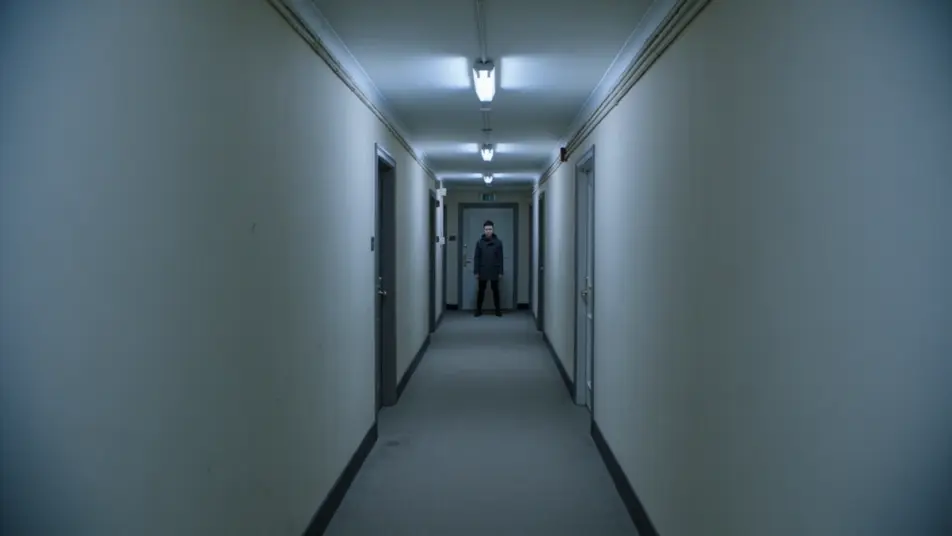
Direct snappy zoom-punch shots in your browser with Morphic's zoom punch AI video generator. Generate a sudden hard push into a subject's eyes on a beat, or a rapid rack toward a doorway that stops on the reveal. Pair with Music to time every punch, then stitch the sequence on the Canvas.
A wide shot of a figure at the end of a hallway snaps in a single hard zoom to a tight close-up of their eyes, cold overhead light, the push stopping dead on the beat with no drift.
Editar promptA market scene where the camera punches from face to face in quick succession, each hit landing on its own beat, warm afternoon light, motion streaks smearing between the rapid reveals.
Editar prompt
A wide interior establishes a cluttered desk, then punches down to a single folded note, dim lamp light isolating the detail, the zoom snapping to a stop that holds the reveal steady.
Editar prompt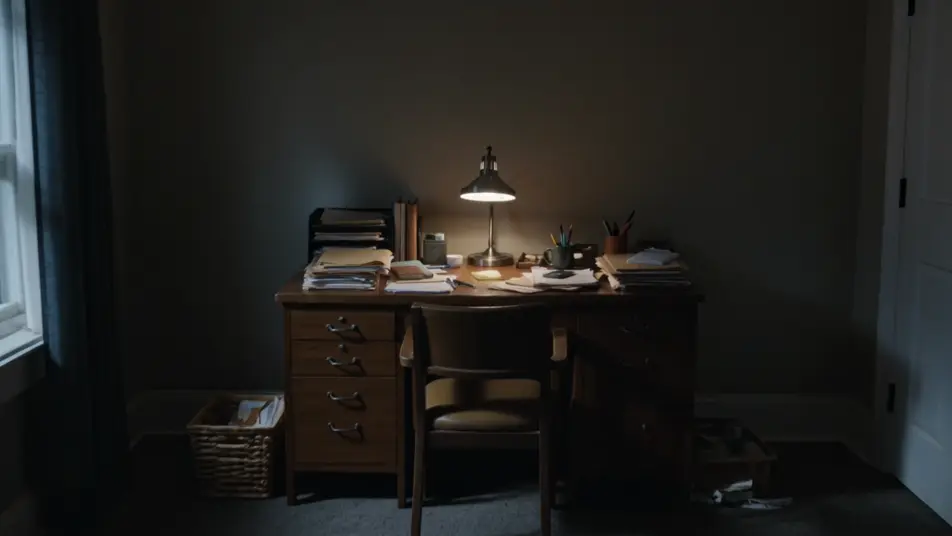
A performer on a dark stage is caught in a zoom punch that overshoots and recoils to frame on the music drop, hard spotlight, the recoil selling the impact as the beat lands.
Editar prompt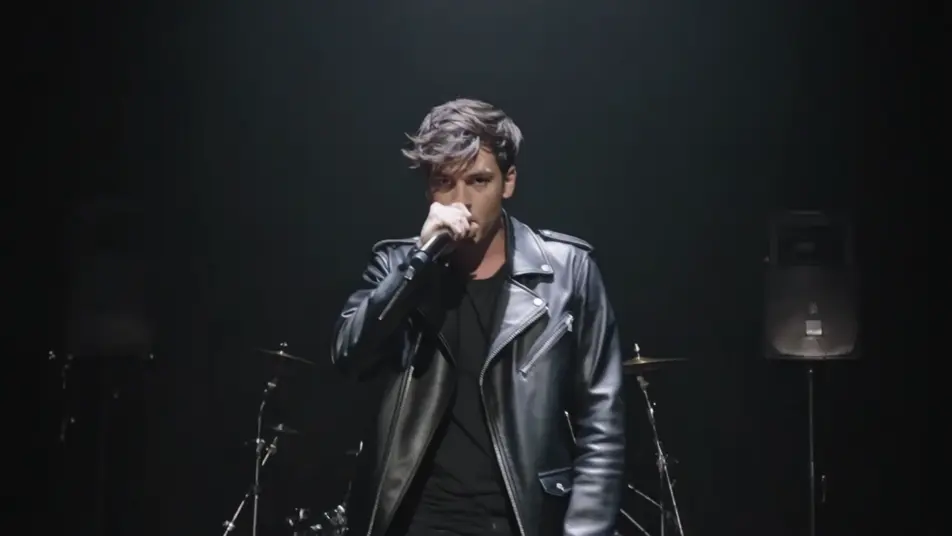
Escreva a cena de zoom punch que você quer, em poucas palavras.
A Morphic gera um clipe cinematográfico e pronto para uso no seu Canvas em segundos.
Ajuste o prompt, gere novas variações e depois baixe ou compartilhe a cena.

Dramatize any text conversation into a cinematic multi-shot video.
Cinematic time-freeze short film for any scene

Generate a professional film title card from scratch, with optional cinematic animation.
Photo of any real-estate becomes a cinematic renovation timelapse video with construction SFX and music.
One image to a 9-scene cinematic video.
Drop in a photo of yourself. Get a 12-second cinematic movie with animation and a matched soundtrack.
Efeito chicote
O efeito chicote gira a câmera até virar um borrão para esconder um corte. Veja como usar como transição e anime um a partir de um prompt no Morphic.
Corte combinado
O corte combinado liga dois planos por uma forma ou ação em comum. Veja a diferença para o corte seco, quando usar e gere os quadros com IA no Morphic.
Vídeos de VFX com IA
Crie vídeos de VFX com IA no Morphic: explosões, energia, destruição e criaturas a partir de um prompt. Sem green screen, sem composição.
Vídeos POV com IA
Faça vídeos POV com IA no Morphic. Dirija caminhadas imersivas em primeira pessoa, beats de ação e momentos do dia a dia na altura dos olhos. Cenas de exemplo, sem experiência de edição.
Comece grátis hoje mesmo, com a opção de fazer upgrade ou cancelar quando quiser.
Basic
2400 mensal créditos
1 apenas usuário
Todos os modelos
Workflows
Standard
3625 mensal créditos
1 apenas usuário
Todos os modelos
Workflows
Pro
6350 compartilhado mensal créditos
1 usuário
Todos os modelos
Workflows
Max
24650 compartilhado mensal créditos
1 usuário
Todos os modelos
Workflows
Enterprise
Para limites maiores
Personalizado
termos de preços e cobrança

Free
Para experimentar
$0
grátis para sempre