Gnomische Werkstatt
Eine weite, vollgestopfte gnomische Werkstatt, Autognomes an Werkbänken beim Löten und Aufziehen von Zahnrädern, Messingrohre und glühende Edelstein-Lampen darüber, warme Funken treiben durch den Dunst.
Prompt bearbeiten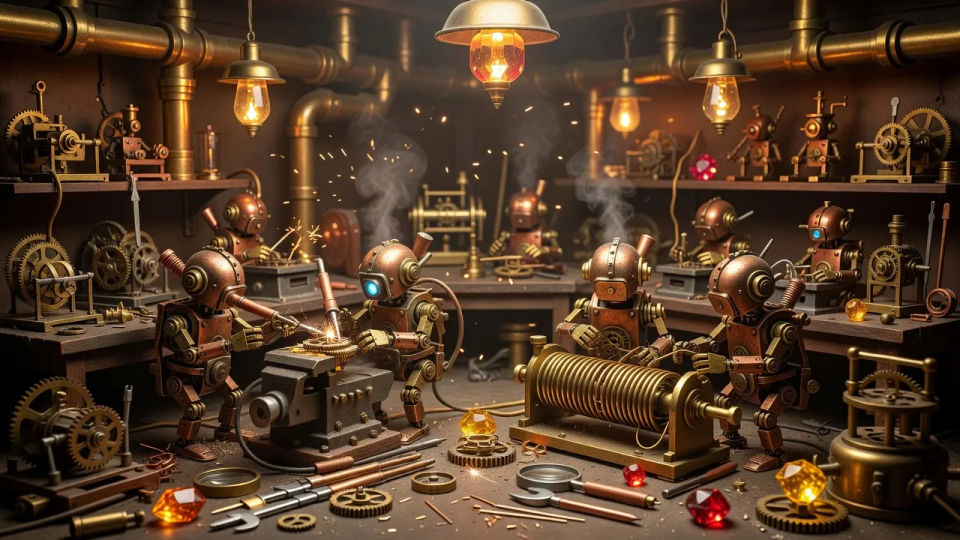
Gestalten Sie Autognome-Charakterbilder im Browser mit dem KI-Bildgenerator von Morphic. Erzeugen Sie einen messingfarbenen Uhrwerk-Tüftler mit Edelstein-Herz, einen kupfernen Späher auf Kettenlauf-Füßen oder einen Schrott-Bot aus unpassenden Platten. Halten Sie die Metallpalette mit Style Transfer fest und animieren Sie mit Image to Video.
Eine weite, vollgestopfte gnomische Werkstatt, Autognomes an Werkbänken beim Löten und Aufziehen von Zahnrädern, Messingrohre und glühende Edelstein-Lampen darüber, warme Funken treiben durch den Dunst.
Prompt bearbeitenEin weites Turmuhr-Inneres mit riesigen sich drehenden Messingzahnrädern, Autognomes klettern mit Ölkännchen über die Zahnräder, Lichtschächte voller Staub durch ein großes durchscheinendes Ziffernblatt.
Prompt bearbeiten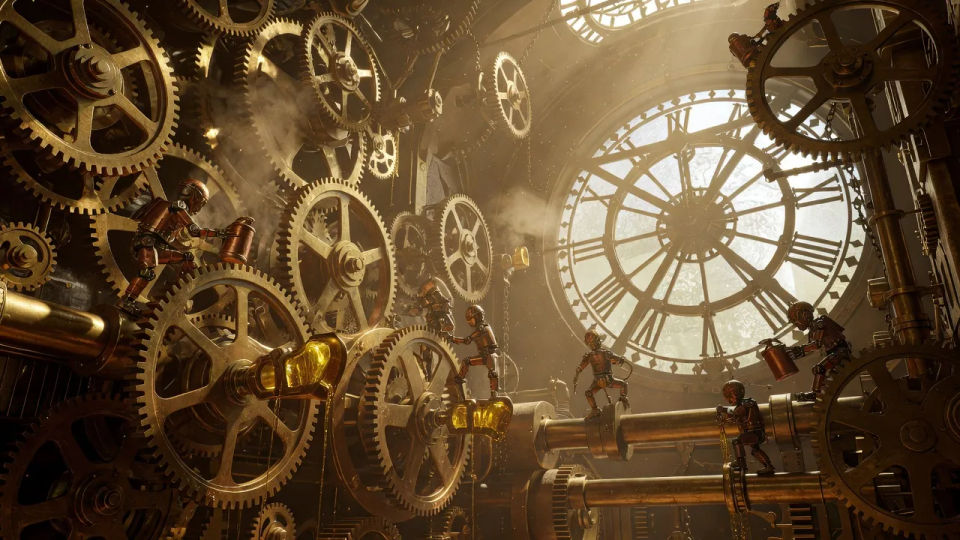
Ein weiter, dampfvernebelter Fabrikboden, schwere Autognomes bedienen Pneumatikpressen im orangefarbenen Ofenglühen, Rohre zischen und Nieten glänzen in der rauchigen Luft.
Prompt bearbeiten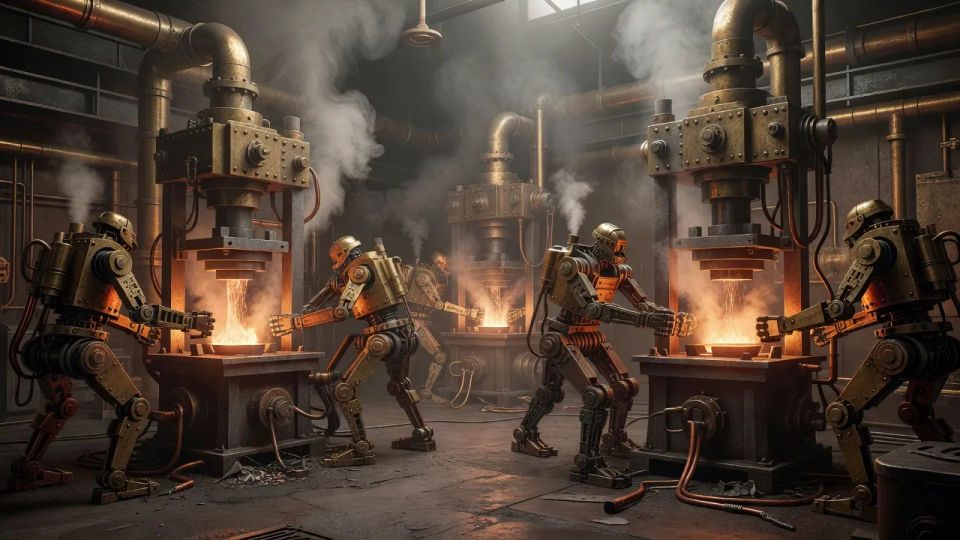
Ein weiter Schrottplatz aus Altmetall bei Dämmerung, ein verrosteter Autognome durchsucht Zahnradhaufen unter einer improvisierten Arbeitslampe, kalter blauer Himmel hinter den Bergen aus Schutt.
Prompt bearbeiten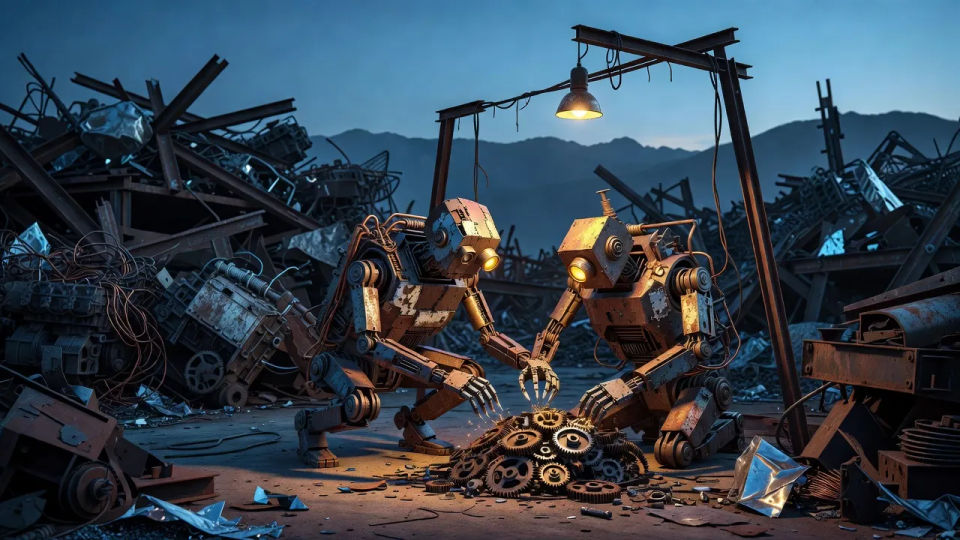
Beschreiben Sie das Autognome character, das Sie möchten, in einfachen Worten.
Morphic generiert in Sekunden ein sauberes, veröffentlichungsfertiges Bild auf Ihrer Canvas.
Passen Sie den Prompt an, generieren Sie Varianten und laden Sie das Bild herunter oder teilen Sie es.

Take any character image and generate 6 distinct facial expressions on a single reference sheet.

Share a scene description with character references. Get a full storyboard with shot angles and mood.

Turn any photo or description into an animated chibi sprite. Dance, jump, wave, attack, and more.

All your characters on a single lineup image, side by side with height comparison.
Drop in a photo of yourself. Get a 12-second cinematic movie with animation and a matched soundtrack.

Professional 7-panel location reference sheet from a single photo.
Giff-Nilpferdkrieger KI-Bilder
Erstellen Sie Giff-Nilpferdkrieger KI-Bilder im Browser: Musketen-Söldner, vernarbte Sergeants, Kanoniere. Jetzt ausprobieren.
Plasmoid-Charakter-KI-Bilder
Erstellen Sie Plasmoid-Charakter-KI-Bilder im Browser: Bernstein-Schleimwesen, leuchtende Schurken, Kristall-Gel-Wesen. Bauen Sie schnell eine ganze Kolonie.
Astral-Elf KI-Bilder
Astral-Elf KI-Bilder im Browser erstellen: Sternenritter, strahlende Magier, Sternenmetall-Duellanten. Jetzt loslegen.
Spelljammer-Charakter-KI-Bilder
Erstellen Sie Spelljammer-Charakter-KI-Bilder im Browser: Navigatoren, Void-Segler, Kanoniere. Bauen Sie eine Wildspace-Crew. Jetzt loslegen.
Starten Sie noch heute kostenlos, mit der Option, jederzeit zu upgraden oder zu kündigen.
Basic
1100 monatliche Credits
1 Nutzer
Alle Modelle
Workflows
Standard
3625 monatliche Credits
1 Nutzer
Alle Modelle
Workflows
Pro
6350 gemeinsame monatliche Credits
1 Nutzer
Alle Modelle
Workflows
Pro Max
24650 gemeinsame monatliche Credits
1 Nutzer
Alle Modelle
Workflows
Enterprise
Für höhere Limits
Individuell
Preis- und Abrechnungsbedingungen

Free
Zum Ausprobieren
$0
dauerhaft kostenlos