Kabuki-Theaterbühne
Eine weite Kabuki-Bühne mit einem Schauspieler, der in einer Mie-Pose erstarrt ist, bemalte Kulissen und Laternenlicht, durchgehend flache kräftige Farbe und starke Holzschnittumrisse.
Prompt bearbeiten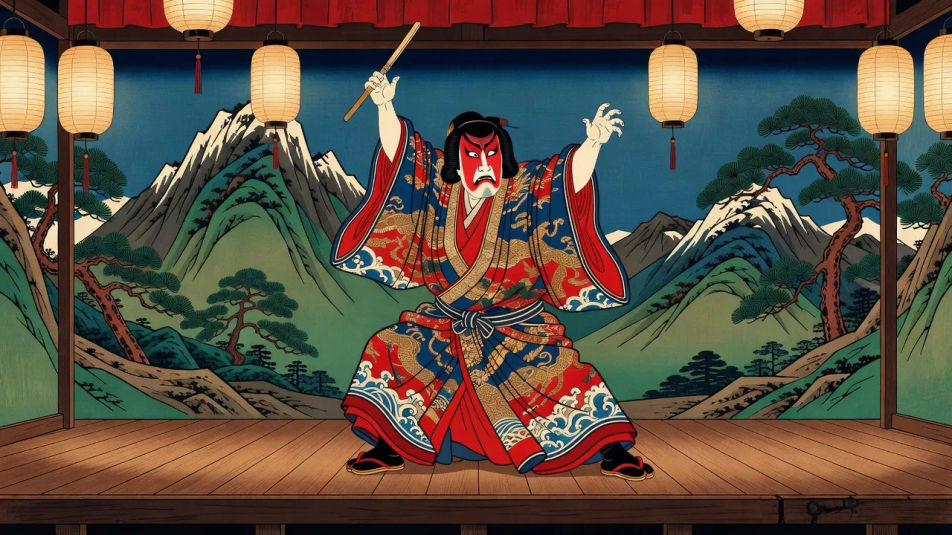
Drucken Sie japanische Ukiyo-e-Porträts in Ihrem Browser mit Morphics KI-Bildgenerator. Gestalten Sie eine Bijin-Schönheit mit lackierter Frisur, einen Kabuki-Schauspieler in dramatischer Mie-Pose oder eine Kurtisane im Kimono vor Glimmergrund. Halten Sie die Holzschnittlinie mit Style Transfer fest, animieren Sie dann mit Image to Video.
Eine weite Kabuki-Bühne mit einem Schauspieler, der in einer Mie-Pose erstarrt ist, bemalte Kulissen und Laternenlicht, durchgehend flache kräftige Farbe und starke Holzschnittumrisse.
Prompt bearbeitenEine weite Yoshiwara-Straße mit laternenbeleuchteten Teehäusern und Kurtisanen im geschichteten Kimono, flache Perspektive und warme Abendfarbe im Holzschnittstil.
Prompt bearbeiten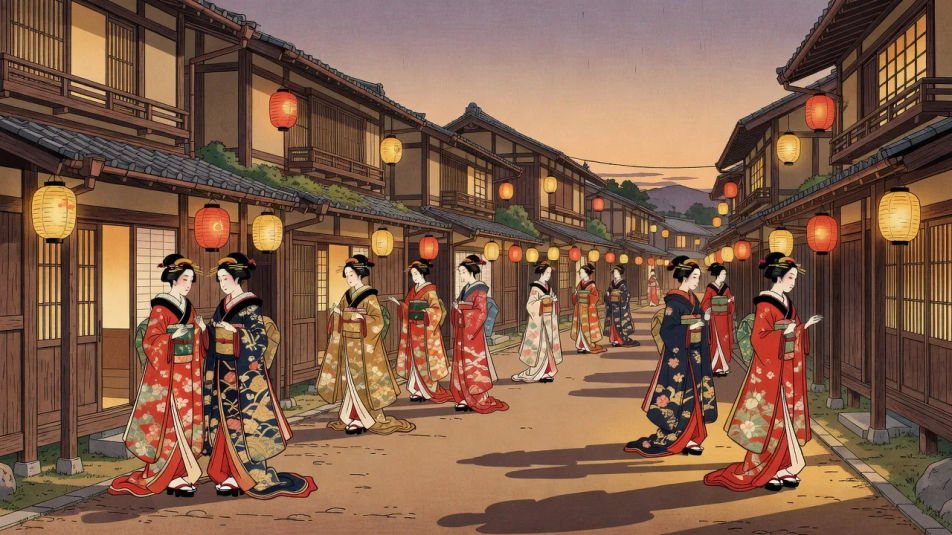
Eine weite Holzschnitt-Werkstatt mit einem Schnitzer, der einen Kirschholzblock schneidet, und einem Drucker, der Bögen einfärbt, trocknende Drucke hängen über Kopf im weichen Tageslicht.
Prompt bearbeiten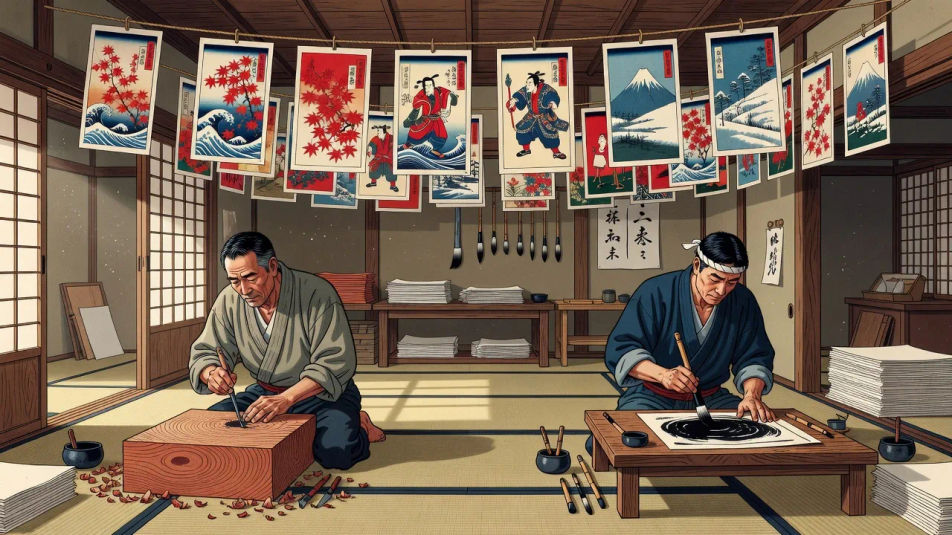
Ein weites Teehaus am Flussufer mit Figuren, die Kirschblüten betrachten, der Fuji flach am Horizont, Bokashi-Verlaufshimmel im Ukiyo-e-Druckstil.
Prompt bearbeiten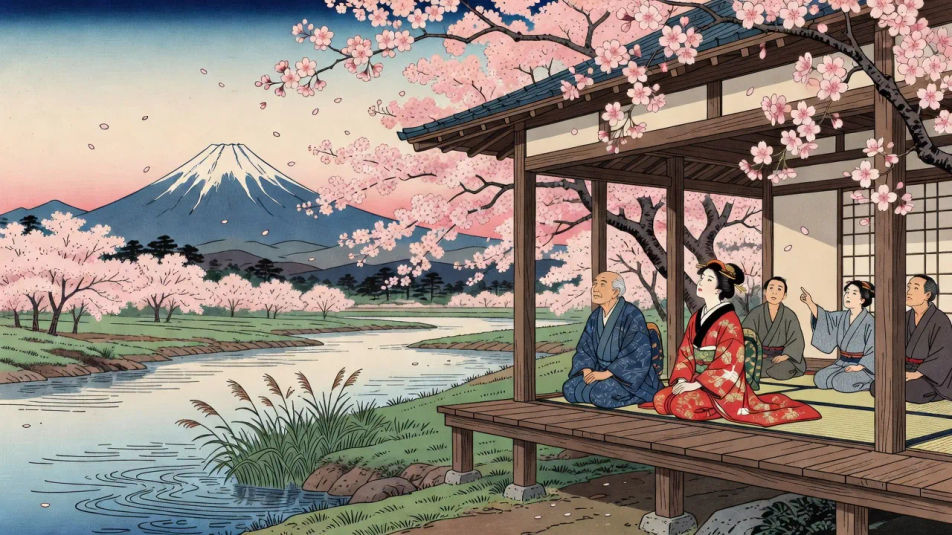
Beschreiben Sie das Japanese ukiyo-e portrait, das Sie möchten, in einfachen Worten.
Morphic generiert in Sekunden ein sauberes, veröffentlichungsfertiges Bild auf Ihrer Canvas.
Passen Sie den Prompt an, generieren Sie Varianten und laden Sie das Bild herunter oder teilen Sie es.
Fix plastic-looking AI skin. Adds natural texture, pores, and imperfections for realism.
One selfie becomes a set of professional headshots. Studio-quality, multiple styles.
Convert any image to a new aspect ratio. Smart crop or extend the edges to fit.
Full model photoshoot from one photo of you

Upload a photo of a person or character and get a single grid image showing them at different life stages, from baby to elderly.
Choose your viewing angles and get precise perspective shifts of any image with full camera control.
Chinesische Tuschemalerei-Porträts mit KI
Chinesische Tuschemalerei-Porträts mit KI im Browser erstellen: Gelehrte, Damen in Seide, Pinsellavuren. Aus einem Prompt zum fertigen Porträt.
Mogul-Hofporträt KI-Bilder
Erstellen Sie Mogul-Hofporträts mit KI im Browser: juwelenbesetzte Herrscher, Musselin-Jama, Gold-Miniaturen. Jetzt ausprobieren.
Byzantinisches Ikonenporträt KI-Bilder
Erstellen Sie byzantinische Ikonenporträts als KI-Bild im Browser: Blattgold, Heiligengesicht, Tempera-Tafel. Aus einem Prompt. Jetzt loslegen.
Afrikanisches Stammesporträt KI-Bilder
Erstellen Sie afrikanische Stammesporträt-Bilder mit KI im Browser: bemalte Älteste, Perlenketten, Federhauben. Jetzt ausprobieren.
Starten Sie noch heute kostenlos, mit der Option, jederzeit zu upgraden oder zu kündigen.
Basic
2400 monatliche Credits
1 Nutzer
Alle Modelle
Workflows
Standard
3625 monatliche Credits
1 Nutzer
Alle Modelle
Workflows
Pro
6350 gemeinsame monatliche Credits
1 Nutzer
Alle Modelle
Workflows
Max
24650 gemeinsame monatliche Credits
1 Nutzer
Alle Modelle
Workflows
Enterprise
Für höhere Limits
Individuell
Preis- und Abrechnungsbedingungen

Free
Zum Ausprobieren
$0
dauerhaft kostenlos