Die große Schlosshalle
Eine weite kinematografische Aufnahme einer verfallenden gotischen großen Halle, zerfetzte Banner und ein kalter Kamin, eine einsame Gestalt, überwältigt von Schatten und dünnen Mondlichtstrahlen.
Prompt bearbeiten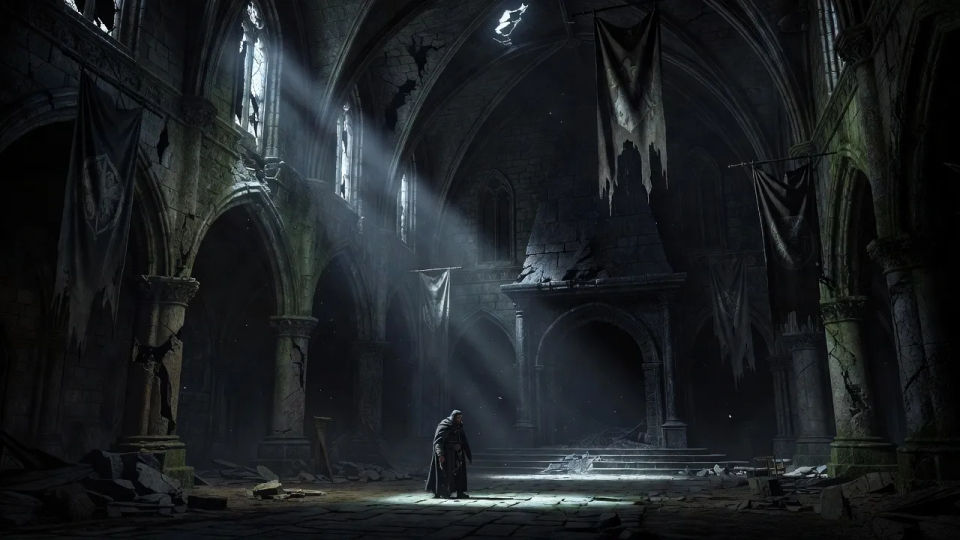
Gestalten Sie Ravenloft-Charaktere direkt im Browser mit dem KI-Bildgenerator von Morphic. Erschaffen Sie einen blassen gotischen Vampirfürsten, einen verstörten Dorfpriester mit Kerze oder eine Vistani-Seherin umgeben von Tarokka-Karten. Halten Sie Nebel und Kerzenlicht mit Style Transfer fest und animieren Sie jedes Standbild mit Image to Video.
Eine weite kinematografische Aufnahme einer verfallenden gotischen großen Halle, zerfetzte Banner und ein kalter Kamin, eine einsame Gestalt, überwältigt von Schatten und dünnen Mondlichtstrahlen.
Prompt bearbeitenEine weite Ansicht eines düsteren Dorfes bei Nacht, schiefe Dächer und ein einzelnes erleuchtetes Fenster, dichter Nebel wälzt sich zwischen den Häusern unter einer schmalen Mondsichel.
Prompt bearbeiten
Eine weite unterirdische Gruft, gesäumt von Gräbern, flackernde Kerzen tauchen den Stein in warmes Licht, Spinnweben und ein halb geöffneter Sarkophag tief im Dunkel.
Prompt bearbeiten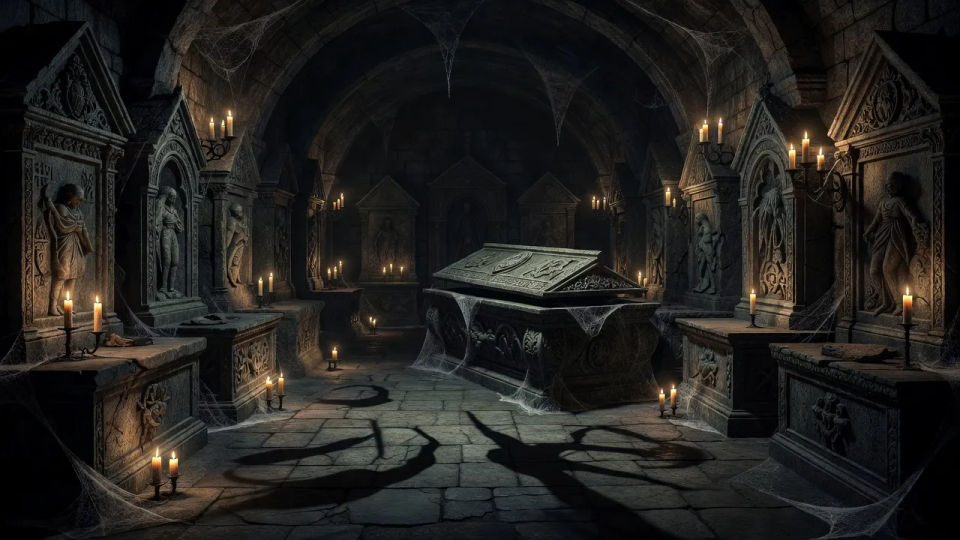
Eine weite Außenansicht eines zerklüfteten Bergschlosses, das sich gegen einen von Blitzen zerrissenen Himmel abzeichnet, Regen peitscht die Türme und ein einzelnes leuchtendes Fenster hoch oben.
Prompt bearbeiten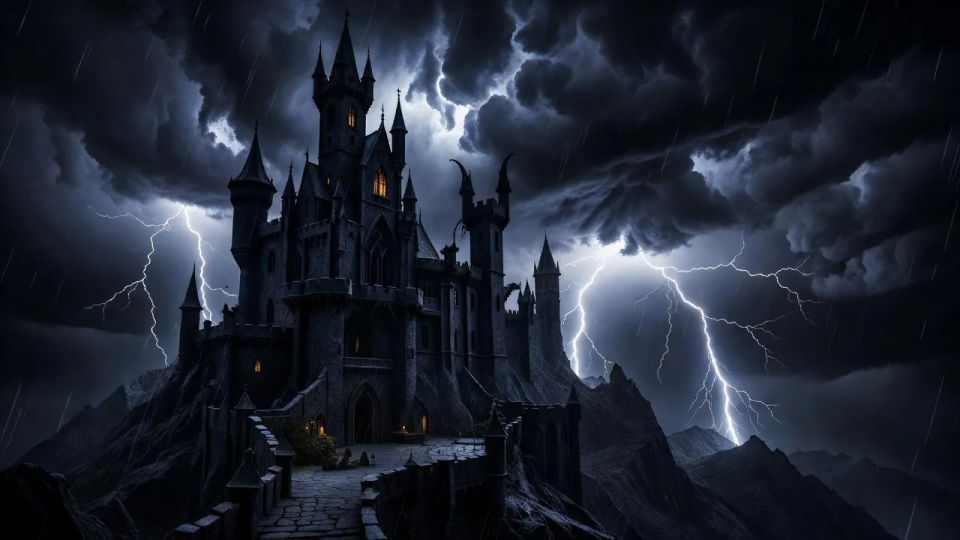
Beschreiben Sie das Ravenloft character, das Sie möchten, in einfachen Worten.
Morphic generiert in Sekunden ein sauberes, veröffentlichungsfertiges Bild auf Ihrer Canvas.
Passen Sie den Prompt an, generieren Sie Varianten und laden Sie das Bild herunter oder teilen Sie es.

Take any character image and generate 6 distinct facial expressions on a single reference sheet.

Share a scene description with character references. Get a full storyboard with shot angles and mood.

Turn any photo or description into an animated chibi sprite. Dance, jump, wave, attack, and more.

All your characters on a single lineup image, side by side with height comparison.
Drop in a photo of yourself. Get a 12-second cinematic movie with animation and a matched soundtrack.

Professional 7-panel location reference sheet from a single photo.
Wild Beyond Witchlight KI-Bilder
Erstellen Sie Wild Beyond Witchlight KI-Bilder im Browser: Jahrmarkt-Fey, Feywild-Feen, Hollyphanten. Jetzt Bilderbuch-Besetzung erschaffen.
Strixhaven-Studenten KI-Bilder
Erstellen Sie Strixhaven-Studenten KI-Bilder im Browser: Silverquill-Duellanten, Prismari-Künstler, Witherbloom-Druiden. Jetzt loslegen.
Shadow Dancer KI-Bilder
Erstellen Sie Shadow-Dancer-KI-Bilder im Browser: Assassine, verschleierter Schatten, Nachbild-Schurke. Jetzt ausprobieren.
Soul-Weaver-KI-Bilder
Erstellen Sie Soul-Weaver-KI-Bilder im Browser: Seelenbinder mit Seelenfäden, maskiertes Medium, geisterhafte Seherin. Aus einem Prompt. Jetzt starten.
Starten Sie noch heute kostenlos, mit der Option, jederzeit zu upgraden oder zu kündigen.
Basic
1100 monatliche Credits
1 Nutzer
Alle Modelle
Workflows
Standard
3625 monatliche Credits
1 Nutzer
Alle Modelle
Workflows
Pro
6350 gemeinsame monatliche Credits
1 Nutzer
Alle Modelle
Workflows
Pro Max
24650 gemeinsame monatliche Credits
1 Nutzer
Alle Modelle
Workflows
Enterprise
Für höhere Limits
Individuell
Preis- und Abrechnungsbedingungen

Free
Zum Ausprobieren
$0
dauerhaft kostenlos