Destruction Simulation AI Videos

Direct the collapse in your browser with Morphic's Destruction simulation AI video generator. Generate destruction simulation shots like a skyscraper folding into its own footprint, a glass tower shattering pane by pane, or a bridge span buckling under an explosion, and pair them with the Speech and Music tools to add impact hits and a rumbling score. Stitch the shots into a full effects reel on the Canvas.

Destruction Simulation elements you can generate

Destruction Simulation shots you can direct

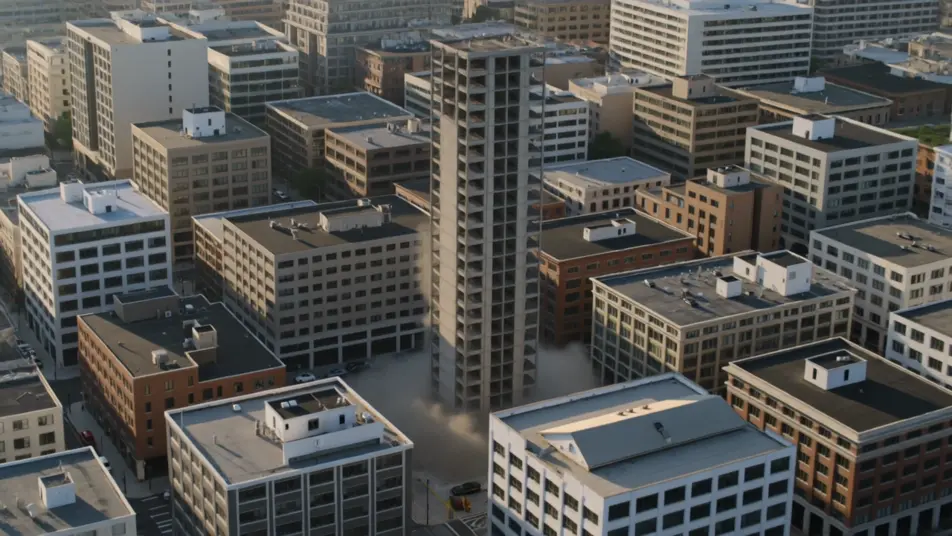
Tower demolition, aerial

Aerial push-in over a city block as a condemned tower drops into its footprint, the dust cloud blooming outward across neighbouring rooftops, hard morning light raking the smoke.

Prompt bearbeiten

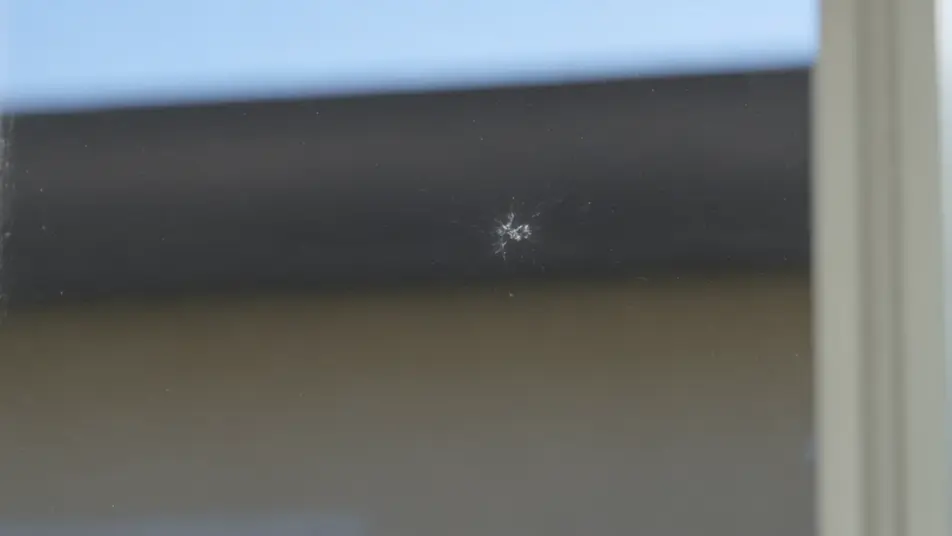
Glass facade shatter, macro

Extreme macro on a single window as the impact hits, fracture lines crawling across the glass in slow motion, individual shards catching daylight as they separate and fall.

Prompt bearbeiten

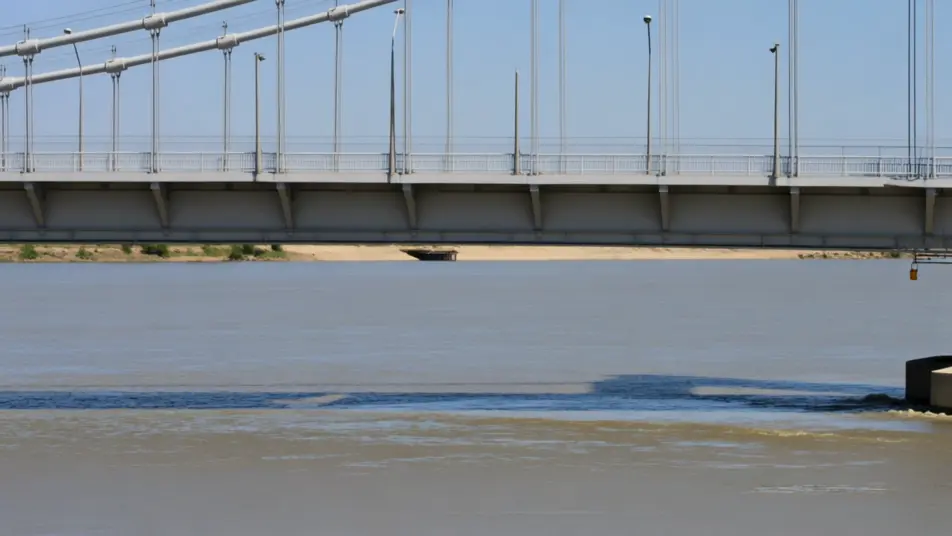
Bridge collapse, wide

Locked-off wide shot of a river bridge buckling in the middle, the deck folding and cables snapping, concrete sections dropping into the water and throwing up a curtain of spray.

Prompt bearbeiten

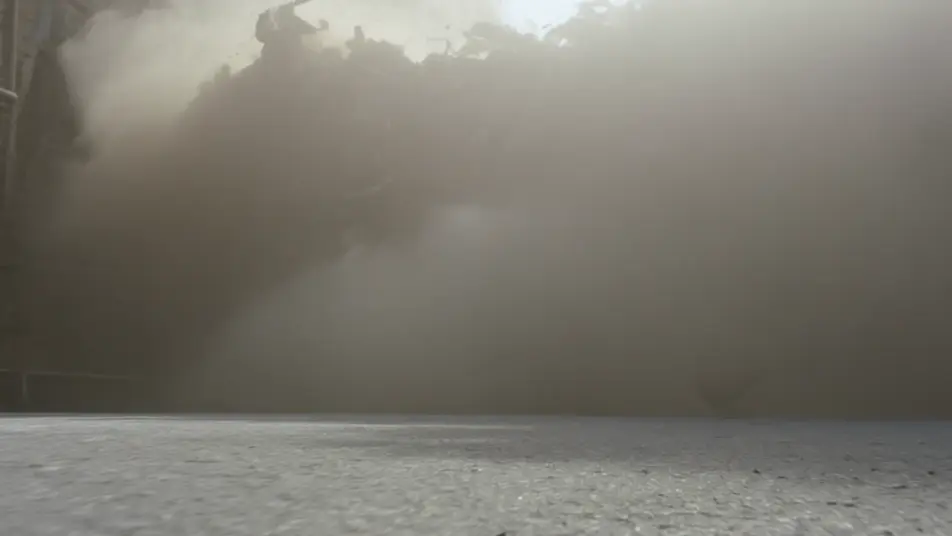
Debris tumble, tracking

Low tracking shot chasing a wave of rubble down a street after a blast, backlit dust filling the frame, bricks and timber spinning past the lens in gritty slow motion.

Prompt bearbeiten

Destruction Simulation-Videos in drei Schritten erstellen

  1. 01

    Beschreiben Sie Ihre Destruction Simulation-Szene

    Beschreiben Sie die Destruction Simulation-Szene, die Sie möchten, in einfachen Worten.

  2. 02

    Video generieren

    Morphic generiert in Sekunden einen filmreifen Clip auf Ihrer Canvas.

  3. 03

    Destruction Simulation-Video verfeinern

    Passen Sie den Prompt an, generieren Sie Varianten und laden Sie die Aufnahme herunter oder teilen Sie sie.

Verwandte Workflows

Das könnte Ihnen auch gefallen

Einfache Preise

Starten Sie noch heute kostenlos, mit der Option, jederzeit zu upgraden oder zu kündigen.

Basic

$0/ Monat
abgerechnet als $0 pro Jahr

900 monatliche Credits

1 Nutzer

Alle Modelle

Workflows

Standard

$0/ Monat
abgerechnet als $0 pro Jahr

3200 monatliche Credits

1 Nutzer

Alle Modelle

Workflows

Pro

$0/ Monat
abgerechnet als $0 pro Jahr

6200 gemeinsame monatliche Credits

1 Nutzer

+ bis zu 4 weitere gegen Aufpreis

Alle Modelle

Workflows

Pro Max

$0/ Monat
abgerechnet als $0 pro Jahr

24000 gemeinsame monatliche Credits

1 Nutzer

+ bis zu 9 weitere gegen Aufpreis

Alle Modelle

Workflows

Enterprise

Für höhere Limits

Individuell

Preis- und Abrechnungsbedingungen

Unbegrenzte Credits
Individuelle Platzlimits
Alle Modelle
Workflows
Pricing Gradient

Free

Zum Ausprobieren

$0

dauerhaft kostenlos

Bis zu 20 Credits
Nur 1 Nutzer
Eingeschränkte Modelle
Workflows

Häufig gestellte Fragen

Where can I make destruction simulation videos with AI?
You can create destruction simulation shots directly in your browser on Morphic. Open the Text to Video tool, describe the structure, the way it fails, and the camera move, and Morphic produces the clip. No installs and no simulation software needed.
What makes a good destruction simulation shot for an AI prompt?
A clear subject and a clear failure: name the structure (tower, glass facade, bridge, columns), how it breaks (pancaking, shattering, buckling), and the secondary effects (dust cloud, flying debris, shockwave). Add scale and lighting so the collapse reads as physical rather than vague.
How do I keep the look consistent across destruction shots?
Reuse the same descriptive language in every prompt: the same dust colour, debris type, lighting, and level of destruction. For recurring set-pieces, lock a signature element with the Character Lineup workflow and reference it in each shot so a demolition sequence feels like one continuous event.
How do I write a good prompt for a destruction simulation shot?
Name the element, the scale of the failure, the lighting, and the camera plus slow motion. For example: "a skyscraper folding into its own footprint, floors pancaking, a grey dust cloud punching out from the base in hard morning light, slow-motion aerial push-in." The more concrete the physics you describe, the closer the result lands.
Can I add sound design and music to my destruction simulation videos?
Yes. The Speech tool generates narration or callouts from your script, and the Music tool produces a score you can build impact hits and low rumble against. Layer both onto the generated clip to publish a finished destruction sequence.
Should destruction shots be photoreal or stylized?
Both work. Photoreal suits disaster and action reels where the collapse needs to feel dangerous, so name real materials, dust, and daylight. Stylized suits game cinematics and motion graphics, so specify the render look directly. Destruction also pairs well with fire, smoke, and water sims when you want the blast to read at full scale.