Direct rain-soaked melancholy in your browser with Morphic's Wong Kar Wai style AI video generator. Generate a Hong Kong noodle stall or strangers on a sleeper train, add voiceover and waltz with Speech and Music, and lock the grade with Video Style Transfer.

Wong Kar Wai style characters you can create

Wong Kar Wai style scenes you can direct

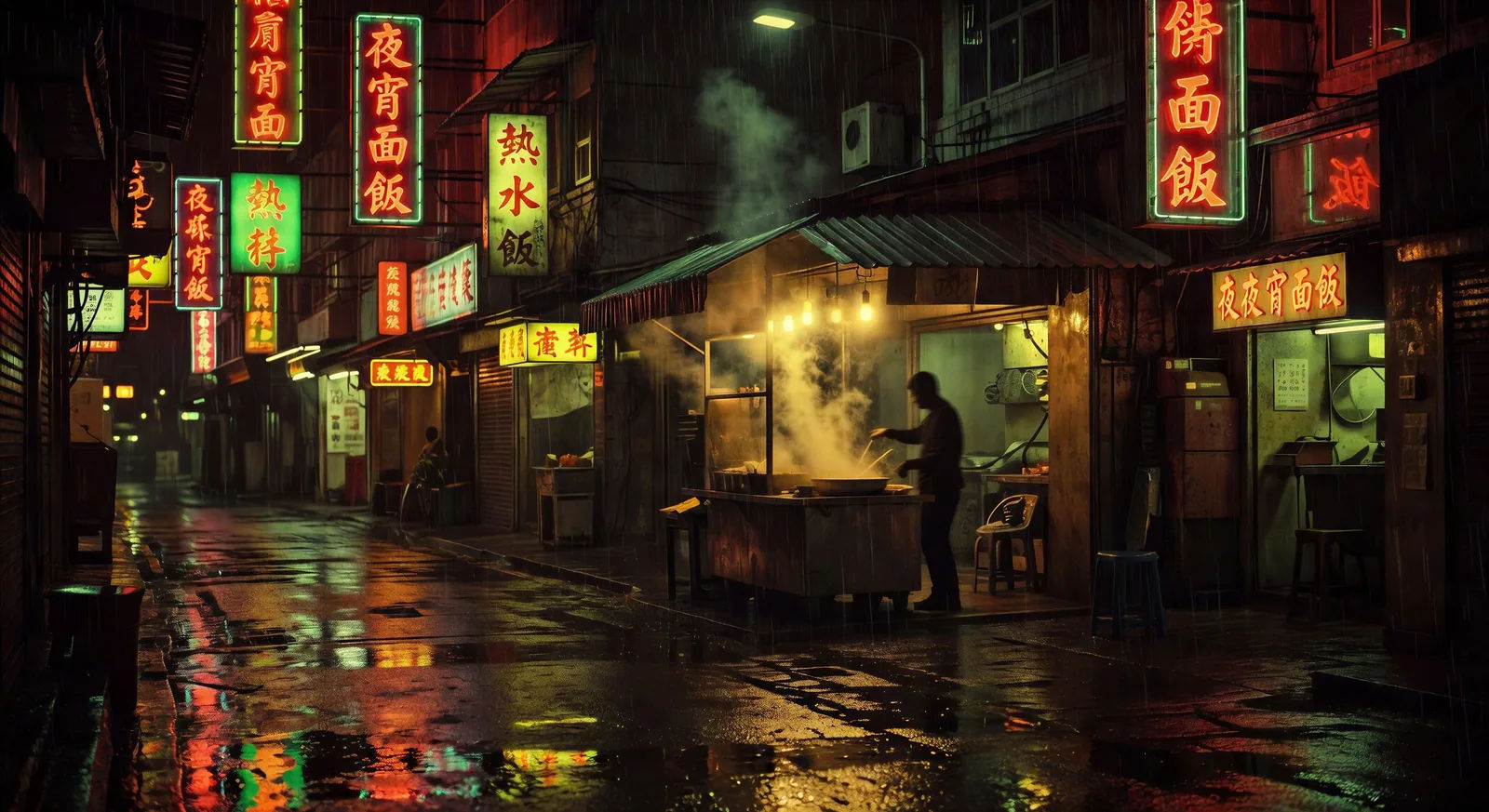
Rain-soaked noodle stall at midnight

A backlit noodle stall on a narrow Hong Kong street, rain falling in sheets, neon signage reflecting off wet asphalt, steam curling under the awning.

Prompt bearbeiten
Rain-soaked noodle stall at midnight

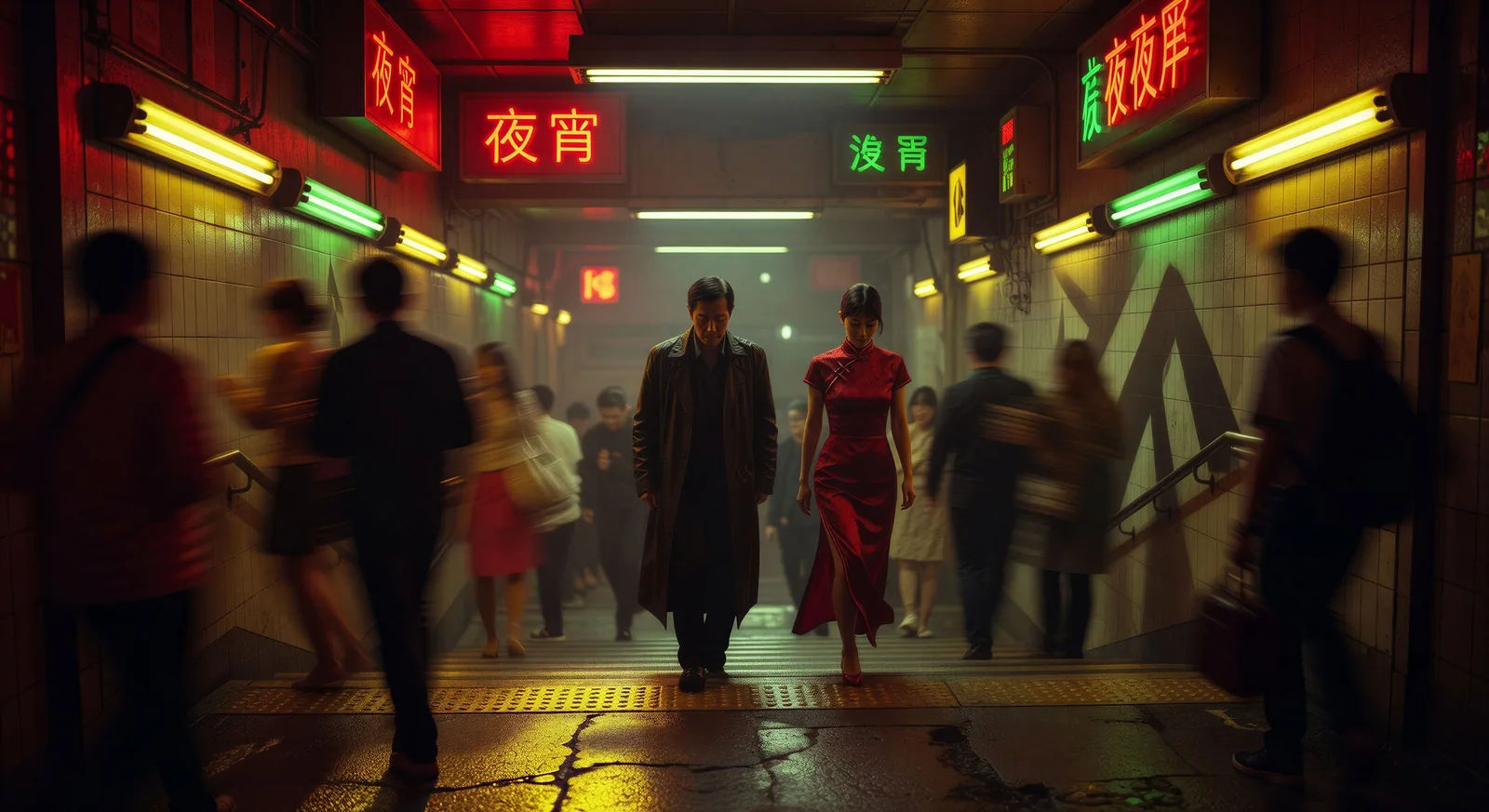
Step-printed crowd through the subway stairs

A central figure walks slowly while the crowd around him blurs into step-printed motion. Fluorescent stair lights, late-night commuter haze.

Prompt bearbeiten
Step-printed crowd through the subway stairs

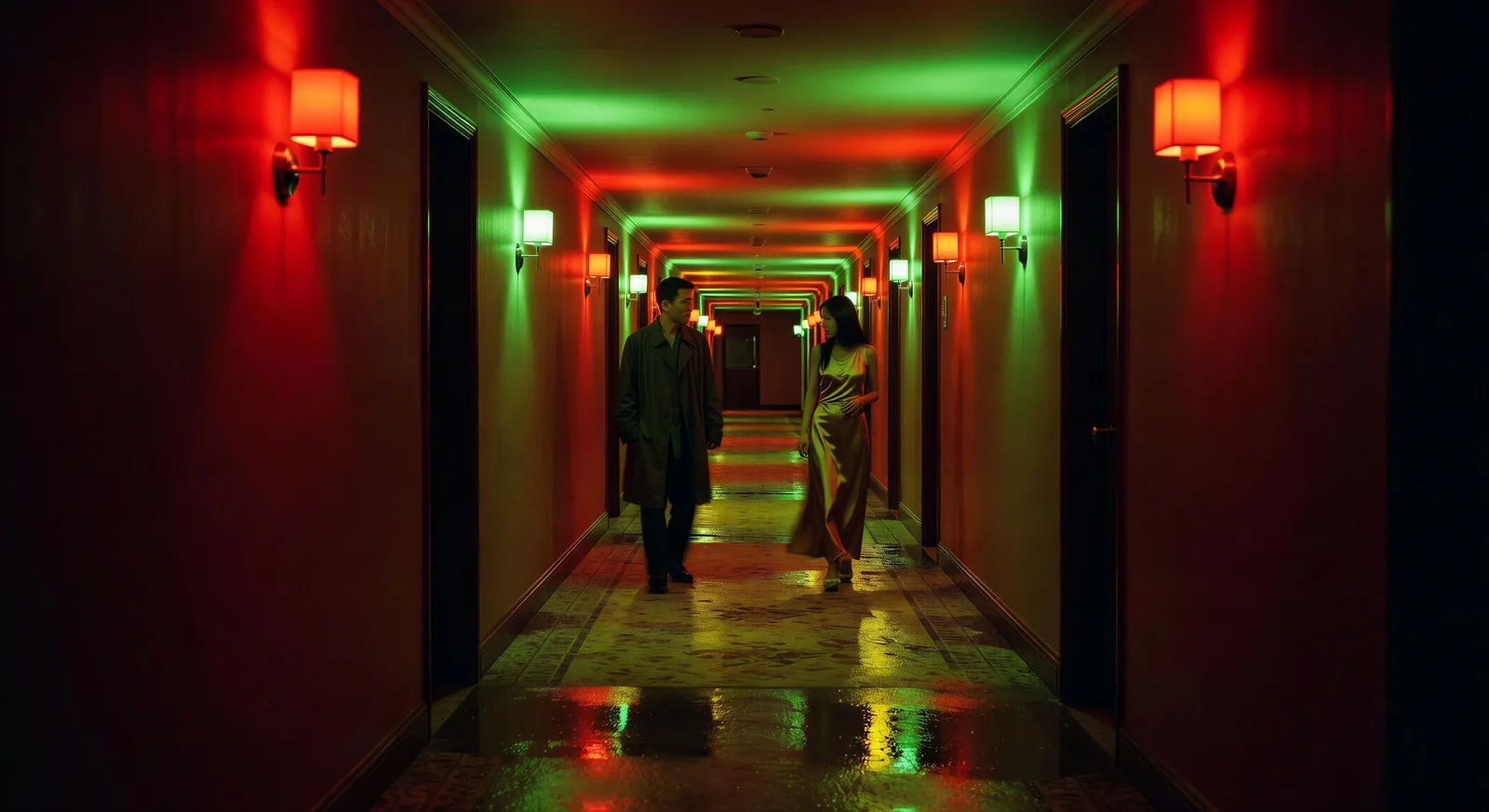
Two figures pass in a neon hotel corridor

Two figures cross paths in a long hotel corridor lit by alternating red and green sconces. Slow handheld camera, no dialogue, no eye contact.

Prompt bearbeiten
Two figures pass in a neon hotel corridor

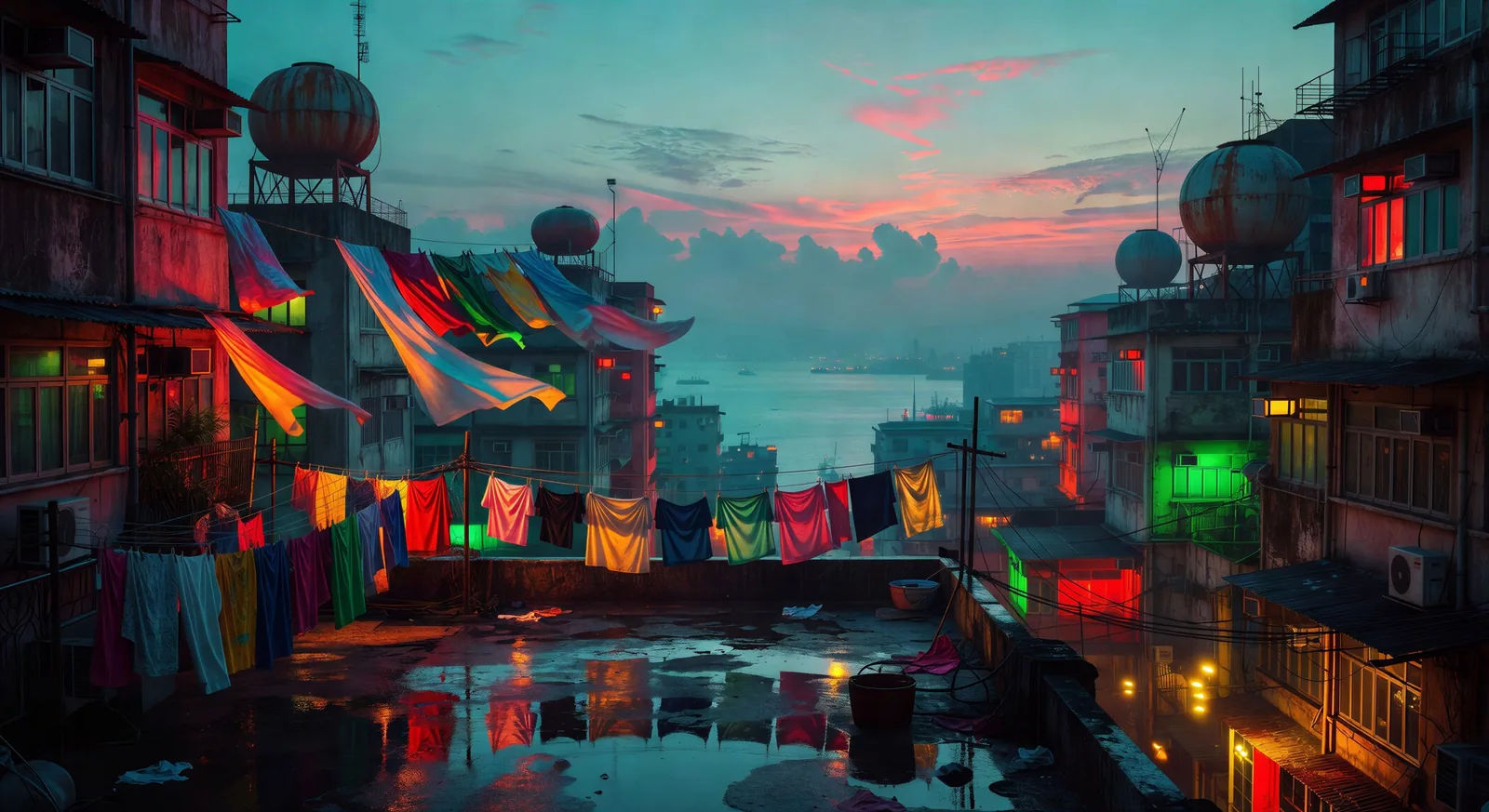
Rooftop laundry lines at dawn

A Hong Kong rooftop the morning after a storm. Laundry on lines lifting in the wind, the harbor visible through low cyan haze, sunrise pink behind.

Prompt bearbeiten
Rooftop laundry lines at dawn

Wong Kar Wai-Videos in drei Schritten erstellen

  1. 01

    Beschreiben Sie Ihre Wong Kar Wai-Szene

    Beschreiben Sie die Wong Kar Wai-Szene, die Sie möchten, in einfachen Worten.

  2. 02

    Video generieren

    Morphic generiert in Sekunden einen filmreifen Clip auf Ihrer Canvas.

  3. 03

    Wong Kar Wai-Video verfeinern

    Passen Sie den Prompt an, generieren Sie Varianten und laden Sie die Aufnahme herunter oder teilen Sie sie.

Verwandte Workflows

Das könnte Ihnen auch gefallen

Einfache Preise

Starten Sie noch heute kostenlos, mit der Option, jederzeit zu upgraden oder zu kündigen.

Basic

$0/ Monat
abgerechnet als $0 pro Jahr

900 monatliche Credits

1 Nutzer

Alle Modelle

Workflows

Standard

$0/ Monat
abgerechnet als $0 pro Jahr

3200 monatliche Credits

1 Nutzer

Alle Modelle

Workflows

Pro

$0/ Monat
abgerechnet als $0 pro Jahr

6200 gemeinsame monatliche Credits

1 Nutzer

+ bis zu 4 weitere gegen Aufpreis

Alle Modelle

Workflows

Pro Max

$0/ Monat
abgerechnet als $0 pro Jahr

24000 gemeinsame monatliche Credits

1 Nutzer

+ bis zu 9 weitere gegen Aufpreis

Alle Modelle

Workflows

Enterprise

Für höhere Limits

Individuell

Preis- und Abrechnungsbedingungen

Unbegrenzte Credits
Individuelle Platzlimits
Alle Modelle
Workflows
Pricing Gradient

Free

Zum Ausprobieren

$0

dauerhaft kostenlos

Bis zu 20 Credits
Nur 1 Nutzer
Eingeschränkte Modelle
Workflows

Häufig gestellte Fragen

Where can I make Wong Kar Wai style videos with AI?
You can create Wong Kar Wai style scenes directly in your browser on Morphic. Open the Text to Video tool, describe the scene with the right colour palette and camera language, and Morphic produces the clip. No installs, no specialist software needed.
What defines the Wong Kar Wai style for an AI prompt?
Three things carry most of the look: step-printed motion (a stuttering motion-blur on running figures), wide-angle lenses held close to the subject in cramped neon-lit interiors, and a saturated colour palette skewing toward deep reds, electric greens, and sodium-yellow streetlights on wet asphalt. Name those explicitly in your prompt.
How do I get the step-printing motion effect in AI video?
Add the phrase "step-printed motion" or "low frame-rate stutter on running figures" to the camera section of your prompt. Pair it with handheld camera language and a slow shutter description so the motion blur reads as intentional rather than as glitch.
How do I keep the Wong Kar Wai colour palette consistent across scenes?
Pick a saturated palette (deep reds, electric greens, sodium-yellow, cyan rain reflections) and reuse the same colour names in every prompt. Reference a master scene as a style anchor and let Morphic carry that grading from clip to clip.
Can I add narration and music to my Wong Kar Wai style videos?
Yes. The Speech tool generates a voiceover from your script in the voice you choose, and the Music tool produces an original soundtrack. Layer a slow lounge instrumental or a step-printed pop track over the visuals to complete the mood.
Do I need any prior video editing experience to make Wong Kar Wai style videos?
No. Morphic runs in your browser and you direct it with plain-language prompts. Anyone who can describe a Wong Kar Wai scene can produce one. After Effects, Blender, and manual rigging are not required.