Überrannte Stadtstraße in der Dämmerung
Eine mit Trümmern übersäte Stadtstraße in der Dämmerung, verlassene Autos mit offenen Türen, zertrümmerte Ladenfronten, vereinzelte Gestalten schlurfen im fernen Dunst.
Prompt bearbeiten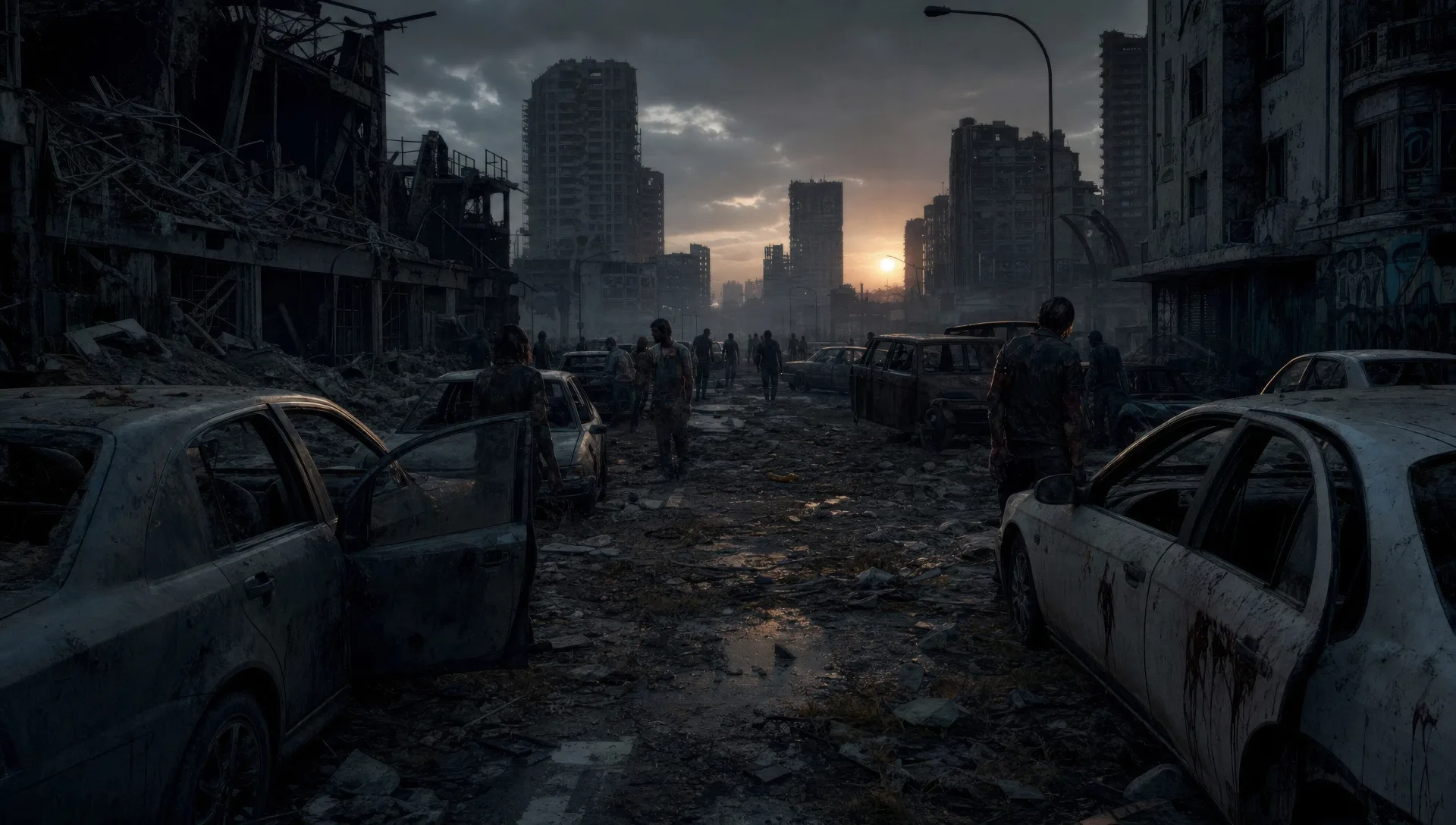
This page covers mature themes for adult audiences making film, games and other creative work.
Inszenieren Sie den Ausbruch mit Morphics KI-Videogenerator für Zombies. Erzeugen Sie einen Überlebenden auf überrannter Straße, einen verbarrikadierten Unterschlupf bei Nacht oder die Horde an einem Maschendrahtzaun. Vertonen Sie die Spannung mit Speech und Music und fügen Sie die Szenen zu einem Zombie-Kurzfilm auf dem Canvas zusammen.
Eine mit Trümmern übersäte Stadtstraße in der Dämmerung, verlassene Autos mit offenen Türen, zertrümmerte Ladenfronten, vereinzelte Gestalten schlurfen im fernen Dunst.
Prompt bearbeitenEin Raum mit Fenstern, die mit zusammengewürfeltem Holz vernagelt sind, eine einzelne Laterne, Überlebende an den Wänden, Schatten verschieben sich jenseits der Lücken.
Prompt bearbeiten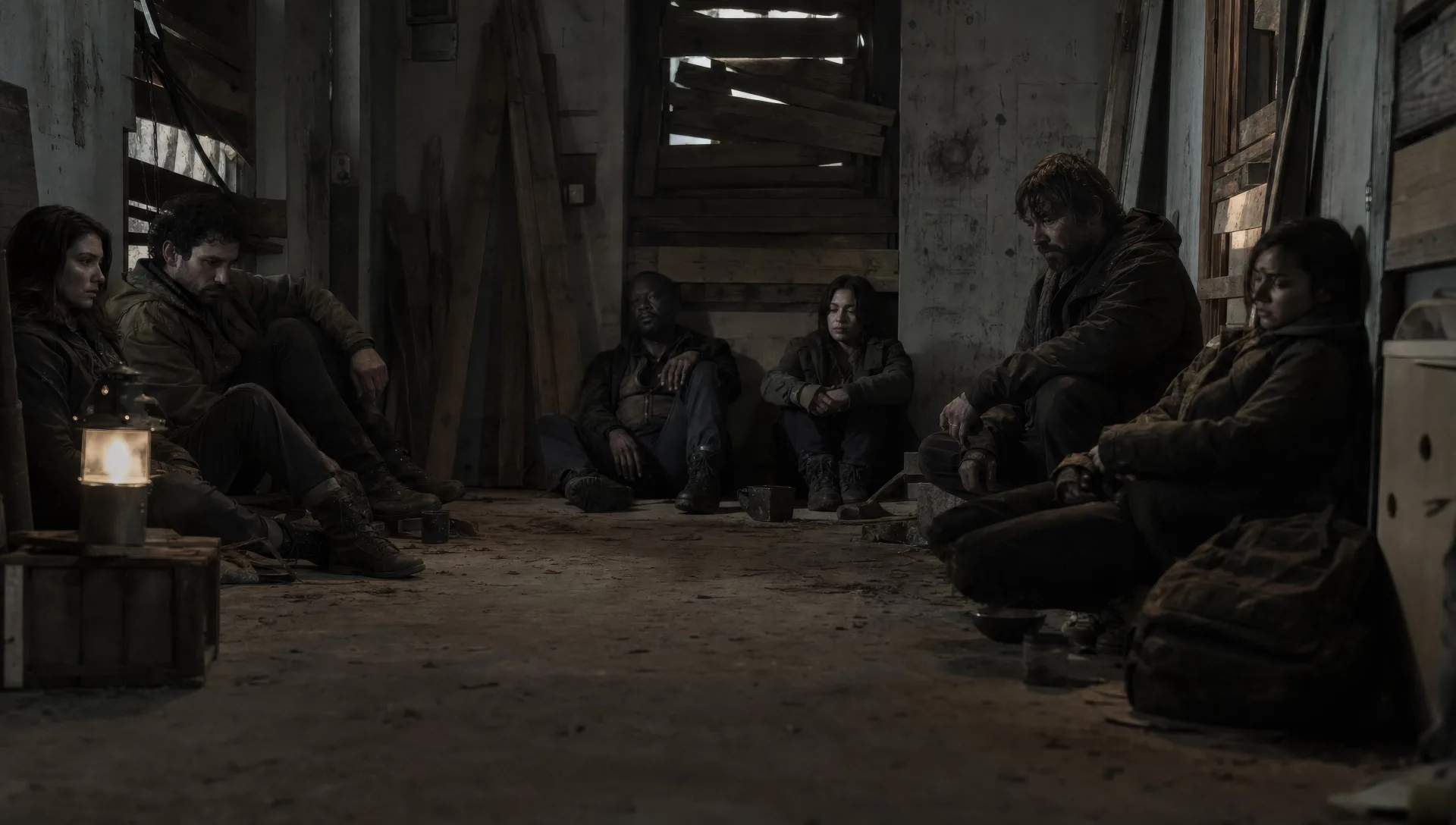
Eine verstopfte Autobahn, die sich bis zum Horizont erstreckt, jedes Auto leer und staubbedeckt, die Türen offen, eine einsame Gestalt geht auf der Mittellinie.
Prompt bearbeiten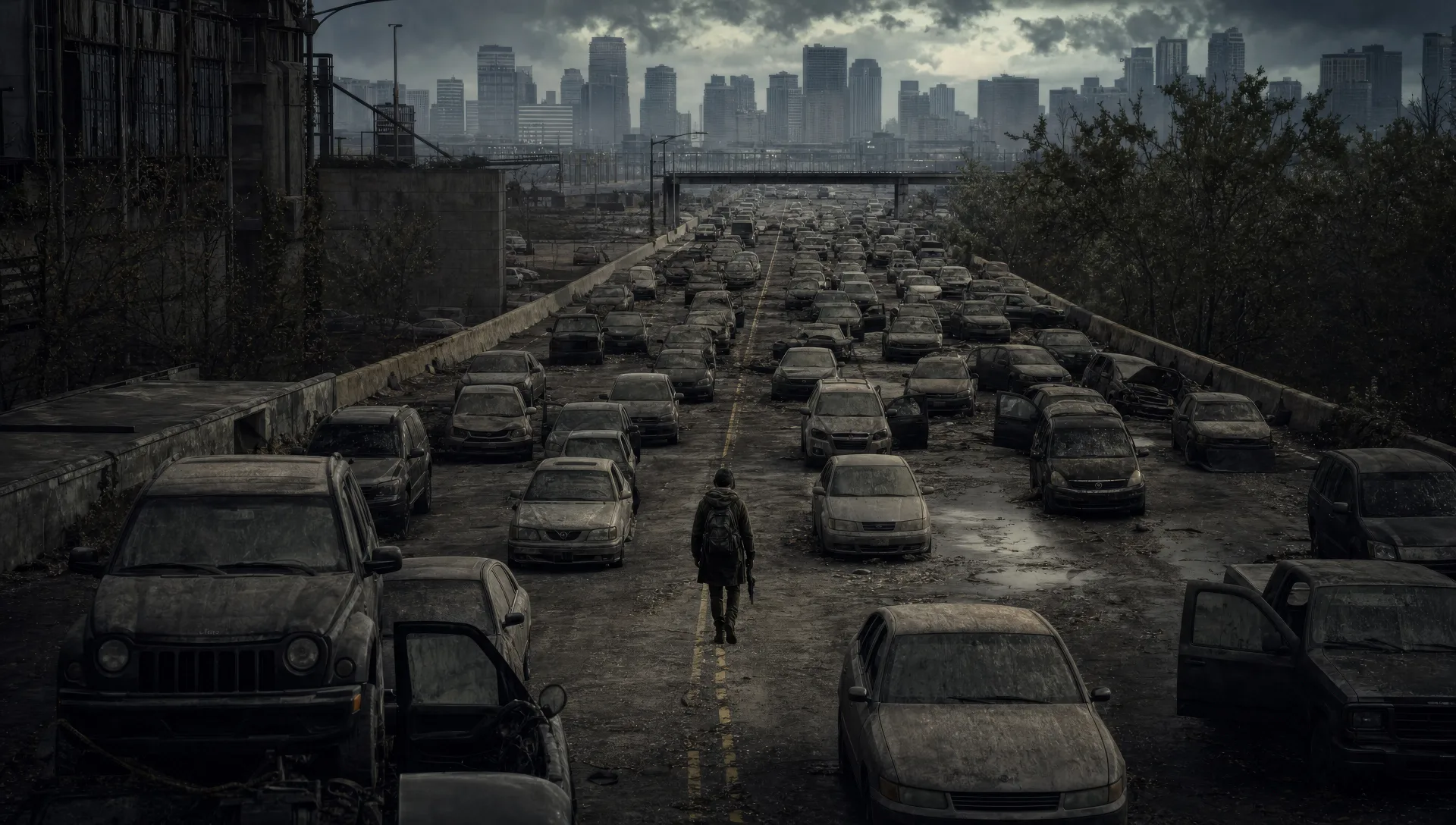
Eine Masse verwester Gestalten, gegen einen durchhängenden Maschendrahtzaun gedrückt, Arme durch die Lücken, der Draht biegt sich, Flutlicht grellt hinter ihnen.
Prompt bearbeiten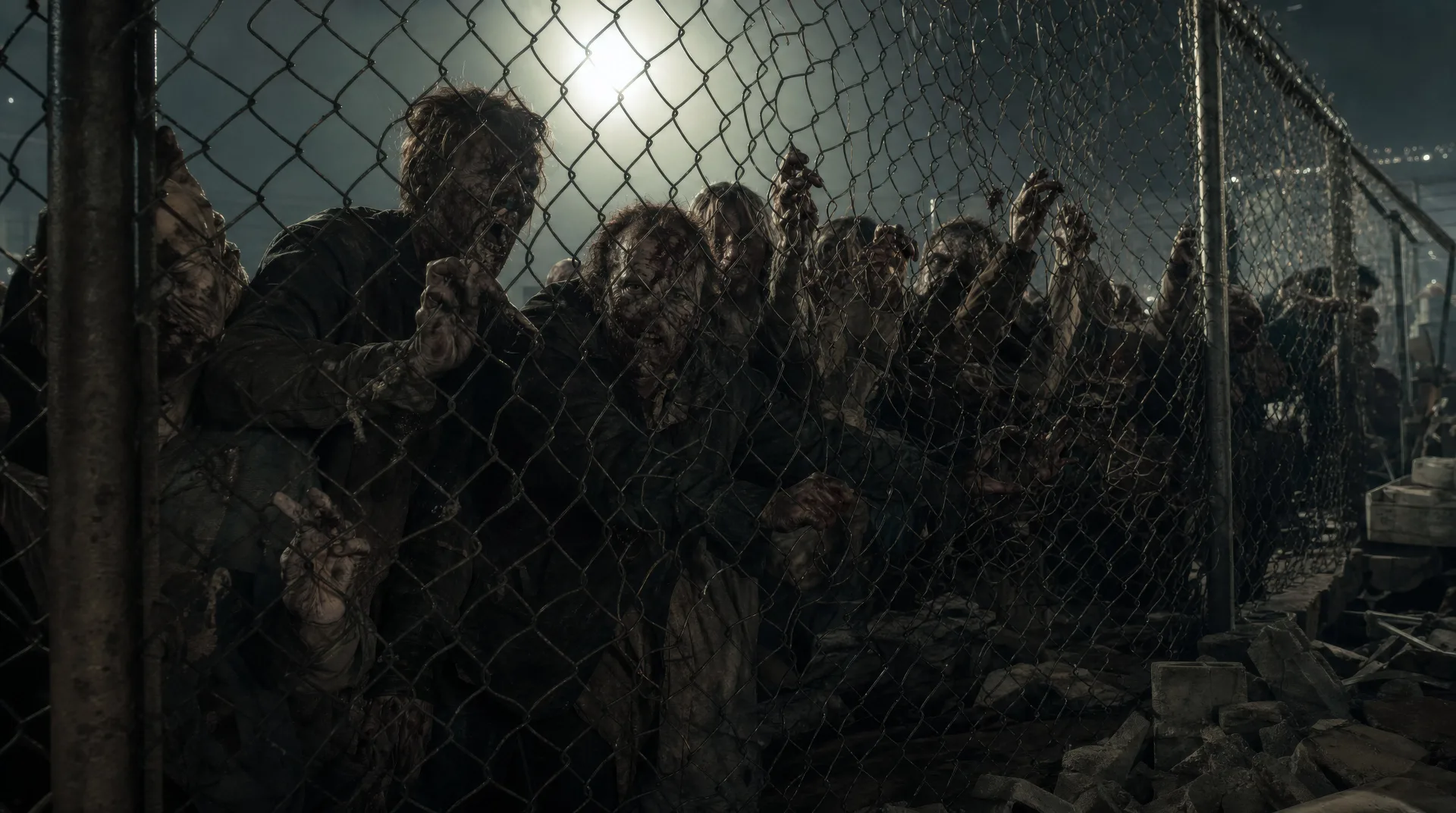
Beschreiben Sie die Zombie-Szene, die Sie möchten, in einfachen Worten.
Morphic generiert in Sekunden einen filmreifen Clip auf Ihrer Canvas.
Passen Sie den Prompt an, generieren Sie Varianten und laden Sie die Aufnahme herunter oder teilen Sie sie.
Cinematic time-freeze short film for any scene

Dramatize any text conversation into a cinematic multi-shot video.
One image to a 9-scene cinematic video.
Drop in a photo of yourself. Get a 12-second cinematic movie with animation and a matched soundtrack.

Share a scene description with character references. Get a full storyboard with shot angles and mood.

Feed in a single image. Get 9 cinematic beats laid out as a 3x3 storyboard grid.
Horror-Videos mit KI erstellen
Horror-Videos mit KI erstellen: flackernde Flure, Nebelwälder und Grusel-Szenen aus einfachen Prompts.
Monster KI-Videos
Erzeugen Sie Monster-Videos auf Morphic. Originale Kreaturen, nebelverhangene Untiere, Seemonster und Szenen mit lauernder Bedrohung aus Prompts in einfacher Sprache.
Sci-Fi KI-Videos
Erzeugen Sie Sci-Fi-Videos auf Morphic. Raumschiffe, außerirdische Welten, Raumstationen und Szenen der fernen Zukunft aus Prompts in einfacher Sprache, keine Software nötig.
Frankenstein KI-Videos
Erstellen Sie Frankenstein-Szenen, das Labor, den ersten Atemzug des Geschöpfs, das De-Lacey-Häuschen und die arktische Verfolgung mit Morphic. Erzeugen Sie Gothic-Sci-Fi-Videos aus einem einzigen Prompt.
Starten Sie noch heute kostenlos, mit der Option, jederzeit zu upgraden oder zu kündigen.
Basic
2400 monatliche Credits
1 Nutzer
Alle Modelle
Workflows
Standard
3625 monatliche Credits
1 Nutzer
Alle Modelle
Workflows
Pro
6350 gemeinsame monatliche Credits
1 Nutzer
Alle Modelle
Workflows
Max
24650 gemeinsame monatliche Credits
1 Nutzer
Alle Modelle
Workflows
Enterprise
Für höhere Limits
Individuell
Preis- und Abrechnungsbedingungen

Free
Zum Ausprobieren
$0
dauerhaft kostenlos
Everything on this page is fictional depiction for film, games and creative work. It does not depict real events, and does not place real, identifiable people in them.
Results vary by model. Some models apply stricter content policies than others, so a shot one model declines may generate on another.