Movimiento de cámara
Controla exactamente cómo se mueve la cámara por tu escena. Panea, inclina, haz zoom o desplázate en vertical con intención.
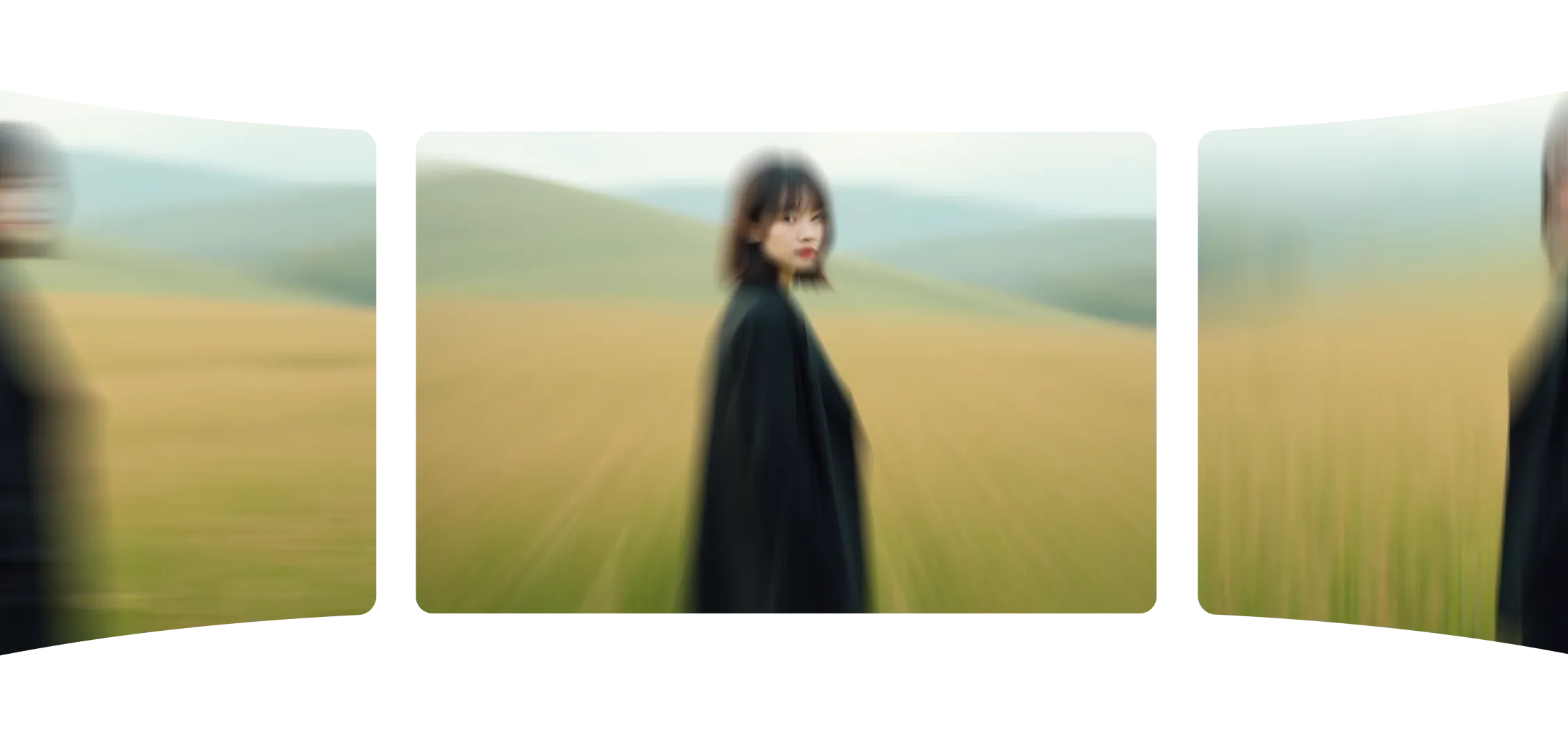
El movimiento de cámara te permite controlar cómo se mueve tu toma. Elige un tipo de movimiento, escribe tu prompt y Morphic convierte tu imagen en un video fluido y cinematográfico.
Cada movimiento se siente natural, manteniendo intactos el enfoque, la escala y el ritmo. Ya sea acercándose, desplazándose de lado o agregando una inclinación, cada cambio es preciso y equilibrado.
El movimiento de cámara mejora no solo lo que hay en tu frame, sino cómo se ve. Convierte imágenes estáticas en momentos cinematográficos.
Agregar movimiento de cámara hizo que mis escenas se sintieran vivas y con intención en segundos.
Mira cómo funciona el movimiento de cámara dentro de Morphic.
Videos creados usando un solo ángulo de cámara sobre frames estáticos.
El movimiento de cámara da un control intuitivo sobre cada toma.
Prueba ya