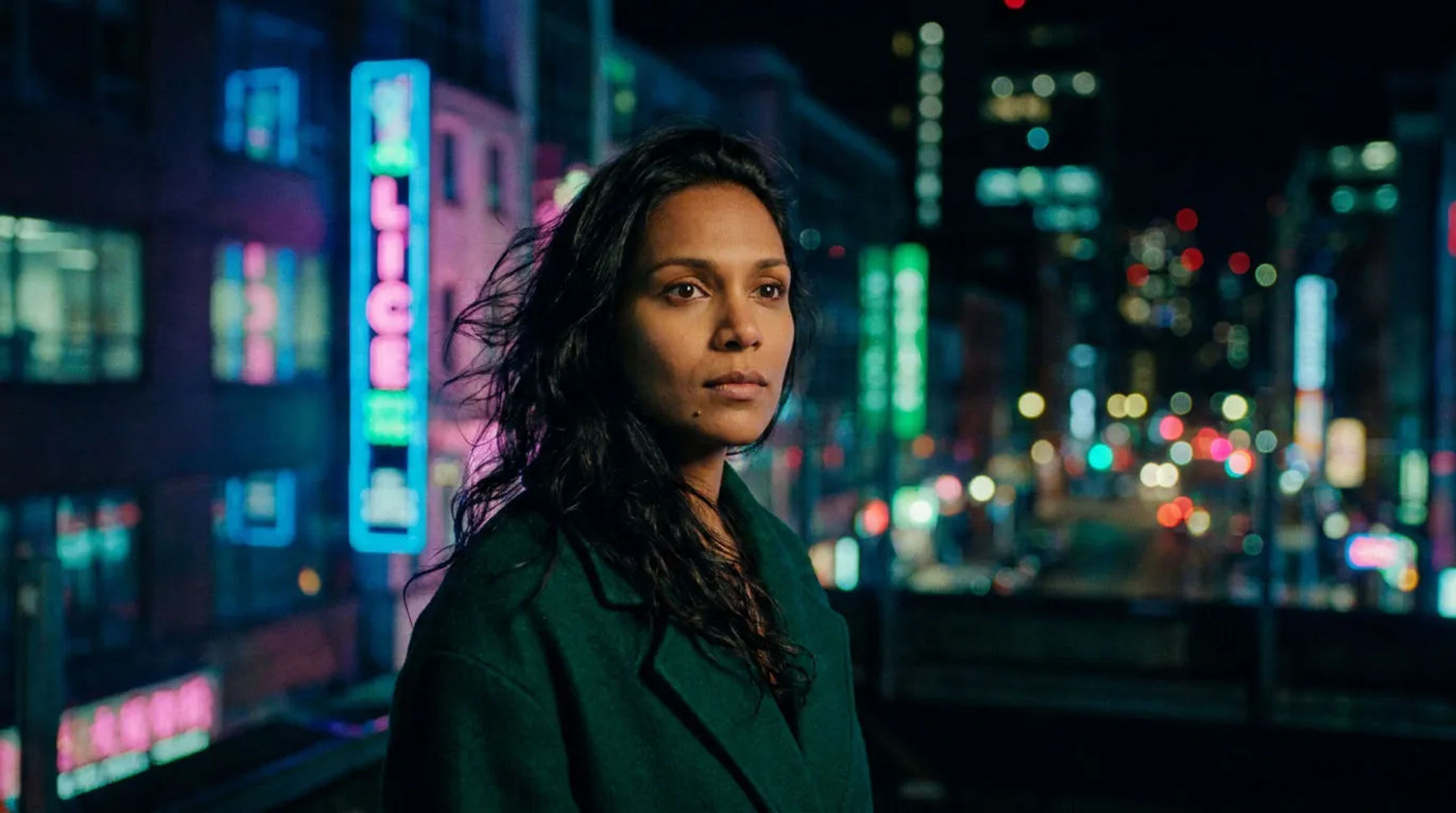
Character consistency in AI video comes from one move repeated: build a saved reference for each character and pass it into every generation, instead of re-describing the character in words each time. As of 2026 this is a workflow, not a single setting, a reference set, wardrobe and voice locks, model-specific handling, and a QC pass that catches drift before it ships. Get the reference right once and the same face, build, and wardrobe carry from shot one to the last episode.
This is the creator-level how-to. For why it matters to a studio running a full season, and a case study, see episodic character consistency.
Why a reference beats a description
A worded description, "a woman in her thirties, dark hair, red coat", leaves everything the words do not pin down to the model, so it re-rolls the face every generation. A reference image fixes the parts a description cannot, and the model carries it through to the result. Nothing is trained; the saved reference is passed into each generation. That is the whole mechanic, and every step below is about making that reference strong and using it consistently.
Step 1, Build the reference set
Make a small set of images that define the character from more than one angle: a clear front, a three-quarter, a profile, and a couple at the wardrobe and lighting the series uses. Save it as a named reference so you can call it by name from the prompt bar. A set beats a single image because it gives the model the character's structure from several sides, not one lucky frame.
Step 2, Lock wardrobe and look
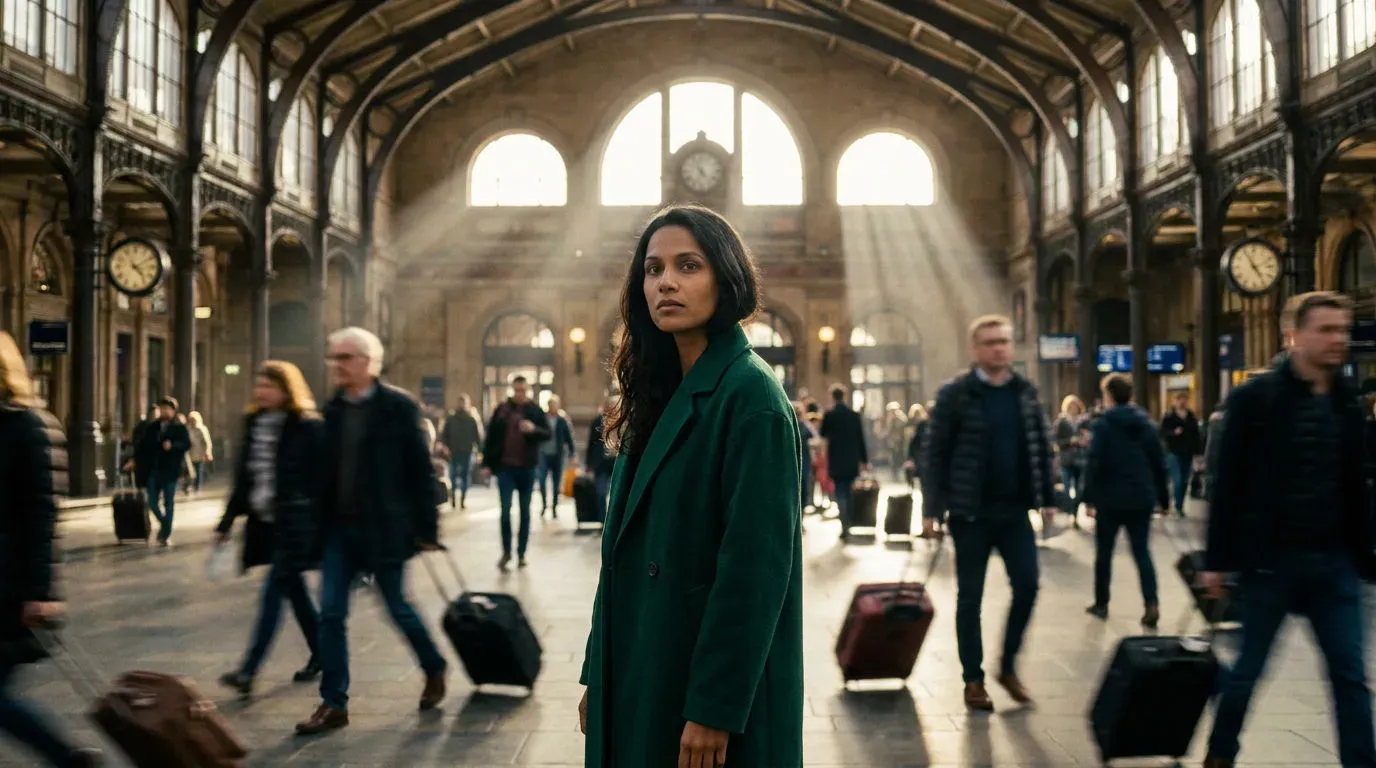
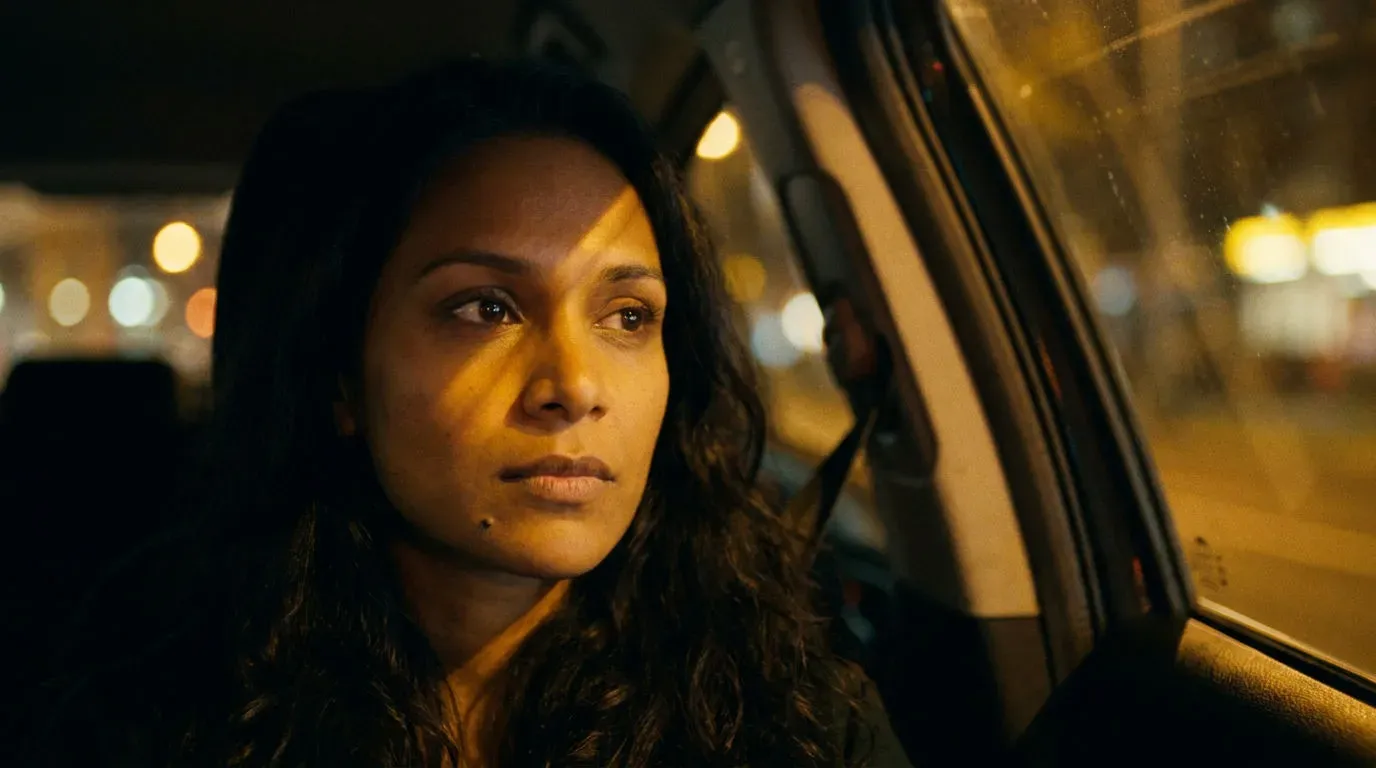
Decide the character's default wardrobe and note it in the reference, so "the lead" always means the same coat, hair, and palette unless a scene deliberately changes them. Drift usually starts at the edges, a collar, a hairstyle, an accessory, so the tighter the lock, the less there is to wander.
Step 3, Route it through the models
Different models take references differently, and a microdrama episode usually uses more than one:
Model-specific handling
| Model | How it uses the reference | Best for |
|---|---|---|
| Kling (3.0 / O3) | Takes reference images to hold a character's look through a motion shot | Dialogue and action shots where the character has to move and stay themselves |
| Nano Banana | Strong image-to-image character hold for stills and plates | Casting frames and reference plates you then animate |
| Seedance | Reference inputs on its reference-to-video task, with edit and extend | Scenes you generate, then fix or lengthen without recasting |
The point is not one winning model, it is that the same saved reference goes into each one, so the character survives being routed across engines. Which engine for which shot is covered in best AI models for microdrama.
Step 4, Lock the voice too
A character is a face and a voice. Give each character one saved voice and reuse it for every line across the series, so the lead sounds like the lead in episode one and episode sixty. Visual consistency with a drifting voice still breaks the illusion.
Step 5, QC for drift before it ships
Consistency is only real if you check it. Put a quick review gate between generation and the cut:
- Compare each new shot of a character against the reference set at a readable size, not a thumbnail.
- Watch the edges, collar, hairline, jewelry, the exact wardrobe, where drift starts.
- Reject and regenerate a drifted shot rather than "fixing it in the edit"; a re-roll with the reference attached is cheaper than a visible continuity break.

Step 6, Save it as a workflow
Once the reference, the locks, and the QC gate work, save the sequence as a reusable workflow so the next character, and the next episode, is a duplicate-and-swap, not a rebuild. The planning document that feeds all of this is the series bible.
Preguntas frecuentes
Build a saved reference set for the character, lock the wardrobe and a single voice, and attach that reference to every generation across the season. The consistency comes from reusing the same saved reference rather than re-describing the character, and from a QC pass that catches drift before a shot ships. Nothing is trained; the reference is passed into each generation.
Give Kling the character's reference images alongside the shot prompt so it holds the look through the motion, rather than describing the character in words. It is strong on dialogue and action shots where the character has to move and still read as the same person. Use the same saved reference across your other models too, so the character survives being routed between engines.
A small set beats a single image, a clear front, a three-quarter, a profile, and a couple at the series' wardrobe and lighting is usually enough. The point is to give the model the character's structure from more than one angle so it is not guessing the sides it cannot see. Add a reference in the exact wardrobe a scene needs when that scene matters.
Only if you lock it. Give each character one saved voice and reuse it for every line across the series, the same way you reuse the visual reference. Visual consistency with a voice that changes take to take still breaks the illusion, so treat the voice as part of the character's reference, not an afterthought.
Put a review gate between generation and the edit: compare each new shot against the reference set at a readable size and watch the edges, collar, hairline, accessories, wardrobe, where drift starts. Reject and regenerate a drifted shot with the reference attached rather than trying to fix it in post, which is slower and rarely fully works.