Claroscuro de estudio con luz dura
Un estudio negro con una sola fuente dura que recorre al sujeto en diagonal. Sombra aterciopelada y profunda llena el resto del encuadre, con brillos especulares marcados.
Editar prompt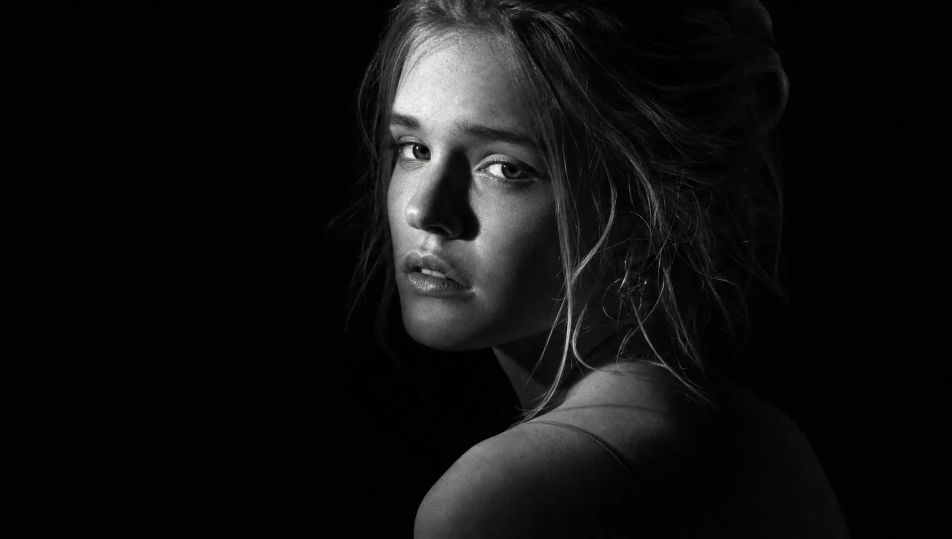
Un busto en claroscuro, un estudio suave de grano fino o un primer plano documental: elige el retrato en blanco y negro que imaginas directo en el navegador con Morphic. Fija el mismo rostro con Character Lineup y anima cualquier toma con Image to Video.
Un estudio negro con una sola fuente dura que recorre al sujeto en diagonal. Sombra aterciopelada y profunda llena el resto del encuadre, con brillos especulares marcados.
Editar promptUn taller familiar en calma, con luz de ventana suave y difusa entrando desde un costado. Gradación gris tenue en las paredes y grano analógico fino completan el ambiente contemplativo.
Editar prompt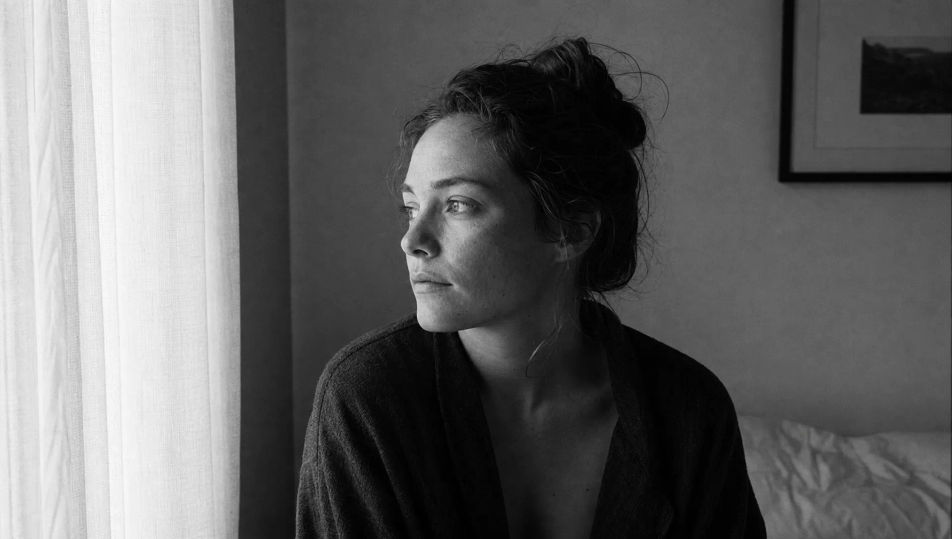
Un mercado de barrio en blanco y negro, gente pasando desenfocada y luz de día dura. Rango tonal completo y textura marcada en el piso, con ese carácter fotoperiodístico propio del reportaje callejero.
Editar prompt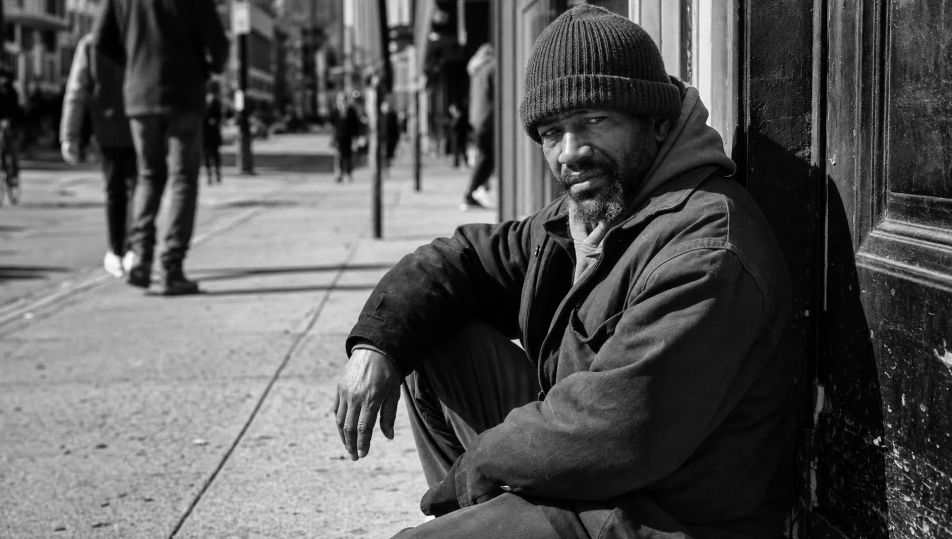
Un set luminoso de tono alto, fondo blanco puro y luz suave envolvente sin sombras marcadas. El sujeto se lee como líneas oscuras finas contra el blanco brillante del monocromo.
Editar prompt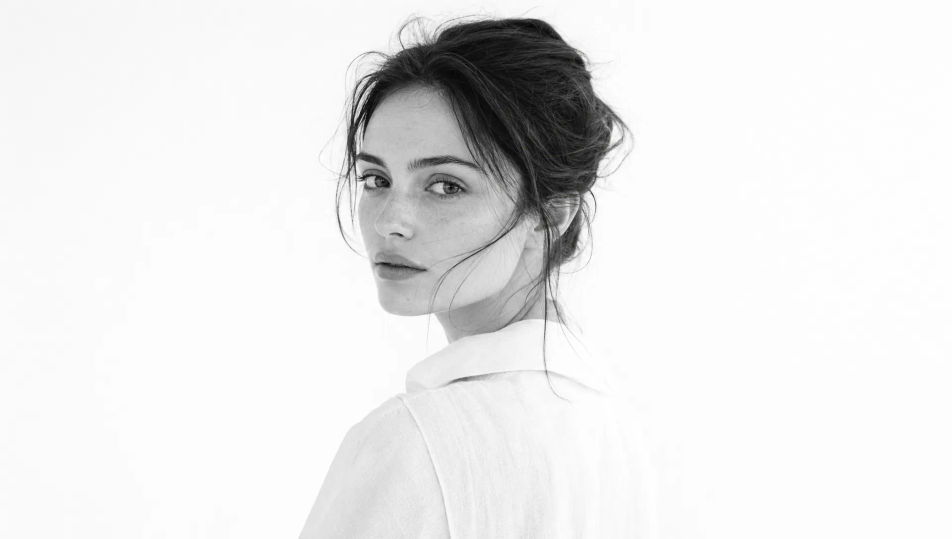
Describe el Retrato en blanco y negro que quieres, en palabras simples.
Morphic genera una imagen limpia y lista para publicar en tu canvas en segundos.
Ajusta el prompt, regenera variaciones y luego descarga o comparte el fotograma.
Fix plastic-looking AI skin. Adds natural texture, pores, and imperfections for realism.
One selfie becomes a set of professional headshots. Studio-quality, multiple styles.
Choose your viewing angles and get precise perspective shifts of any image with full camera control.
Convert any image to a new aspect ratio. Smart crop or extend the edges to fit.
Set the look with one reference image. Apply that exact grade to any scene or batch.
Bring back any damaged, blurry, or low-res image. Get a sharp, detailed 4K version with natural clarity restored.
Portrait Photography AI Images
Generate studio-quality AI portraits from a prompt. Realistic lighting, skin texture, and lens looks. Free HD, no watermark.
Studio Portrait AI Images
Create AI Studio Portrait images with Morphic. Generate Studio Portrait shots, portraits, and visuals for any project in seconds.
Environmental Portrait AI Images
Create AI Environmental Portrait images with Morphic. Generate Environmental Portrait shots, portraits, and visuals for any project in seconds.
Headshot AI Images
Create AI Headshot images with Morphic. Generate Headshot shots, portraits, and visuals for any project in seconds.
Comienza gratis hoy, con la opción de mejorar tu plan o cancelar cuando quieras.
Basic
2400 mensual créditos
1 usuario
Todos los modelos
Workflows
Standard
3625 mensual créditos
1 usuario
Todos los modelos
Workflows
Pro
6350 compartidos mensual créditos
1 usuario
Todos los modelos
Workflows
Max
24650 compartidos mensual créditos
1 usuario
Todos los modelos
Workflows
Enterprise
Para límites más altos
Personalizado
términos de precios y facturación

Free
Para experimentar
$0
gratis para siempre