Email header loop
A wide banner-shaped loop with the motion kept to one edge, so the headline text can sit still and legible beside it.
Editar prompt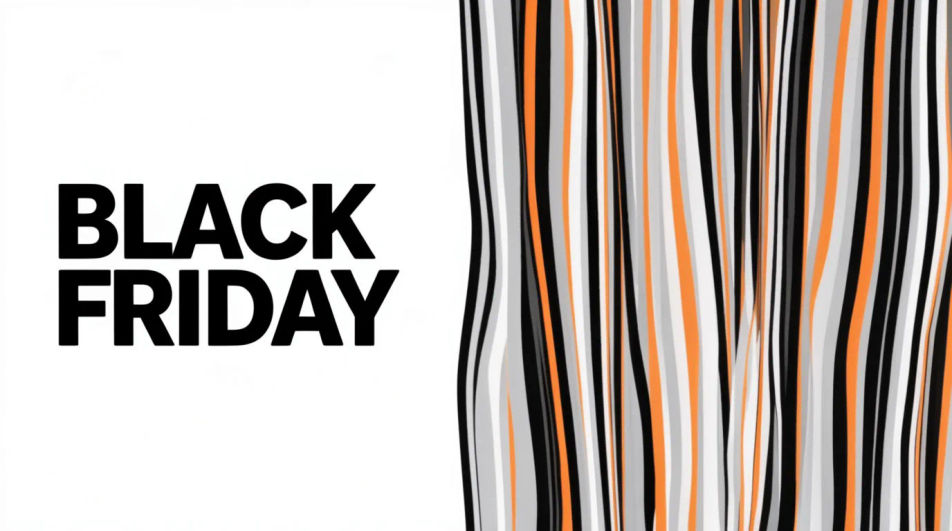
Make a Black Friday GIF in Morphic by describing a short animated moment, a price tag flipping, a bag filling with confetti, or bold type sliding into frame. Morphic generates a short clip from your prompt, which you then export as a looping GIF. Set the palette and pace to match your brand, generate a few options to compare, and drop the loop into an email header, a story, or an ad.
A wide banner-shaped loop with the motion kept to one edge, so the headline text can sit still and legible beside it.
Editar promptA tall full-bleed loop built for a phone screen, with the main motion centered and a few seconds of clean breathing room.
Editar prompt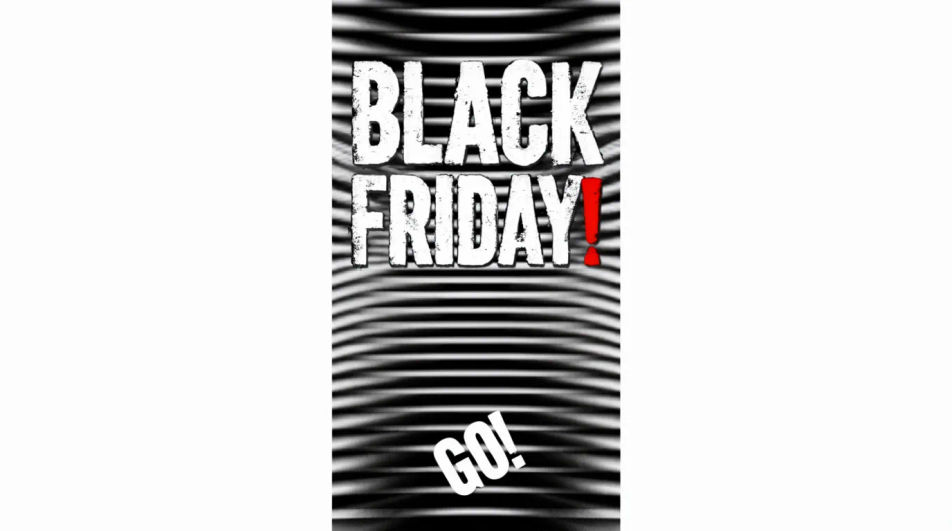
A square loop with the animated element offset to one side, leaving a flat quadrant for a logo or price to sit on top.
Editar prompt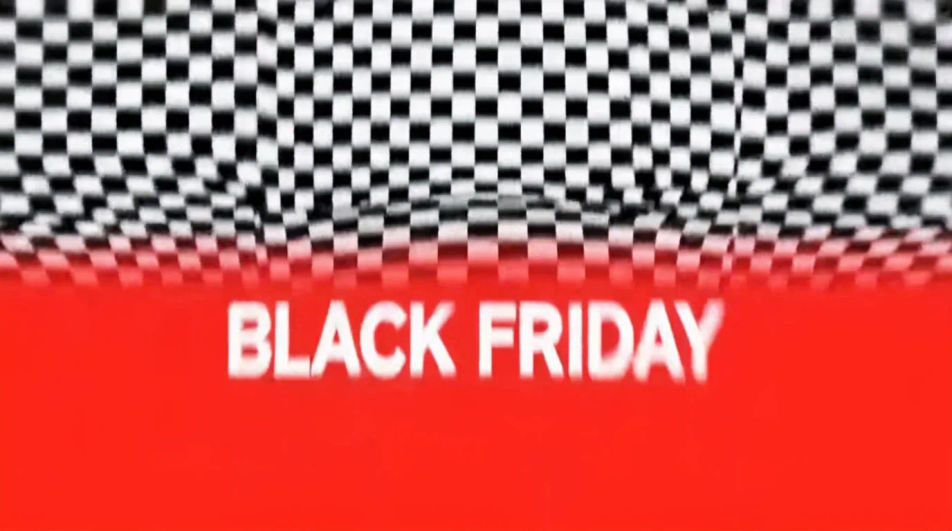
A restrained loop on a near-black ground with one small bright element moving, built to feel premium rather than loud.
Editar prompt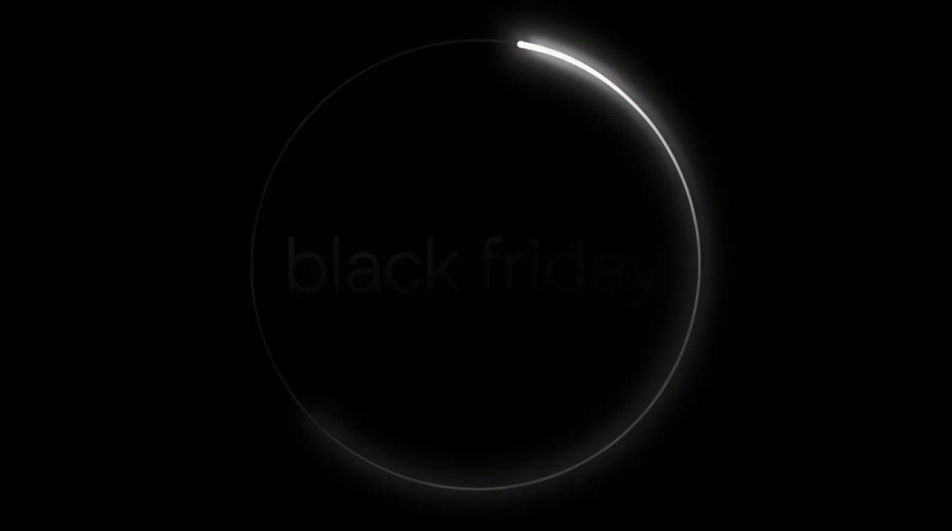
Describe el Black Friday GIF que quieres, en palabras simples.
Morphic genera una imagen limpia y lista para publicar en tu canvas en segundos.
Ajusta el prompt, regenera variaciones y luego descarga o comparte el fotograma.
Convert any image to a new aspect ratio. Smart crop or extend the edges to fit.
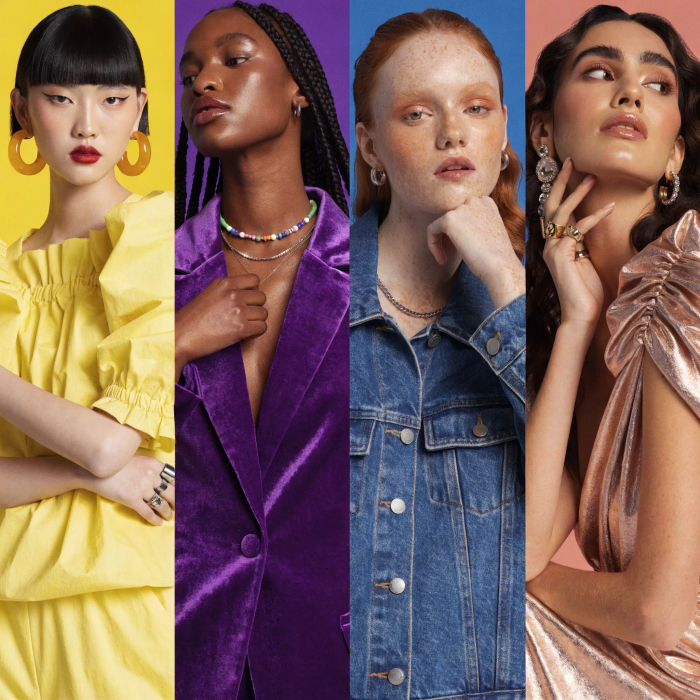
Generate a female AI influencer. Vertical output, ready for socials.

Dramatize any text conversation into a cinematic multi-shot video.
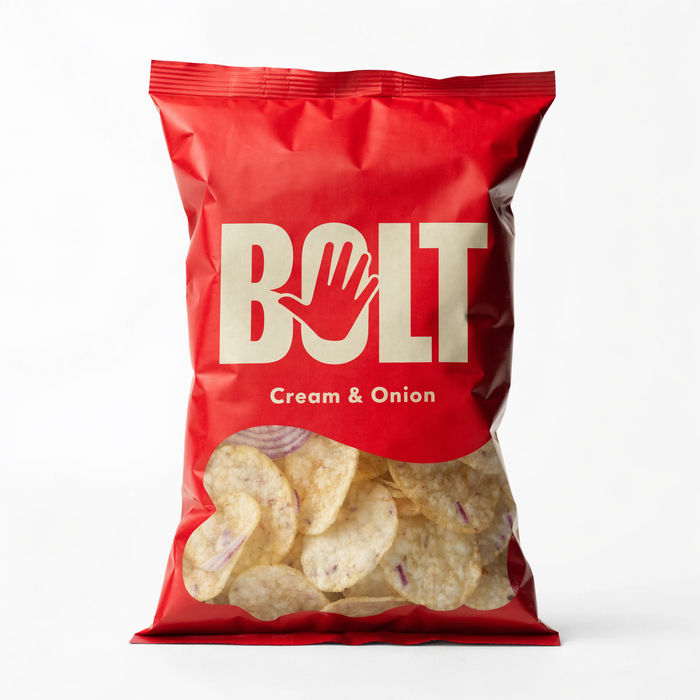
Dramatic 5-second product reveal video with audio.
Cinematic time-freeze short film for any scene
Pair a character image with a reference video. Your character picks up that exact motion.
Black Friday Banner AI Images
Create black friday banner without a photoshoot. Adjust style, colour and composition until it fits the brief. No stock licence needed.
Generador de GIF con IA: crea GIFs en bucle desde texto
GIF en bucle desde texto o una foto. Bucles limpios, listos para compartir.
Cyber Monday AI Designs
Create AI cyber monday designs with our cyber monday design generator. Find unique cyber monday designs for any project in seconds.
Memorial Day AI images
Create AI memorial day images with our memorial day image generator. Find high-quality memorial day images for any project in seconds.
Comienza gratis hoy, con la opción de mejorar tu plan o cancelar cuando quieras.
Basic
2400 mensual créditos
1 usuario
Todos los modelos
Workflows
Standard
3625 mensual créditos
1 usuario
Todos los modelos
Workflows
Pro
6350 compartidos mensual créditos
1 usuario
Todos los modelos
Workflows
Max
24650 compartidos mensual créditos
1 usuario
Todos los modelos
Workflows
Enterprise
Para límites más altos
Personalizado
términos de precios y facturación

Free
Para experimentar
$0
gratis para siempre