Tira de cuatro paneles
Cuatro paneles parejos en fila, con borde limpio y espacio para los globos de texto. El planteamiento avanza en tres viñetas y el remate cae en la última.
Editar prompt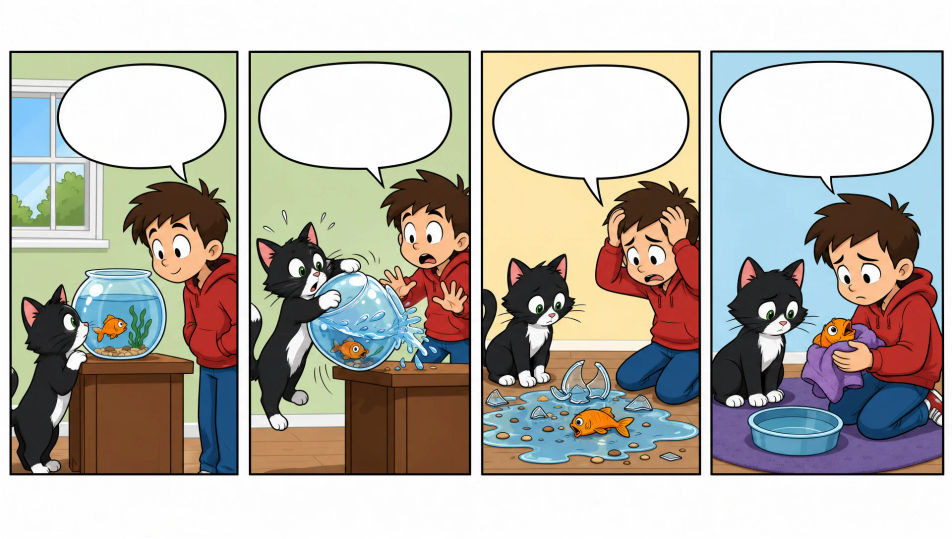
Escribe el chiste y deja que Morphic arme el arte: un gag de oficina en cuatro paneles, un planteamiento y remate en tres viñetas, o una gracia sin una sola palabra. Fija al mismo personaje con Character Lineup y luego acomoda los paneles y los globos de texto en el Canvas.
Cuatro paneles parejos en fila, con borde limpio y espacio para los globos de texto. El planteamiento avanza en tres viñetas y el remate cae en la última.
Editar promptTres viñetas del mismo tamaño: dos arman la situación y la tercera suelta el chiste. Bordes limpios y montaje sencillo para que se lea rápido.
Editar prompt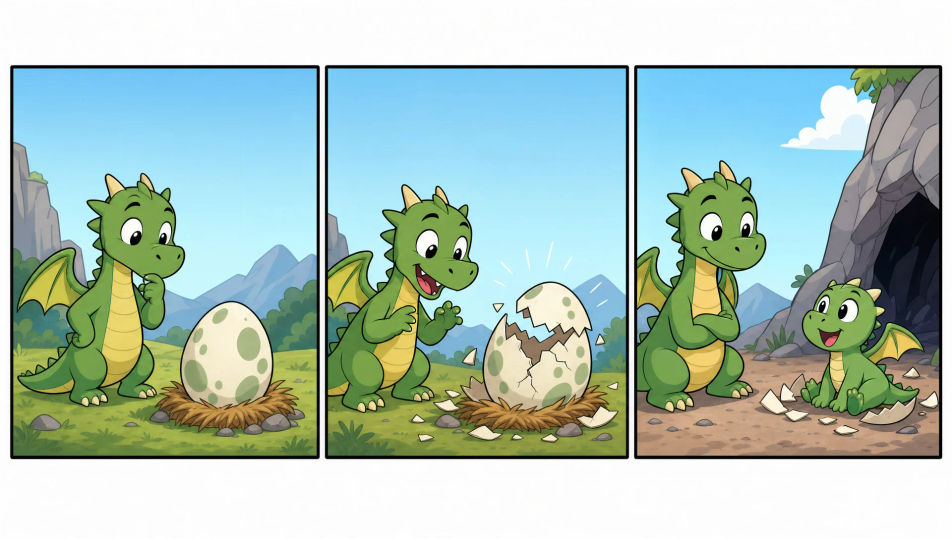
Un solo panel con borde que guarda el chiste completo en una imagen. La acción central es clara y queda espacio para un pie de página.
Editar prompt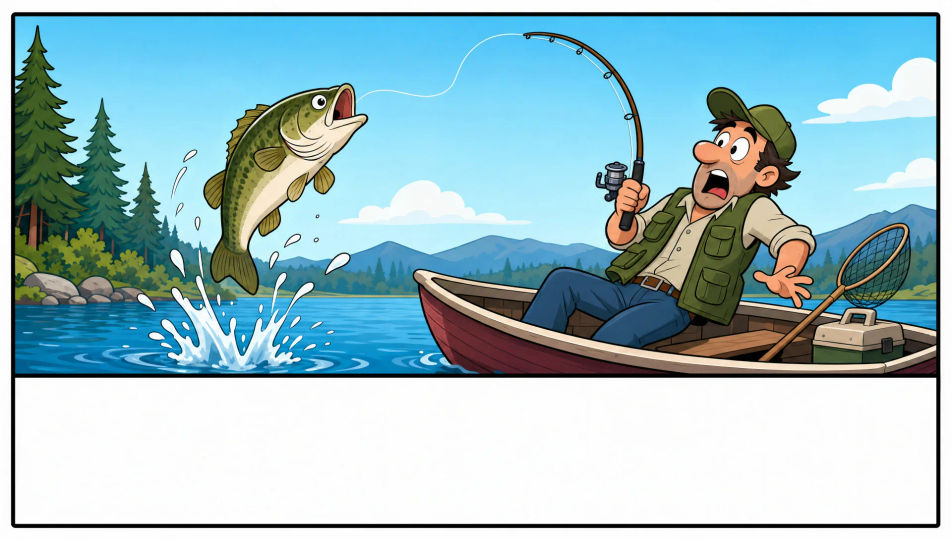
Una tira más grande, con panel de título y flores de cempasúchil en los bordes para el Día de Muertos. Color más vivo, espacio para globos y una banda con el nombre de la fecha.
Editar prompt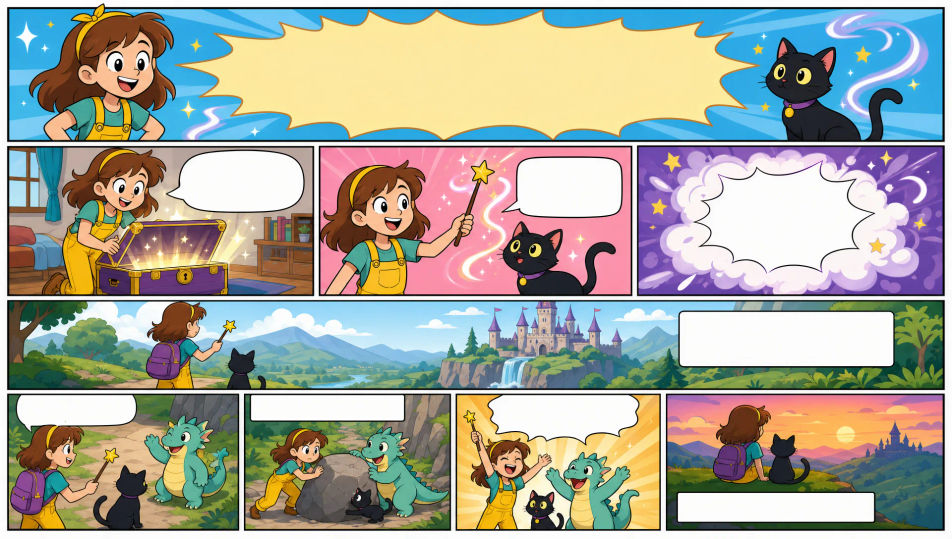
Describe el Tira cómica que quieres, en palabras simples.
Morphic genera una imagen limpia y lista para publicar en tu canvas en segundos.
Ajusta el prompt, regenera variaciones y luego descarga o comparte el fotograma.

Share a scene description with character references. Get a full storyboard with shot angles and mood.

Feed in a single image. Get 9 cinematic beats laid out as a 3x3 storyboard grid.
One image to a 9-scene cinematic video.

Take any character image and generate 6 distinct facial expressions on a single reference sheet.
Cinematic time-freeze short film for any scene
Drop in a photo of yourself. Get a 12-second cinematic movie with animation and a matched soundtrack.
Comic book AI Images
Create comic book panels, character designs, and full pages with Morphic. Splash pages, action sequences, decompressed beats, and indie-comic styles from a single prompt.
Graphic novel art AI generator
Create graphic novel art with Morphic. Painterly ink-and-colour panels, cinematic framing, moody palettes, and on-model characters from a single prompt.
Kawaii art AI generator
Create kawaii art with Morphic. Rounded pastel mascots, oversized-eye characters, sticker sheets, and super-cute illustrations from a single prompt.
Picture book character AI generator
Create picture book characters with Morphic. Original character designs, turnaround sheets, expression sets, and on-model art across every page.
Comienza gratis hoy, con la opción de mejorar tu plan o cancelar cuando quieras.
Basic
2400 mensual créditos
1 usuario
Todos los modelos
Workflows
Standard
3625 mensual créditos
1 usuario
Todos los modelos
Workflows
Pro
6350 compartidos mensual créditos
1 usuario
Todos los modelos
Workflows
Max
24650 compartidos mensual créditos
1 usuario
Todos los modelos
Workflows
Enterprise
Para límites más altos
Personalizado
términos de precios y facturación

Free
Para experimentar
$0
gratis para siempre