Beauty campaign hero
A wide beauty campaign frame with hyperreal glossy skin, sharp catchlights and sculpted dodge-and-burn cheekbones, clean high-key light and a crisp commercial finish.
Editar prompt
Create creative retouching images in your browser with Morphic's AI image generator. Generate a glossy hyperreal beauty shot, a color-graded fashion editorial, or a surreal painted-light portrait. Pair every piece with Style Transfer to lock the palette, then animate any still with Image to Video.
A wide beauty campaign frame with hyperreal glossy skin, sharp catchlights and sculpted dodge-and-burn cheekbones, clean high-key light and a crisp commercial finish.
Editar promptA wide fashion editorial with a bold teal-and-orange grade, deep contrast and sculpted shadows across the fabric, a polished glossy sheen over the whole frame.
Editar prompt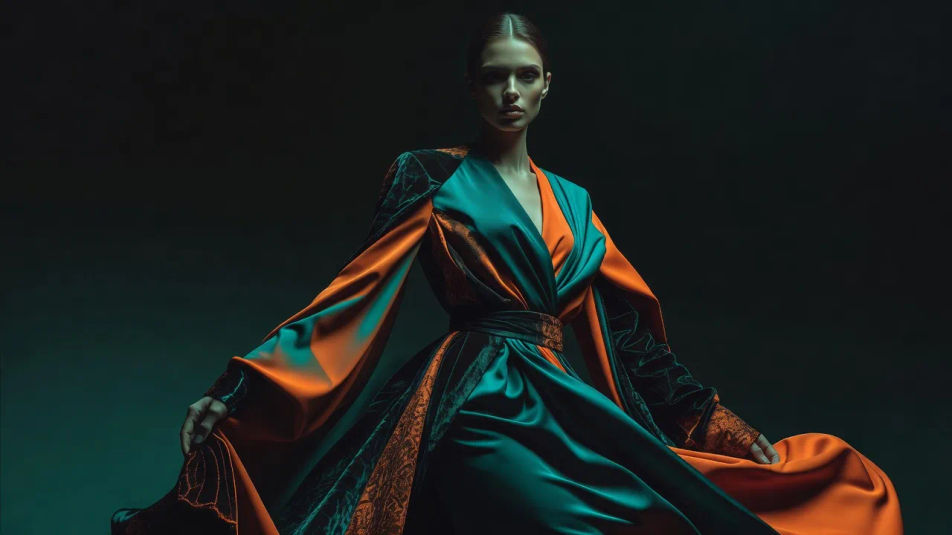
A wide studio portrait lit with painterly amber rim light against a dark set, skin smoothed with texture kept and a warm cinematic grade over the scene.
Editar prompt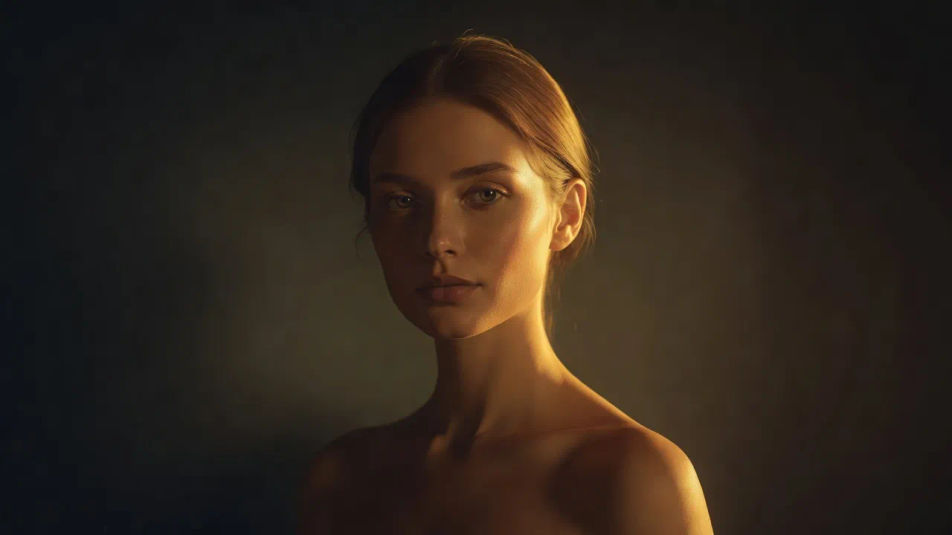
A wide surreal beauty concept with chrome-toned metallic skin and liquid highlights, cool blue reflections and a slick otherworldly retouched finish.
Editar prompt
Describe el Creative retouching que quieres, en palabras simples.
Morphic genera una imagen limpia y lista para publicar en tu canvas en segundos.
Ajusta el prompt, regenera variaciones y luego descarga o comparte el fotograma.
Fix plastic-looking AI skin. Adds natural texture, pores, and imperfections for realism.
One selfie becomes a set of professional headshots. Studio-quality, multiple styles.
Convert any image to a new aspect ratio. Smart crop or extend the edges to fit.
Set the look with one reference image. Apply that exact grade to any scene or batch.
Choose your viewing angles and get precise perspective shifts of any image with full camera control.
Bring back any damaged, blurry, or low-res image. Get a sharp, detailed 4K version with natural clarity restored.
Beauty retouching AI images
Make beauty retouching AI images in your browser: luminous clean skin, dewy makeup looks, high-key campaigns. Build a glowing beauty shot. Start creating.
Composite photography AI images
Make composite photography AI images in your browser: figures in dramatic skies, floating products, double-exposure blends. Build a composite. Start creating.
Photomontage AI images
Make photomontage AI images in your browser: Dada cut-and-paste collages, surreal scale clashes, torn-paper posters. Build one from a prompt. Start creating.
Cross processing AI images
Make cross processing AI images in your browser: acid-green shadows, cyan highlights, shifted skin tones. Build the look from one prompt. Start creating.
Comienza gratis hoy, con la opción de mejorar tu plan o cancelar cuando quieras.
Basic
2400 mensual créditos
1 usuario
Todos los modelos
Workflows
Standard
3625 mensual créditos
1 usuario
Todos los modelos
Workflows
Pro
6350 compartidos mensual créditos
1 usuario
Todos los modelos
Workflows
Max
24650 compartidos mensual créditos
1 usuario
Todos los modelos
Workflows
Enterprise
Para límites más altos
Personalizado
términos de precios y facturación

Free
Para experimentar
$0
gratis para siempre