Square greeting post
A balanced square layout with the glow centred and even space on every side, ready to post or send directly in chat.
Editar prompt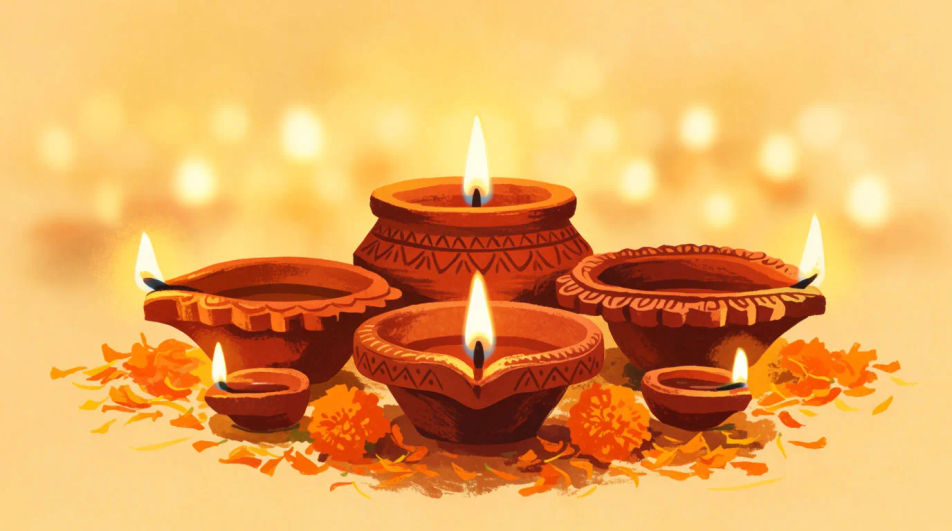
Create a Diwali wishes image in Morphic with your own message, a warm diya glow, and a palette that fits who you are sending it to. Describe the mood you want, add your words, and generate a greeting ready to share with family, friends, or clients.
A balanced square layout with the glow centred and even space on every side, ready to post or send directly in chat.
Editar promptA tall narrow layout with the warm light concentrated near the middle so the message stays legible in a status preview.
Editar prompt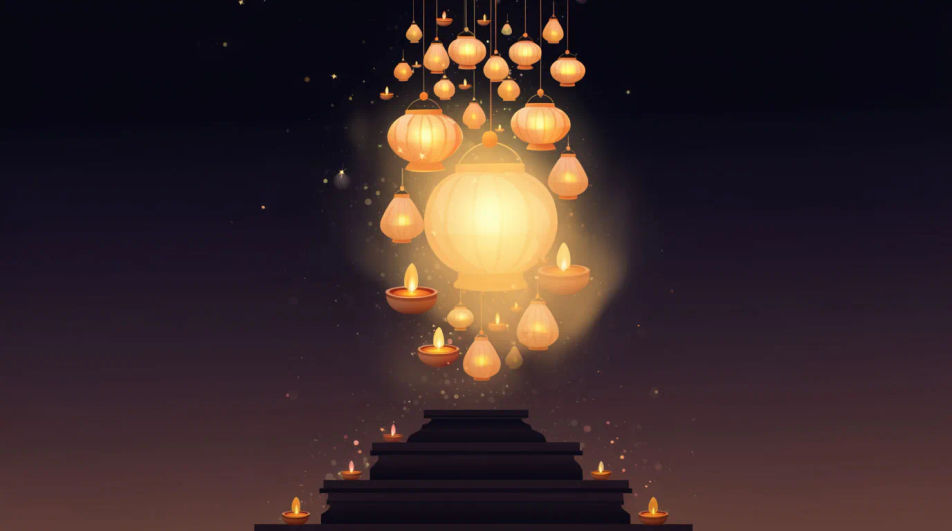
A portrait layout with a clear top band for the greeting text and the festive glow kept toward the lower half.
Editar prompt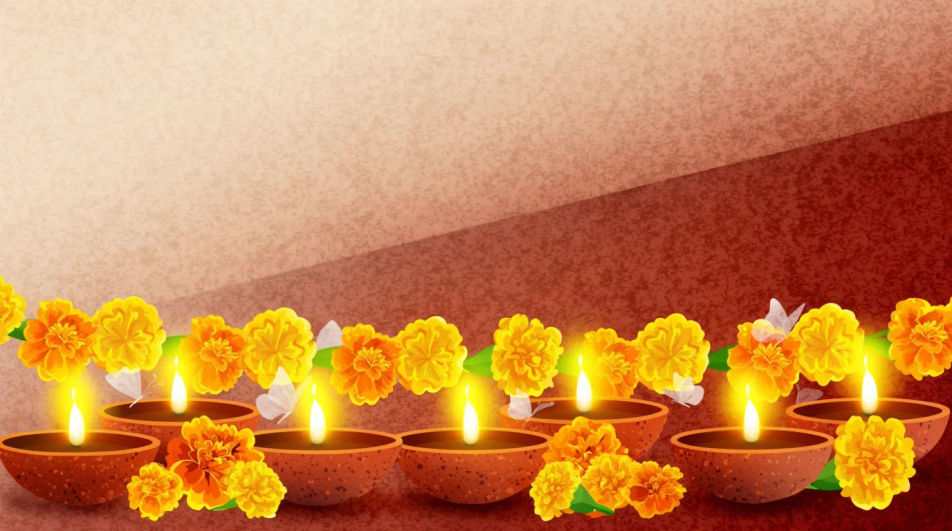
A layout split into a warm glowing half and a plain half, keeping the wish text on the calm side for easy reading.
Editar prompt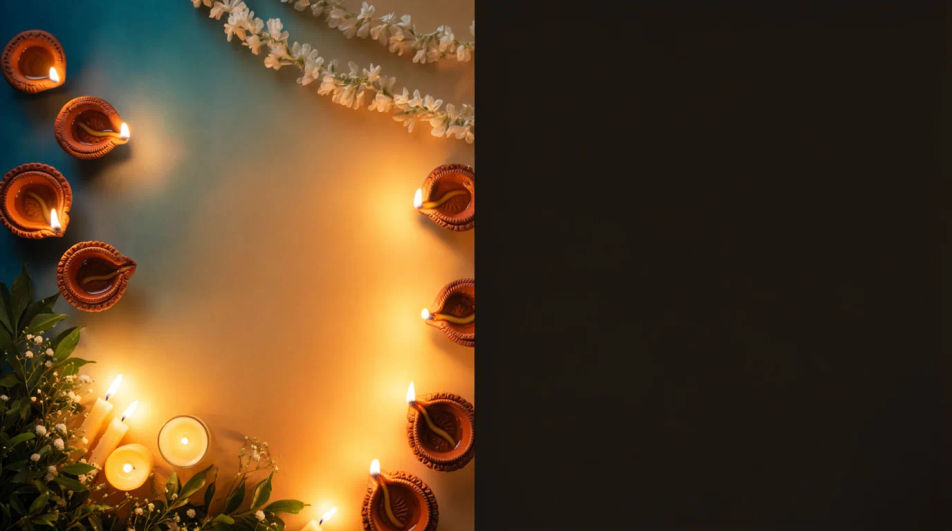
Describe el Diwali Wishes Images que quieres, en palabras simples.
Morphic genera una imagen limpia y lista para publicar en tu canvas en segundos.
Ajusta el prompt, regenera variaciones y luego descarga o comparte el fotograma.
Convert any image to a new aspect ratio. Smart crop or extend the edges to fit.
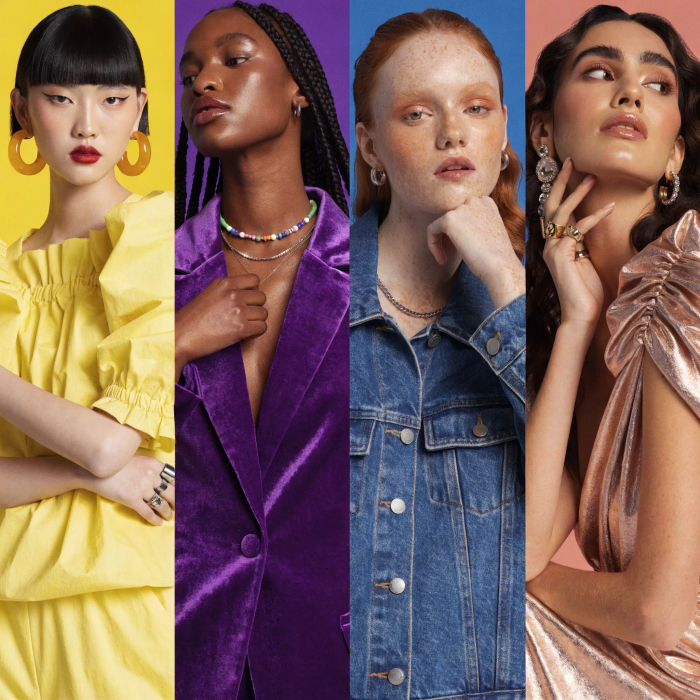
Generate a female AI influencer. Vertical output, ready for socials.
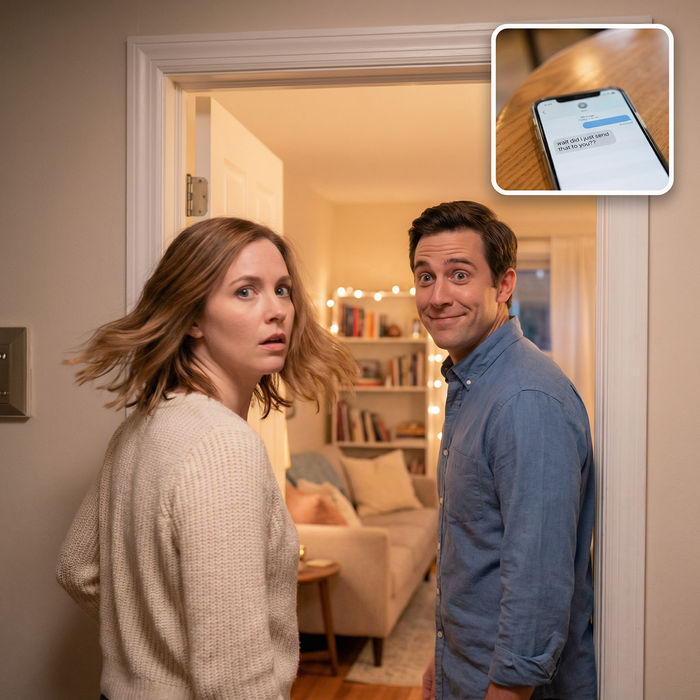
Dramatize any text conversation into a cinematic multi-shot video.
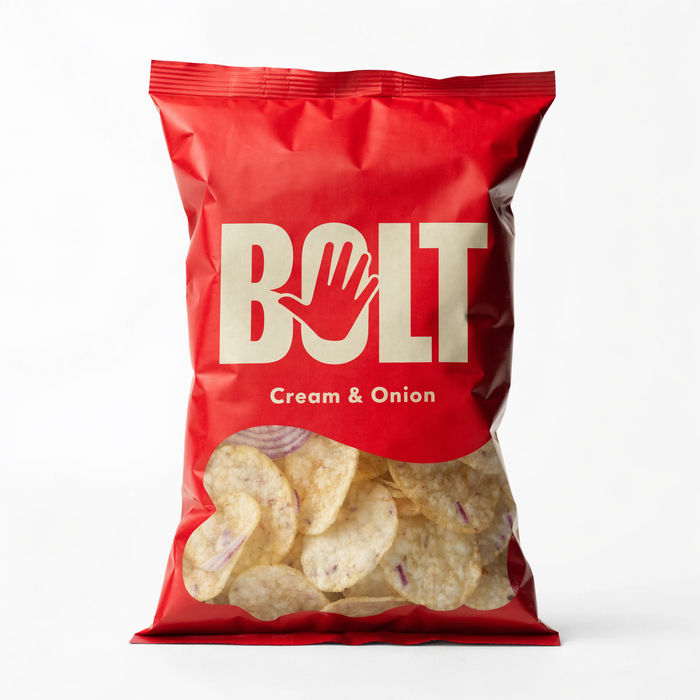
Dramatic 5-second product reveal video with audio.
Cinematic time-freeze short film for any scene
Pair a character image with a reference video. Your character picks up that exact motion.
Happy Diwali AI Images
Create AI Happy Diwali images in your browser with Morphic's generator. Design festival greetings, glowing oil lamps, fireworks, and rangoli art for the Festival of Lights. Original HD visuals, no design skills needed, ready to share on social.
Christmas wishes AI images
Create AI christmas wishes images with our christmas wishes image generator. Find festive christmas wishes images for any project in seconds.
New Year wishes AI images
Create AI new year wishes images with our new year wishes image generator. Find cinematic new year wishes images for any project in seconds.
Diwali Greeting Card Designs
Make Diwali greeting cards in Morphic: pick a style, add your message and generate print-ready or digital cards for family and clients.
Comienza gratis hoy, con la opción de mejorar tu plan o cancelar cuando quieras.
Basic
2400 mensual créditos
1 usuario
Todos los modelos
Workflows
Standard
3625 mensual créditos
1 usuario
Todos los modelos
Workflows
Pro
6350 compartidos mensual créditos
1 usuario
Todos los modelos
Workflows
Max
24650 compartidos mensual créditos
1 usuario
Todos los modelos
Workflows
Enterprise
Para límites más altos
Personalizado
términos de precios y facturación
Free
Para experimentar
$0
gratis para siempre