RGB channel-split study
A head-and-shoulders portrait pulled apart by RGB channel-split, red and cyan edges offset from the face, sharp scanlines and a corrupted-signal fragment across the eyes.
Editar prompt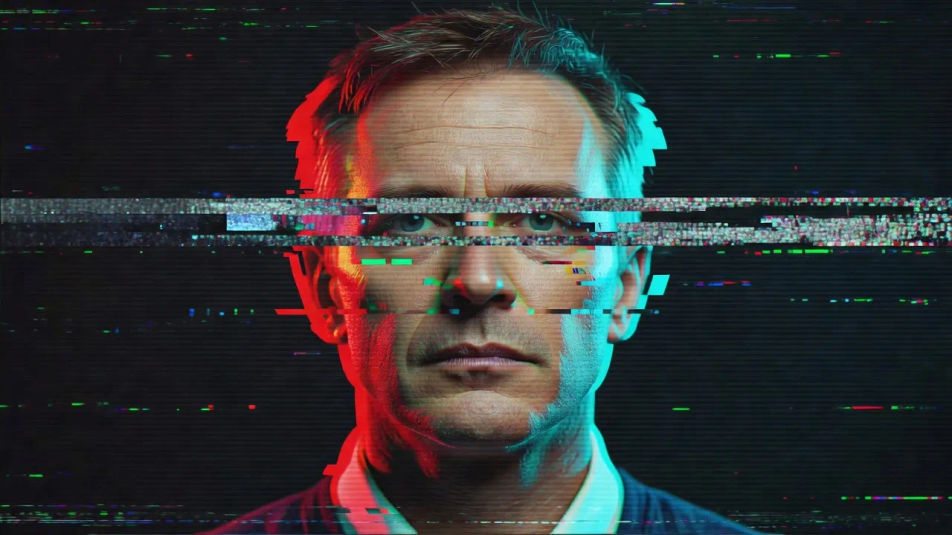
Create glitch portraits in your browser with Morphic's AI image generator. Generate a broken signal with RGB channel-split, a datamosh dreamer smeared into streaks, or a scanline ghost fractured by corrupted fragments. Drop the finished art into the Canvas to refine the crop or add a title.
A head-and-shoulders portrait pulled apart by RGB channel-split, red and cyan edges offset from the face, sharp scanlines and a corrupted-signal fragment across the eyes.
Editar promptA sitter dissolving into flowing datamosh distortion, blocks of bleeding colour, melted features and long pixel-sorting streaks trailing off one shoulder into the dark.
Editar prompt
A washed-out figure buried under heavy scanlines and VHS artifacting, a faint channel-split halo, static noise on the edges and a soft muted palette.
Editar prompt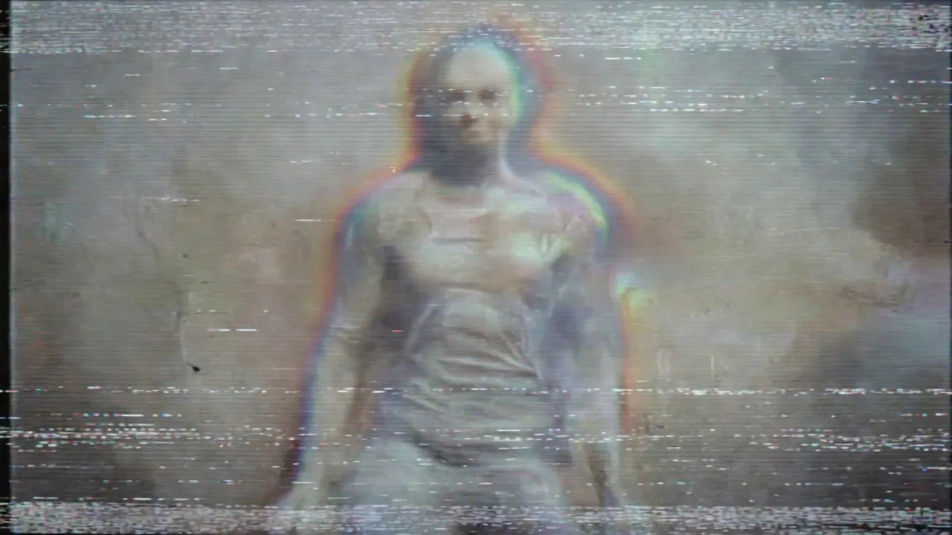
A close crop on the eyes fractured into rectangular pixel-sorting streaks, displaced rows of colour, saturated RGB fringing and a torn corrupted band low in the frame.
Editar prompt
Describe el Glitch portrait que quieres, en palabras simples.
Morphic genera una imagen limpia y lista para publicar en tu canvas en segundos.
Ajusta el prompt, regenera variaciones y luego descarga o comparte el fotograma.
Fix plastic-looking AI skin. Adds natural texture, pores, and imperfections for realism.
One selfie becomes a set of professional headshots. Studio-quality, multiple styles.
Convert any image to a new aspect ratio. Smart crop or extend the edges to fit.
Full model photoshoot from one photo of you

Upload a photo of a person or character and get a single grid image showing them at different life stages, from baby to elderly.
Choose your viewing angles and get precise perspective shifts of any image with full camera control.
Cyberpunk portrait AI Images
Create AI cyberpunk portrait images with Morphic. Generate authentic cyberpunk portrait artwork, scenes, and visuals for any project in seconds.
Neon portrait AI Images
Create AI neon portrait images with Morphic. Generate authentic neon portrait artwork, scenes, and visuals for any project in seconds.
Holographic portrait AI Images
Create AI holographic portrait images with Morphic. Generate authentic holographic portrait artwork, scenes, and visuals for any project in seconds.
Vaporwave aesthetic AI art
Create vaporwave aesthetic art with Morphic. Roman busts, grid horizons, palm-and-sunset silhouettes, and pink-cyan duotone compositions from a single prompt.
Comienza gratis hoy, con la opción de mejorar tu plan o cancelar cuando quieras.
Basic
2400 mensual créditos
1 usuario
Todos los modelos
Workflows
Standard
3625 mensual créditos
1 usuario
Todos los modelos
Workflows
Pro
6350 compartidos mensual créditos
1 usuario
Todos los modelos
Workflows
Max
24650 compartidos mensual créditos
1 usuario
Todos los modelos
Workflows
Enterprise
Para límites más altos
Personalizado
términos de precios y facturación

Free
Para experimentar
$0
gratis para siempre