Hillside at dusk
A hillside graveyard at dusk in pencil, a winding path between headstones and a small chapel at the top.
Editar prompt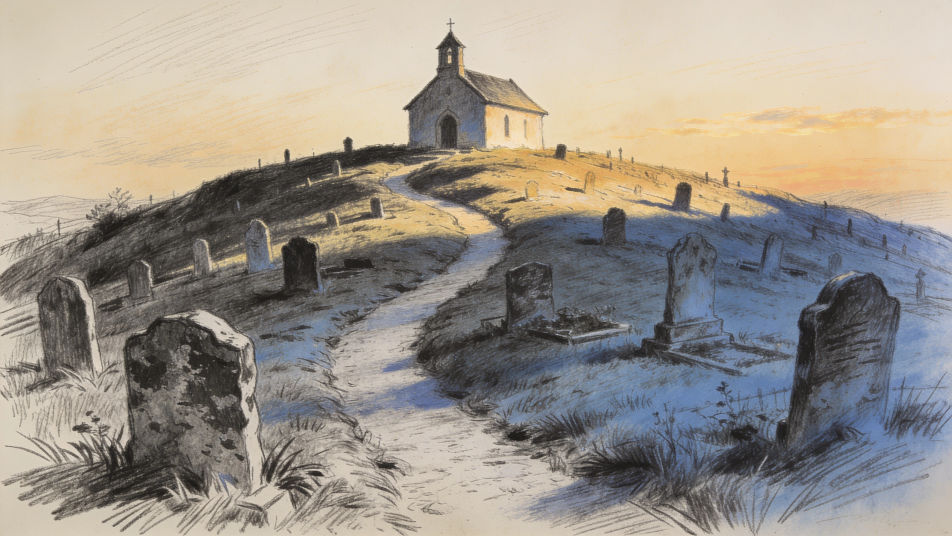
Describe the graveyard drawing you want in Morphic's Image tool, from a foggy row of weathered headstones to a friendly Halloween scene for kids. Set the mood, the light and the medium, adjust it on the Canvas, then download the drawing in HD.
A hillside graveyard at dusk in pencil, a winding path between headstones and a small chapel at the top.
Editar promptAn autumn cemetery in colored pencil, orange leaves drifting over the stones and a low sun through the trees.
Editar prompt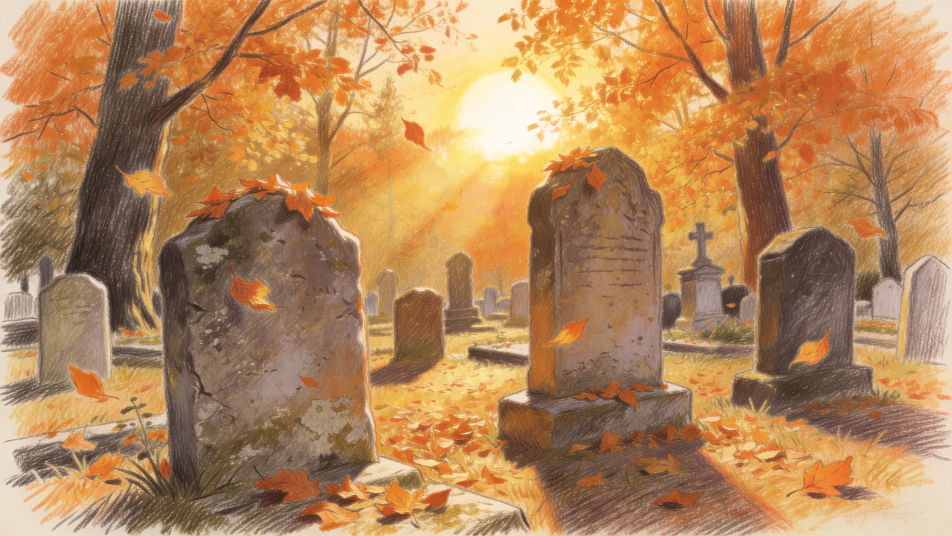
A crypt entrance with worn stone steps in ink, ivy over the arch and a lantern hanging by the door.
Editar prompt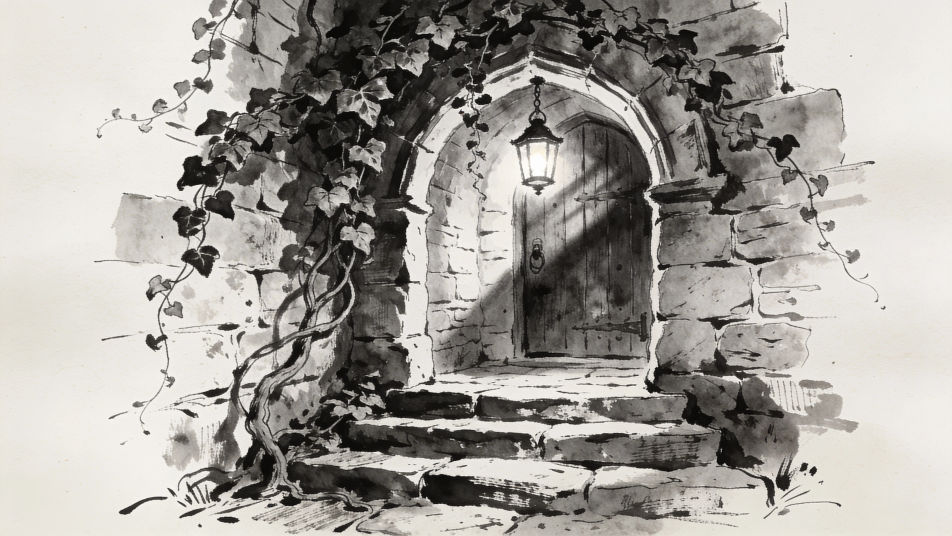
A Halloween graveyard for kids in watercolor, friendly ghosts floating over pumpkins under a purple night sky.
Editar prompt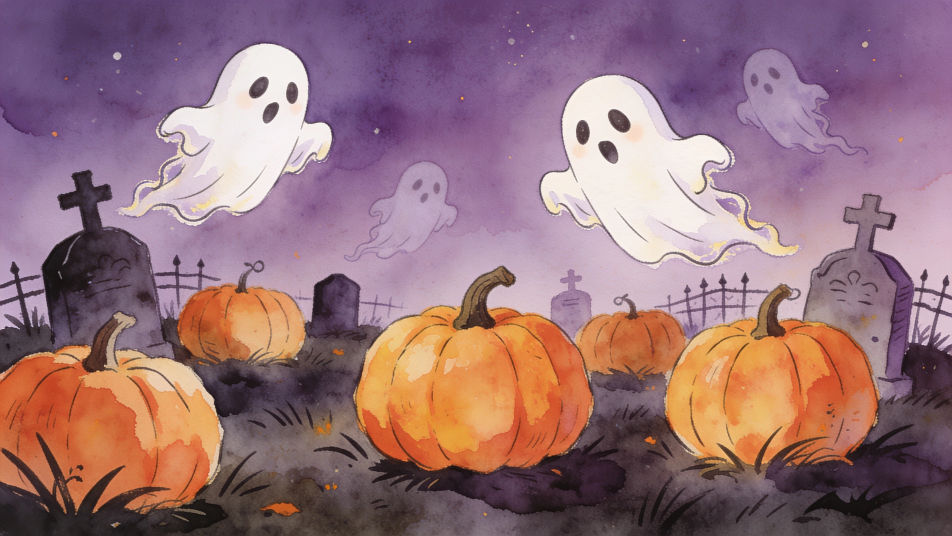
Describe el Graveyard drawing que quieres, en palabras simples.
Morphic genera una imagen limpia y lista para publicar en tu canvas en segundos.
Ajusta el prompt, regenera variaciones y luego descarga o comparte el fotograma.
Convert any image to a new aspect ratio. Smart crop or extend the edges to fit.

Generate a female AI influencer. Vertical output, ready for socials.

Dramatize any text conversation into a cinematic multi-shot video.

Dramatic 5-second product reveal video with audio.
Cinematic time-freeze short film for any scene
Pair a character image with a reference video. Your character picks up that exact motion.
Ghost drawing generator
Turn a ghost drawing idea into a finished image in Morphic. Describe the line work and style, generate variations, then refine it on the canvas.
Skull AI drawings
Create AI skull drawings with Morphic's skull drawing generator. Make detailed art for tattoos, posters, and digital designs in seconds. No drawing skills needed, describe the style you want and download original HD skull artwork to use anywhere.
Cute Halloween drawing generator
Turn a cute Halloween drawing idea into a finished image in Morphic. Describe the line work and style, generate variations, then refine it on the canvas.
Christmas drawing generator
Turn a Christmas drawing idea into a finished image in Morphic. Describe the line work and style, generate variations, then refine it on the canvas.
Comienza gratis hoy, con la opción de mejorar tu plan o cancelar cuando quieras.
Basic
2400 mensual créditos
1 usuario
Todos los modelos
Workflows
Standard
3625 mensual créditos
1 usuario
Todos los modelos
Workflows
Pro
6350 compartidos mensual créditos
1 usuario
Todos los modelos
Workflows
Max
24650 compartidos mensual créditos
1 usuario
Todos los modelos
Workflows
Enterprise
Para límites más altos
Personalizado
términos de precios y facturación

Free
Para experimentar
$0
gratis para siempre