Onboarding slide sequence
Series of matching spot illustrations sharing palette and style, each framed for a single onboarding step.
Editar prompt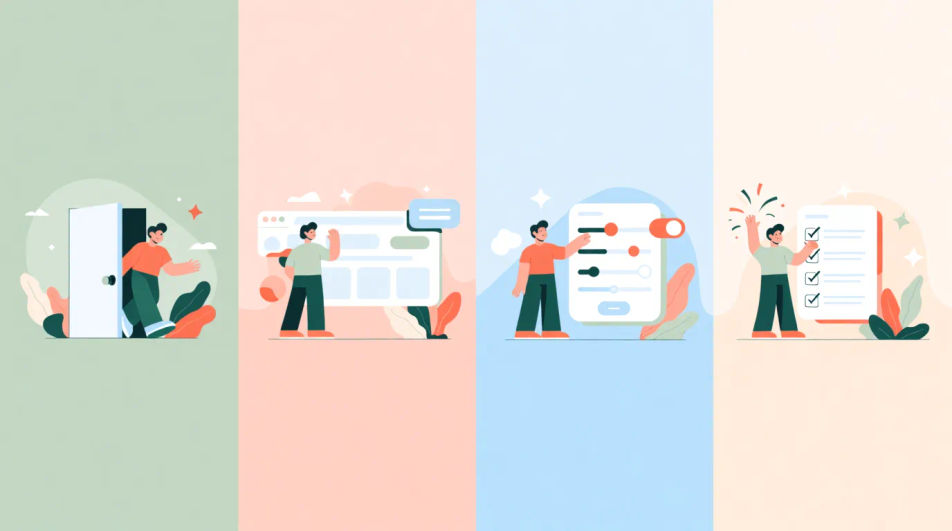
Create illustration sets in your browser with Morphic's AI image generator. Try a flat-vector people set, a line-art object set, or a painterly nature set — and keep weight, colour, and style matched across the whole set. Adjust the crop and color on the Canvas, then download each in HD, yours to use commercially.
Series of matching spot illustrations sharing palette and style, each framed for a single onboarding step.
Editar promptFriendly spot illustration for a blank screen, centered with soft background and room for a helper line.
Editar prompt
Set of small themed illustrations spaced to accompany paragraphs on a scrolling marketing page.
Editar prompt
Cohesive illustration set used as category tiles, consistent framing and color across each thumbnail.
Editar prompt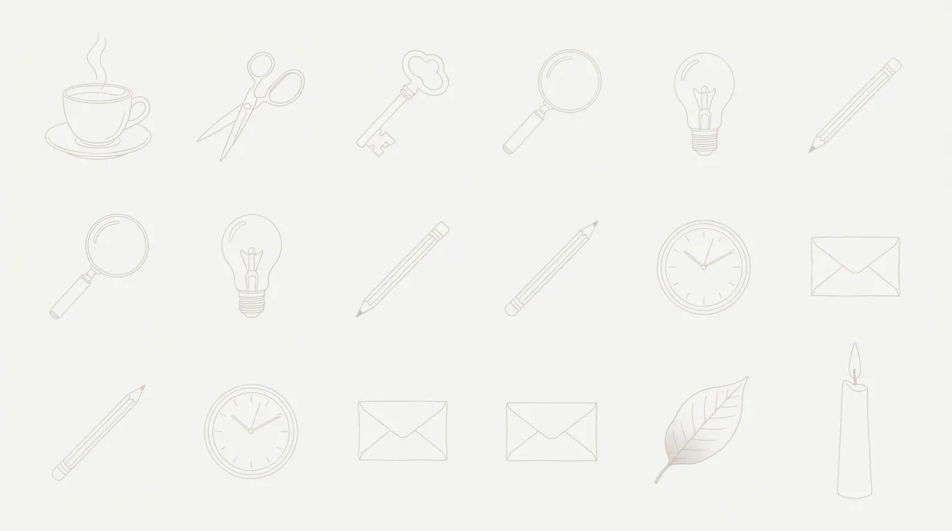
Describe el illustration set que quieres, en palabras simples.
Morphic genera una imagen limpia y lista para publicar en tu canvas en segundos.
Ajusta el prompt, regenera variaciones y luego descarga o comparte el fotograma.
Pick a reference image, apply its visual style to your own photo or artwork.

Turn any sketch or drawing into a finished render.
Convert any image to a new aspect ratio. Smart crop or extend the edges to fit.

Take any character image and generate 6 distinct facial expressions on a single reference sheet.

Pick any anime illustration as your style guide. Apply its look to any image.
Reimagine any anime character as a photorealistic, high-fashion live-action portrait.
3D Icon Set AI Images
Turn a brief into 3d icon set instantly. Generate consistent sets rather than one-offs, so a system ships together. Commercial rights included.
Abstract Gradient Background AI Images
Produce abstract gradient background in any style you need. Keep weight, colour and style matched across the whole set. Commercial rights included.
Avatar Illustration AI Images
Produce avatar illustration in any style you need. Produce a full family of assets, not a single file. Commercial rights included.
Journal sticker generator
Generate journal stickers in Morphic. Describe the character, colours and style you want, generate options to compare, then refine the prompt and save it.
Comienza gratis hoy, con la opción de mejorar tu plan o cancelar cuando quieras.
Basic
2400 mensual créditos
1 usuario
Todos los modelos
Workflows
Standard
3625 mensual créditos
1 usuario
Todos los modelos
Workflows
Pro
6350 compartidos mensual créditos
1 usuario
Todos los modelos
Workflows
Max
24650 compartidos mensual créditos
1 usuario
Todos los modelos
Workflows
Enterprise
Para límites más altos
Personalizado
términos de precios y facturación

Free
Para experimentar
$0
gratis para siempre