Sponsored feed post
Professional single-image ad pairing a business hook with clean visuals tuned for a B2B audience.
Editar prompt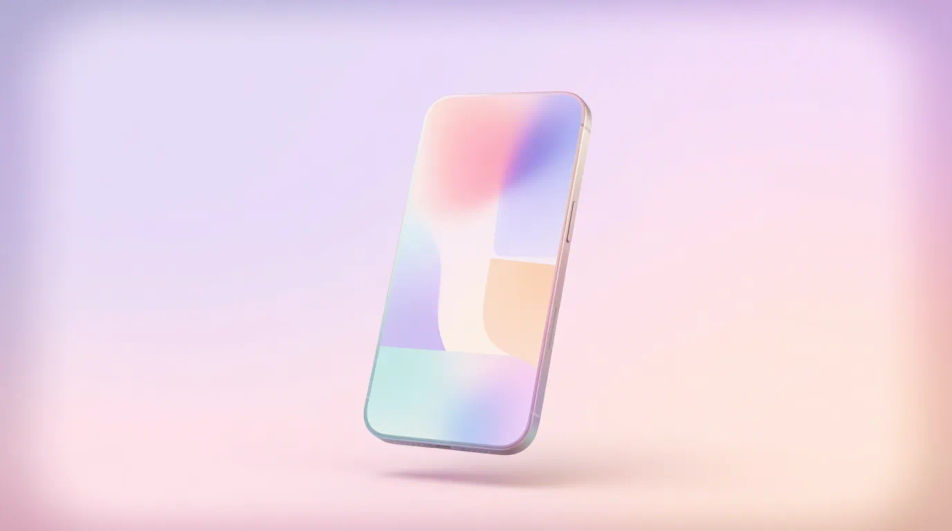
Design LinkedIn sponsored images in your browser with Morphic's AI image generator. Spin up a bold B2B feed visual, a webinar promo, or a case-study teaser, each in the right crop for the LinkedIn feed. Adjust color and framing on the Canvas, then download in HD, no photoshoot or stock license required.
Professional single-image ad pairing a business hook with clean visuals tuned for a B2B audience.
Editar promptImage fronting a gated offer, signaling the value that earns a contact-info submission.
Editar prompt
Post-topping graphic for an insight piece, framing the idea with credible, understated styling.
Editar prompt
Feed image driving webinar or conference signups, with date space and a register prompt.
Editar prompt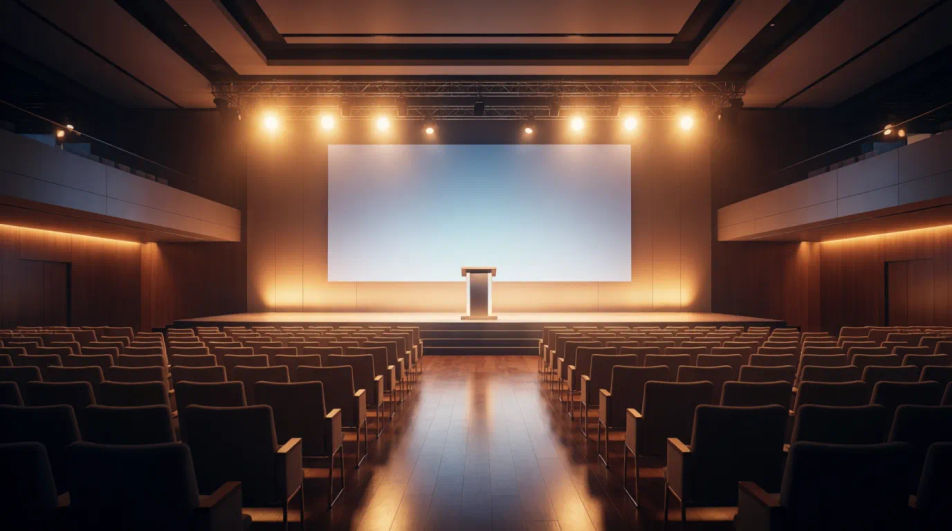
Describe el LinkedIn sponsored image que quieres, en palabras simples.
Morphic genera una imagen limpia y lista para publicar en tu canvas en segundos.
Ajusta el prompt, regenera variaciones y luego descarga o comparte el fotograma.
Pick a reference image, apply its visual style to your own photo or artwork.
Convert any image to a new aspect ratio. Smart crop or extend the edges to fit.

Turn any sketch or drawing into a finished render.

Take any character image and generate 6 distinct facial expressions on a single reference sheet.

Pick any anime illustration as your style guide. Apply its look to any image.

Get a detailed prompt extracted from a reference image, and then a fresh recreation.
Announcement Graphic AI Images
Create announcement graphic without a photoshoot. Spin up variations for every placement before you commit media spend. Commercial rights included.
App Install Ad Creative AI Images
Turn a brief into app install ad creative instantly. Test ten versions of the idea for the cost of briefing one. No stock licence needed.
Before After Slider AI Images
Turn a brief into before after slider image instantly. Spin up variations for every placement before you commit media spend.
Blue emoji generator
Generate blue emoji images in Morphic. Describe the expression, colour and style you want, generate options, then refine the prompt and download it.
Comienza gratis hoy, con la opción de mejorar tu plan o cancelar cuando quieras.
Basic
2400 mensual créditos
1 usuario
Todos los modelos
Workflows
Standard
3625 mensual créditos
1 usuario
Todos los modelos
Workflows
Pro
6350 compartidos mensual créditos
1 usuario
Todos los modelos
Workflows
Max
24650 compartidos mensual créditos
1 usuario
Todos los modelos
Workflows
Enterprise
Para límites más altos
Personalizado
términos de precios y facturación

Free
Para experimentar
$0
gratis para siempre