Patch collection layout
A wide overview of a full patch collection laid in a grid, matched borders and thread texture across every badge, soft raking light on a neutral cloth.
Editar prompt
Design patch design images in your browser with Morphic's AI image generator. Generate an embroidered iron-on patch with a merrowed border, a woven crest badge, or a chain-stitch morale patch. Lock the thread texture and border with Style Transfer, then animate any still with Image to Video.
A wide overview of a full patch collection laid in a grid, matched borders and thread texture across every badge, soft raking light on a neutral cloth.
Editar promptA wide shot of an embroidered patch sewn onto a denim jacket sleeve, raised thread catching warm daylight, shallow focus on the surrounding fabric.
Editar prompt
A wide studio wall with a set of patches pinned in rows on a corkboard, annotation notes beside each, cool gallery light across the display.
Editar prompt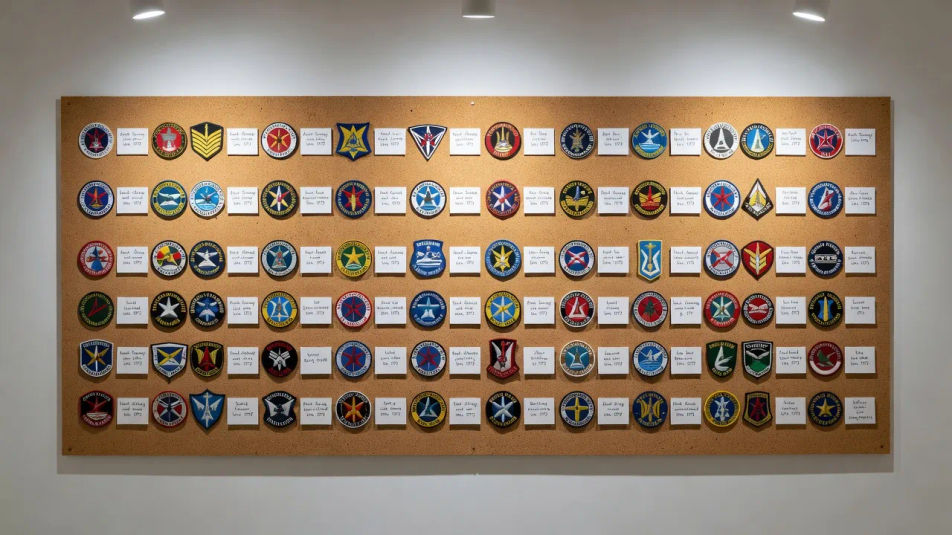
A wide extreme close-up of a patch edge, merrowed border and satin stitches filling the frame, dramatic side light raising every thread.
Editar prompt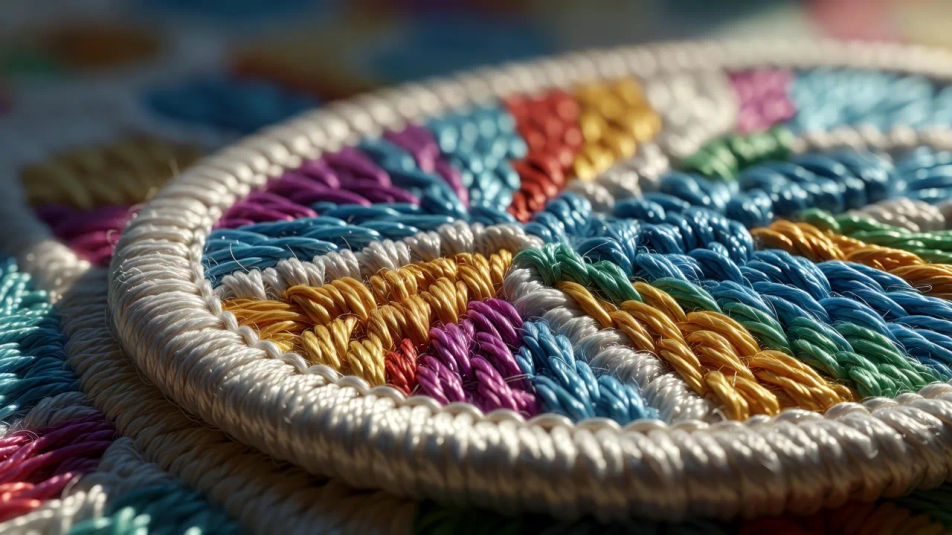
Describe el Patch design que quieres, en palabras simples.
Morphic genera una imagen limpia y lista para publicar en tu canvas en segundos.
Ajusta el prompt, regenera variaciones y luego descarga o comparte el fotograma.

Turn any sketch or drawing into a finished render.
Pick a reference image, apply its visual style to your own photo or artwork.
Convert any image to a new aspect ratio. Smart crop or extend the edges to fit.

Take any character image and generate 6 distinct facial expressions on a single reference sheet.

Get a detailed prompt extracted from a reference image, and then a fresh recreation.

Share a scene description with character references. Get a full storyboard with shot angles and mood.
Pin design AI images
Make pin design AI images in your browser: hard enamel pins, glitter soft enamel, die-struck gold badges. Build a matched pin collection. Start creating.
Sticker pack design AI images
Make sticker pack design AI images: die-cut sheets, kiss-cut characters, holographic vinyl. Build a matched sticker pack from one prompt. Start creating.
Emoji design AI images
Make emoji design AI images in your browser: glossy face sets, custom reactions, outlined sticker emoji. Build a matched pack fast. Start creating.
Brand identity illustration AI images
Make brand identity illustration AI images in your browser: logo lockups, colour palettes, stationery mockups. Build a whole system fast. Start creating.
Comienza gratis hoy, con la opción de mejorar tu plan o cancelar cuando quieras.
Basic
2400 mensual créditos
1 usuario
Todos los modelos
Workflows
Standard
3625 mensual créditos
1 usuario
Todos los modelos
Workflows
Pro
6350 compartidos mensual créditos
1 usuario
Todos los modelos
Workflows
Max
24650 compartidos mensual créditos
1 usuario
Todos los modelos
Workflows
Enterprise
Para límites más altos
Personalizado
términos de precios y facturación

Free
Para experimentar
$0
gratis para siempre