Skin lineup
Five plain unbranded phones laid flat in a row, each wearing a different phone back sticker skin, soft top-down light.
Editar prompt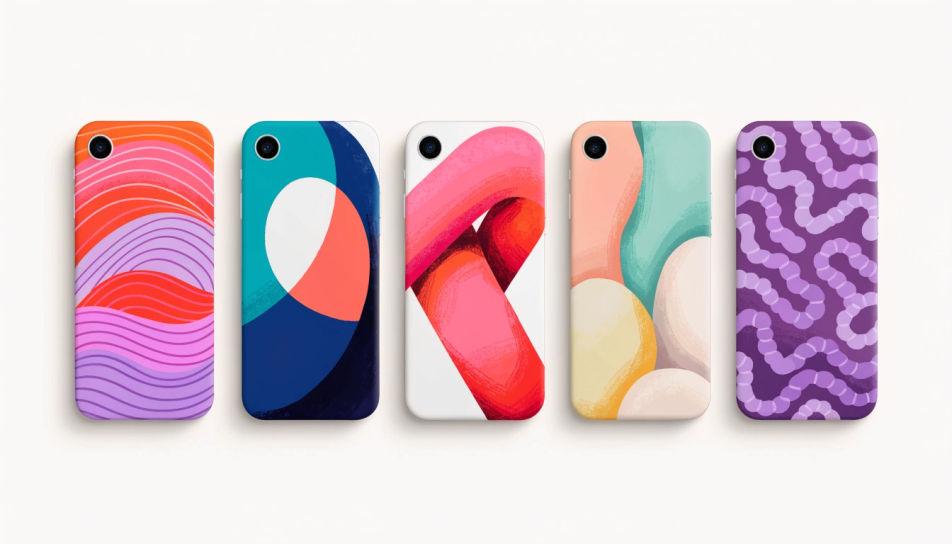
Design phone back stickers in Morphic's Image tool, from a full-back skin to a single small decal for a clear case. Describe the pattern, the palette and the finish, keep the top corner clear for the camera, then download original artwork in HD ready to print on vinyl.
Five plain unbranded phones laid flat in a row, each wearing a different phone back sticker skin, soft top-down light.
Editar promptA small floral phone back sticker showing through a clear case on a plain phone, held in one hand, daylight.
Editar prompt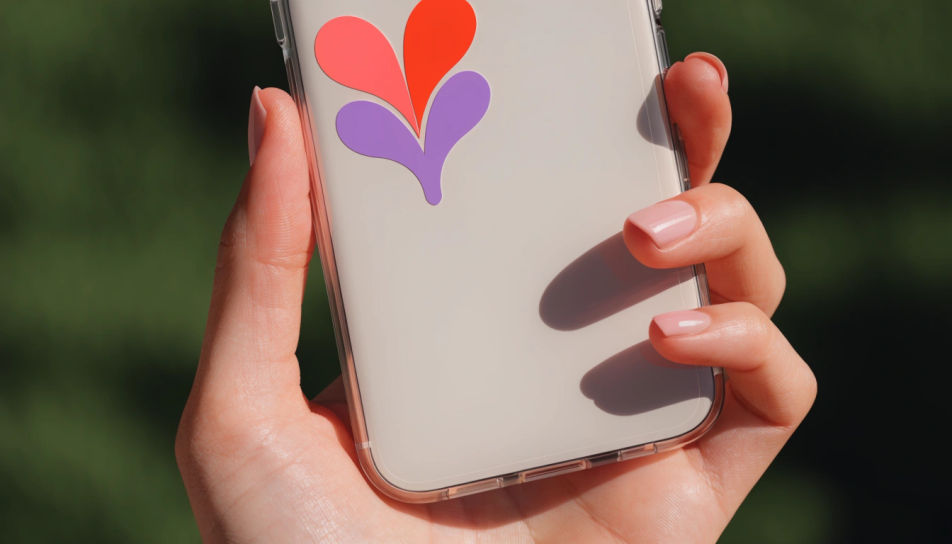
A flat phone back sticker template sheet with three skin designs and camera cut-outs marked, clean white ground.
Editar prompt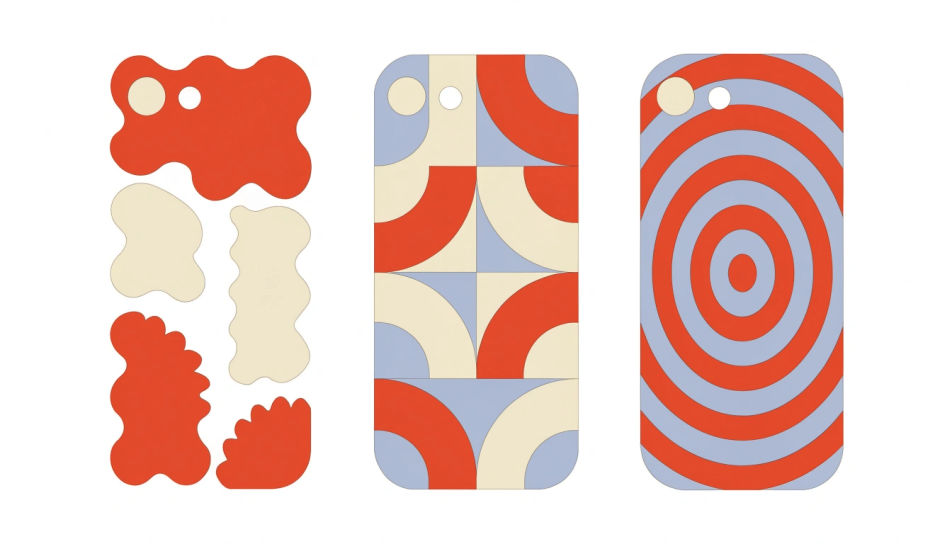
A plain phone face down on a wood desk showing a marble phone back sticker, coffee cup and notebook nearby.
Editar prompt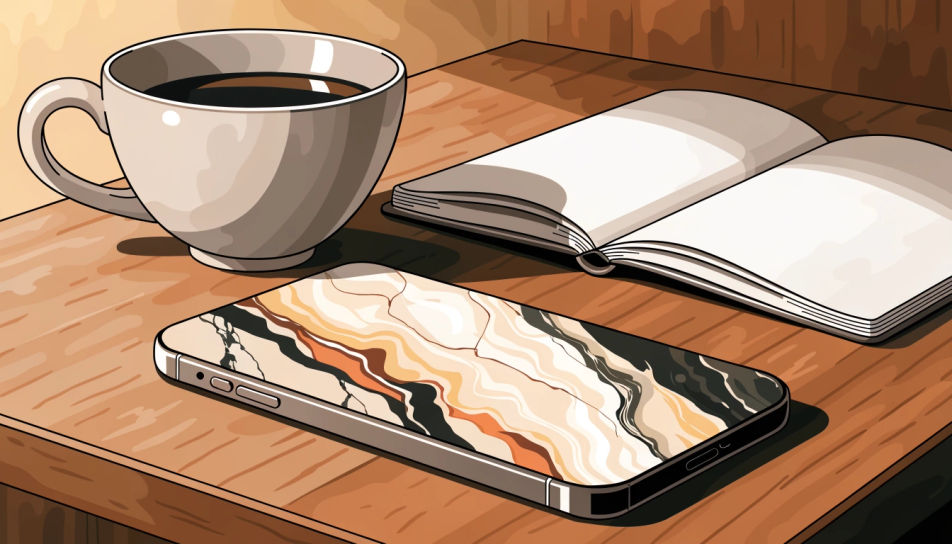
Describe el Phone back stickers que quieres, en palabras simples.
Morphic genera una imagen limpia y lista para publicar en tu canvas en segundos.
Ajusta el prompt, regenera variaciones y luego descarga o comparte el fotograma.
Pick a reference image, apply its visual style to your own photo or artwork.
Convert any image to a new aspect ratio. Smart crop or extend the edges to fit.

Take any character image and generate 6 distinct facial expressions on a single reference sheet.
Bring back any damaged, blurry, or low-res image. Get a sharp, detailed 4K version with natural clarity restored.

Turn any sketch or drawing into a finished render.

Pick any anime illustration as your style guide. Apply its look to any image.
Fondos de pantalla para móvil con IA
Crea fondos para móvil con IA con el generador de Morphic. Diseña fondos nítidos y originales para cualquier iPhone o Android en segundos, sin conocimientos de diseño. Cada fondo es HD, funciona en el navegador y está listo para descargar y aplicar al instante.
Sticker Design AI Images
Create AI Sticker Design images with Morphic. Generate die-cut stickers, sticker packs, and decals for any project in seconds.
Cool sticker generator
Generate cool stickers in Morphic. Describe the character, colours and style you want, generate options to compare, then refine the prompt and save it.
Bunny AI clipart
Create bunny clipart with Morphic's bunny clipart generator. Design cute cartoon, watercolour, flat vector, line icon, and Easter graphics in your browser. Describe what you want, then download original transparent-PNG graphics in HD.
Comienza gratis hoy, con la opción de mejorar tu plan o cancelar cuando quieras.
Basic
2400 mensual créditos
1 usuario
Todos los modelos
Workflows
Standard
3625 mensual créditos
1 usuario
Todos los modelos
Workflows
Pro
6350 compartidos mensual créditos
1 usuario
Todos los modelos
Workflows
Max
24650 compartidos mensual créditos
1 usuario
Todos los modelos
Workflows
Enterprise
Para límites más altos
Personalizado
términos de precios y facturación

Free
Para experimentar
$0
gratis para siempre