Bowl from directly above
A wide salad bowl seen from overhead in ink and watercolour, leaves radiating outward, tomato and olive dropped in as small colour accents.
Editar prompt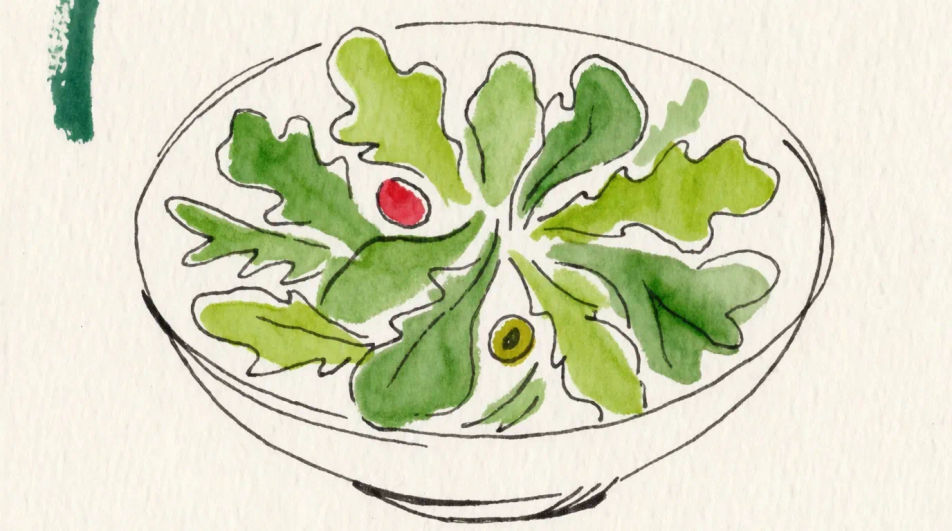
Describe the salad you want in Morphic's Image tool, from a loose watercolour bowl to a flat icon on a plain background. Choose the leaves, the medium, the palette and the angle, tidy the crop on the Canvas, then download the drawing in HD.
A wide salad bowl seen from overhead in ink and watercolour, leaves radiating outward, tomato and olive dropped in as small colour accents.
Editar promptThe parts of one salad drawn separately across the frame in simple outline, leaves, tomato, cucumber, onion and dressing jug, with clear space between.
Editar prompt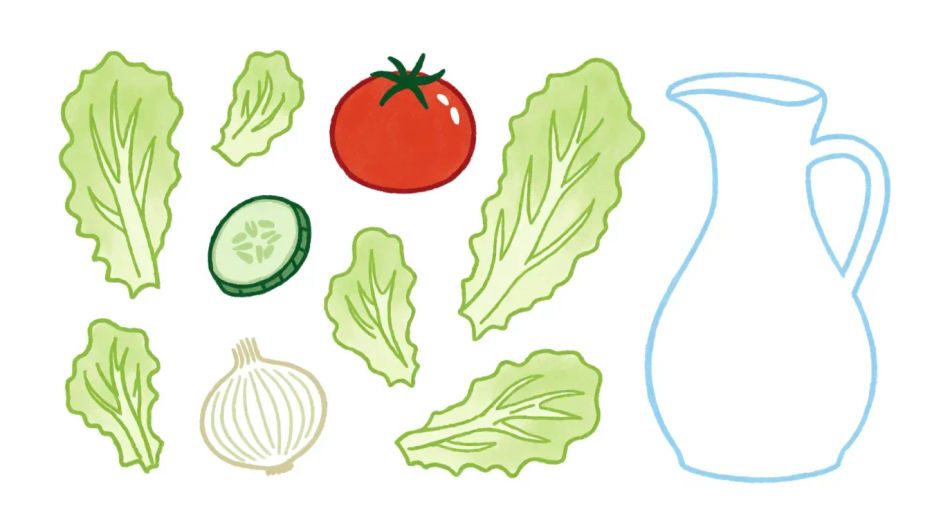
A side salad next to a main plate drawn three quarters on in coloured pencil, a dressing sheen on the leaves and a soft shadow under the rim.
Editar prompt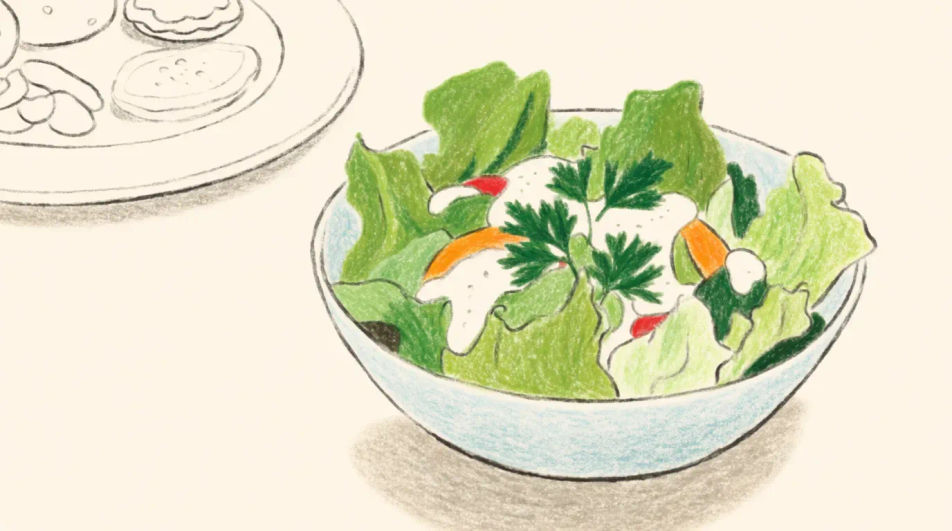
A sketchbook spread of four salads drawn loosely in pen with small watercolour washes, arranged in two rows with white space between them.
Editar prompt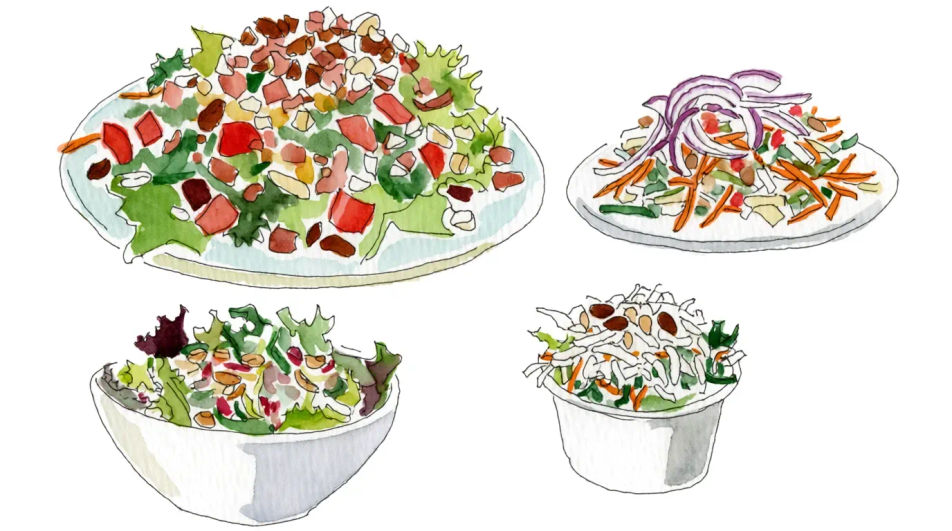
Describe el Salad drawing que quieres, en palabras simples.
Morphic genera una imagen limpia y lista para publicar en tu canvas en segundos.
Ajusta el prompt, regenera variaciones y luego descarga o comparte el fotograma.
Pair a garment photo with a person photo. See them wearing it, identity stays intact.
Choose your viewing angles and get precise perspective shifts of any image with full camera control.
Multi-shot product pitch video from a still, a person, and a script.

Dramatic 5-second product reveal video with audio.

One product shot becomes a full campaign pack with hero shots, angles, and format variations.
Convert any image to a new aspect ratio. Smart crop or extend the edges to fit.
Food drawing generator
Turn a food drawing idea into a finished image in Morphic. Describe the line work and style, generate variations, then refine it on the canvas.
Lunch drawing generator
Turn a lunch drawing idea into a finished image in Morphic. Describe the line work and style, generate variations, then refine it on the canvas.
Sandwich drawing generator
Turn a sandwich drawing idea into a finished image in Morphic. Describe the line work and style, generate variations, then refine it on the canvas.
Sushi drawing generator
Turn a sushi drawing idea into a finished image in Morphic. Describe the line work and style, generate variations, then refine it on the canvas.
Comienza gratis hoy, con la opción de mejorar tu plan o cancelar cuando quieras.
Basic
2400 mensual créditos
1 usuario
Todos los modelos
Workflows
Standard
3625 mensual créditos
1 usuario
Todos los modelos
Workflows
Pro
6350 compartidos mensual créditos
1 usuario
Todos los modelos
Workflows
Max
24650 compartidos mensual créditos
1 usuario
Todos los modelos
Workflows
Enterprise
Para límites más altos
Personalizado
términos de precios y facturación

Free
Para experimentar
$0
gratis para siempre