Pure profile head and shoulders
A side profile drawing of a head at exactly ninety degrees, shoulders cropped low, soft graphite shading, plain pale background, nothing behind the head.
Editar prompt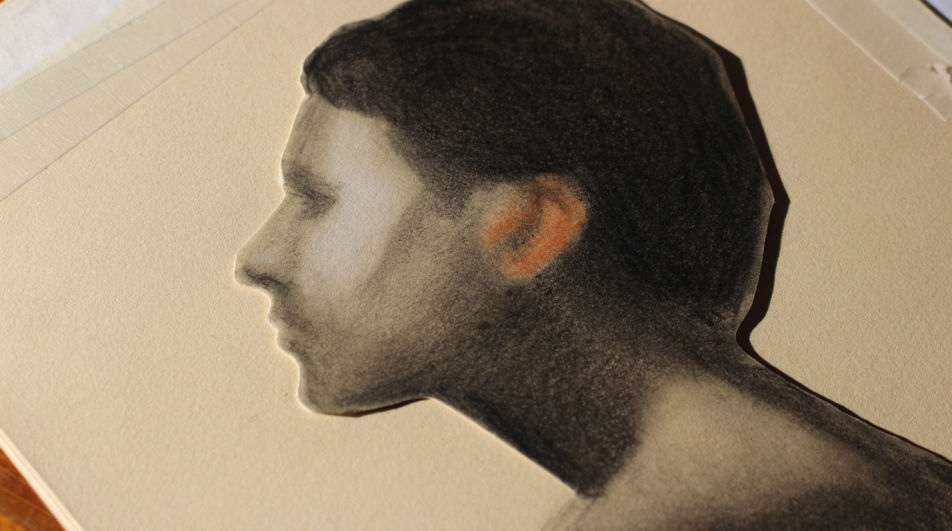
Make a side profile drawing in Morphic's Image tool by describing the head angle, the features along the profile line, and the drawing medium. You control the line weight, the shading, the hairline, and the crop, and you leave with a finished profile study you can download in HD.
A side profile drawing of a head at exactly ninety degrees, shoulders cropped low, soft graphite shading, plain pale background, nothing behind the head.
Editar promptA side profile drawing turned slightly toward the viewer so the far eyebrow just appears past the nose, fine pencil line, soft shadow under the cheekbone.
Editar prompt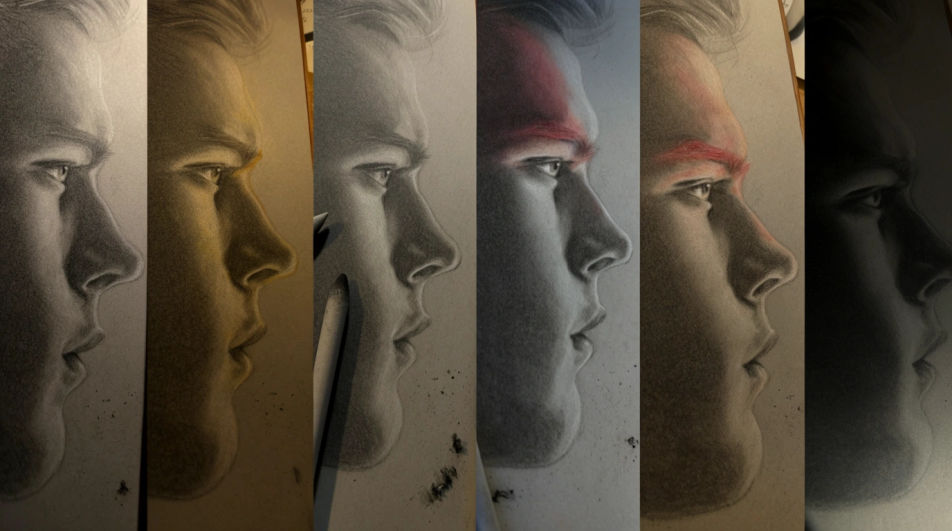
A close side profile drawing of the lips, chin, and jaw edge only, fine graphite hatching, highlight left as bare paper, everything else blank.
Editar prompt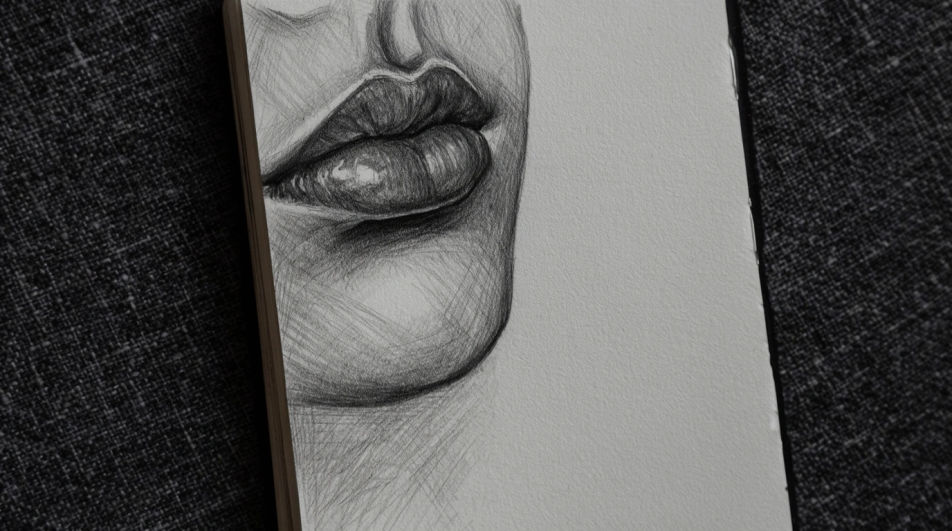
A side profile drawing of two heads facing each other with even negative space between them, clean single line weight, flat white background.
Editar prompt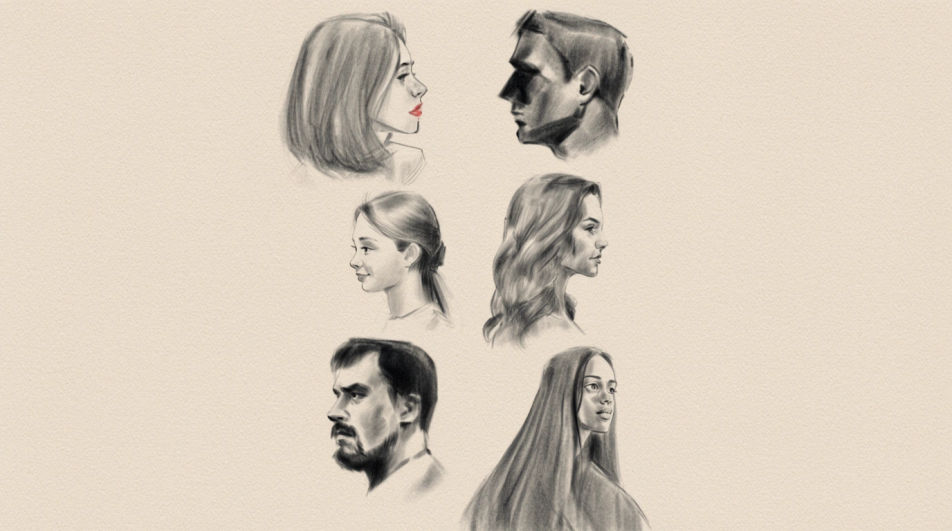
Describe el Side profile drawing que quieres, en palabras simples.
Morphic genera una imagen limpia y lista para publicar en tu canvas en segundos.
Ajusta el prompt, regenera variaciones y luego descarga o comparte el fotograma.
One selfie becomes a set of professional headshots. Studio-quality, multiple styles.
Fix plastic-looking AI skin. Adds natural texture, pores, and imperfections for realism.
Choose your viewing angles and get precise perspective shifts of any image with full camera control.
Convert any image to a new aspect ratio. Smart crop or extend the edges to fit.
Set the look with one reference image. Apply that exact grade to any scene or batch.
Bring back any damaged, blurry, or low-res image. Get a sharp, detailed 4K version with natural clarity restored.
Face AI drawing
Create AI face drawings with our face drawing generator. Find detailed face drawings for any project in seconds.
Nose drawing generator
Turn a nose drawing idea into a finished image in Morphic. Describe the line work and style, generate variations, then refine it on the canvas.
Hair drawing generator
Turn a hair drawing idea into a finished image in Morphic. Describe the line work and style, generate variations, then refine it on the canvas.
Person drawing generator
Turn a person drawing idea into a finished image in Morphic. Describe the line work and style, generate variations, then refine it on the canvas.
Comienza gratis hoy, con la opción de mejorar tu plan o cancelar cuando quieras.
Basic
2400 mensual créditos
1 usuario
Todos los modelos
Workflows
Standard
3625 mensual créditos
1 usuario
Todos los modelos
Workflows
Pro
6350 compartidos mensual créditos
1 usuario
Todos los modelos
Workflows
Max
24650 compartidos mensual créditos
1 usuario
Todos los modelos
Workflows
Enterprise
Para límites más altos
Personalizado
términos de precios y facturación

Free
Para experimentar
$0
gratis para siempre