Wide skyscraper (160x600)
The classic tall, narrow sidebar unit, composition stacked top to bottom to fill the full height of the column.
Editar prompt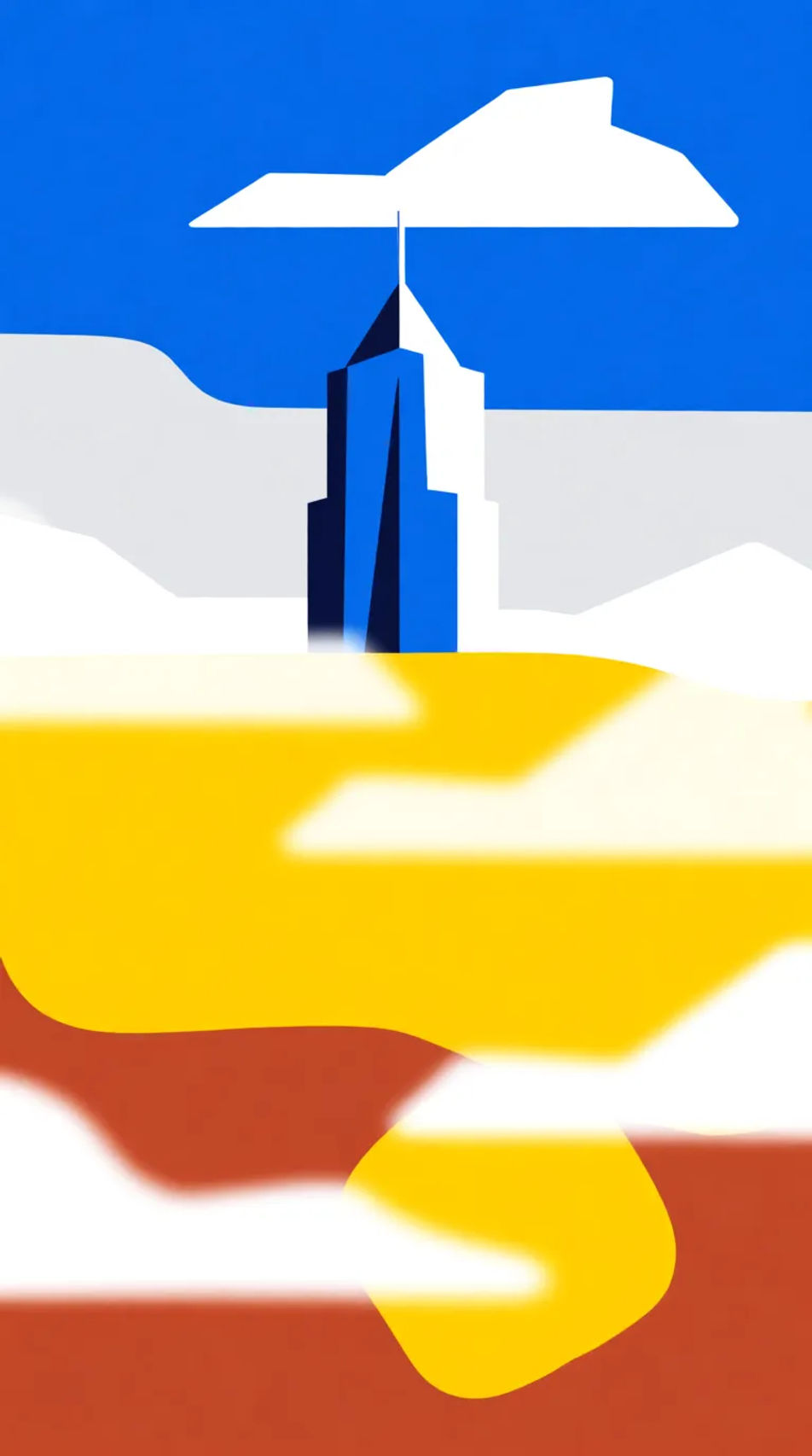
Produce skyscraper banners in your browser with Morphic's AI image generator, in any style you need. The tall 160x600 and 300x600 sidebar format is hard to fill well, so Morphic composes vertically, stacking a hero, a benefit, and a call-to-action space top to bottom. Test ten versions of the idea, tune each on the Canvas, and download in HD, yours to use commercially.
The classic tall, narrow sidebar unit, composition stacked top to bottom to fill the full height of the column.
Editar promptA larger, higher-impact vertical unit with more width for the hero and clearer space for a headline and button.
Editar prompt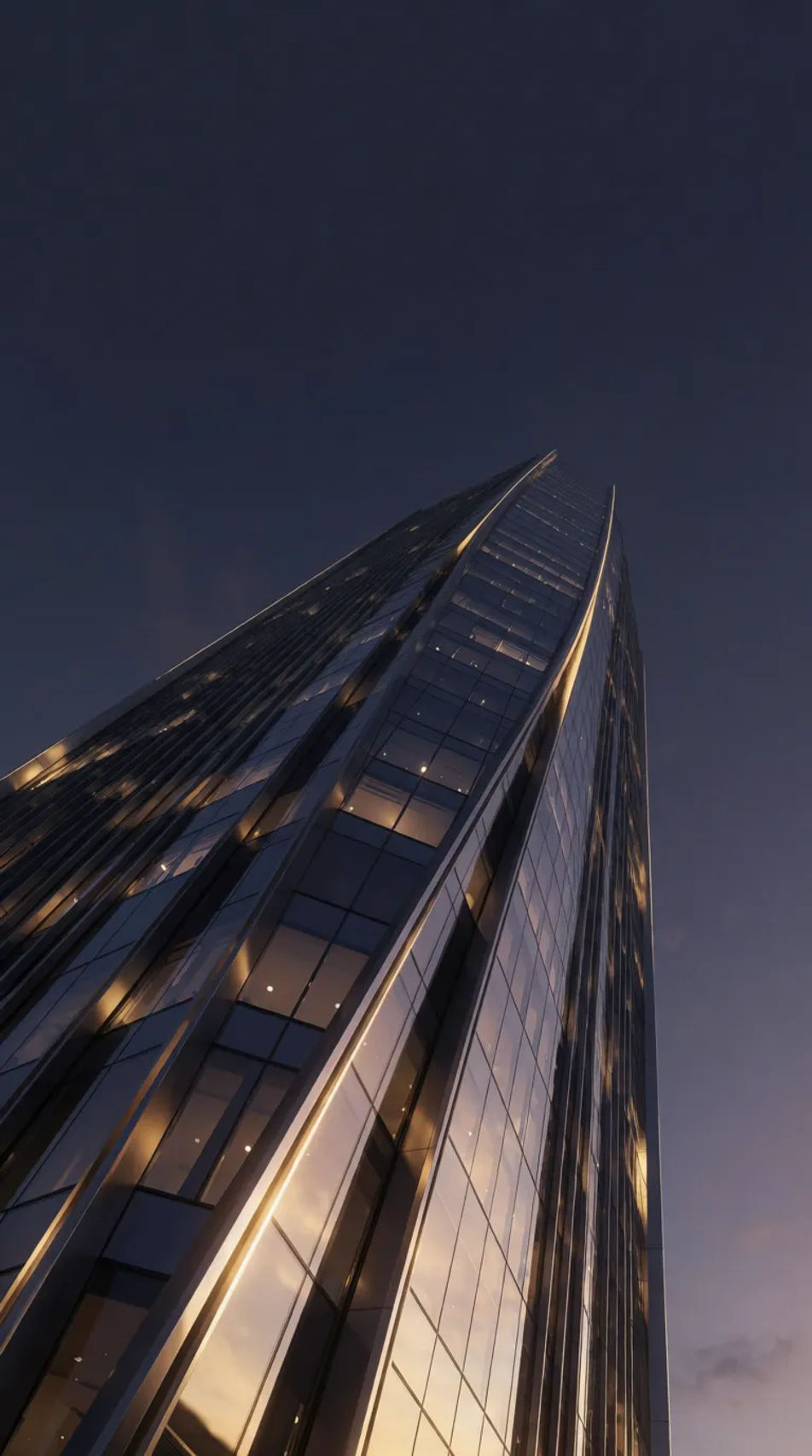
A slim classic sidebar strip, high-resolution with a single strong element so it stays legible at narrow width.
Editar prompt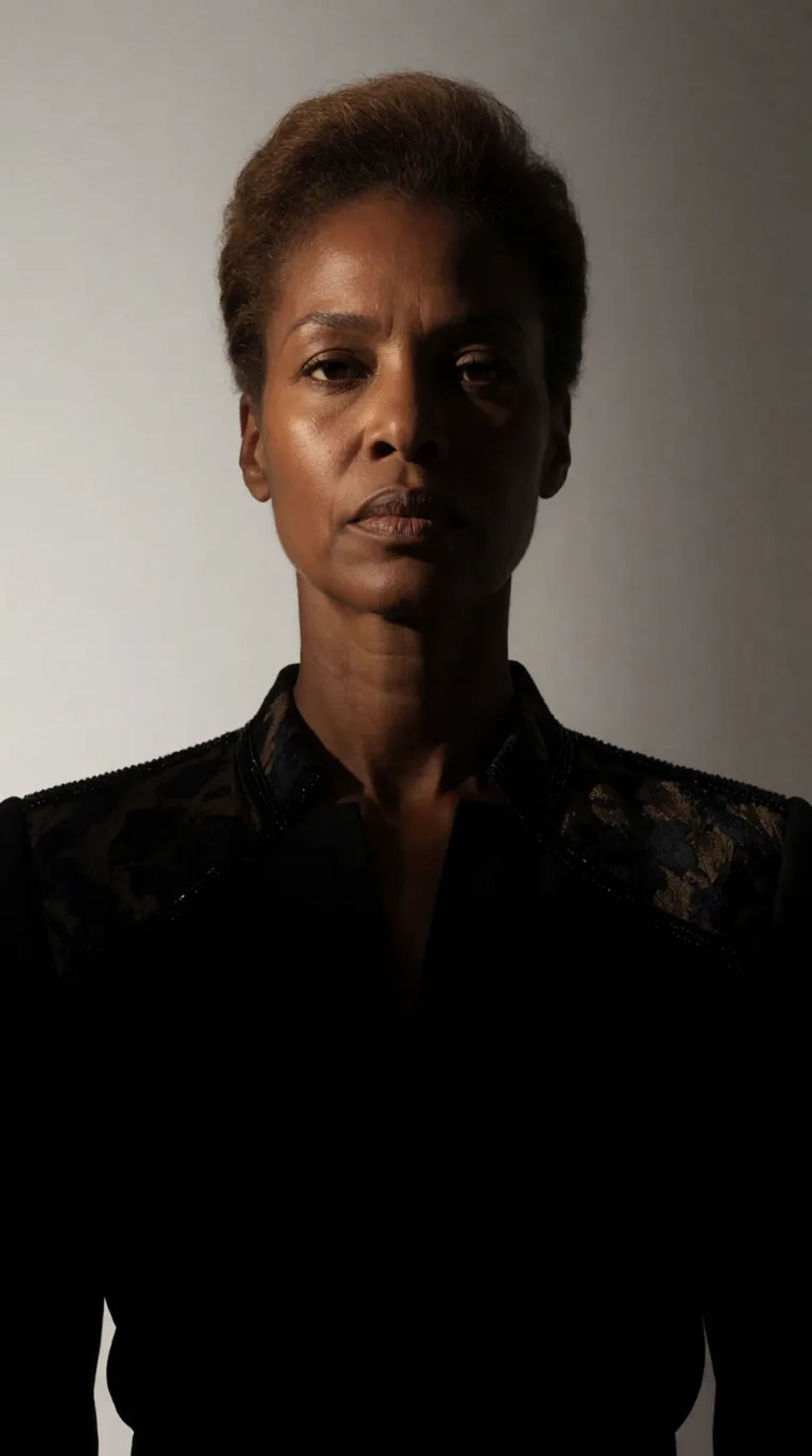
A soft, low-contrast vertical version for use behind overlaid copy or as a calm sidebar backdrop.
Editar prompt
Describe el skyscraper banner que quieres, en palabras simples.
Morphic genera una imagen limpia y lista para publicar en tu canvas en segundos.
Ajusta el prompt, regenera variaciones y luego descarga o comparte el fotograma.
Product photo plus a format. Get a realistic UGC-style ad with someone naturally using your product.
Multi-shot product pitch video from a still, a person, and a script.
Cinematic time-freeze short film for any scene

Generate a female AI influencer. Vertical output, ready for socials.
Stitch 2-10 frames into a perfectly looping video with smooth cinematic transitions between each one.
Convert any image to a new aspect ratio. Smart crop or extend the edges to fit.
Announcement Graphic AI Images
Create announcement graphic without a photoshoot. Spin up variations for every placement before you commit media spend. Commercial rights included.
App Install Ad Creative AI Images
Turn a brief into app install ad creative instantly. Test ten versions of the idea for the cost of briefing one. No stock licence needed.
Before After Slider AI Images
Turn a brief into before after slider image instantly. Spin up variations for every placement before you commit media spend.
Black Friday Banner AI Images
Create black friday banner without a photoshoot. Adjust style, colour and composition until it fits the brief. No stock licence needed.
Comienza gratis hoy, con la opción de mejorar tu plan o cancelar cuando quieras.
Basic
2400 mensual créditos
1 usuario
Todos los modelos
Workflows
Standard
3625 mensual créditos
1 usuario
Todos los modelos
Workflows
Pro
6350 compartidos mensual créditos
1 usuario
Todos los modelos
Workflows
Max
24650 compartidos mensual créditos
1 usuario
Todos los modelos
Workflows
Enterprise
Para límites más altos
Personalizado
términos de precios y facturación

Free
Para experimentar
$0
gratis para siempre