Fire music
Create nowHard-hitting drums, a confident low end and a swaggering lead that demands attention. Describe the fire your scene needs and Morphic generates the full instrumental track, ready to download.
fire music tracks to play and generate
Booming bass and rolling hi-hats with a dark lead, the swaggering bed for a hype clip or a reveal.

Sliding bass and syncopated hats with a cold edge, for a gritty street-style montage.

Big brass stabs and a driving beat, a chest-out bed for a sports intro or a winner montage.

Distorted cowbell melody and a gritty groove, the aggressive bed for a drift or a gym edit.

Design your fire music track
Mix and match the traits below. Your prompt builds as you go.
A medium-tempo, uplifting, driving fire music track
GenerateScore a hype clip or a reveal
Drop a trap-heat bed under a reveal and the swagger lands instantly. Describe the bass and the hats, and Morphic builds a full instrumental cut to length.

Set the mood for a sports or gym edit
From a chest-out hype anthem for a winner montage to a gritty phonk drive for a workout reel, a fire track gives the scene its energy in a few bars.

Direct the fire sound in plain English
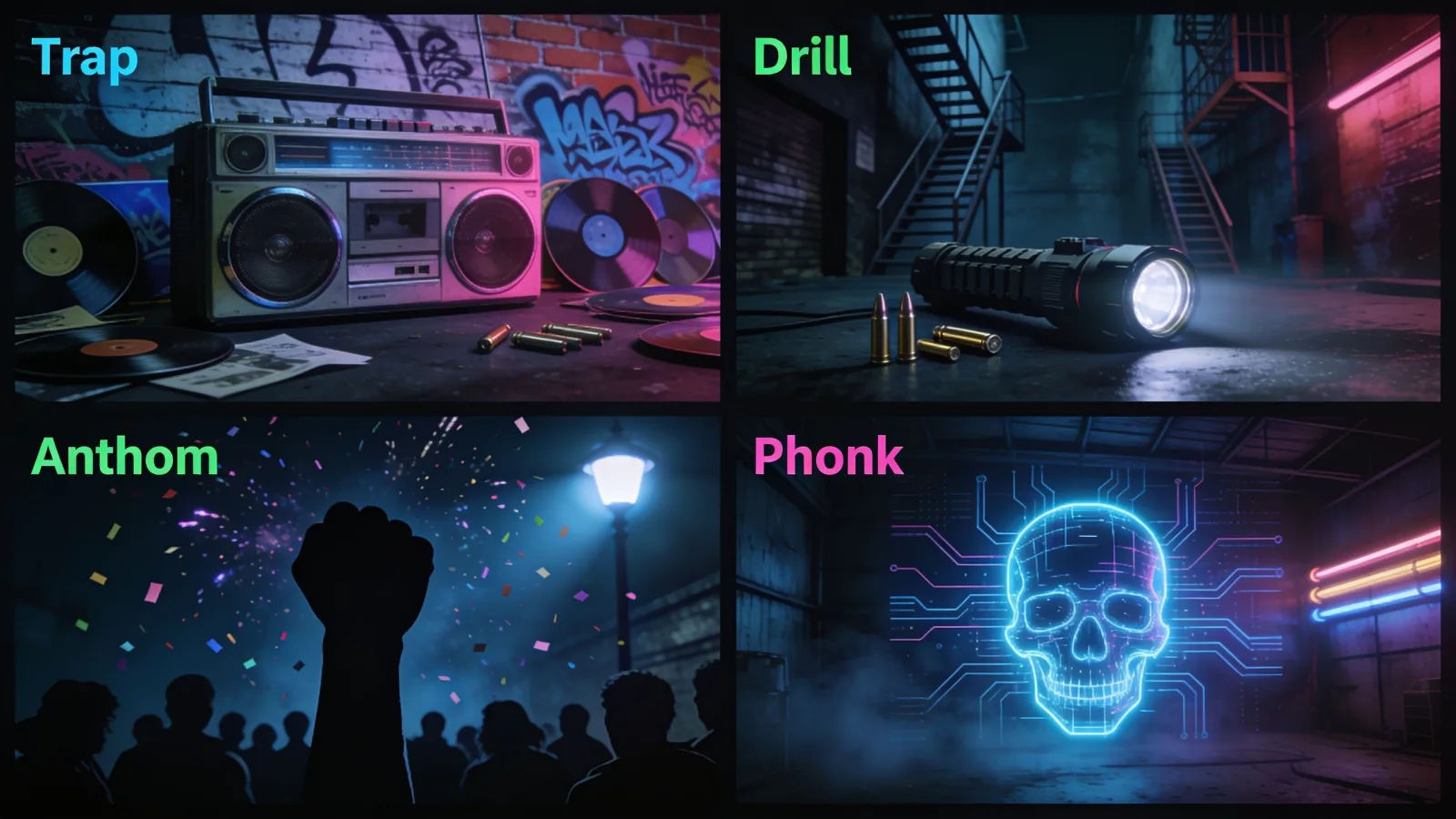
Name the sub-style, the tempo and the lead sound, and re-voice the same cue from a trap banger to a drill bounce by editing the prompt.
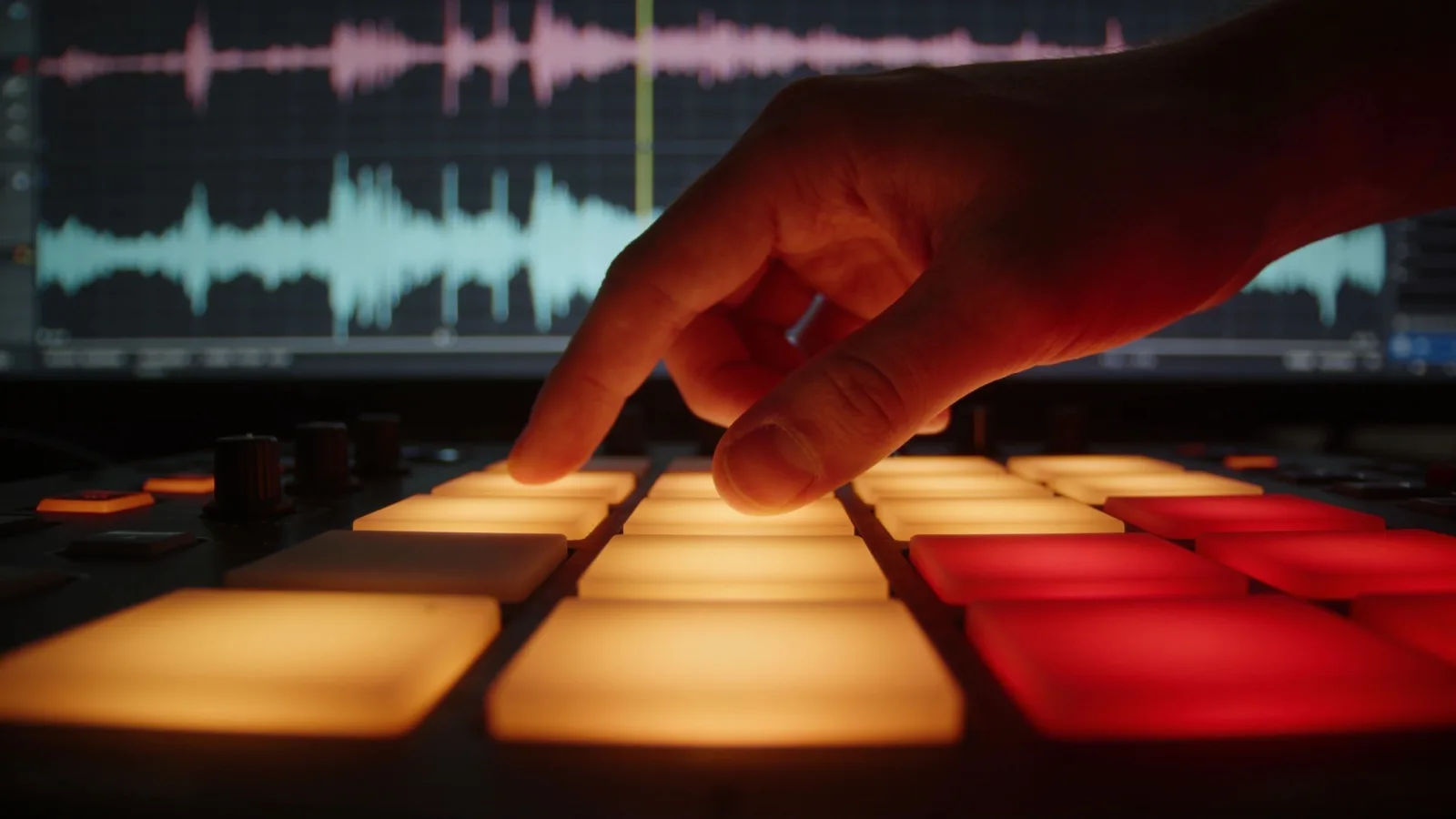
Build a whole hype soundtrack
Generate a matching set of fire cues, trap, drill, anthem, phonk, and keep them consistent across an intro, the drops and the outro, all from one workspace.
También te puede gustar
Trap music
Generate trap music with AI on Morphic. Describe the mood, tempo and instruments, then download your track as MP3 or WAV.
Hip hop music
Generate hip hop music with AI on Morphic. Describe the mood, tempo and instruments, then download your track as MP3 or WAV.
Phonk music
Generate phonk music with AI on Morphic. Describe the mood, tempo and instruments, then download your track as MP3 or WAV.
Hype music
Generate hype music with AI on Morphic. Describe the mood, tempo and instruments, then download your track as MP3 or WAV.
Precios simples
Comienza gratis hoy, con la opción de mejorar tu plan o cancelar cuando quieras.
Basic
2400 mensual créditos
1 usuario
Todos los modelos
Workflows
Standard
3625 mensual créditos
1 usuario
Todos los modelos
Workflows
Pro
6350 compartidos mensual créditos
1 usuario
Todos los modelos
Workflows
Max
24650 compartidos mensual créditos
1 usuario
Todos los modelos
Workflows
Enterprise
Para límites más altos
Personalizado
términos de precios y facturación

Free
Para experimentar
$0
gratis para siempre