Open an unboxing on the first boot chime
A warm power-on chord on the frame the screen lights makes an unboxing land, in a tech review, a product ad or a launch livestream.
Editar prompt
A phone ringing on a desk, laptop keys under busy fingers, a camera shutter and the chime as one of your devices powers on. Describe the device and what it does and Morphic generates the sound clean.
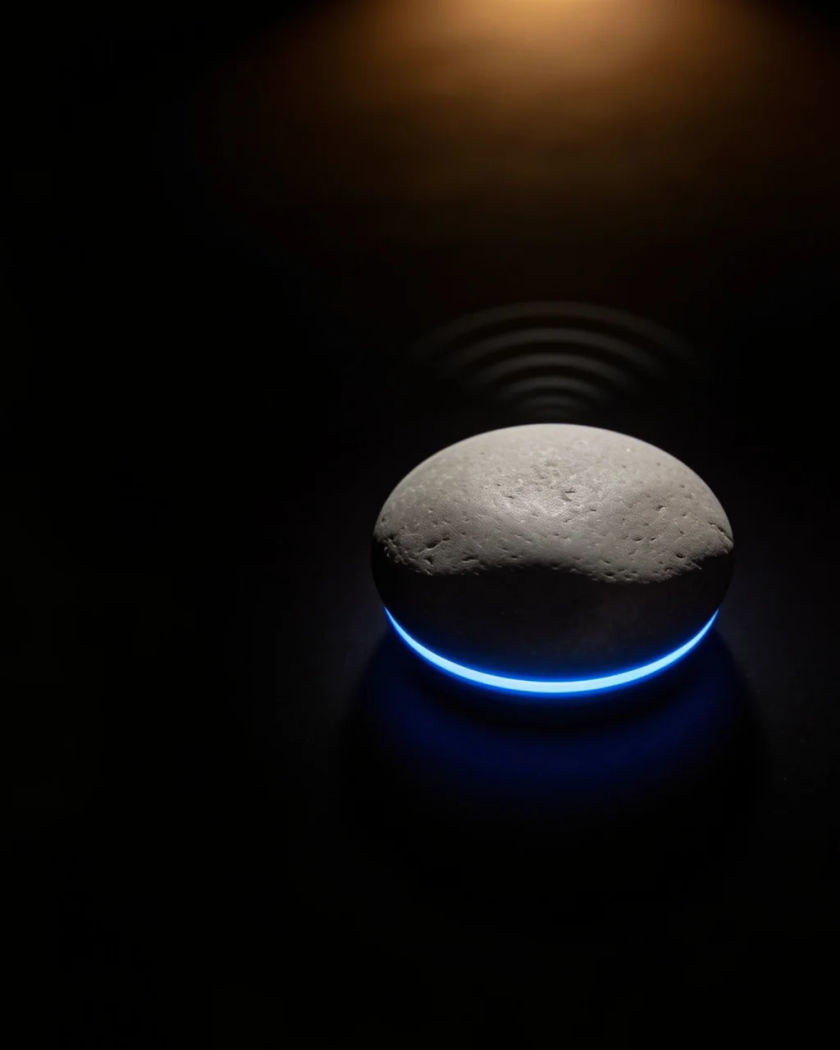

An electronic ring trilling from a phone on a desk, for an incoming call that interrupts a scene or wakes a character.

Fast shallow key presses on a thin laptop keyboard, for someone working late, a message being written or a deadline scene.

One small electronic shutter snap from a pocket camera, for a holiday photo, a quick snapshot or a tourist moment.

A warm rising chord as a gadget boots up, for the opening of a tech review, an unboxing or a device coming to life.
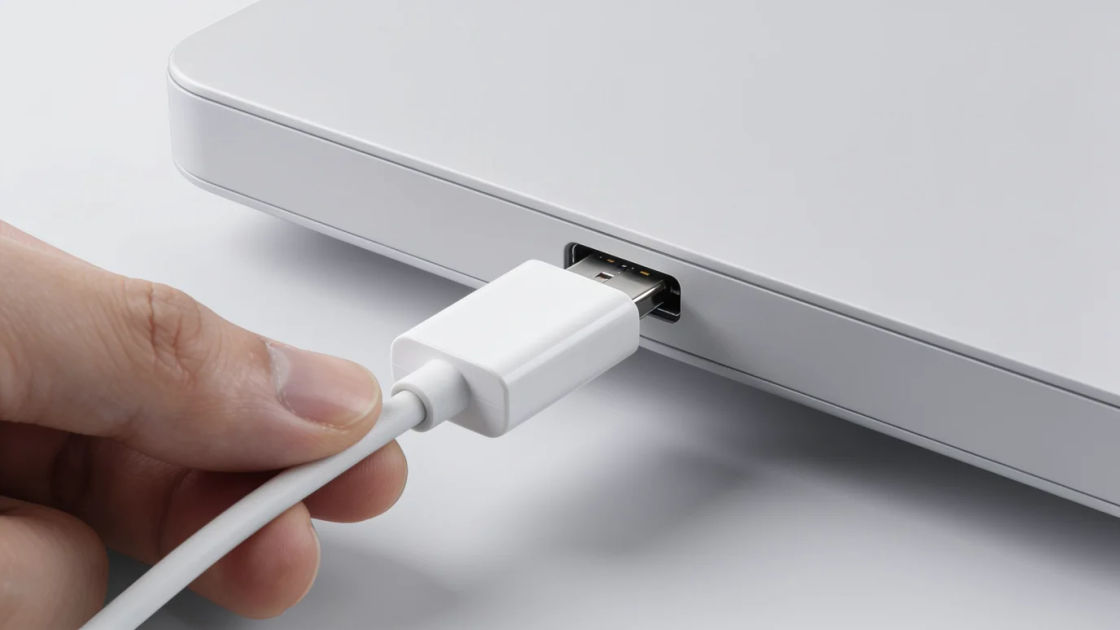
A cable seating with a firm snap and one short tone, for a phone or laptop being plugged in to charge overnight.

A smartwatch rattling against a wooden table in two short pulses, for a silent alert, a reminder or a message nobody reads.
Elige un punto de partida, edita lo que quieras y genéralo en Morphic.
A warm power-on chord on the frame the screen lights makes an unboxing land, in a tech review, a product ad or a launch livestream.
Editar promptLaptop typing under a late-night work montage keeps it moving with no music, in a short film, a study vlog or a narrated podcast episode.
Editar prompt
A phone ringing over typing and a charger snap tells the viewer it is a working day at a desk, in a sitcom, an animation or a mobile game.
Editar prompt
Two rattles on a table heard off camera tell the audience someone is trying to get through, in a thriller, a drama or an audio story.
Editar prompt
Camera shutter sound effect
Generate camera shutter sound effects with Morphic. Mirror slaps, burst frames, soft leaf blades and the synthetic click a phone plays.
Camera sound effects
Need a camera sound effect for an interface or an edit? Morphic generates crisp, short cues to your spec, from a focus motor to a flash pop.
Camera zoom sound effects
Generate camera zoom sound effects with AI on Morphic. Describe the sound, pick a variation, and download MP3 or WAV for your video, game or podcast.
Cancel sound effects
Generate cancel sound effects with AI on Morphic. Describe the sound, pick a variation, and download MP3 or WAV for your video, game or podcast.
Comienza gratis hoy, con la opción de mejorar tu plan o cancelar cuando quieras.
Basic
2400 mensual créditos
1 usuario
Todos los modelos
Workflows
Standard
3625 mensual créditos
1 usuario
Todos los modelos
Workflows
Pro
6350 compartidos mensual créditos
1 usuario
Todos los modelos
Workflows
Max
24650 compartidos mensual créditos
1 usuario
Todos los modelos
Workflows
Enterprise
Para límites más altos
Personalizado
términos de precios y facturación

Free
Para experimentar
$0
gratis para siempre