Todos los modelos de video
Un solo espacio de trabajoTomas de b-roll que puedes generar
Genera b-roll en tres pasos
- 01
Abre Morphic
Regístrate y empieza a crear en un Canvas visual, libre e infinito.
- 02
Describe la toma
La toma exacta que necesitas. Sujeto, movimiento de cámara, luz y el tono que combine con tu edición.
- 03
Genera y agrégala
Renderiza en minutos, luego coloca la toma sobre tu narración en Compose.
Casos de uso
La toma exacta, no el clip de stock más parecido
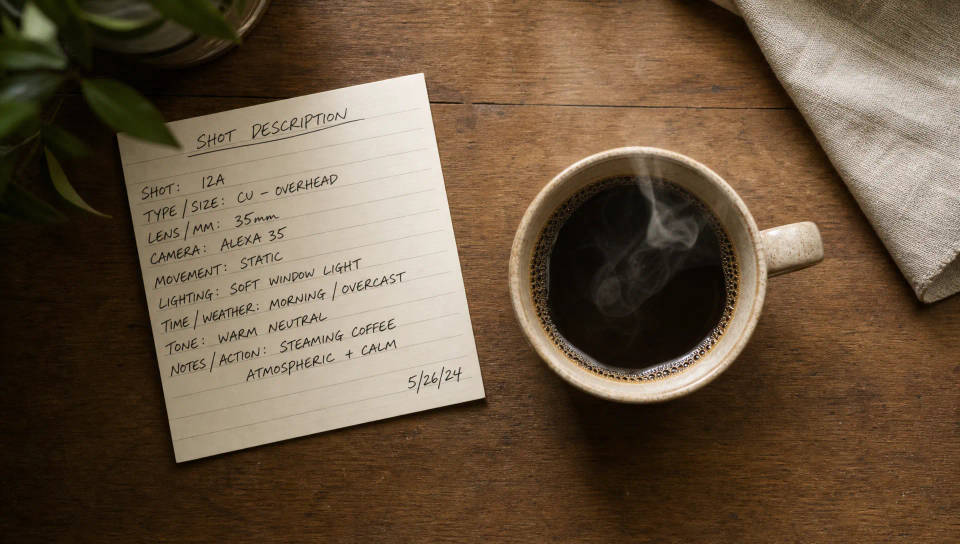
Deja de buscar en un banco de stock el clip que más se acerque. Describe la toma exacta que necesita tu edición, un farol solitario en la niebla o una mano cerrando una laptop, y obtén esa toma.
Combina el b-roll con el tono y el estilo de tu edición
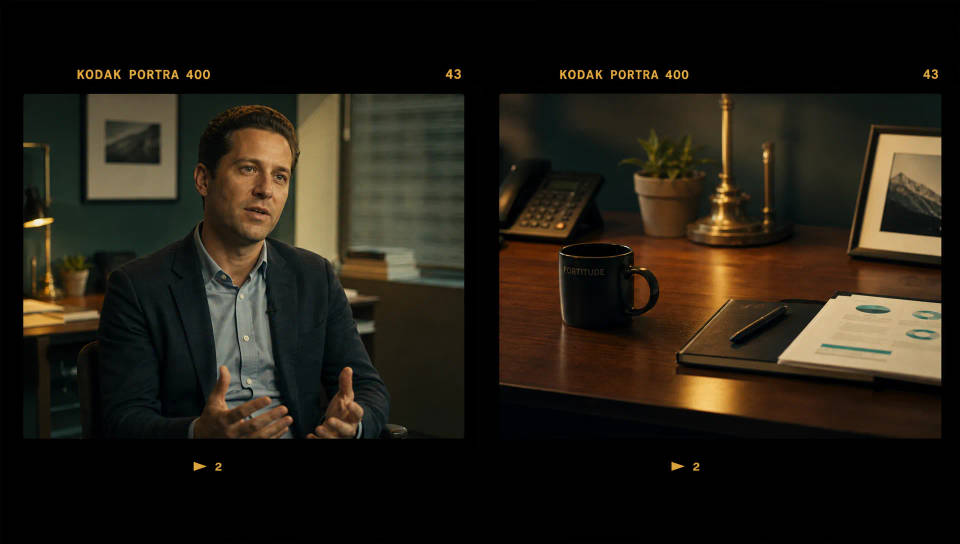
Nombra el tono de color, el lente y el ambiente para que la toma se integre con tu metraje principal en lugar de contrastar, y se vea como parte de la misma producción.
Sin licencias ni clips repetidos
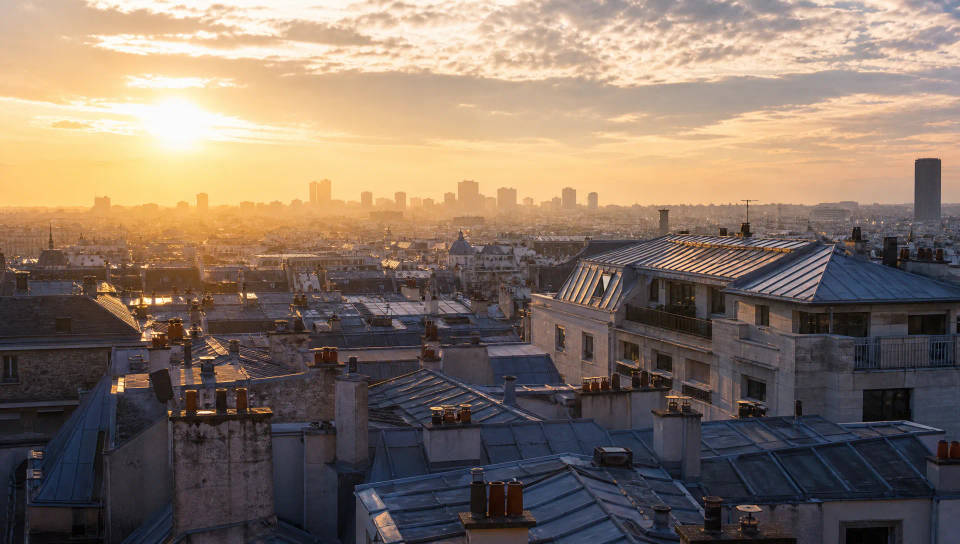
Olvídate de buscar licencias. Genera metraje que es tuyo para usar en anuncios, trabajos con clientes y redes sociales, sin ese clip de stock que todos ya vieron.
B-roll para entrevistas, documentales y anuncios
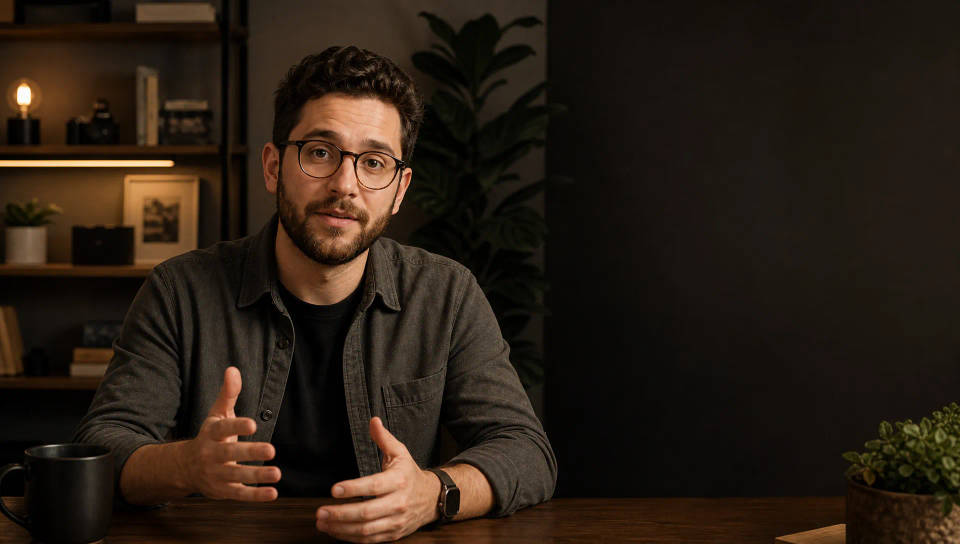
Llena los vacíos de una entrevista, documental o anuncio con tomas que refuerzan la historia. Genera cada toma y colócala sobre tu narración en Compose.
Time-freeze effect
Cinematic time-freeze short film for any scene
Put yourself in a movie
Drop in a photo of yourself. Get a 12-second cinematic movie with animation and a matched soundtrack.
Dance your character
Upload a character image and make it dance in any style.
Renovation timelapse
Photo of any real-estate becomes a cinematic renovation timelapse video with construction SFX and music.
Cinematic scene
One image to a 9-scene cinematic video.
Motion transfer
Pair a character image with a reference video. Your character picks up that exact motion.
Todo en Morphic
Tu central completa de videoModelos
Kling 3.0, Hailuo 2.3, LTX 2.3, Seedance 2.0, Veo 3.1, Vidu Q3 y más. Elige el modelo que se ajuste a cada toma y cámbialo a mitad del proyecto.
Camera Rig
Combina el lente y el tono de tu metraje. Elige el Camera body, el Lens y la distancia focal para que la toma se integre con tu metraje principal.
Imagen a video
Convierte una imagen fija en una toma en movimiento. Sube un fotograma, describe el movimiento y el modelo lo anima en una toma.
Workflows
Guarda un trabajo de b-roll repetible como un Workflow, ejecútalo cuando quieras y compártelo con tu equipo. La misma receta, en cada lote.
