Looks que puedes aplicar
Aplica un filtro con IA en tres pasos
- 01
Abre Morphic
Regístrate y empieza a crear en un Canvas visual, libre e infinito.
- 02
Sube tu foto
Suelta la imagen que quieres transformar.
- 03
Describe el look
Nombra el estilo, ajústalo y descarga la foto con el filtro aplicado.
Estilos de filtro que puedes aplicar
Grado cinematográfico
Color teal y naranja, grano suave y contraste de cine. El look de un still de película.

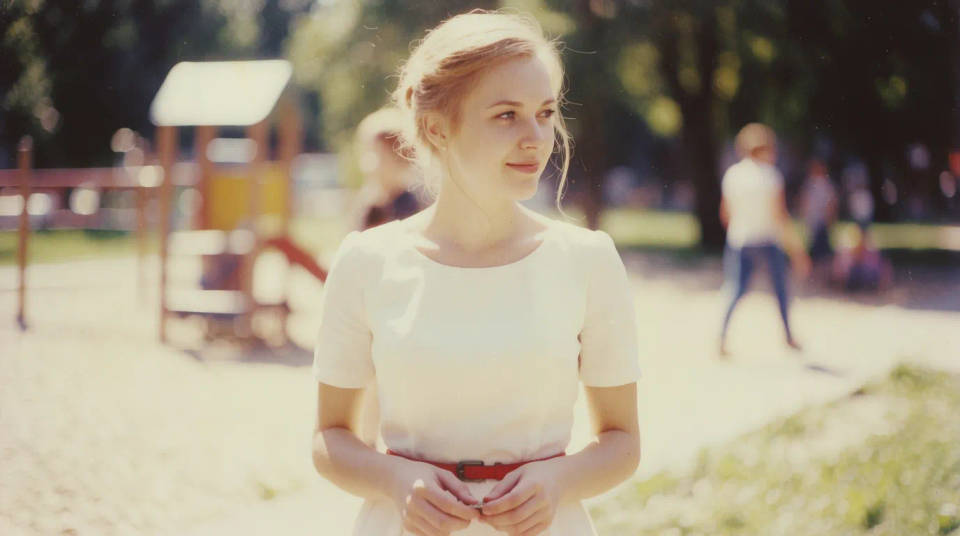
Película vintage
Tonos desgastados, un tinte cálido y grano suave. Un look retro instantáneo, como filmado en película.
Anime y arte
Líneas limpias, sombreado pictórico o textura de óleo. Convierte una foto en arte con estilo en un paso.

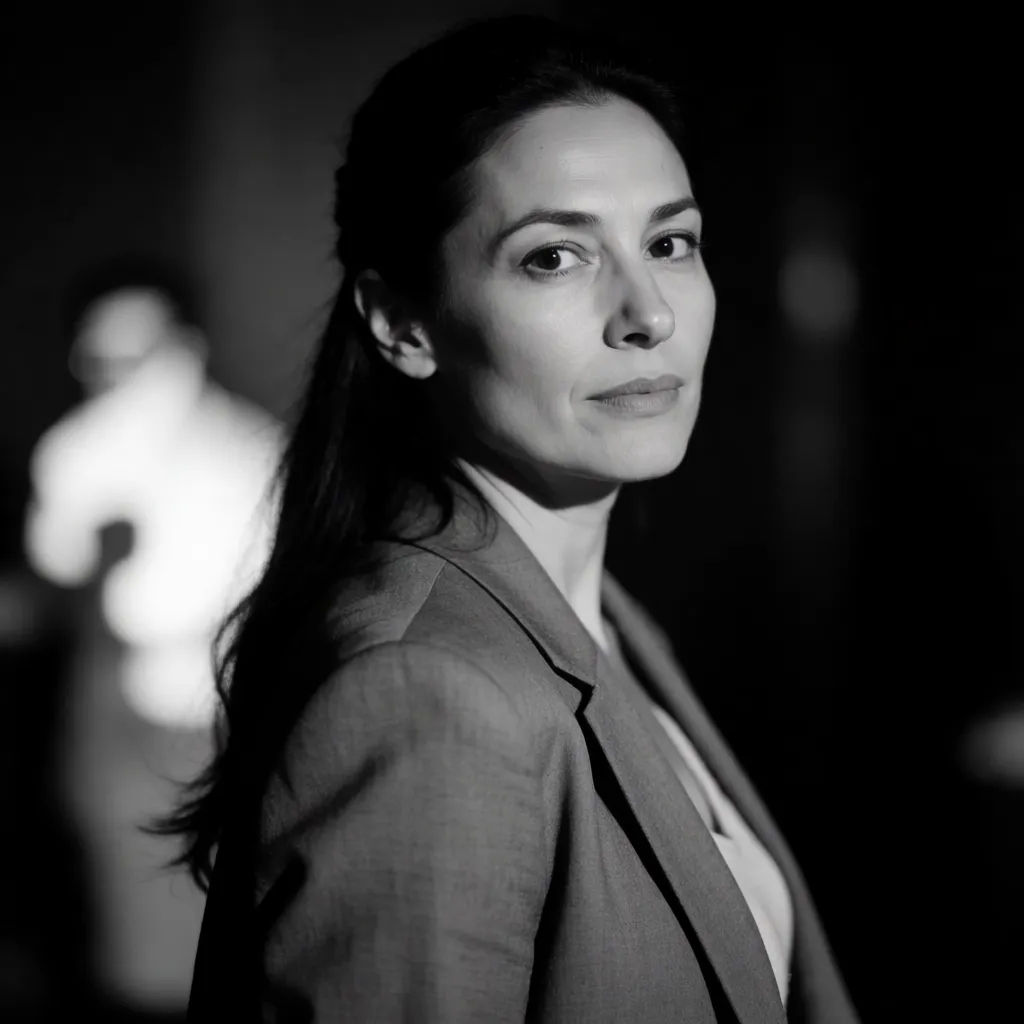
Blanco y negro noir
Contraste profundo, negros intensos y luz dramática. Un ambiente monocromático atemporal.

Prompts de filtro para probar
Cada uno parte de tu propia foto. Abre cualquier prompt para ajustarlo y generar el tuyo.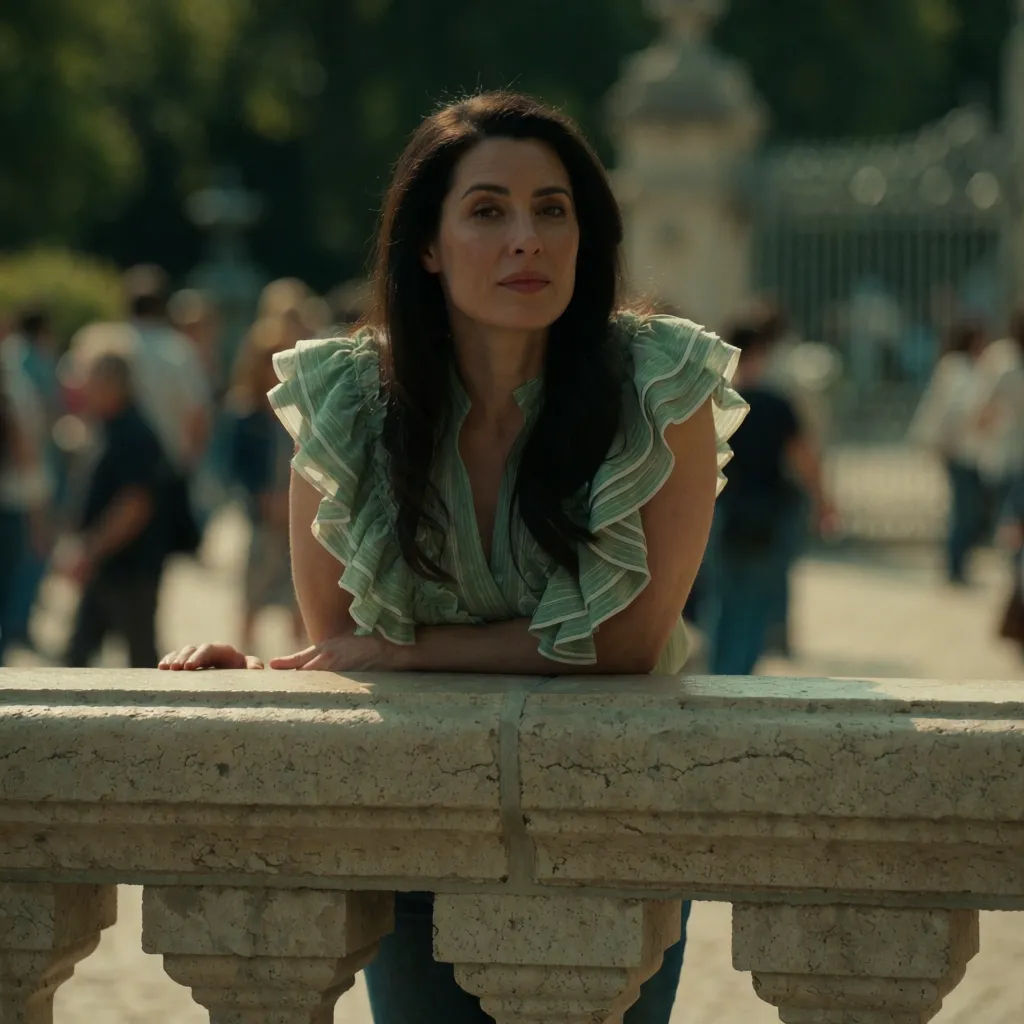
Grado cinematográfico
Aplica un grado cinematográfico cálido a esta foto, grano de película suave, sombras teal
Edit prompt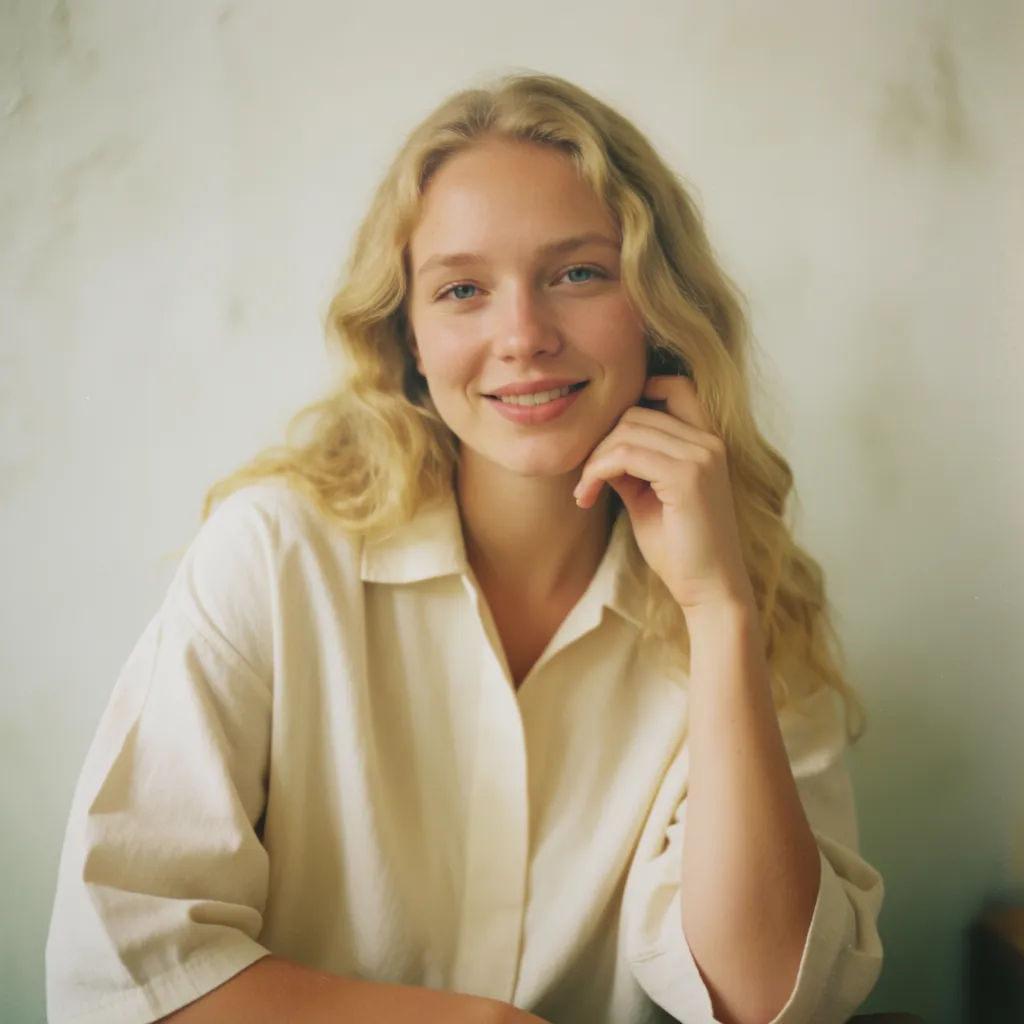
Película vintage
Dale a esta foto un look de película vintage, color desgastado, grano suave
Edit prompt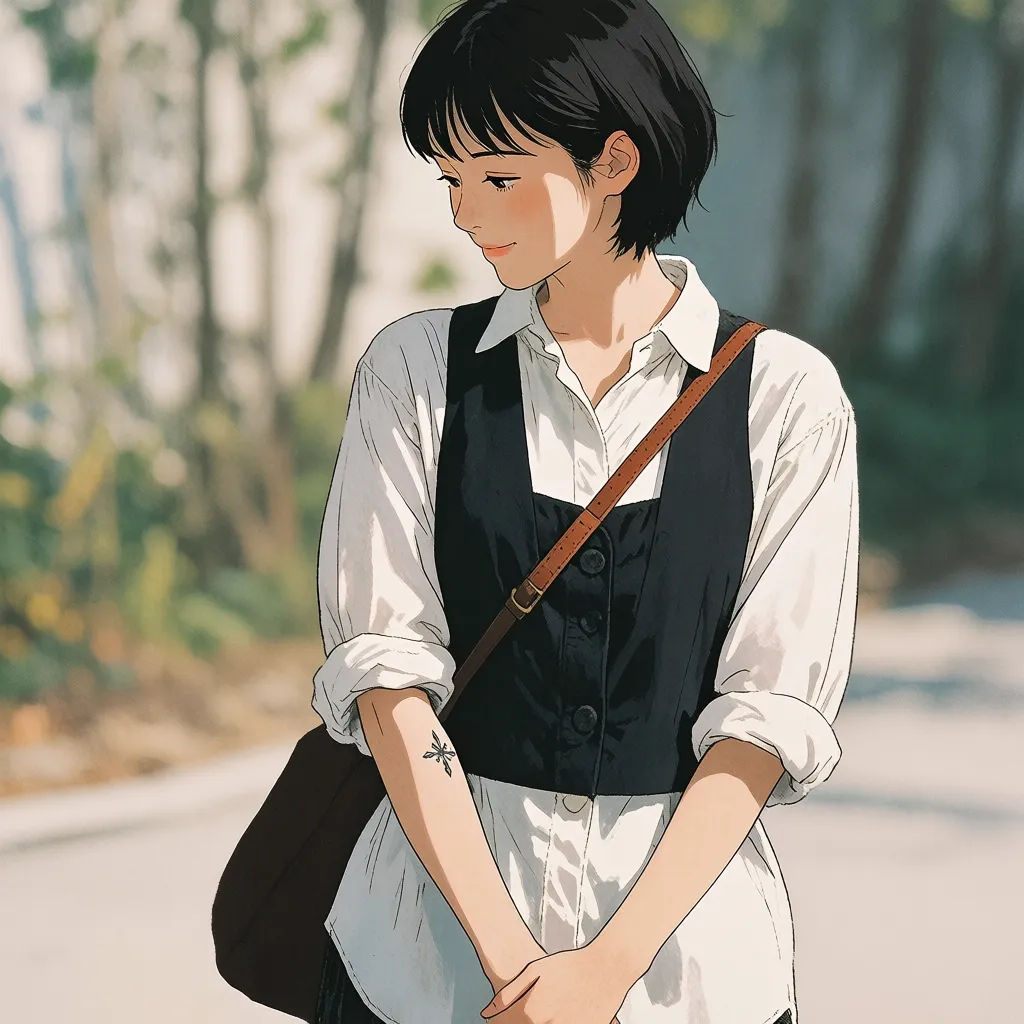
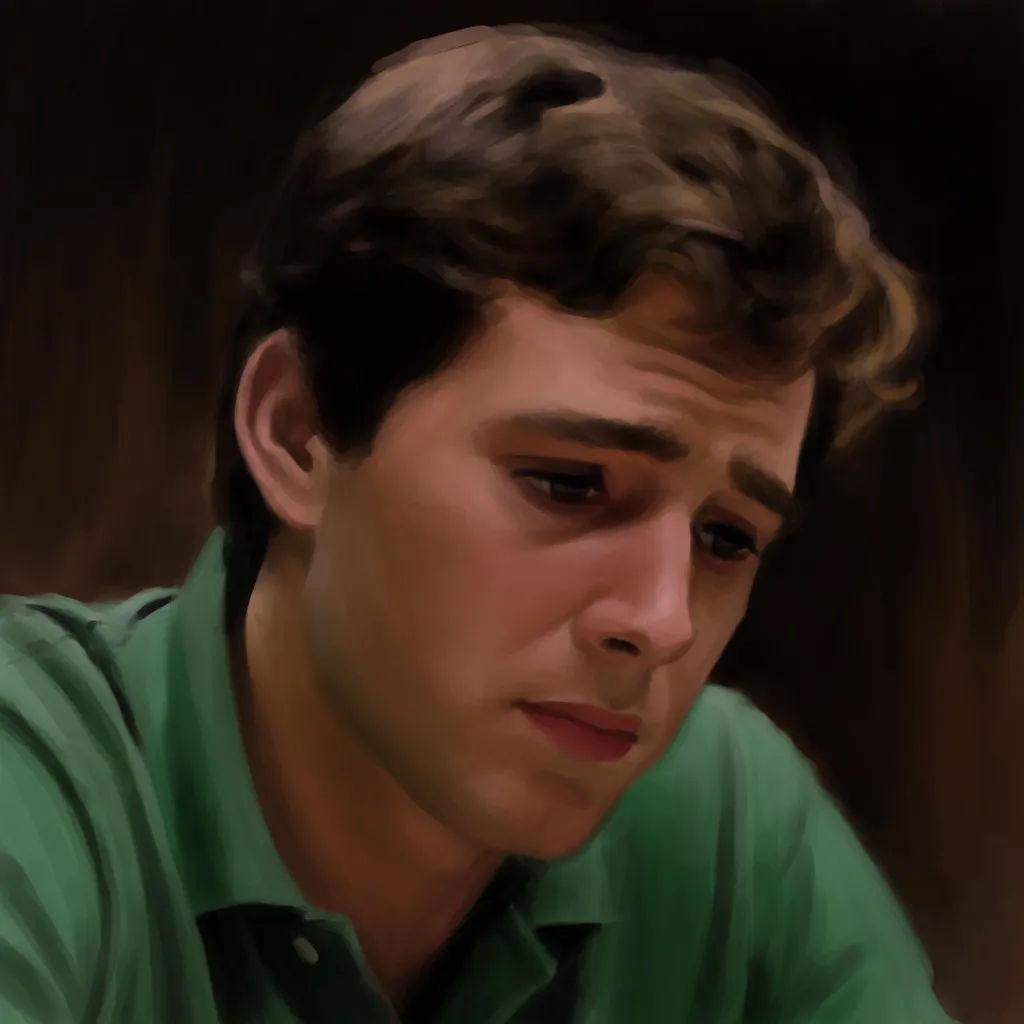
Pintura al óleo
Convierte esta foto en una pintura al óleo, pinceladas visibles, tonos ricos
Edit prompt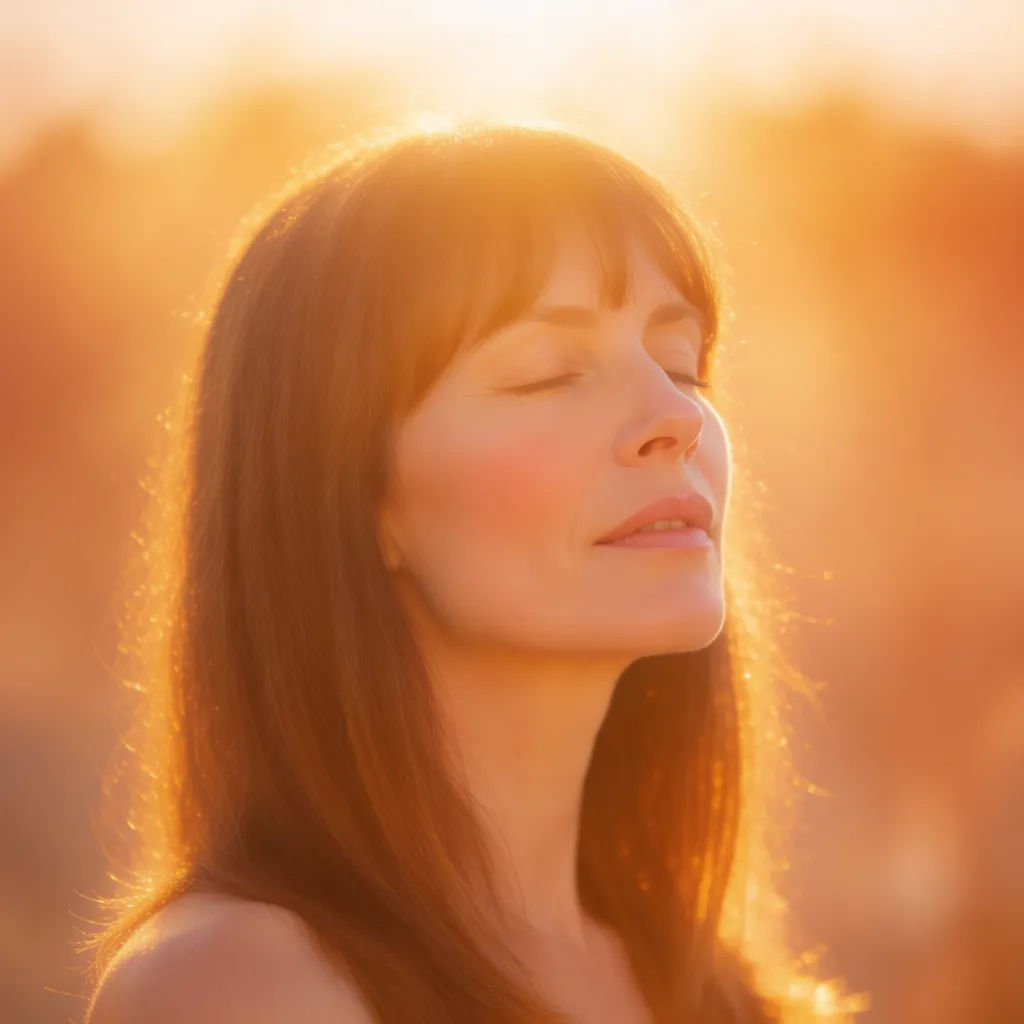

Sketch to render
Turn any sketch or drawing into a finished render.

Expressions
Take any character image and generate 6 distinct facial expressions on a single reference sheet.

Anime style transfer
Pick any anime illustration as your style guide. Apply its look to any image.
Art style transfer
Pick a reference image, apply its visual style to your own photo or artwork.

Chibi sprite animation
Turn any photo or description into an animated chibi sprite. Dance, jump, wave, attack, and more.

Image reverse engineer
Get a detailed prompt extracted from a reference image, and then a fresh recreation.
Todo en Morphic
Cualquier look que puedas describir, aplicado en un pasoModelos
Nano Banana 2, Flux 2 Pro, Grok Imagine, Seedream 5 y más. Elige el modelo que mejor renderiza tu look y cámbialo cuando quieras.
Prompt, no presets
Describe cualquier look con palabras en vez de buscar en paquetes de filtros fijos.
Mantiene tu toma
El filtro cambia el color y el ambiente mientras tu composición y tu sujeto se quedan igual.
Workflows
Guarda un look propio como Workflow y aplícalo a cada foto nueva en un clic.
