Renders que puedes crear
Renderiza un boceto en tres pasos
- 01
Abre Morphic
Regístrate y empieza a crear en un Canvas visual, libre e infinito.
- 02
Sube tu boceto
Sube un dibujo, un line art o un garabato suelto.
- 03
Renderiza y descarga
Elige un estilo, agrega un prompt corto y exporta la imagen terminada.
Casos de uso
Termina un concepto rápido
Lleva una idea suelta a un render pulido sin volver a dibujarla a mano. Tu composición se mantiene mientras el detalle y el color se completan.
Diseña productos
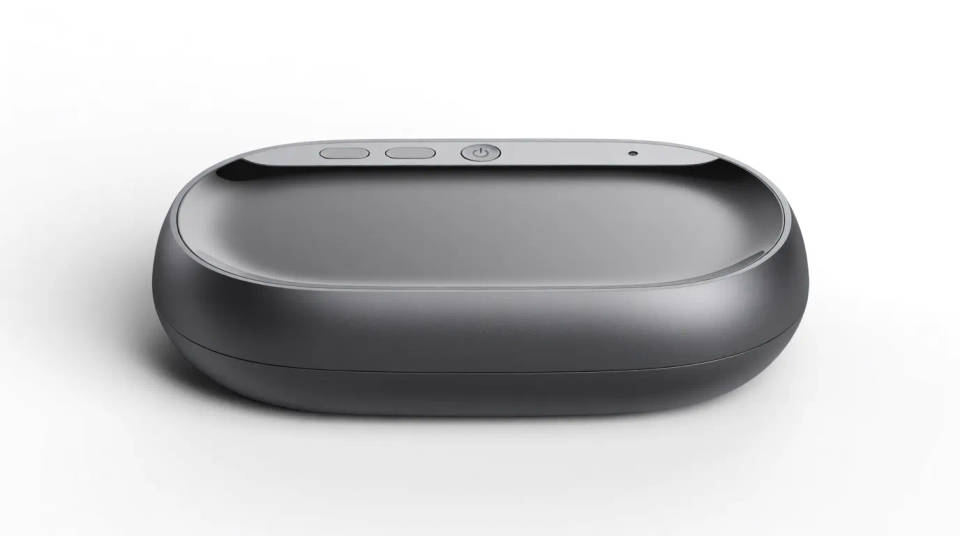
Convierte un boceto de producto en un render limpio para revisar o presentar. Muéstrales a los interesados un concepto con aspecto terminado a partir de un dibujo simple.
Dale vida a tus personajes
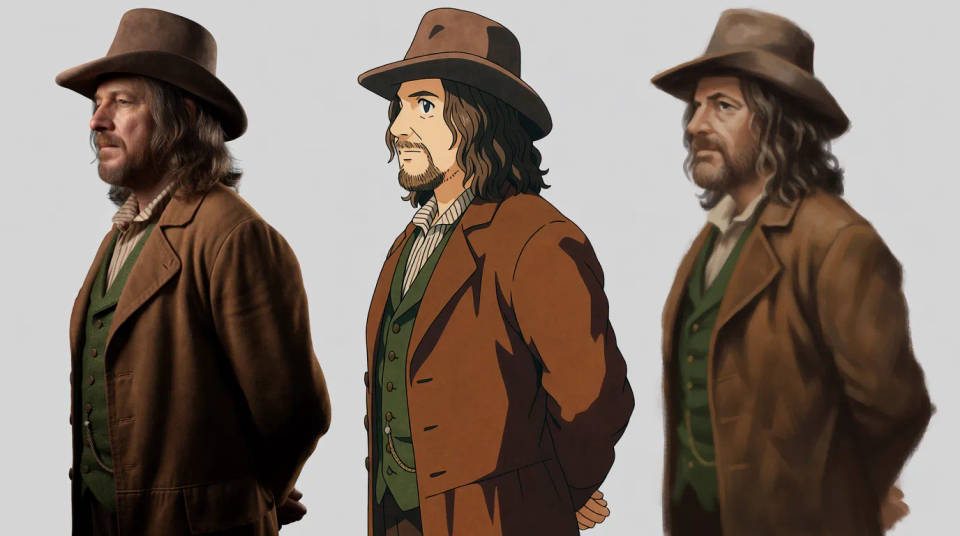
Renderiza un boceto de personaje en estilo fotorrealista, anime o pictórico. Explora cómo se ve un diseño en distintos looks antes de decidirte.
Explora variaciones
Prueba el mismo boceto en varios estilos para comparar direcciones. Genera varios acabados a la vez y elige el más fuerte.

Renders que puedes crear
Cada uno parte de tu propio boceto. Abre cualquier prompt para ajustarlo y generar el tuyo.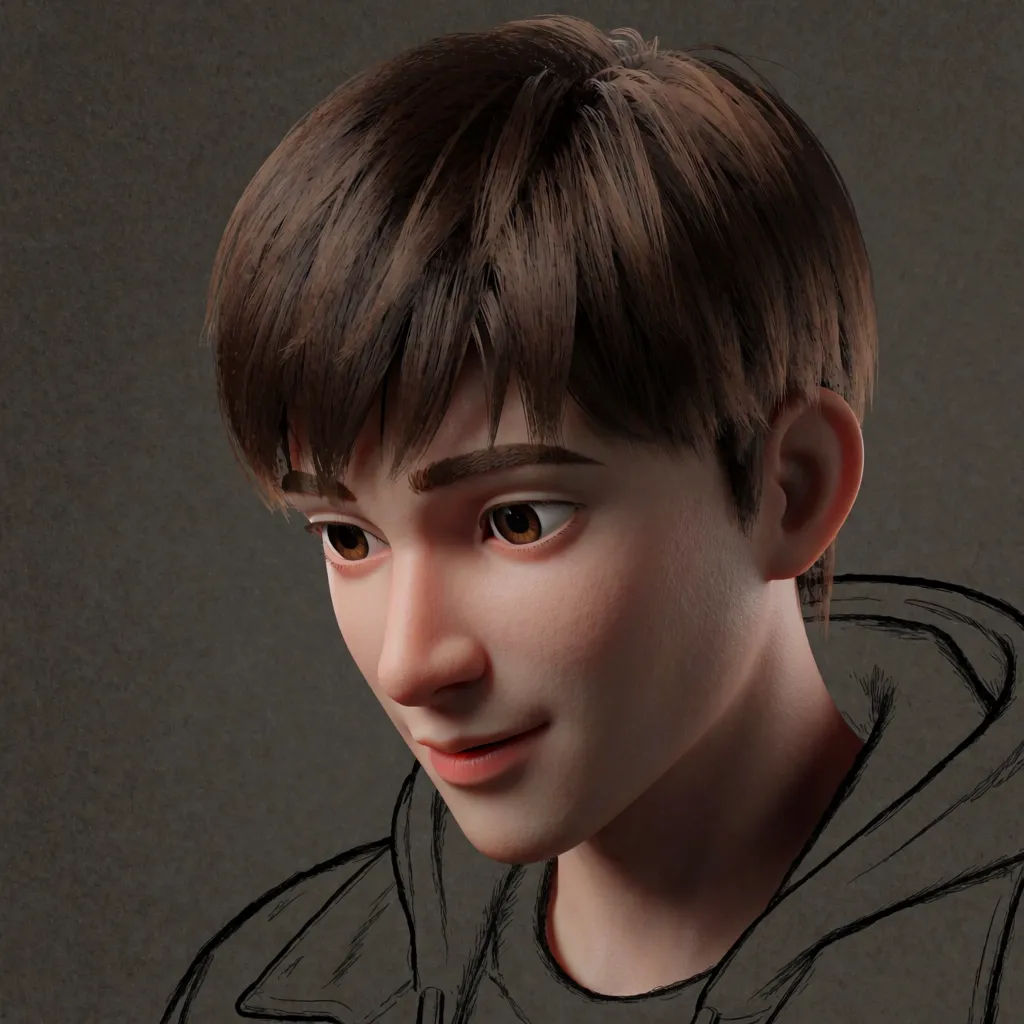
Personaje fotorrealista
Renderiza este boceto como un personaje fotorrealista, con luz dramática
Edit prompt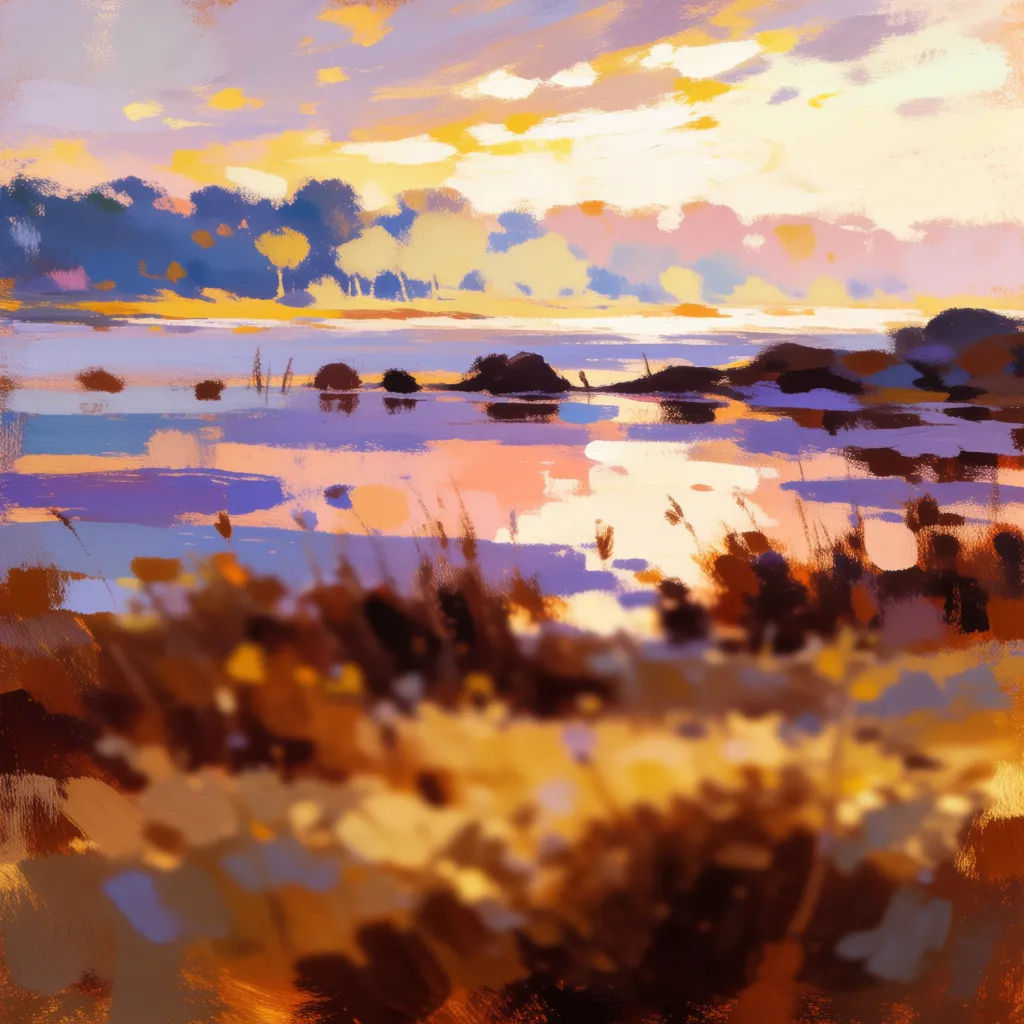
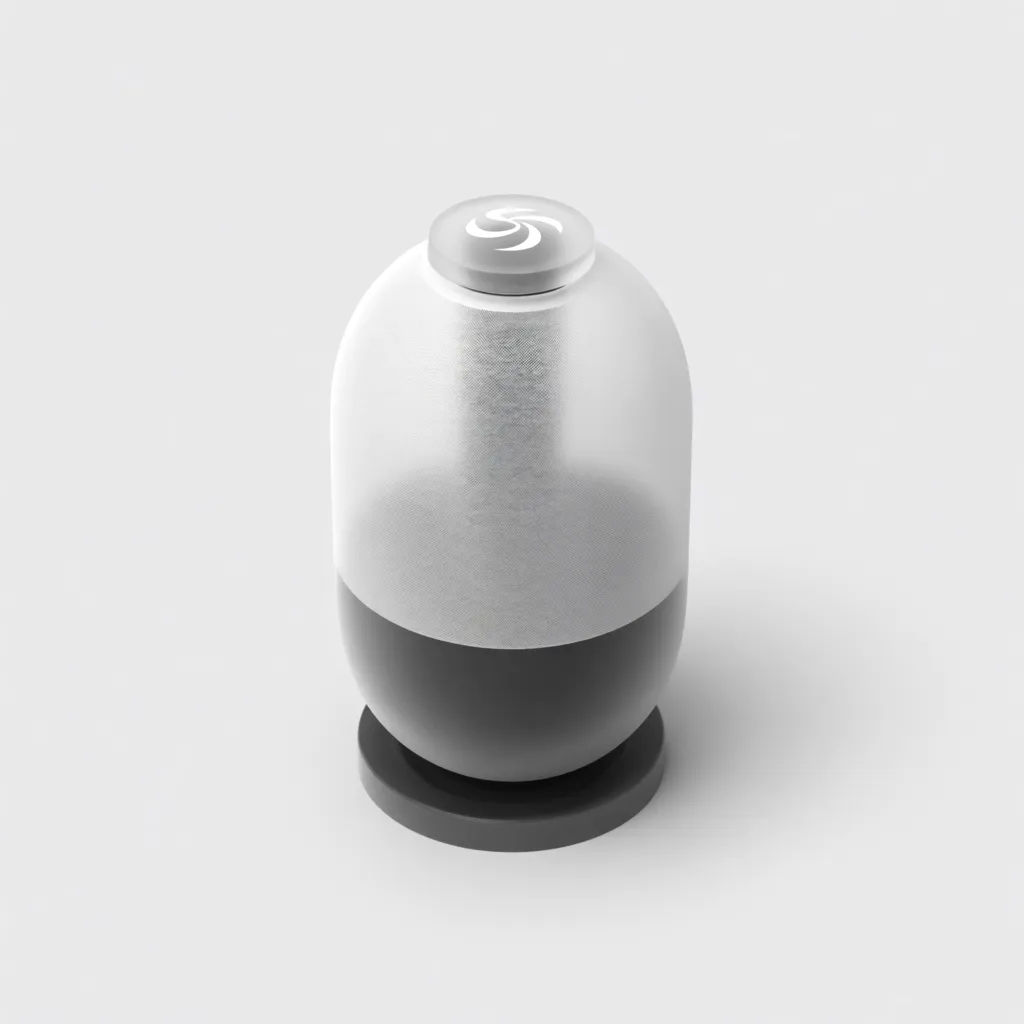
Concepto de producto
Renderiza este boceto de producto como un render de estudio limpio, con reflejos suaves
Edit prompt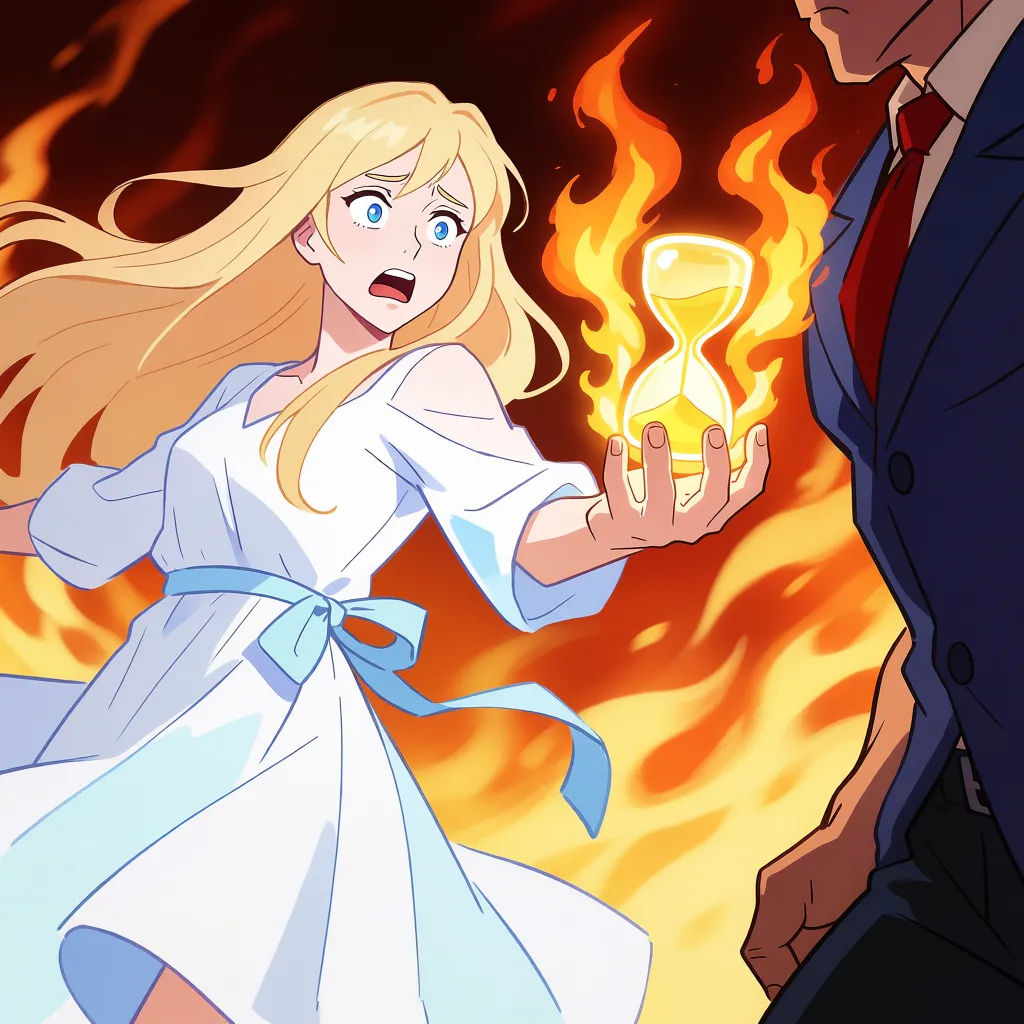
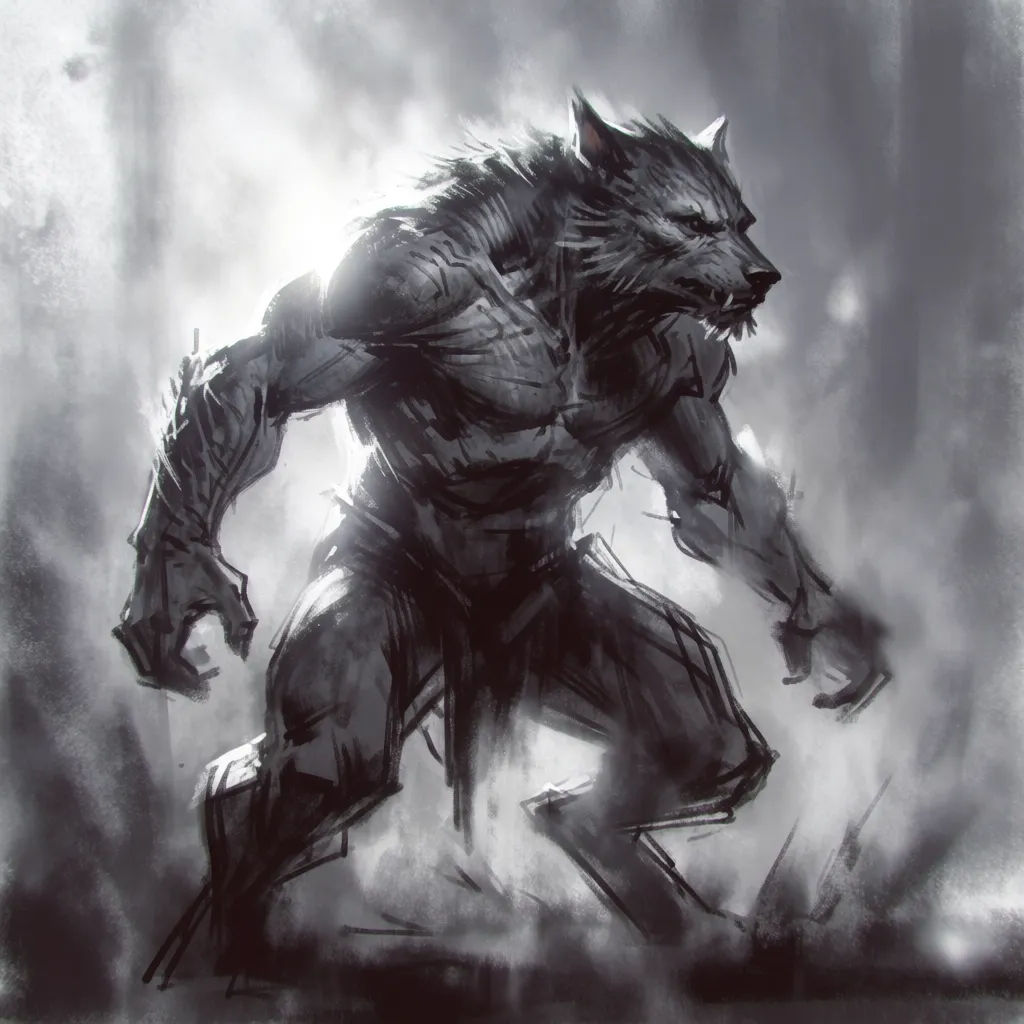
Diseño de criatura
Renderiza este boceto de criatura, con piel texturizada y un ambiente misterioso
Edit prompt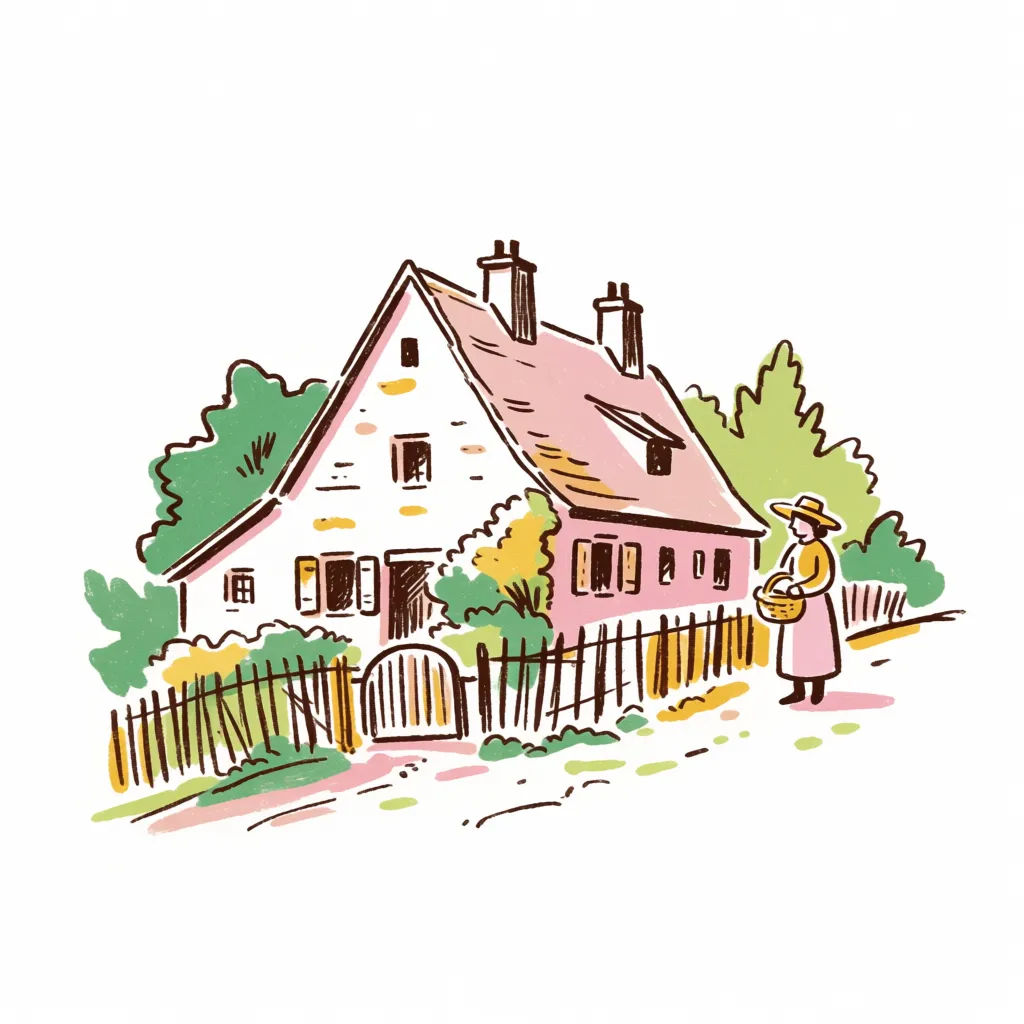
Garabato a arte
Convierte este garabato suelto en una ilustración detallada, con paleta cálida
Edit prompt
Expressions
Take any character image and generate 6 distinct facial expressions on a single reference sheet.

Sketch to render
Turn any sketch or drawing into a finished render.

Location reference sheet
Professional 7-panel location reference sheet from a single photo.

Chibi sprite animation
Turn any photo or description into an animated chibi sprite. Dance, jump, wave, attack, and more.

Cinematic storyboard
Share a scene description with character references. Get a full storyboard with shot angles and mood.

Character lineup
All your characters on a single lineup image, side by side with height comparison.
Todo en Morphic
De un boceto suelto a arte terminado, en cualquier estiloModelos
Nano Banana 2, Flux 2 Pro, Grok Imagine, Seedream 5 y más. Elige el modelo que mejor renderiza tu estilo y cámbialo cuando quieras.
Conserva tus líneas
Imagen a imagen sigue tu boceto, así que la imagen final coincide con la composición que dibujaste.
Cualquier acabado
Fotorrealista, pictórico, anime o render de producto. Nombra el estilo y el boceto lo sigue.
Workflows
Guarda un estilo de render como Workflow y termina todo un lote de bocetos con él.
