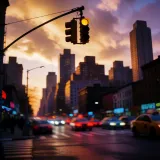


Cinematic video frame
A finished frame from a generated clip, lit and graded like a real shoot, so the video half of a piece never sends you out to a separate tool.
Editar prompt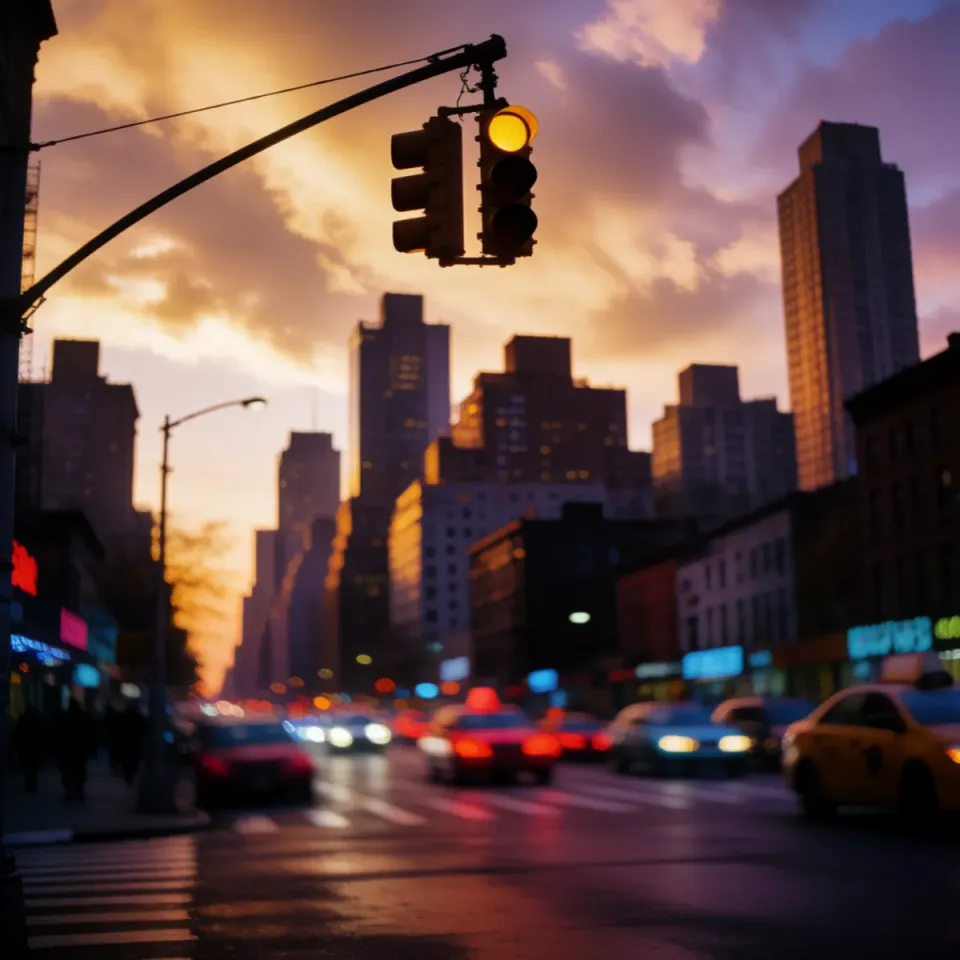
Right now the video lives in one tool, the imagery in another, and the voiceover in a third, and half the work is moving files between them. Describe what you need and get video, images, and voiceover from one workspace on one bill. No exporting, no re-uploading, no three logins to ship a single piece.
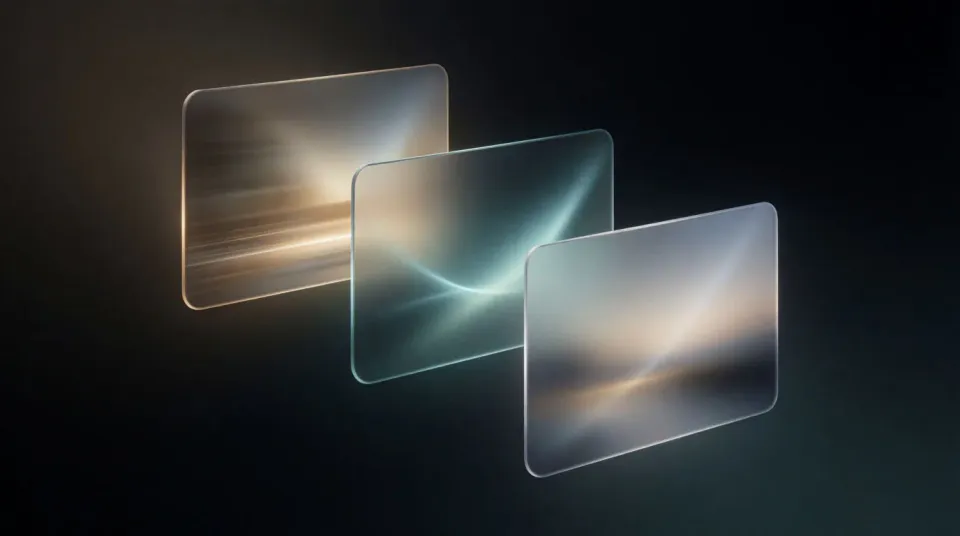
Say what you are making in one plain line: a product video, a launch image, a voiceover track. Name the topic and the feel you want.
Add the palette, the mood, and the read you want in the same workspace. Nudge the wording and run it again until each part matches.
Get finished video, imagery, and audio at full resolution from one place, ready to assemble and ship without moving files between apps.
Video, imagery, and audio made in the same place from a single plain-language brief, so a small team can ship a full piece without exporting an asset and re-uploading it into the next tool to finish it.
A finished frame from a generated clip, lit and graded like a real shoot, so the video half of a piece never sends you out to a separate tool.
Editar promptA polished product image staged in context, the kind you would license or shoot, made from the same brief in the same workspace as the video.
Editar prompt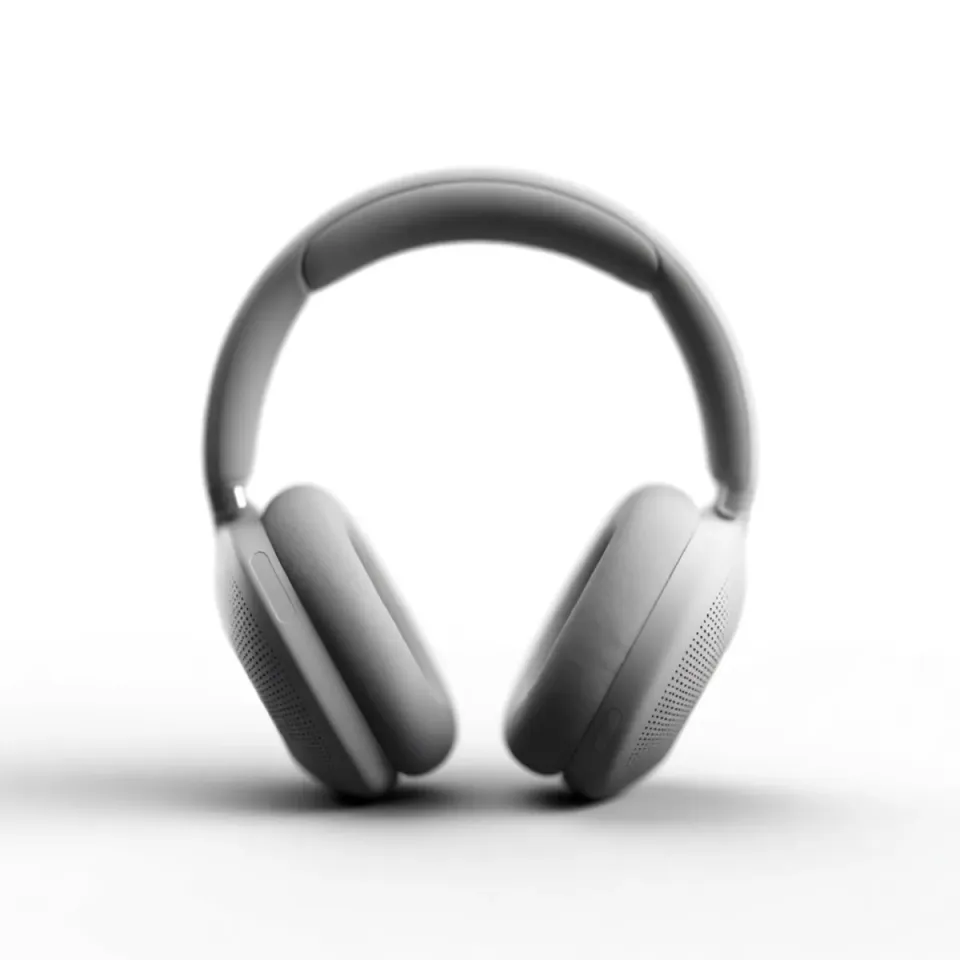
A voiceover read or music bed generated alongside the visuals, so the sound is directed in the same place rather than farmed out to a fourth tool.
Editar prompt
A finished social visual that ties the video, imagery, and voice into one piece, on brand and sized to ship the moment it is approved.
Editar prompt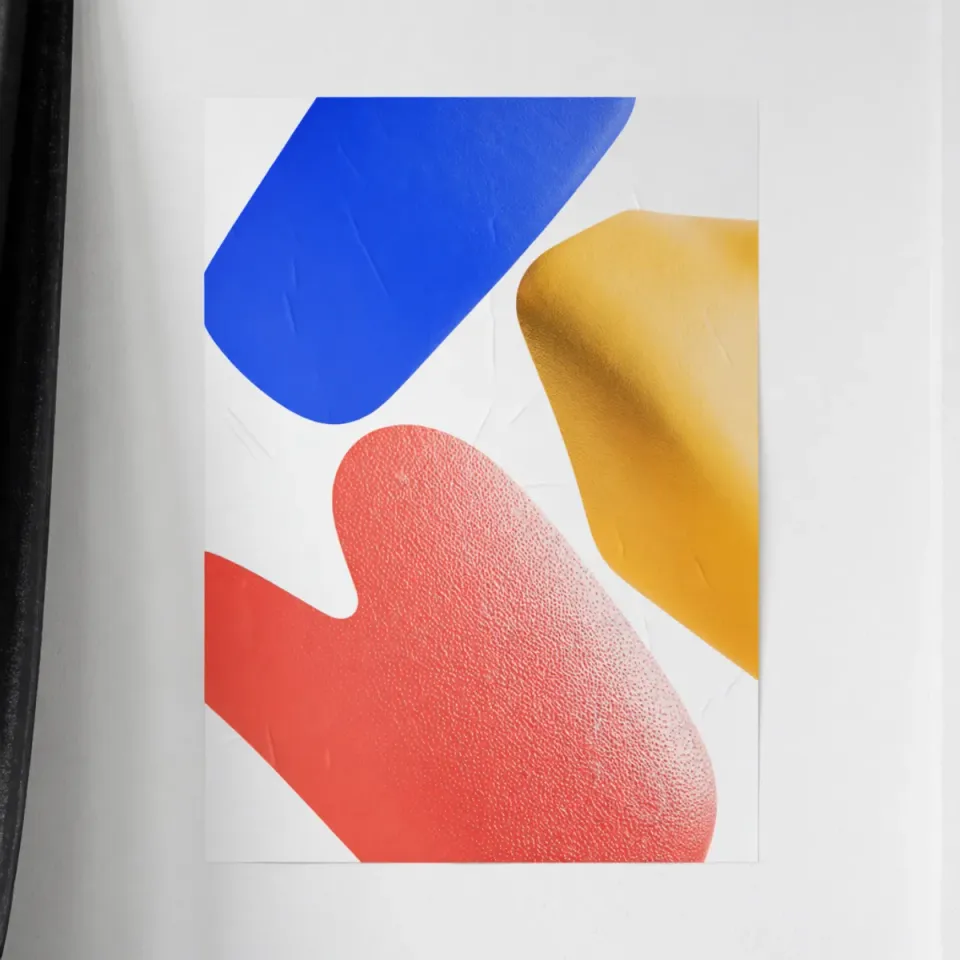
AI covers most of the production here. A few things still want your eye before anything goes live, from exact brand colors to any claim a visual implies, so here is where each one sits and what to watch.

Dramatic 5-second product reveal video with audio.
Multi-shot product pitch video from a still, a person, and a script.

Dramatize any text conversation into a cinematic multi-shot video.

One product shot becomes a full campaign pack with hero shots, angles, and format variations.

Generate a female AI influencer. Vertical output, ready for socials.

Turn any image into anime-style stickers in PNG. Ready for messaging apps or social media.
Comienza gratis hoy, con la opción de mejorar tu plan o cancelar cuando quieras.
Basic
2400 mensual créditos
1 usuario
Todos los modelos
Workflows
Standard
3625 mensual créditos
1 usuario
Todos los modelos
Workflows
Pro
6350 compartidos mensual créditos
1 usuario
Todos los modelos
Workflows
Max
24650 compartidos mensual créditos
1 usuario
Todos los modelos
Workflows
Enterprise
Para límites más altos
Personalizado
términos de precios y facturación

Free
Para experimentar
$0
gratis para siempre