Un nivel de selva en parallax
Una selva en 16 bits con fondos en parallax por capas. El follaje de píxeles está lleno de detalle y un sprite corre con animación suave.
Editar prompt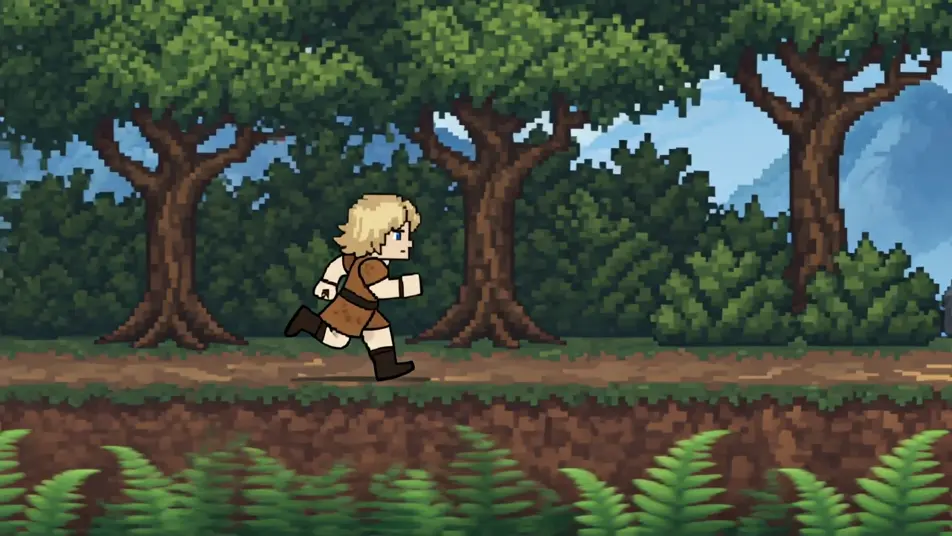
Vuelve a la era de los 16 bits sin editor de sprites ni consola. El generador de videos de animación 16 bits con IA de Morphic corre en tu navegador y parte de lo que tú escribes. Genera un nivel de selva en parallax, una arena de jefe o un mercado de pueblo en píxeles. Ponle voz con Speech y banda sonora con Music, y arma el corto en el Canvas para publicarlo en YouTube o TikTok.
Una selva en 16 bits con fondos en parallax por capas. El follaje de píxeles está lleno de detalle y un sprite corre con animación suave.
Editar promptUna arena en 16 bits con un jefe enorme y bien sombreado. La paleta es rica y los efectos de píxeles se apilan en capas.
Editar prompt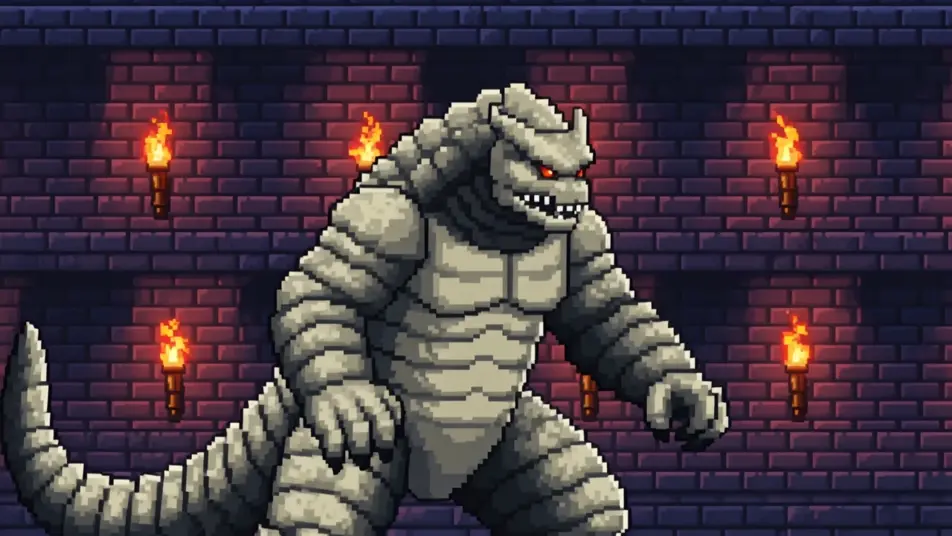
Un pueblo en 16 bits de edificios detallados y sombreado suave. Un sprite camina frente a los puestos del mercado mientras la cámara avanza.
Editar prompt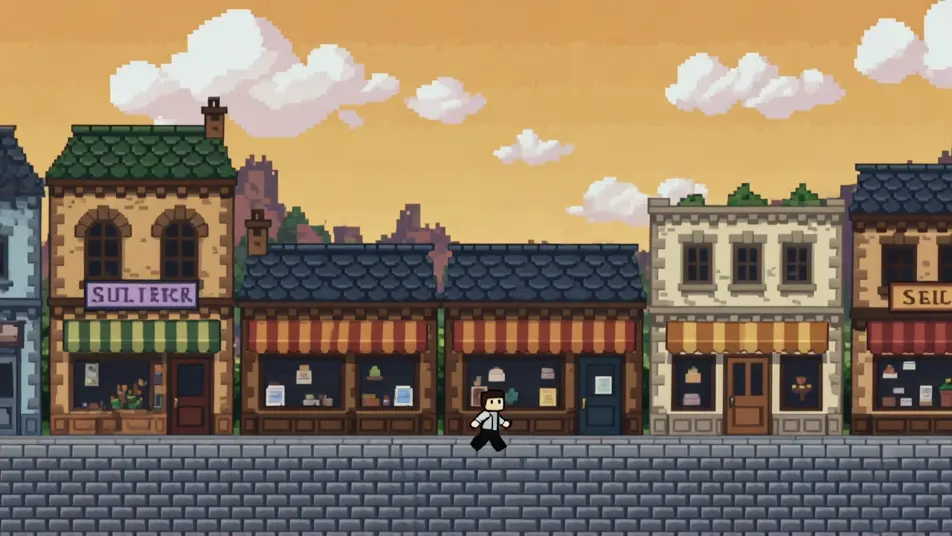
Una escena aérea en 16 bits con nubes en parallax. Las naves sprite van cargadas de detalle y el color corre en degradados ricos.
Editar prompt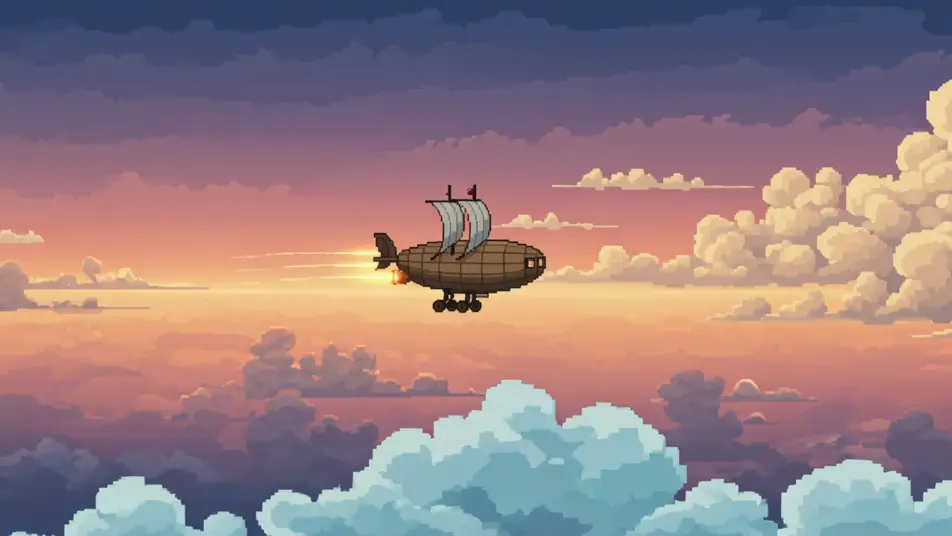
Escribe la escena de animación 16 bits que quieres, en palabras simples.
Morphic genera un clip cinematográfico y listo para usar en tu canvas en segundos.
Ajusta el prompt, regenera variaciones y luego descarga o comparte la toma.

Turn any photo or description into an animated chibi sprite. Dance, jump, wave, attack, and more.

Take any character image and generate 6 distinct facial expressions on a single reference sheet.

All your characters on a single lineup image, side by side with height comparison.
One character design becomes a complete sprite sheet: idle, run, attack, jump, death.

Pick any anime illustration as your style guide. Apply its look to any image.
Describe a faction or group. Get 6 distinct NPC face portraits, all in a consistent art style.
Videos de animación 8-bit con IA
Crea videos de animación 8-bit en Morphic: sprites pixelados, paletas limitadas y niveles retro estilo arcade, listos para Reels o TikTok.
Videos de pixel art con IA
Crea videos de pixel art con IA en Morphic. Sprites, niveles de scroll lateral, pueblos vistos desde arriba y escenas de juego retro desde un prompt.
Videos de voxel art con IA
Crea videos de voxel art con IA en Morphic: mundos de cubos, personajes en bloques y escenas de 3D pixelado, desde prompts en lenguaje simple.
Videos de caricatura con IA
Crea videos de caricatura con IA en Morphic: estilos 2D, 3D y de cuento, personajes que no cambian entre escenas y todo desde el navegador.
Comienza gratis hoy, con la opción de mejorar tu plan o cancelar cuando quieras.
Basic
2400 mensual créditos
1 usuario
Todos los modelos
Workflows
Standard
3625 mensual créditos
1 usuario
Todos los modelos
Workflows
Pro
6350 compartidos mensual créditos
1 usuario
Todos los modelos
Workflows
Max
24650 compartidos mensual créditos
1 usuario
Todos los modelos
Workflows
Enterprise
Para límites más altos
Personalizado
términos de precios y facturación

Free
Para experimentar
$0
gratis para siempre