A warm establishing opener
A wide lifestyle frame that sets a mood before the product enters, soft natural light across a real space and a slow push-in drawing the eye toward where the item will appear, the camera easing forward.
Editar prompt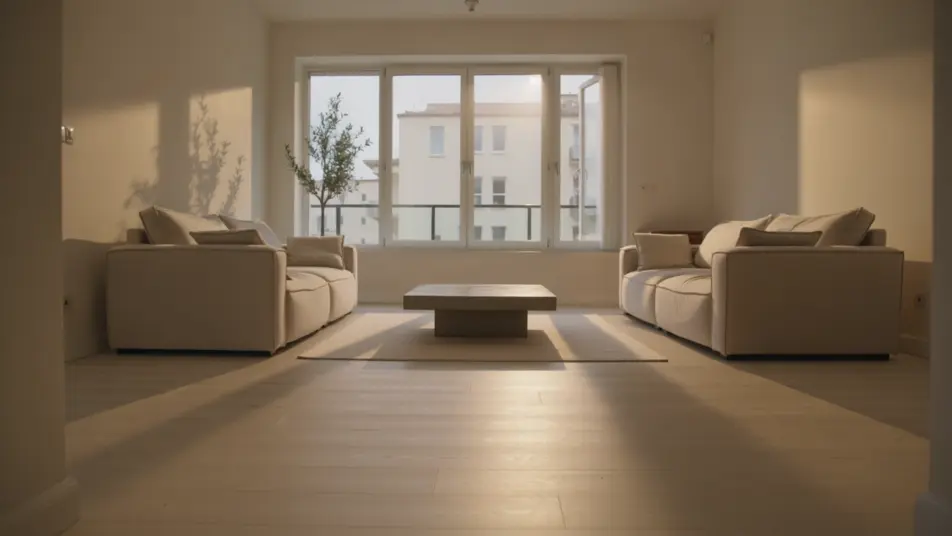
Direct a 30 second commercial in your browser with Morphic's ad video generator, no crew and no shoot day. Generate the setup, the product story, and the sign-off that a full spot needs across thirty seconds. Voice it with Speech, then cut the same idea to every duration and aspect ratio on Compose.
A wide lifestyle frame that sets a mood before the product enters, soft natural light across a real space and a slow push-in drawing the eye toward where the item will appear, the camera easing forward.
Editar promptA following handheld shot of the product moving through a genuine moment of use, warm even light on the item and the hands around it, the motion natural and the framing tight enough to read the detail.
Editar prompt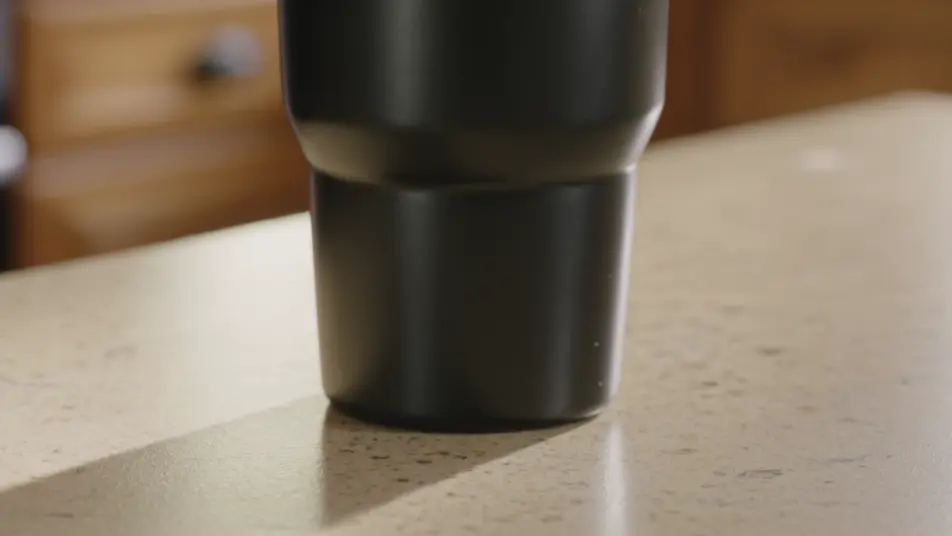
A frame that opens on a believable everyday frustration and resolves into an easy result, the transition unhurried and satisfying under a palette that warms as the situation settles.
Editar prompt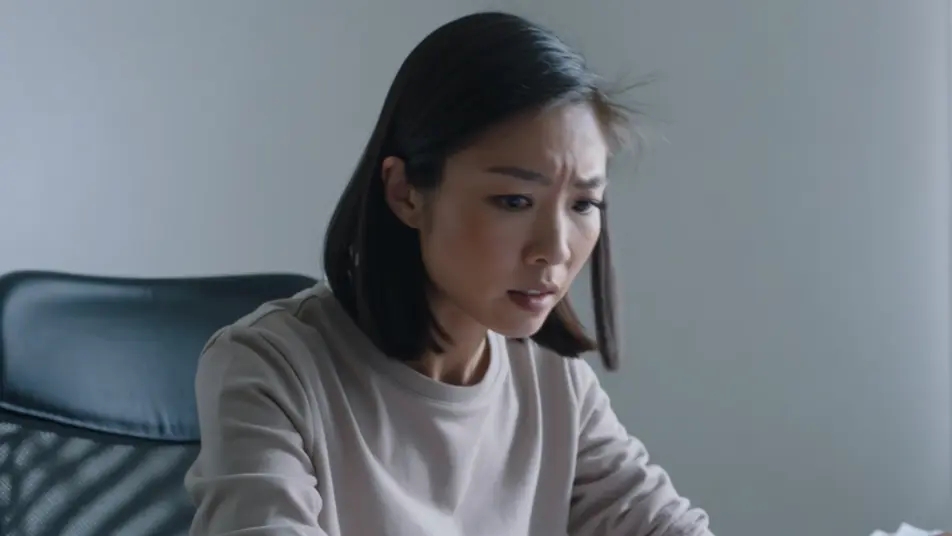
A closing frame with the logo and tagline over a held hero shot on a brand-color field, the type settling in cleanly as the product stays centered for the final confident beat.
Editar prompt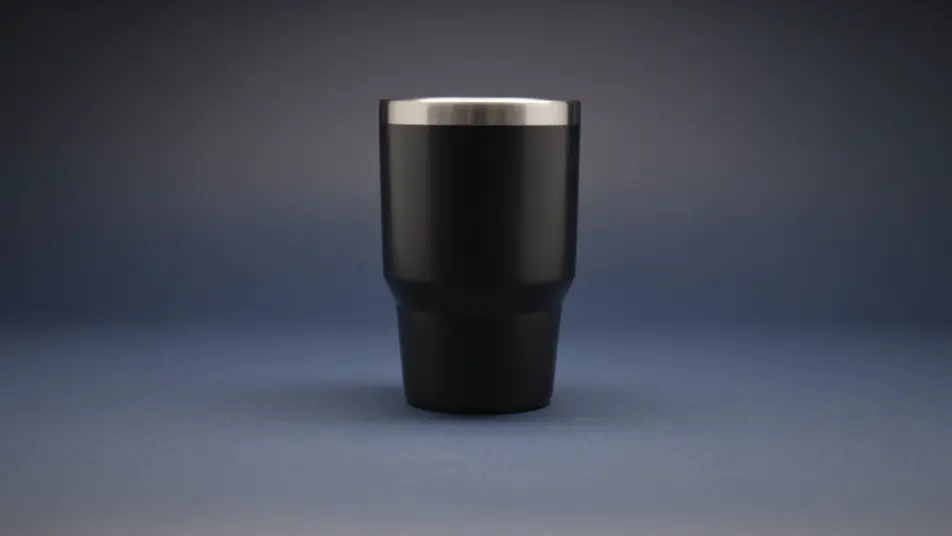
Escribe la escena de 30 second commercial que quieres, en palabras simples.
Morphic genera un clip cinematográfico y listo para usar en tu canvas en segundos.
Ajusta el prompt, regenera variaciones y luego descarga o comparte la toma.

Dramatize any text conversation into a cinematic multi-shot video.
Cinematic time-freeze short film for any scene
Drop in a photo of yourself. Get a 12-second cinematic movie with animation and a matched soundtrack.

Generate a professional film title card from scratch, with optional cinematic animation.
Photo of any real-estate becomes a cinematic renovation timelapse video with construction SFX and music.
One image to a 9-scene cinematic video.
AI 15 second ad videos
Generate a 15 second ad video with AI on Morphic. Build the hook, product beat, and end card, then re-cut the same idea to 6 and 30 seconds. Create now.
AI 60 second brand films
Make a 60 second brand film in minutes, not weeks. Build the opening, the human moments, and a values beat, then re-cut to any length. Produce now.
AI 6 second bumper ads
Generate a 6 second bumper ad with AI on Morphic. Land one image, one line, one product beat, then re-cut the idea to 15 and 30 seconds. Create now.
AI Connected TV ads
Generate a connected TV ad with no crew required. Build a big-screen opening, product story, and sign-off, then re-cut to any length. Generate.
Comienza gratis hoy, con la opción de mejorar tu plan o cancelar cuando quieras.
Basic
2400 mensual créditos
1 usuario
Todos los modelos
Workflows
Standard
3625 mensual créditos
1 usuario
Todos los modelos
Workflows
Pro
6350 compartidos mensual créditos
1 usuario
Todos los modelos
Workflows
Max
24650 compartidos mensual créditos
1 usuario
Todos los modelos
Workflows
Enterprise
Para límites más altos
Personalizado
términos de precios y facturación

Free
Para experimentar
$0
gratis para siempre