Un retrato de luz dura
Un retrato de estudio en blanco y negro puro. Una sola luz clave entra de lado, la sombra cae profunda y el grano plateado recorre toda la imagen.
Editar prompt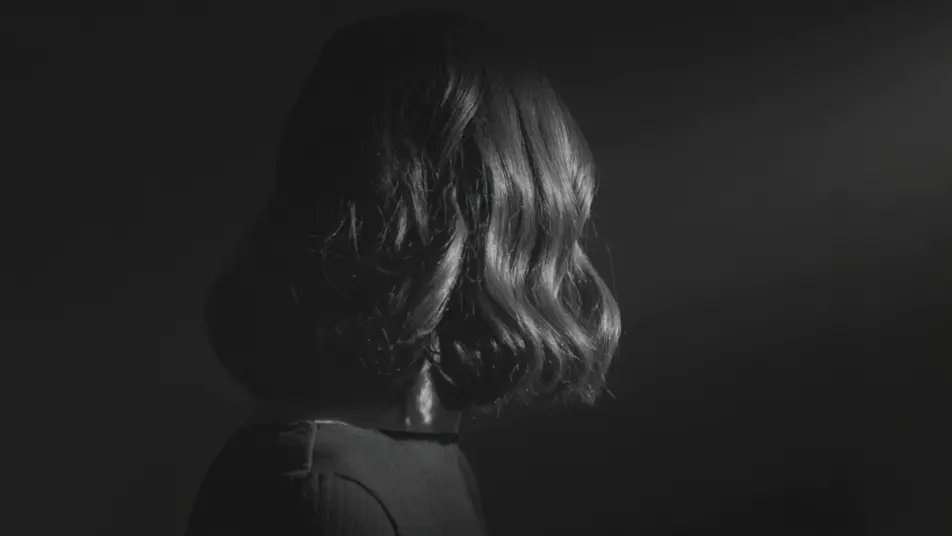
Filmar en monocromo ya no pide laboratorio ni sala de color. Desde el navegador, el generador de videos en blanco y negro con IA de Morphic te deja pedir un retrato de luz dura, una calle mojada de noche o un salón de baile entre el humo. Si lo que buscas es el claroscuro del cine mexicano de la Época de Oro, nómbralo en el prompt. Con Speech y Music le pones voz y música a cada toma, y el corto se arma completo en el Canvas.
Un retrato de estudio en blanco y negro puro. Una sola luz clave entra de lado, la sombra cae profunda y el grano plateado recorre toda la imagen.
Editar promptEs de noche y el pavimento mojado devuelve los reflejos. El monocromo va en alto contraste, las sombras se estiran y la cámara acompaña en un travelling lento.
Editar prompt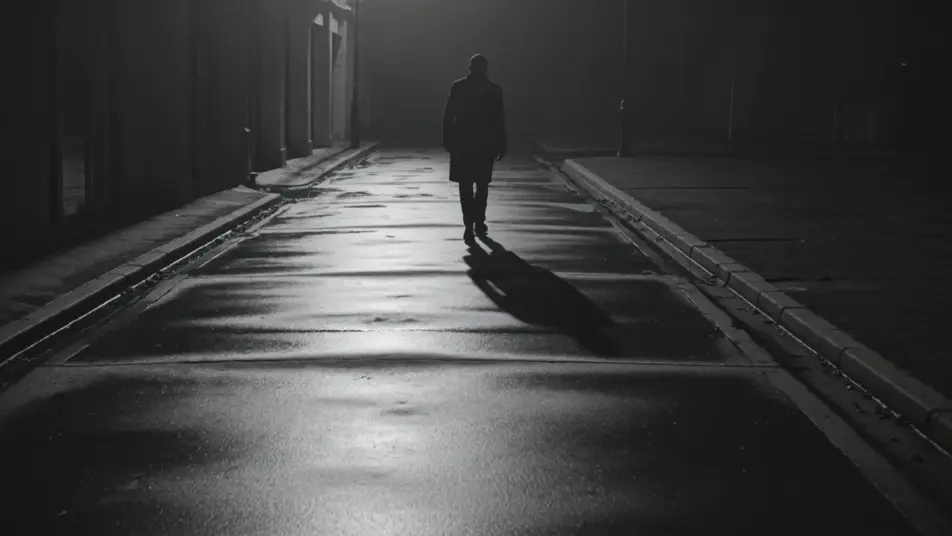
Un salón en penumbra, en blanco y negro. El humo flota entre las mesas, el brillo monocromo se mantiene suave y la cámara se acerca despacio.
Editar prompt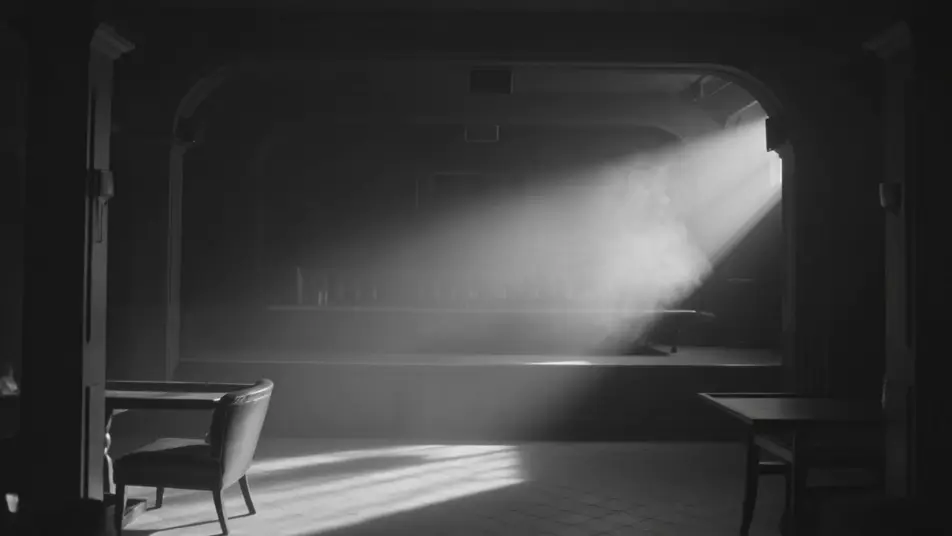
La luz del patio entra por la ventana y cae suave sobre el rostro. Es un primer plano cerrado en escala de grises, de grano fino, y el momento se sostiene en calma.
Editar prompt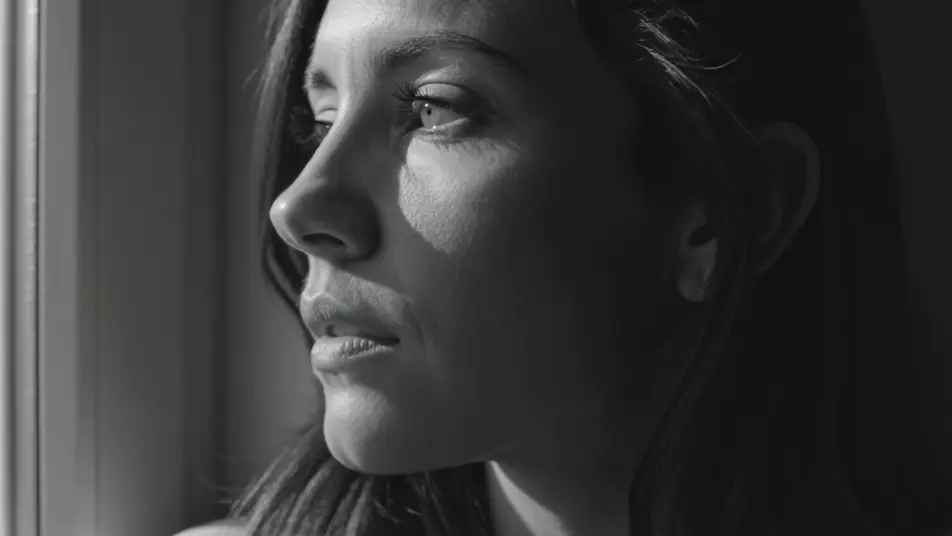
Escribe la escena de cine en blanco y negro que quieres, en palabras simples.
Morphic genera un clip cinematográfico y listo para usar en tu canvas en segundos.
Ajusta el prompt, regenera variaciones y luego descarga o comparte la toma.
Cinematic time-freeze short film for any scene

Dramatize any text conversation into a cinematic multi-shot video.
One image to a 9-scene cinematic video.
Drop in a photo of yourself. Get a 12-second cinematic movie with animation and a matched soundtrack.

Share a scene description with character references. Get a full storyboard with shot angles and mood.

Feed in a single image. Get 9 cinematic beats laid out as a 3x3 storyboard grid.
Videos de cine negro con IA
Crea videos de cine negro con IA en Morphic: sombras de persiana, calles mojadas y cabarets llenos de humo a partir de un prompt en español.
Videos de cine mudo con IA
Crea videos de cine mudo con IA en Morphic. Sombra expresionista de Caligari, cámara de Murnau y montaje de Eisenstein, con intertítulos incluidos.
Videos en 16 mm con IA
Crea videos en 16 mm con IA en Morphic: grano orgánico, halación cálida y color de película, desde un prompt en español.
Sepia Vintage AI Videos
Create AI Sepia Vintage videos with Morphic. Generate authentic Sepia Vintage scenes, looks, and visuals for any project in seconds.
Comienza gratis hoy, con la opción de mejorar tu plan o cancelar cuando quieras.
Basic
2400 mensual créditos
1 usuario
Todos los modelos
Workflows
Standard
3625 mensual créditos
1 usuario
Todos los modelos
Workflows
Pro
6350 compartidos mensual créditos
1 usuario
Todos los modelos
Workflows
Max
24650 compartidos mensual créditos
1 usuario
Todos los modelos
Workflows
Enterprise
Para límites más altos
Personalizado
términos de precios y facturación

Free
Para experimentar
$0
gratis para siempre