Seda ondeando al viento
Un lienzo de seda que ondea y se infla con un viento parejo. Los pliegues forman ondas finas y la luz lateral saca un brillo suave que corre por la tela. El vuelo se ve realista, casi sin peso.
Editar prompt
Dirige telas realistas desde tu navegador con el generador de videos de simulación de tela con IA de Morphic. Describe una seda que ondea al viento y Morphic te devuelve la toma. También puedes soltar un cortinaje pesado que cae en pliegues o una bandera que restalla contra el cielo, sin programas de 3D ni computadora de render. Ponle música con Music, voz con Speech y arma el corto en Canvas para tu canal o tus Reels.
Un lienzo de seda que ondea y se infla con un viento parejo. Los pliegues forman ondas finas y la luz lateral saca un brillo suave que corre por la tela. El vuelo se ve realista, casi sin peso.
Editar promptUn telón de terciopelo que se suelta y se asienta en pliegues hondos y suaves. Se le nota el peso y la caída la manda la gravedad, lenta. Los dobleces guardan sombras densas.
Editar prompt
Una bandera que restalla y truena contra un cielo abierto. El viento le marca ondas filosas: se tensa y se afloja. El aleteo es rápido y realista, tomado desde un ángulo bajo.
Editar prompt
Un mantel amplio que alguien suelta y va bajando hasta la mesa. El aire queda atrapado abajo y arma pliegues suaves que ruedan. El desplome es lento, casi en cámara lenta.
Editar prompt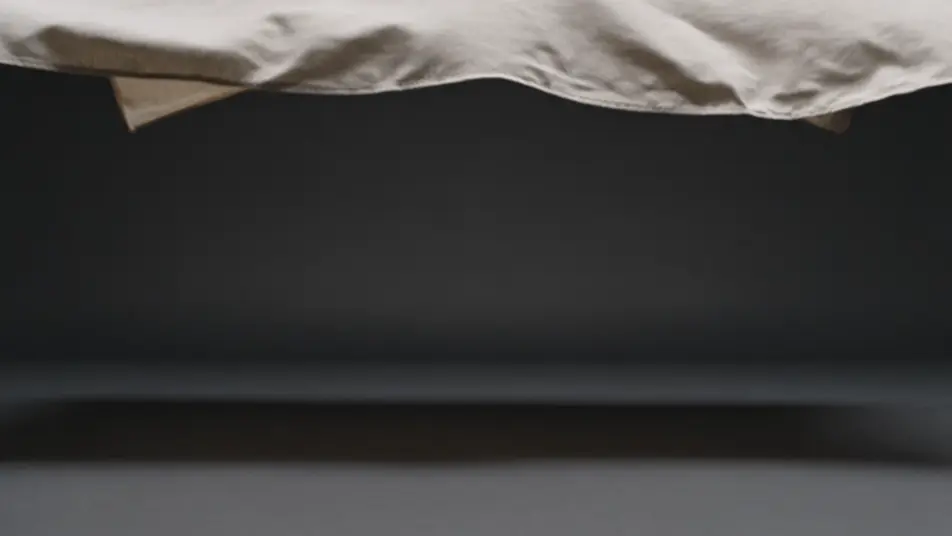
Escribe la escena de simulación de tela que quieres, en palabras simples.
Morphic genera un clip cinematográfico y listo para usar en tu canvas en segundos.
Ajusta el prompt, regenera variaciones y luego descarga o comparte la toma.

Pick any anime illustration as your style guide. Apply its look to any image.

Turn any sketch or drawing into a finished render.

Take any character image and generate 6 distinct facial expressions on a single reference sheet.

All your characters on a single lineup image, side by side with height comparison.

Turn any photo or description into an animated chibi sprite. Dance, jump, wave, attack, and more.
Upload a character image and make it dance in any style.
Videos de simulación de fluidos con IA
Crea simulaciones de fluidos con IA en Morphic: tinta en agua, humo que se enrosca y chorros espesos, todo desde un prompt y en el navegador.
Videos de animación de partículas con IA
Videos de animación de partículas con IA en Morphic. Enjambres que se forman y dispersan, chispas, polvo brillante y siluetas emergentes.
Videos de animación geométrica con IA
Crea videos de animación geométrica con IA en Morphic. Cuadrículas teseladas, polígonos y patrones radiales desde un prompt. Empieza.
Videos de animación de siluetas con IA
Crea videos de animación de siluetas con IA en Morphic. Figuras negras a contraluz, perfiles teatrales y brillo de farol. Empieza.
Comienza gratis hoy, con la opción de mejorar tu plan o cancelar cuando quieras.
Basic
2400 mensual créditos
1 usuario
Todos los modelos
Workflows
Standard
3625 mensual créditos
1 usuario
Todos los modelos
Workflows
Pro
6350 compartidos mensual créditos
1 usuario
Todos los modelos
Workflows
Max
24650 compartidos mensual créditos
1 usuario
Todos los modelos
Workflows
Enterprise
Para límites más altos
Personalizado
términos de precios y facturación

Free
Para experimentar
$0
gratis para siempre