Direct dark fantasy in your browser with Morphic's dark fantasy AI video generator. Generate a black knight in a cursed wolf-forest or a ruined cathedral with a shattered rose window, add a low-string drone with Music, and stitch the beats on the Canvas.

Dark fantasy characters you can create

Dark fantasy scenes you can direct

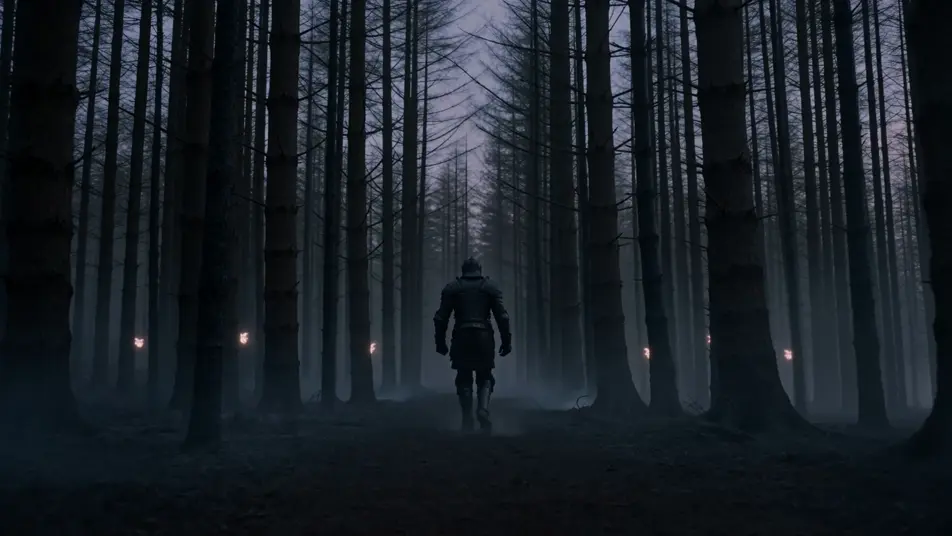
Cursed wolf-forest at dusk

Cursed wolf-forest at dusk, blackened pine trunks crowding the path, six pale wolf-eyes glowing between the trees, a single black-armoured knight walking the centre of the path away from camera.

Editar prompt

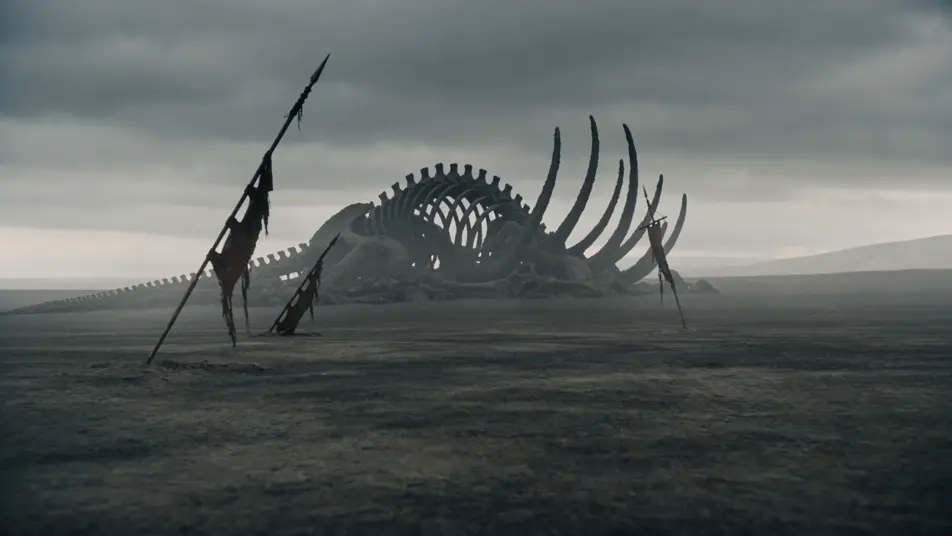
Ash-grey wastes with toppled banners

Ash-grey waste with three toppled regiment banners half-buried in the dust, charred ribcage of some great beast in the middle distance, leaden overcast sky pressing down.

Editar prompt

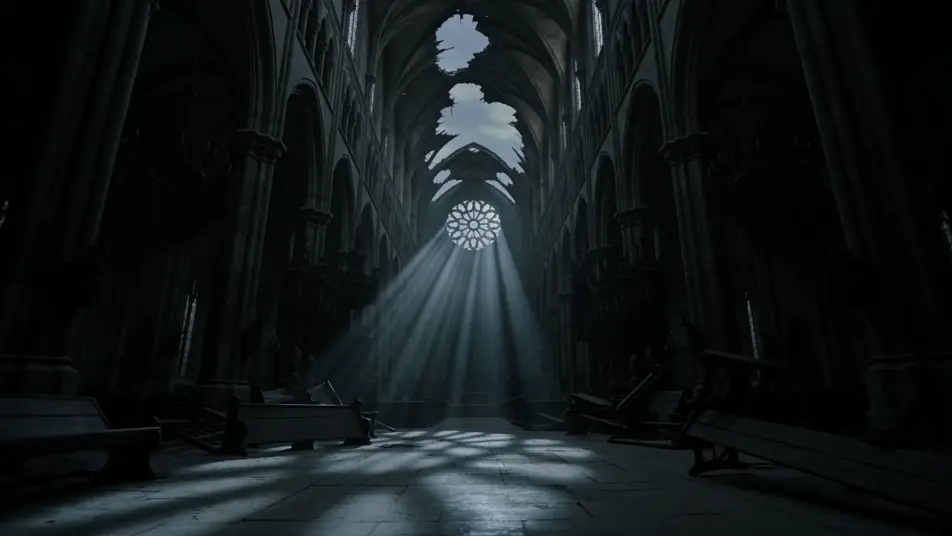
Ruined cathedral nave at twilight

Ruined cathedral nave at twilight, the great rose window shattered with shards still clinging to the lead-came, ash-grey light pouring through the gap, broken pews stacked toward the apse.

Editar prompt

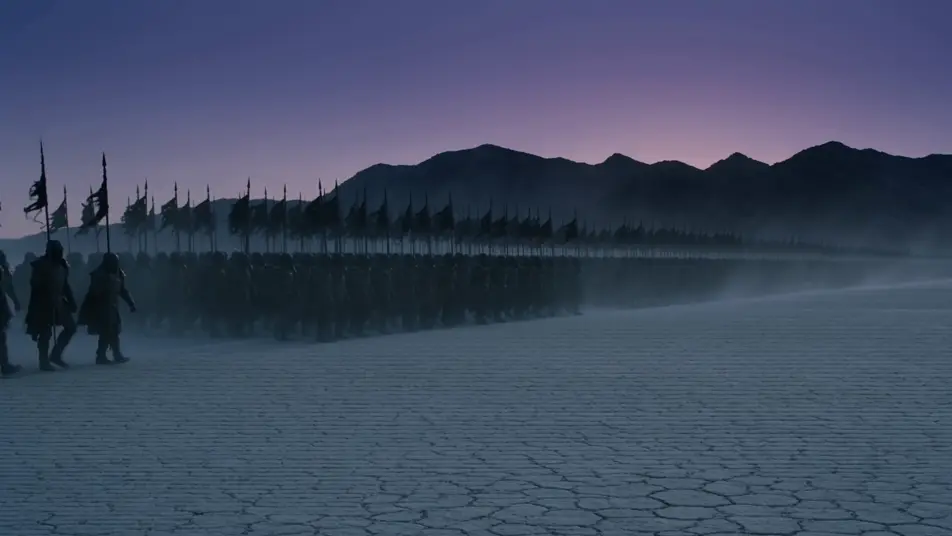
Black-banner host on a salt plain

Host of black-banner soldiers marching across a salt plain at dusk, banners flapping in a high wind, kicked-up salt dust trailing the column, mountains a black silhouette on the horizon.

Editar prompt

Crea videos de dark fantasy en tres pasos

  1. 01

    Describe tu escena de dark fantasy

    Escribe la escena de dark fantasy que quieres, en palabras simples.

  2. 02

    Genera el video

    Morphic genera un clip cinematográfico y listo para usar en tu canvas en segundos.

  3. 03

    Refina tu video de dark fantasy

    Ajusta el prompt, regenera variaciones y luego descarga o comparte la toma.

Workflows relacionados

También te puede gustar

Precios simples

Comienza gratis hoy, con la opción de mejorar tu plan o cancelar cuando quieras.

Basic

$9/ mes
facturado como $0 por año

900 mensual créditos

1 usuario

Todos los modelos

Workflows

Standard

$24/ mes
facturado como $0 por año

3200 mensual créditos

1 usuario

Todos los modelos

Workflows

Pro

$45/ mes
facturado como $0 por año

6200 compartidos mensual créditos

1 usuario

+ hasta 4 más con costo adicional

Todos los modelos

Workflows

Pro Max

$170/ mes
facturado como $0 por año

24000 compartidos mensual créditos

1 usuario

+ hasta 9 más con costo adicional

Todos los modelos

Workflows

Enterprise

Para límites más altos

Personalizado

términos de precios y facturación

High-volume credits
Límites de asientos personalizados
Todos los modelos
Workflows
Pricing Gradient

Free

Para experimentar

$0

gratis para siempre

Hasta 20 créditos
Solo 1 usuario
Modelos limitados
Workflows

Preguntas frecuentes

Where can I make dark fantasy videos with AI?
You can create dark fantasy scenes directly in your browser on Morphic. Open the Text to Video tool, describe the corruption marker, the cursed environment, and the leaden light, and Morphic produces the clip. No installs and no specialist software needed.
What defines dark fantasy at the prompt level?
Three things define dark fantasy: a corruption marker on the character (broken visor with red-glow eye-slits, ash on the brow, charred banner over the shoulder), a cursed environment (blackened pine wolf-forest, ash-grey waste, ruined cathedral), and a cold leaden-light palette with no golden-hour warmth. Name all three so Morphic does not default to bright epic high fantasy.
How is dark fantasy different from horror or the fantasy page?
Dark fantasy sits between three siblings. /resources/videos/horror-videos focuses on monster reveal, jump-scare, and dread pacing in a contemporary or gothic register. /resources/videos/folk-horror-videos focuses on daylight pagan ritual (wicker effigy, cornfield procession). /resources/videos/fantasy-videos is the bright umbrella. Dark fantasy is the grimdark slice: epic-fantasy architecture and host scale, but with corrupted knights, cursed forests, leaden overcast, and no triumph. If your story has dragon banners and clean victory, you want the umbrella; if it has black banners and ash, you are in the right place.
How do I keep my dark fantasy look consistent across scenes?
Use the Character Lineup workflow to lock the wardrobe and corruption markers for each archetype (the red-visor knight, the ash-streaked survivor, the bone-mask plague-priest), then reference those character cards in every prompt. For the palette, lock a Style Transfer reference frame (leaden overcast, ash-grey mid-tones, dried-blood accent) and apply it across the whole shot list so the look holds from forest to waste to cathedral.
Can I add a dirge score and voiceover to my dark fantasy videos?
Yes. The Music tool produces an original soundtrack, and a dirge register (low-string drone, bone flute, distant funeral bell) sits cleanly under the cathedral and salt-plain march beats. The Speech tool generates voiceover (hooded narrator, surviving herald, dying king) in the voice you choose, layered onto the generated video to publish a complete dark fantasy short.
Do I need any background to make dark fantasy videos with AI?
No. Morphic runs in your browser and you direct it with plain-language prompts. If you can describe a black-armoured knight walking into a wolf-forest and a ruined cathedral with a shattered rose window, you can produce a dark fantasy scene. The prompts on this page are written so anyone can paste and run.