Matsya tows the boat of Manu through the flood
The cosmic deluge. Matsya, half-fish half-man, drags Manu’s boat through black storm-lit seas, the seven sages and the seeds of life sheltered onboard, lightning above.
Editar prompt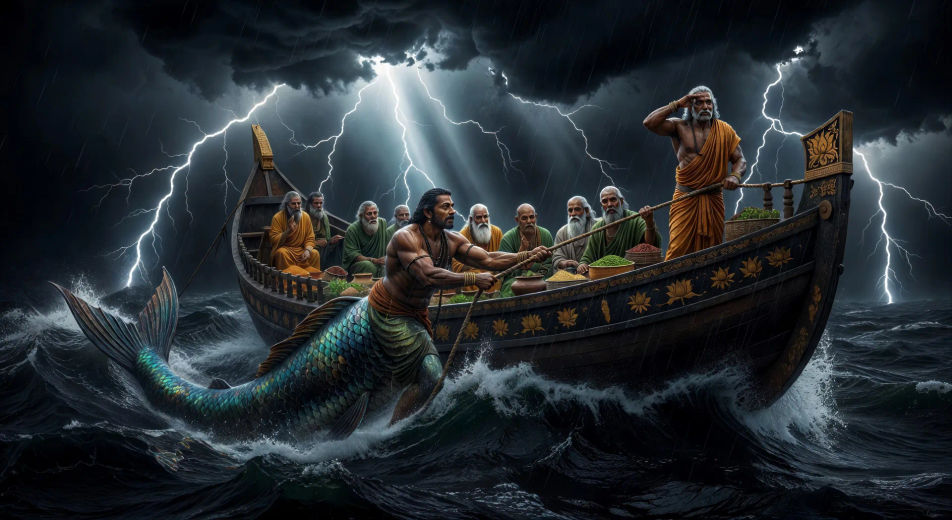
Direct the ten avatars in your browser with Morphic's Dashavatara AI video generator. Generate Matsya towing Manu's boat or Narasimha splitting the pillar, chant the Purana with Speech, lock Vishnu with Character Lineup and publish a Hindu mythology series.
The cosmic deluge. Matsya, half-fish half-man, drags Manu’s boat through black storm-lit seas, the seven sages and the seeds of life sheltered onboard, lightning above.
Editar promptThe samudra manthan. Devas and asuras pull the serpent Vasuki around Mount Mandara, the mountain spinning on the back of Kurma the tortoise in the milk ocean below.
Editar prompt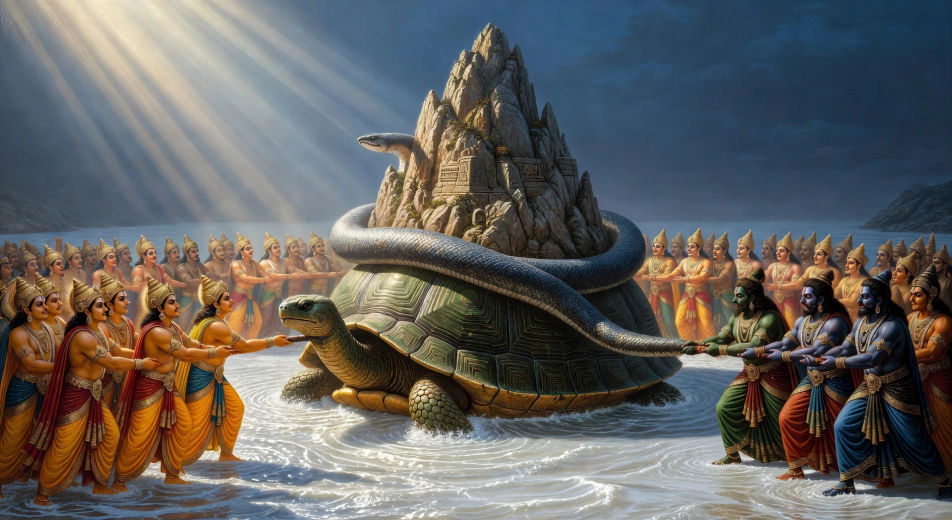
Twilight in Hiranyakashipu’s court. The great pillar splits open. Narasimha emerges mid-roar, mane lit gold, claws raised, the asura king staggering back toward his throne.
Editar prompt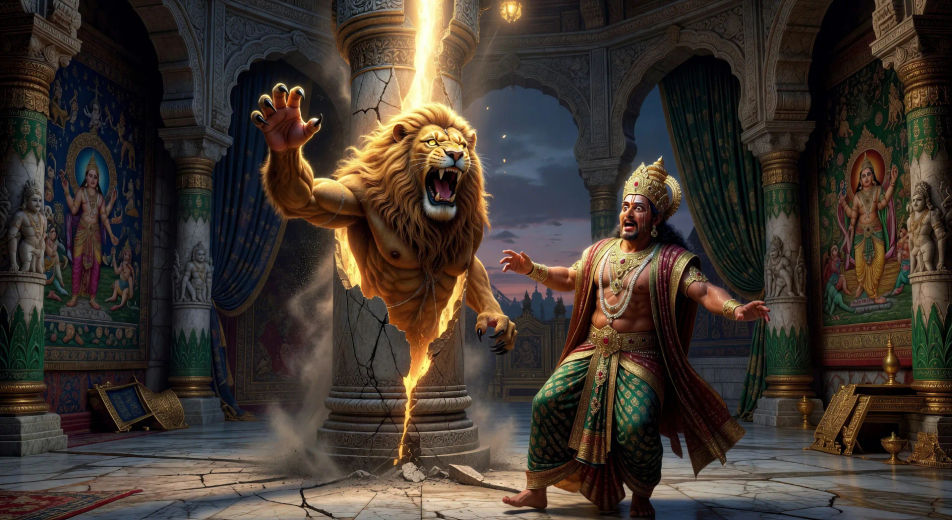
Vamana grows from a dwarf into a cosmic figure mid-stride. One foot crosses the earth, the other lifts toward the sky, Bali kneeling at the base, the assembled court in awe.
Editar prompt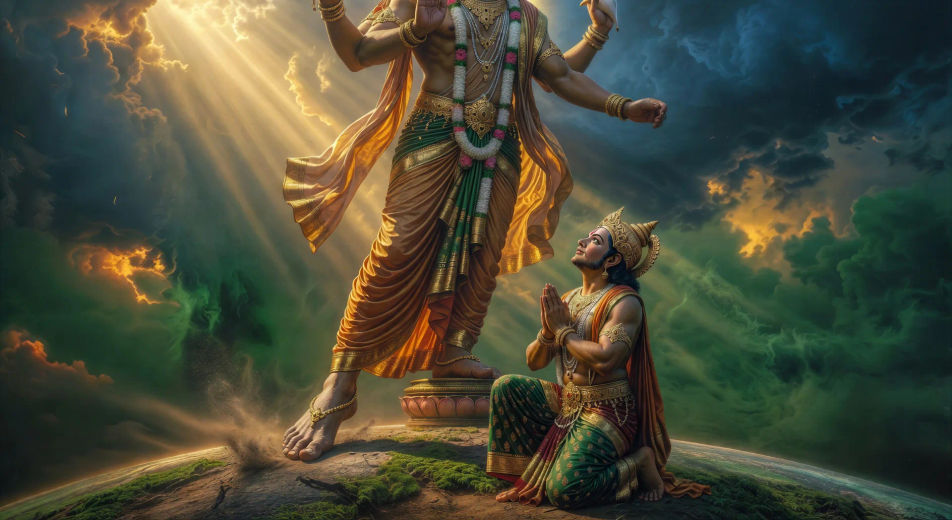
Escribe la escena de Dashavatara que quieres, en palabras simples.
Morphic genera un clip cinematográfico y listo para usar en tu canvas en segundos.
Ajusta el prompt, regenera variaciones y luego descarga o comparte la toma.

Share a scene description with character references. Get a full storyboard with shot angles and mood.

Feed in a single image. Get 9 cinematic beats laid out as a 3x3 storyboard grid.
One image to a 9-scene cinematic video.

Take any character image and generate 6 distinct facial expressions on a single reference sheet.
Cinematic time-freeze short film for any scene
Drop in a photo of yourself. Get a 12-second cinematic movie with animation and a matched soundtrack.
Videos de Vishnu con IA
Crea escenas de Vishnu, Sheshanaga y Vaikuntha con IA. Genera, narra y musicaliza tus videos de mitología hindú desde un solo prompt, en Morphic.
Videos de Krishna con IA
Crea escenas, retratos de personajes y episodios devocionales o épicos de Krishna con Morphic. Genera, narra y musicaliza videos de Krishna desde un solo prompt.
Videos del Ramayana con IA
Crea escenas, retratos de personajes y episodios completos del Ramayana con Morphic. Genera, narra y musicaliza videos del Ramayana desde un solo prompt.
Garuda AI Videos
Create Garuda scenes, the theft of the amrita and the flight of Vishnu, with Morphic. Generate, narrate, and score Garuda videos from a single prompt.
Comienza gratis hoy, con la opción de mejorar tu plan o cancelar cuando quieras.
Basic
2400 mensual créditos
1 usuario
Todos los modelos
Workflows
Standard
3625 mensual créditos
1 usuario
Todos los modelos
Workflows
Pro
6350 compartidos mensual créditos
1 usuario
Todos los modelos
Workflows
Max
24650 compartidos mensual créditos
1 usuario
Todos los modelos
Workflows
Enterprise
Para límites más altos
Personalizado
términos de precios y facturación

Free
Para experimentar
$0
gratis para siempre