Direct a disaster film in your browser with Morphic's disaster AI video generator. Generate a boulevard buckling along the San Andreas fault or a tsunami front, add voice-over and score with Speech and Music, and stitch a disaster short on the Canvas.

Disaster characters you can direct

Disaster scenes you can stage

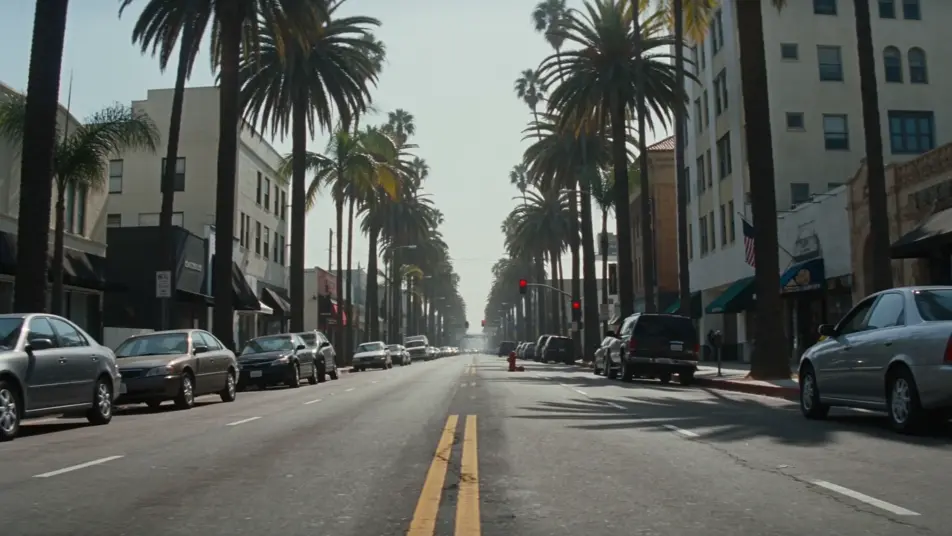
Fault-line street at noon

A wide low-angle shot of a Los Angeles boulevard at noon, asphalt cracking and lifting along a hairline fault running down the centre line, parked cars tilting sideways, dust rising from the gutters.

Editar prompt

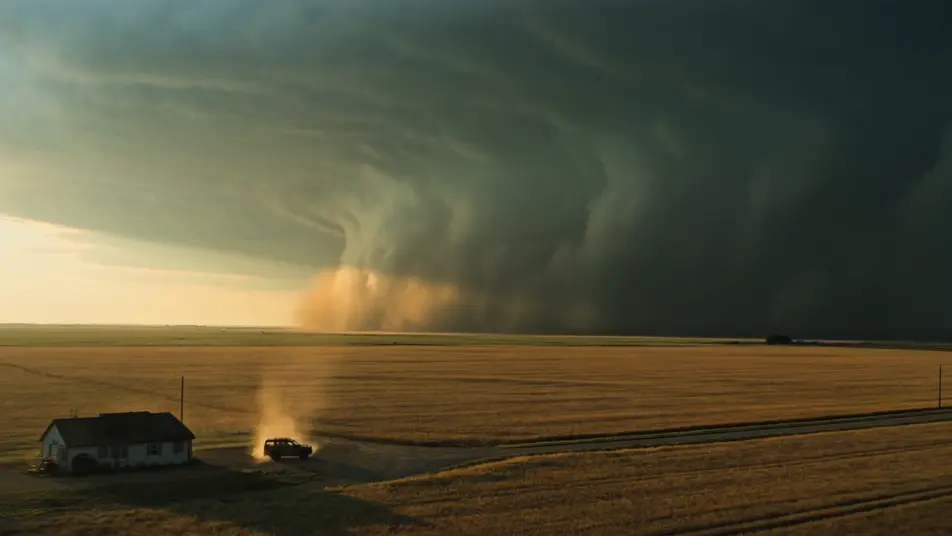
Supercell over Kansas wheat

A wide drone shot of a vast wall-cloud supercell rolling slow across a flat Kansas wheat field at golden hour, a single farmhouse and a battered SUV in the foreground, the sky bruised green-grey.

Editar prompt

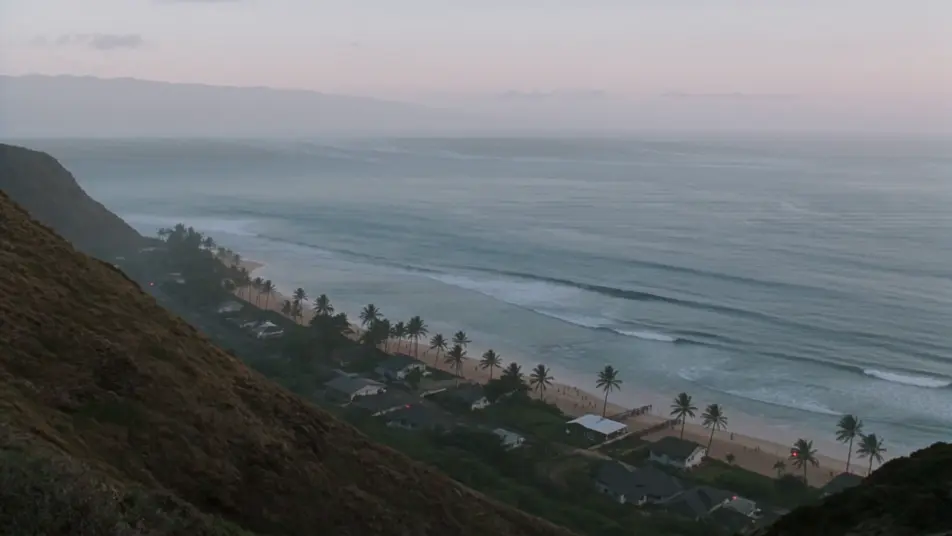
Tsunami front on the horizon

A high coastal-cliff shot of a small Pacific town below at first light, a glassy tsunami front rising on the horizon, sirens audible faintly, figures running from the beach toward higher ground.

Editar prompt

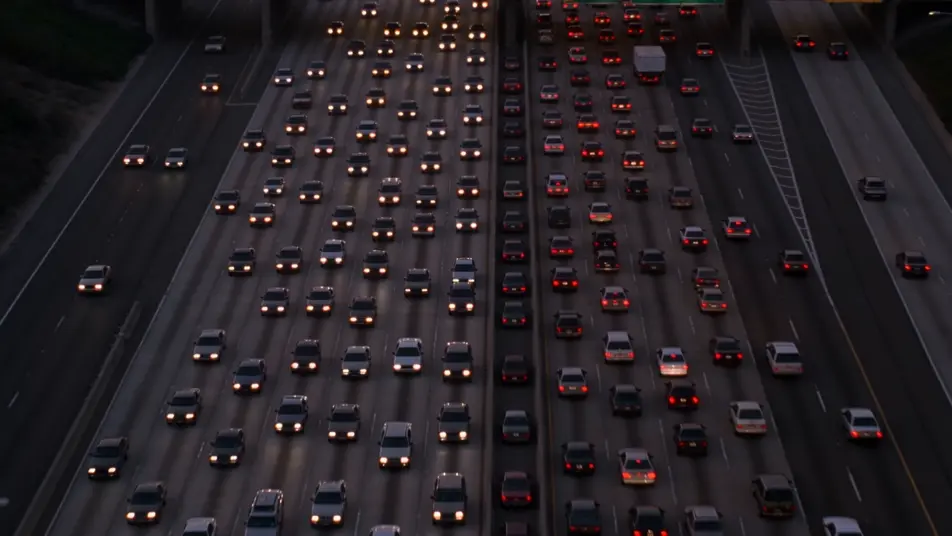
Freeway evacuation at dusk

An aerial shot of an eight-lane freeway at dusk, all lanes outbound jammed with headlights, the city skyline behind ringed with orange wildfire glow, helicopter searchlights sweeping the gridlock.

Editar prompt

Crea videos de disaster en tres pasos

  1. 01

    Describe tu escena de disaster

    Escribe la escena de disaster que quieres, en palabras simples.

  2. 02

    Genera el video

    Morphic genera un clip cinematográfico y listo para usar en tu canvas en segundos.

  3. 03

    Refina tu video de disaster

    Ajusta el prompt, regenera variaciones y luego descarga o comparte la toma.

Workflows relacionados

También te puede gustar

Precios simples

Comienza gratis hoy, con la opción de mejorar tu plan o cancelar cuando quieras.

Basic

$9/ mes
facturado como $0 por año

900 mensual créditos

1 usuario

Todos los modelos

Workflows

Standard

$24/ mes
facturado como $0 por año

3200 mensual créditos

1 usuario

Todos los modelos

Workflows

Pro

$45/ mes
facturado como $0 por año

6200 compartidos mensual créditos

1 usuario

+ hasta 4 más con costo adicional

Todos los modelos

Workflows

Pro Max

$170/ mes
facturado como $0 por año

24000 compartidos mensual créditos

1 usuario

+ hasta 9 más con costo adicional

Todos los modelos

Workflows

Enterprise

Para límites más altos

Personalizado

términos de precios y facturación

High-volume credits
Límites de asientos personalizados
Todos los modelos
Workflows
Pricing Gradient

Free

Para experimentar

$0

gratis para siempre

Hasta 20 créditos
Solo 1 usuario
Modelos limitados
Workflows

Preguntas frecuentes

Where can I make disaster videos with AI?
You can create disaster scenes directly in your browser on Morphic. Open the Text to Video tool, describe the disaster beat, the recognisable setting, and the camera move, and Morphic produces the clip. No installs and no specialist software needed.
What defines a disaster scene for an AI prompt?
Four things: a disaster action (rupture, supercell, tsunami, evacuation, flood, wildfire), a real-world setting (LA boulevard, Kansas wheat, Pacific coast, city freeway), dramatic light (bruised green-grey, sodium orange, dawn pale), and a tailored archetype in frame. Name all four for the scene to read as a genuine disaster beat.
How do I get the catastrophic feel in a scene?
Anchor scale with one wide shot and one human-level detail (a tilting parked car, a paddling dog, a waving family on a roof), use a single dominant colour cast (wildfire orange, supercell green-grey), and name the recognisable location directly. Morphic centres the beat instead of producing generic destruction.
How do I keep my responders consistent across scenes?
Use the Character Lineup workflow to lock the turnout gear, the rain shell, or the yellow safety vest for each role (fire captain, storm chaser, volunteer, rescuer), then reference those cards in every prompt. Morphic preserves the crew across the fire, the flood, and the freeway.
What kinds of disaster scenes work best with AI video?
Single-shot disaster beats: a fault-line street at noon, a supercell over a wheat field, a tsunami front on the horizon, a freeway evacuation at dusk, a flooded suburban street, a skyline under wildfire glow. Anchor each disaster scene to one beat, one setting, and one camera move.
Can I add a low brass score and eyewitness voice-over to my disaster videos?
Yes. The Speech tool generates a stunned eyewitness voice-over and a measured news-anchor read from your script, and the Music tool produces a low brass and percussion disaster score. Layer both onto the generated clip to publish a complete disaster short.