Una ladera animada a la hora dorada
Una ladera de animación coreana bañada por luz dorada. El color es cálido y el cel shading, suave. La protagonista se queda mirando el horizonte.
Editar prompt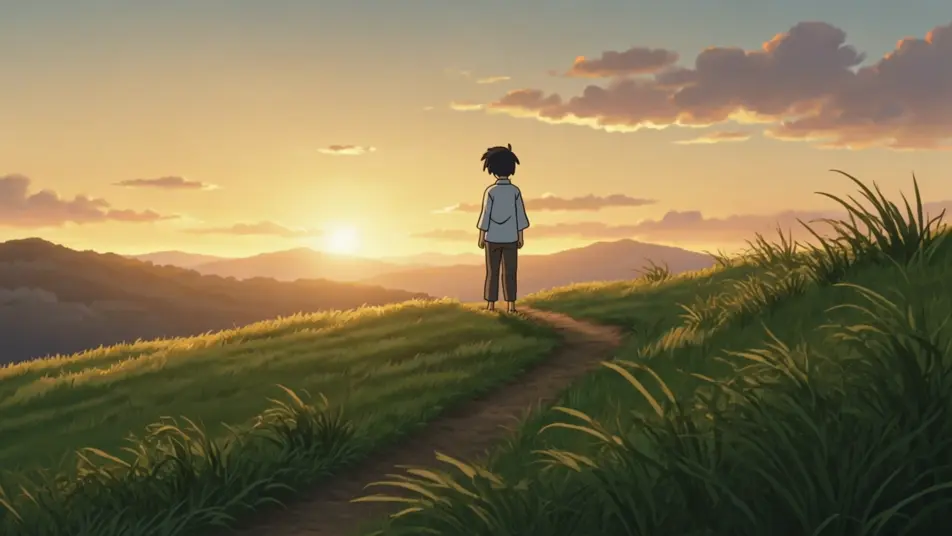
Dirige historias animadas desde el navegador con el generador de videos de animación coreana con IA de Morphic. Describe una ladera a la hora dorada, un mercado callejero lleno de gente o una calle mojada por la lluvia, y Morphic te devuelve la toma con cel shading suave y color cálido. Ponle voz con Speech y música con Music, y arma el corto completo en Canvas para YouTube o tus Reels.
Una ladera de animación coreana bañada por luz dorada. El color es cálido y el cel shading, suave. La protagonista se queda mirando el horizonte.
Editar promptUn mercado callejero animado, con puestos pegados uno al otro y color vivo. El sombreado es suave. La gente cruza el cuadro sin parar.
Editar prompt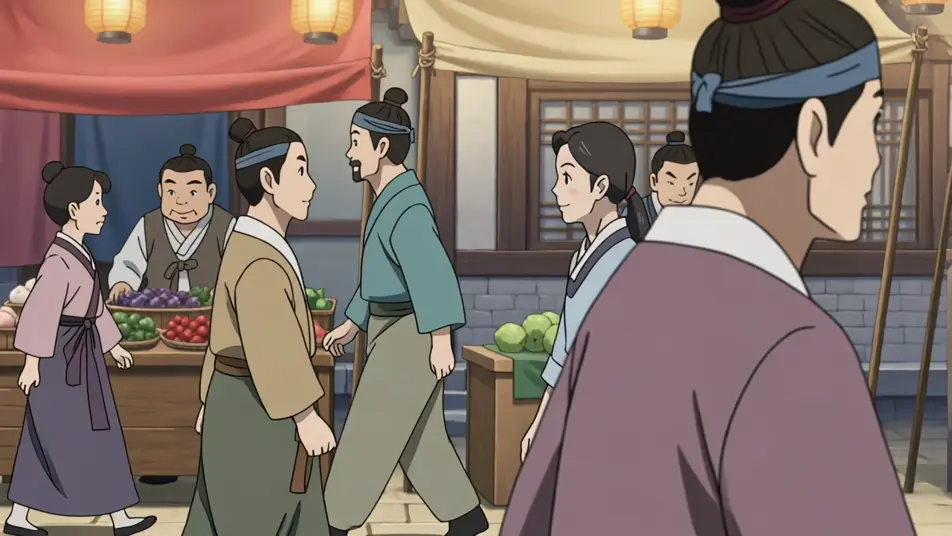
Un interior de casa cálido, con sombreado naturalista. Los personajes se quedan callados después de comer. Ese silencio es toda la escena.
Editar prompt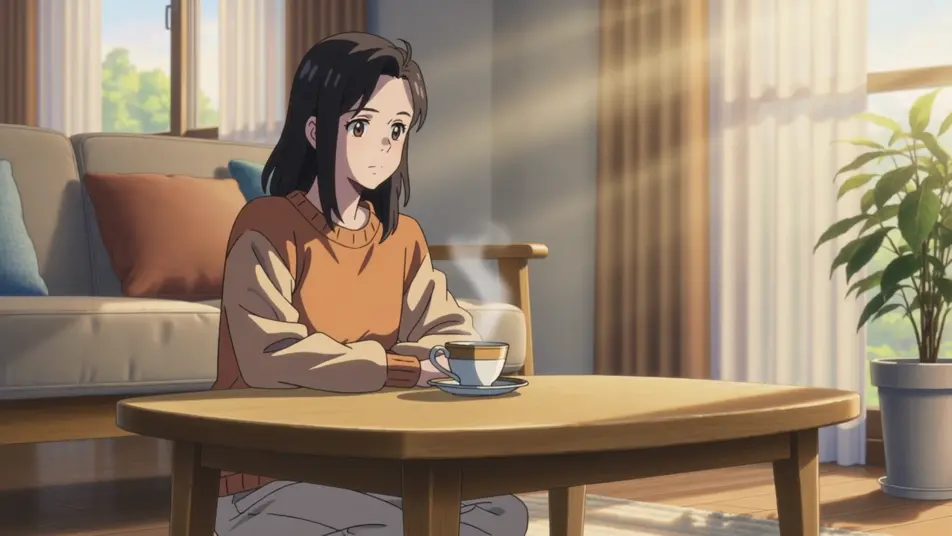
Una calle de animación coreana con la lluvia encima. La paleta es fría y el asfalto refleja las luces. Una sola figura camina por ahí.
Editar prompt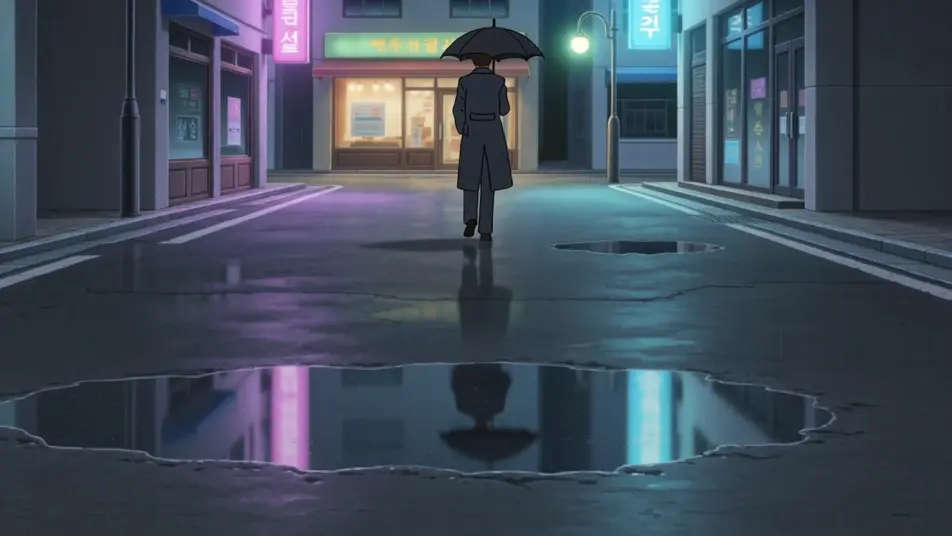
Escribe la escena de animación coreana que quieres, en palabras simples.
Morphic genera un clip cinematográfico y listo para usar en tu canvas en segundos.
Ajusta el prompt, regenera variaciones y luego descarga o comparte la toma.

Pick any anime illustration as your style guide. Apply its look to any image.

Turn any sketch or drawing into a finished render.

Take any character image and generate 6 distinct facial expressions on a single reference sheet.

All your characters on a single lineup image, side by side with height comparison.

Turn any photo or description into an animated chibi sprite. Dance, jump, wave, attack, and more.
Upload a character image and make it dance in any style.
Videos de animación manhwa con IA
Crea escenas de animación manhwa con IA en Morphic: confesiones en la azotea, choques de acción y momentos de café, desde un prompt en español.
Videos de anime con IA
Crea videos de anime con IA en Morphic: escenas de slice of life, pilotos de mecha, transformaciones mágicas y capítulos completos a partir de un prompt.
Videos de animación manga con IA
Crea animación manga en Morphic: tinta blanco y negro, screentone, líneas de velocidad y paneles dramáticos, todo desde un prompt escrito en español.
Videos estilo anime con IA
Crea videos estilo anime con IA en Morphic: sombreado cel, líneas limpias y personajes expresivos desde un prompt, listos para Reels o TikTok.
Comienza gratis hoy, con la opción de mejorar tu plan o cancelar cuando quieras.
Basic
2400 mensual créditos
1 usuario
Todos los modelos
Workflows
Standard
3625 mensual créditos
1 usuario
Todos los modelos
Workflows
Pro
6350 compartidos mensual créditos
1 usuario
Todos los modelos
Workflows
Max
24650 compartidos mensual créditos
1 usuario
Todos los modelos
Workflows
Enterprise
Para límites más altos
Personalizado
términos de precios y facturación

Free
Para experimentar
$0
gratis para siempre