Plaza del pueblo bajo la lluvia al amanecer
Una plaza embarrada bajo lluvia constante y fuerte. Tres figuras de túnica oscura se separan en triángulo, con las casas de madera detrás y la compresión del teleobjetivo aplanando el fondo.
Editar prompt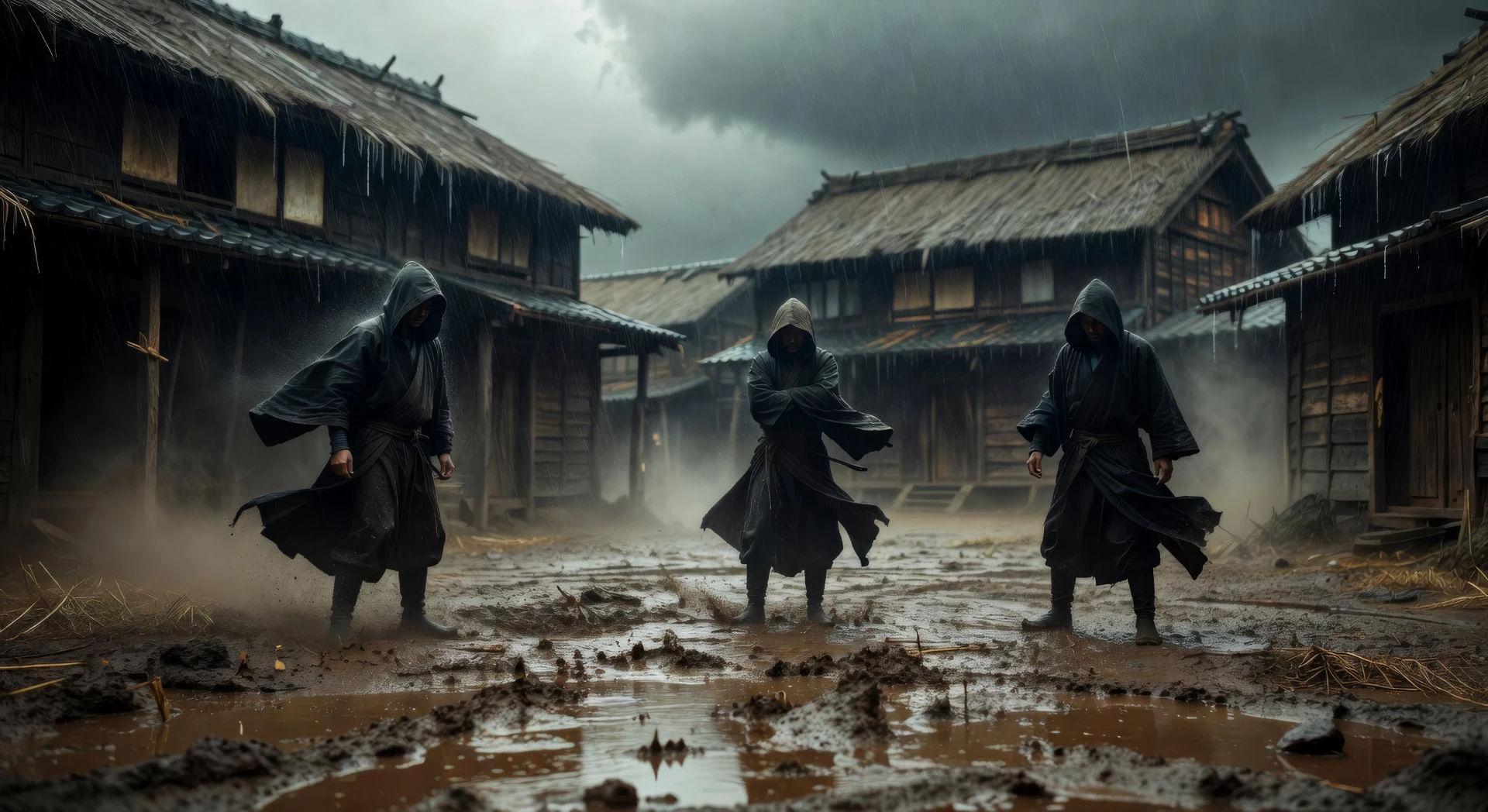
Dirige el drama a la intemperie de Akira Kurosawa desde el navegador con el generador de videos estilo Kurosawa con IA de Morphic. Describe una plaza embarrada bajo la lluvia al amanecer y Morphic te devuelve la toma. También puedes armar un duelo en un bosque de bambú o una llanura de pasto alto antes de la tormenta, sin cámara ni equipo de filmación. Ponle un tambor taiko con Music y arma el corto de época en Canvas para tu canal de YouTube.
Una plaza embarrada bajo lluvia constante y fuerte. Tres figuras de túnica oscura se separan en triángulo, con las casas de madera detrás y la compresión del teleobjetivo aplanando el fondo.
Editar promptDos espadachines se miden en un bosque de bambú, con la cámara baja y horizontal. El viento mueve las cañas antes de que alguno se mueva, y el polvo flota en los haces de luz.
Editar prompt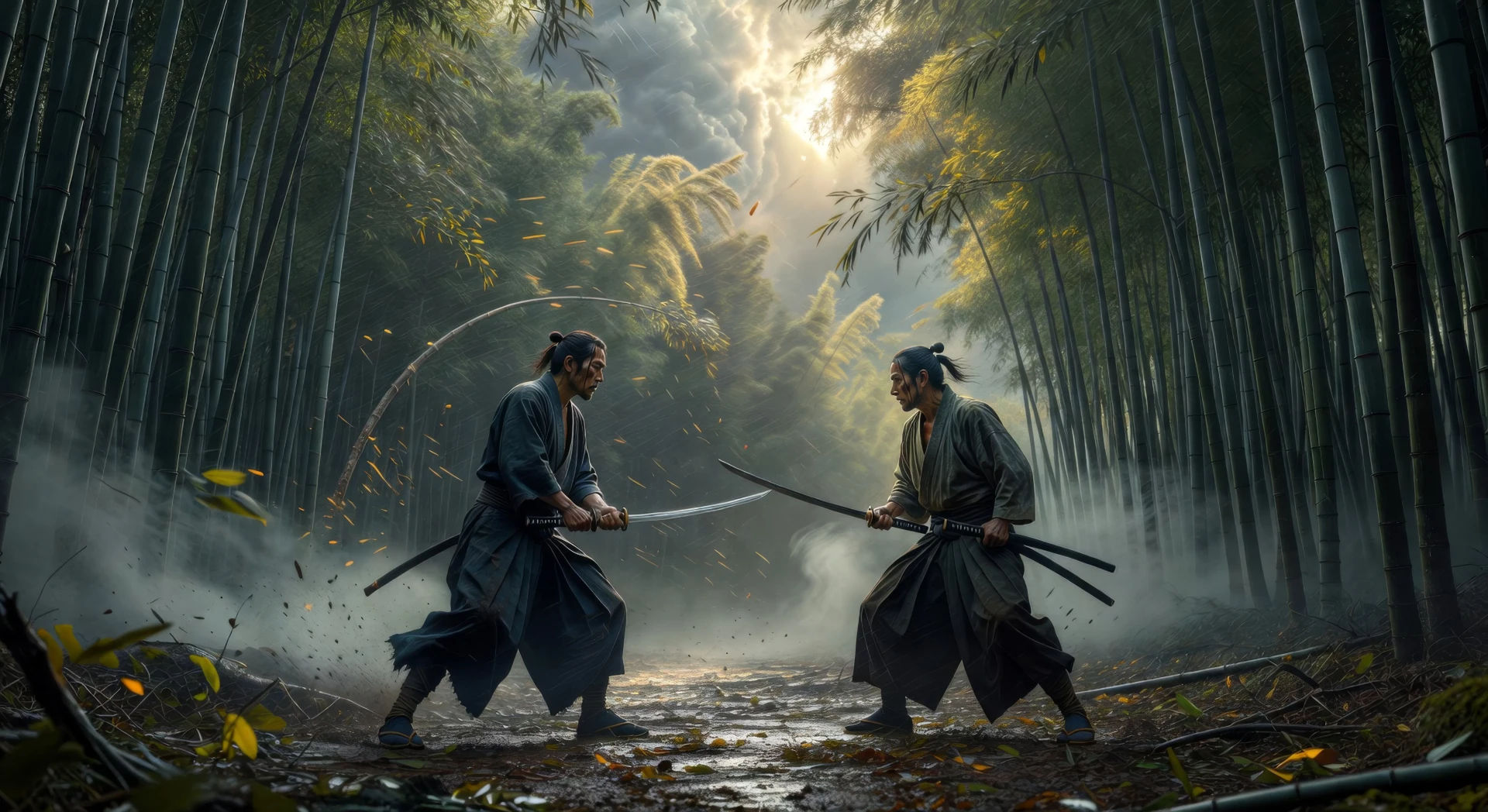
Dos figuras en los extremos de una meseta amplia, con estandartes que restallan en el viento fuerte. La niebla sube del valle y la toma queda fija, en teleobjetivo.
Editar prompt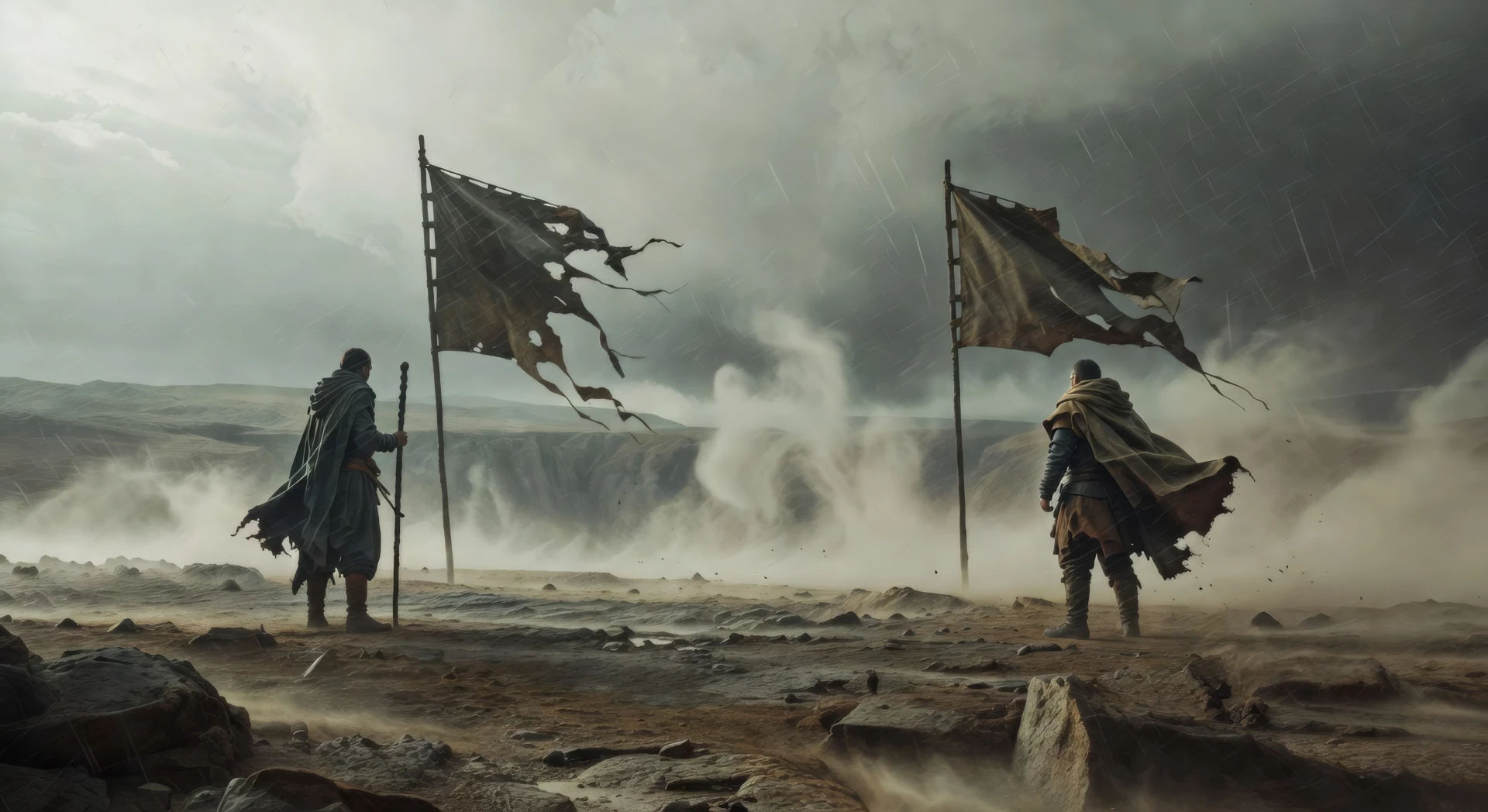
Una sala de estructura de madera iluminada solo por faroles de piso. Tres figuras se arrodillan alrededor de un pergamino, con biombos de papel detrás y un rayo de luna en el suelo.
Editar prompt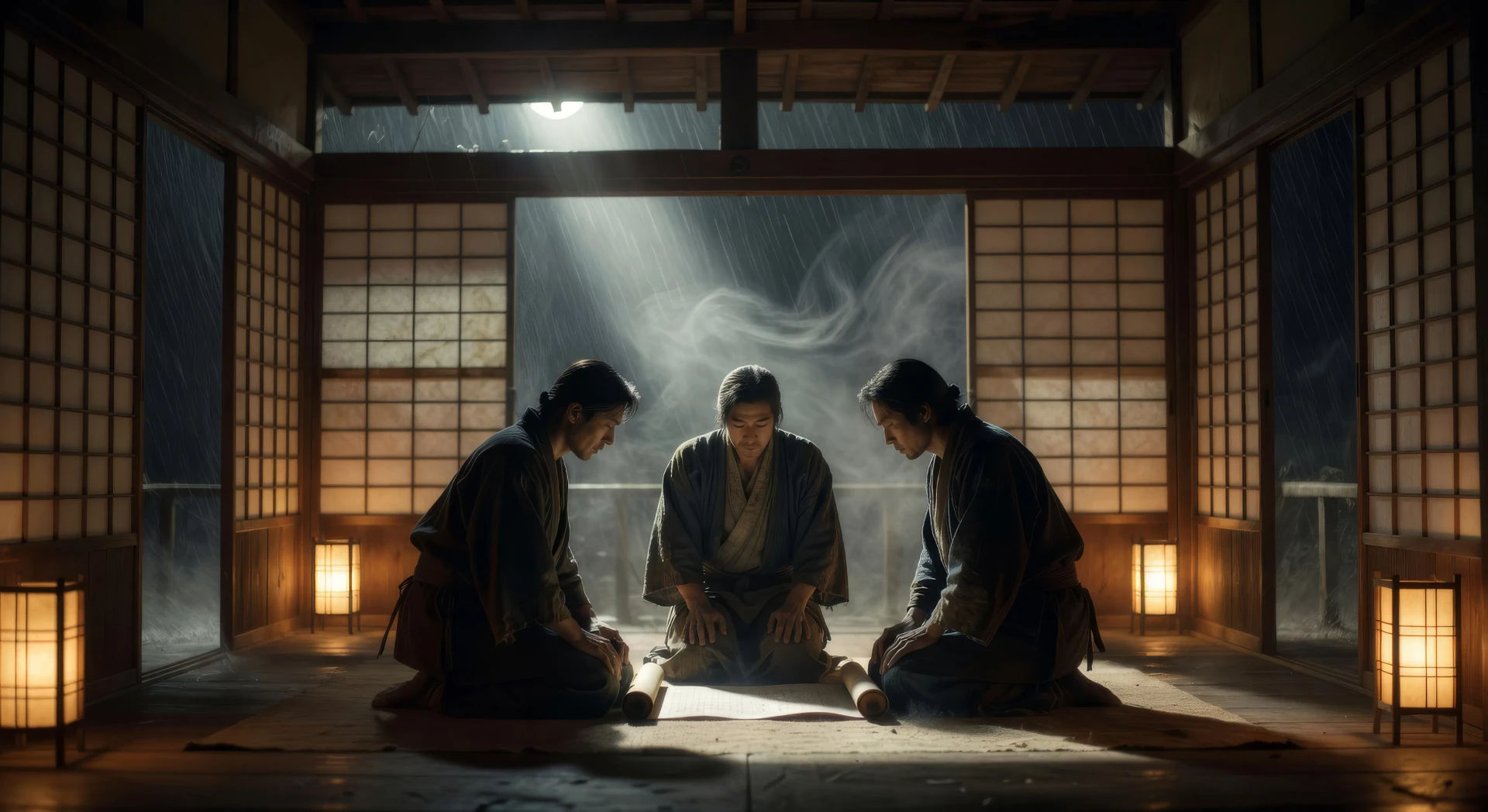
Escribe la escena de Kurosawa que quieres, en palabras simples.
Morphic genera un clip cinematográfico y listo para usar en tu canvas en segundos.
Ajusta el prompt, regenera variaciones y luego descarga o comparte la toma.

Share a scene description with character references. Get a full storyboard with shot angles and mood.
One image to a 9-scene cinematic video.

Dramatize any text conversation into a cinematic multi-shot video.
Cinematic time-freeze short film for any scene
Drop in a photo of yourself. Get a 12-second cinematic movie with animation and a matched soundtrack.

Feed in a single image. Get 9 cinematic beats laid out as a 3x3 storyboard grid.
Videos estilo Wong Kar Wai con IA
Crea videos estilo Wong Kar Wai con IA en Morphic: neón, lluvia, color saturado y movimiento step-printed, desde tu navegador con prompts simples.
Videos estilo Kubrick con IA
Crea videos estilo Stanley Kubrick con Morphic. Perspectiva de un punto, encuadres simétricos y zooms lentos a partir de un prompt en español.
Amaterasu AI Videos
Create Amaterasu sun goddess scenes and the cave-of-withdrawal myth with Morphic. Generate, narrate, and score full Shinto episode videos from one prompt.
Japanese mythology AI Videos
Create Japanese mythology scenes, Shinto deity portraits, and yokai shorts with Morphic. Generate, narrate, and score full episodes from a single prompt.
Comienza gratis hoy, con la opción de mejorar tu plan o cancelar cuando quieras.
Basic
1100 mensual créditos
1 usuario
Todos los modelos
Workflows
Standard
3625 mensual créditos
1 usuario
Todos los modelos
Workflows
Pro
6350 compartidos mensual créditos
1 usuario
Todos los modelos
Workflows
Pro Max
24650 compartidos mensual créditos
1 usuario
Todos los modelos
Workflows
Enterprise
Para límites más altos
Personalizado
términos de precios y facturación
Free
Para experimentar
$0
gratis para siempre