Turn real photos into moving clips in your browser with Morphic's photo to video AI generator. Generate a wedding photo walking down the aisle or a vacation snapshot with moving waves, add narration with Speech, and finish the sequence on the Canvas.

Photo to video moments you can bring back

Photo to video shots you can stage from a still

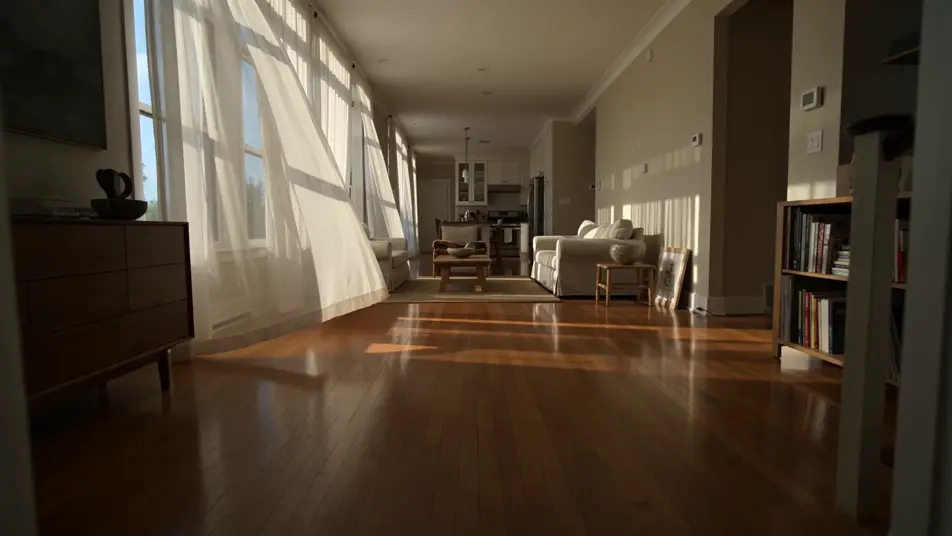
Real estate photo into a slow dolly through the room

A still listing photo of a sunlit living room comes alive as a slow dolly forward, light pooling on the floor, sheer curtains drifting, the kitchen opening up at the back of the frame.

Editar prompt

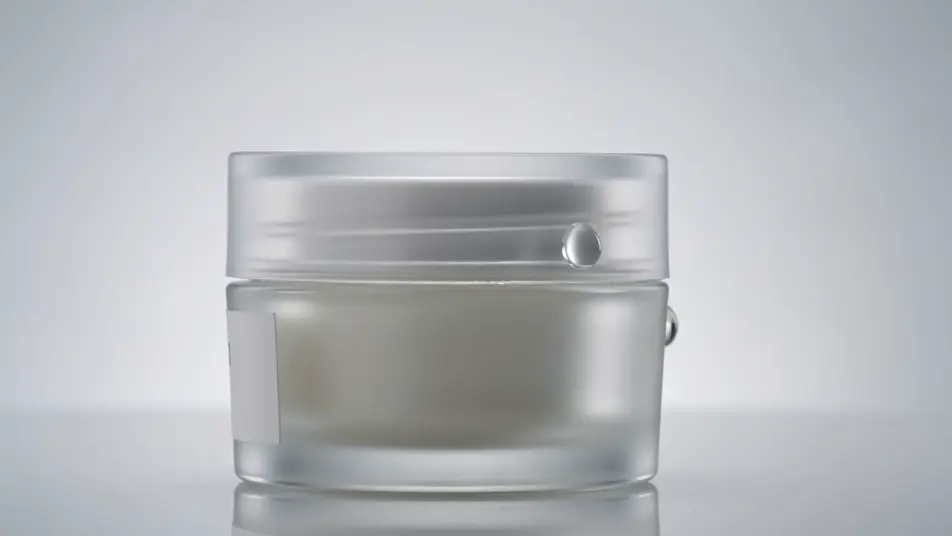
Product photo into a hero rotation

A clean studio product still becomes a hero ad shot, the bottle rotating slowly under a soft key light, droplets catching a glint, the white sweep holding cleanly behind it.

Editar prompt

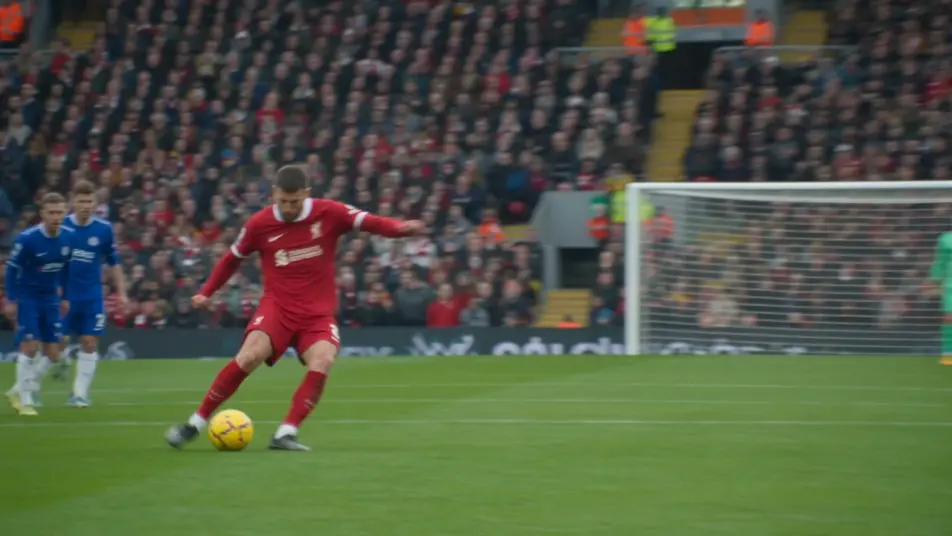
Sports action photo continues the play

A frozen action photo of a striker mid-kick resumes, the ball rocketing off the boot, defenders reacting a beat late, the crowd blur sharpening as the camera tracks the shot.

Editar prompt

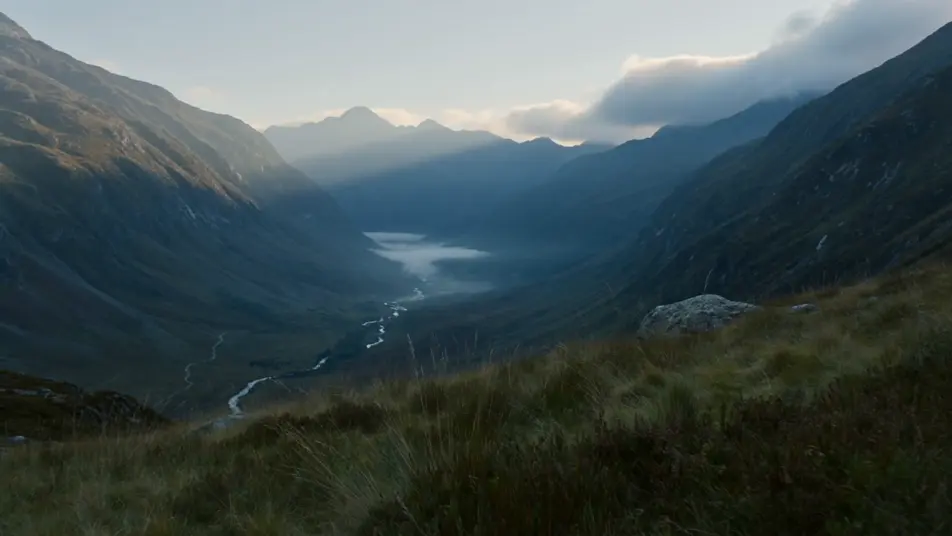
Travel landscape photo into a forward dolly

A wide travel photo of a mountain valley opens into a slow forward push, low clouds drifting across the ridge, grass moving in the foreground, the light shifting as the sun edges out.

Editar prompt

Crea videos de photo to video en tres pasos

  1. 01

    Describe tu escena de photo to video

    Escribe la escena de photo to video que quieres, en palabras simples.

  2. 02

    Genera el video

    Morphic genera un clip cinematográfico y listo para usar en tu canvas en segundos.

  3. 03

    Refina tu video de photo to video

    Ajusta el prompt, regenera variaciones y luego descarga o comparte la toma.

Workflows relacionados

También te puede gustar

Precios simples

Comienza gratis hoy, con la opción de mejorar tu plan o cancelar cuando quieras.

Basic

$9/ mes
facturado como $0 por año

900 mensual créditos

1 usuario

Todos los modelos

Workflows

Standard

$24/ mes
facturado como $0 por año

3200 mensual créditos

1 usuario

Todos los modelos

Workflows

Pro

$45/ mes
facturado como $0 por año

6200 compartidos mensual créditos

1 usuario

+ hasta 4 más con costo adicional

Todos los modelos

Workflows

Pro Max

$170/ mes
facturado como $0 por año

24000 compartidos mensual créditos

1 usuario

+ hasta 9 más con costo adicional

Todos los modelos

Workflows

Enterprise

Para límites más altos

Personalizado

términos de precios y facturación

High-volume credits
Límites de asientos personalizados
Todos los modelos
Workflows
Pricing Gradient

Free

Para experimentar

$0

gratis para siempre

Hasta 20 créditos
Solo 1 usuario
Modelos limitados
Workflows

Preguntas frecuentes

How does photo to video AI work on Morphic?
You drop a real photograph onto the Canvas, describe the motion you want added to the subject and the camera move you want around it, and Morphic generates a moving video clip from that still. The original photo stays the source, and the photo to video result picks up where the picture left off.
What kinds of photos work best for photo to video clips?
Clear, well-lit photos with a recognisable subject convert cleanest: wedding photos, baby and family portraits, vacation snapshots, real estate listings, product stills, sports action shots. The sharper the photo and the more visible the subject, the more directed a photo to video clip Morphic can produce.
How do I write a good prompt for photo to video?
Name three things: the photo subject ("the bride", "the baby", "the bottle"), the motion you want ("a slow walk forward", "a giggle and a wave", "a slow rotation"), and the camera move ("slow push-in", "dolly forward", "locked-off"). Subject plus motion plus camera is the photo to video prompt pattern that holds across every kind of still.
Can I revive old family photos with photo to video AI?
Yes. Drop the scan onto the Canvas and describe the moment you want back: a parent looking up and smiling, a child turning toward camera, a quiet shared glance. Morphic uses the photo to video model to add gentle motion to the original subjects so the memory plays as a short clip.
How do I keep the same person consistent across photo to video clips?
Use the Character Lineup workflow to lock the wardrobe, framing, and look of the subject from your original photo, then reference that card in every prompt. Morphic holds the person steady while you stage a new photo to video moment for each shot.
Can I add narration and music to my photo to video clips?
Yes. The Speech tool generates voiceover in the voice you choose, and the Music tool scores the cut. Layer both onto your photo to video clips on the Canvas and publish a finished sequence with sound.