Direct a recruitment video in your browser with Morphic's recruitment video AI generator. Generate a welcoming office morning, a mentoring moment, or a warm handshake at the doorway. Voice it with Speech, then assemble the careers cut on Compose.

Workplace moments you can direct

Recruitment sequences you can stage

A morning arrival sequence

A bright airy office filling with low morning light as people arrive, hang coats, and greet each other easily, the camera drifting through at walking pace, blank walls and plain solid-color unprinted clothing throughout.

Editar prompt

A huddle around one table

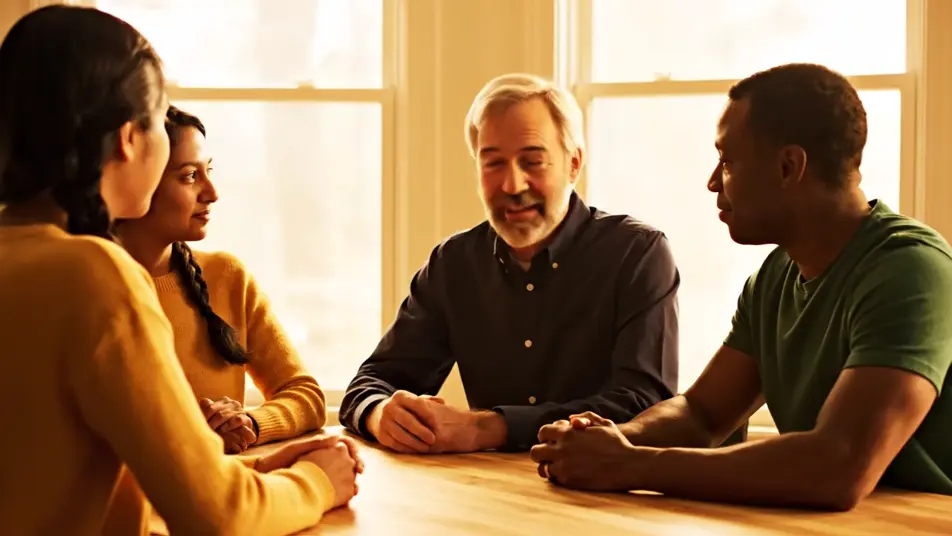
A small group leaning in around a plain table in warm natural light, hands gesturing in easy conversation, one person laughing as another nods, no papers or screens in frame, plain solid-color unprinted clothing.

Editar prompt

A quiet mentoring conversation

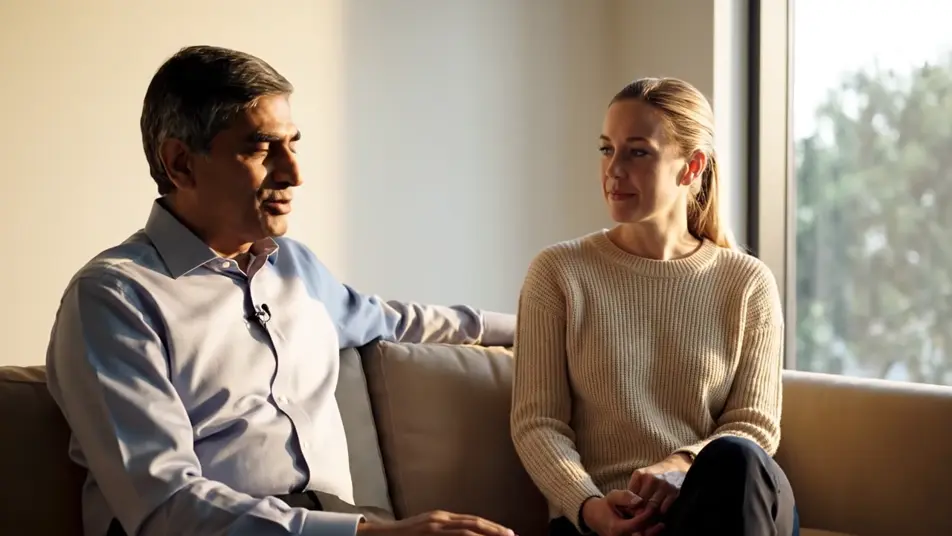
A senior colleague and a newer one sitting side by side near a big window, one listening and nodding while the other talks something through, soft light, blank walls, plain solid-color unprinted clothing.

Editar prompt

A handshake at the doorway

An open doorway with warm light spilling out as two smiling people shake hands, the room beyond softly out of focus, the welcome unhurried and genuine, plain solid-color unprinted clothing.

Editar prompt

Crea videos de recruitment video en tres pasos

  1. 01

    Describe tu escena de recruitment video

    Escribe la escena de recruitment video que quieres, en palabras simples.

  2. 02

    Genera el video

    Morphic genera un clip cinematográfico y listo para usar en tu canvas en segundos.

  3. 03

    Refina tu video de recruitment video

    Ajusta el prompt, regenera variaciones y luego descarga o comparte la toma.

Precios simples

Comienza gratis hoy, con la opción de mejorar tu plan o cancelar cuando quieras.

Basic

$9/ mes
facturado como $0 por año

900 mensual créditos

1 usuario

Todos los modelos

Workflows

Standard

$24/ mes
facturado como $0 por año

3200 mensual créditos

1 usuario

Todos los modelos

Workflows

Pro

$45/ mes
facturado como $0 por año

6200 compartidos mensual créditos

1 usuario

+ hasta 4 más con costo adicional

Todos los modelos

Workflows

Pro Max

$170/ mes
facturado como $0 por año

24000 compartidos mensual créditos

1 usuario

+ hasta 9 más con costo adicional

Todos los modelos

Workflows

Enterprise

Para límites más altos

Personalizado

términos de precios y facturación

Créditos de alto volumen
Límites de asientos personalizados
Todos los modelos
Workflows
Pricing Gradient

Free

Para experimentar

$0

gratis para siempre

Hasta 20 créditos
Solo 1 usuario
Modelos limitados
Workflows

Preguntas frecuentes

Where can I make a recruitment video with AI?
You can create recruitment videos directly in your browser on Morphic. Open the Text to Video tool, describe the workplace moments you want candidates to see, and Morphic generates the shots. On Compose you assemble them into a careers video ready for your site or social channels.
What moments work best in a recruitment video?
Arrivals, collaboration, mentoring, and welcome. A bright morning office, a huddle around one table, a senior colleague teaching a newer one, a handshake at a doorway. Candidates respond to how a place feels, so warm light and unposed moments do more than any list of perks.
How do I write a good prompt for workplace footage?
Describe the feeling first, then the scene that shows it, ease, warmth, focus. Specify plain solid-color unprinted clothing, blank walls, and screens turned away so the shots stay clean. One moment per prompt, an arrival or a conversation, keeps each clip natural and usable.
How do I keep a recruitment video consistent across scenes?
Hold the same office style, light, and wardrobe description in every prompt so the arrival, the huddle, and the handshake read as one workplace. Generate options for each moment on the Canvas, keep the takes that match, and order them from arrival to welcome on Compose.
Can I add voiceover and music to a recruitment video?
Yes. The Speech tool generates a warm voiceover that speaks to candidates directly about the role and the team, and the Music tool adds an optimistic original bed underneath. Time each line to a moment on Compose so what candidates hear matches what they see.