El despertar del androide
Un androide humanoide abre los ojos por primera vez sobre una mesa de laboratorio. Las luces internas se encienden una por una. Alrededor todo es luz clínica y fría.
Editar prompt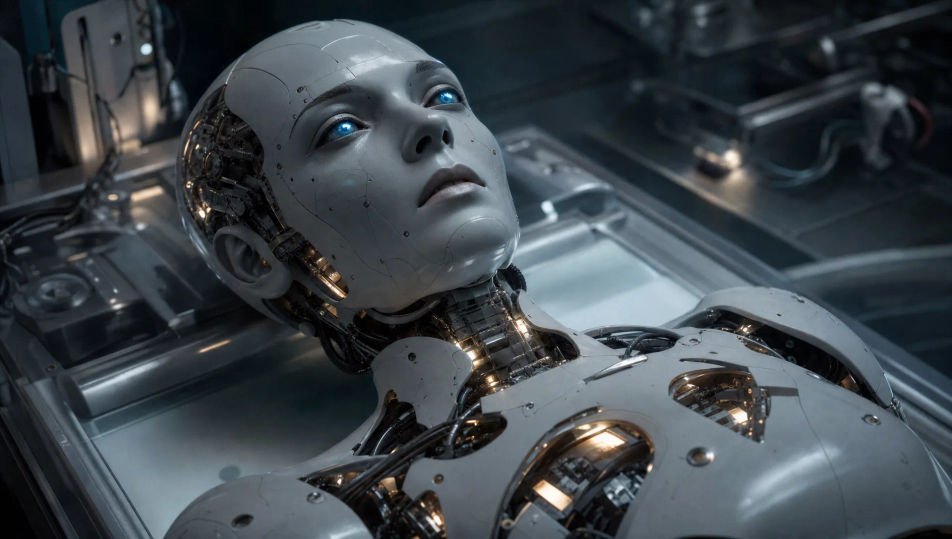
Dirige máquinas desde el navegador con el generador de videos de robots con IA de Morphic. Describe un androide que abre los ojos por primera vez y Morphic te devuelve la toma. También puedes armar una línea de ensamblaje con decenas de unidades idénticas o una máquina solitaria que cruza un desierto polvoriento. Ponle voz con Speech, música con Music y arma el corto completo en Canvas para tu canal de YouTube o tus Reels.
Un androide humanoide abre los ojos por primera vez sobre una mesa de laboratorio. Las luces internas se encienden una por una. Alrededor todo es luz clínica y fría.
Editar promptUna línea automatizada mueve chasis de robots idénticos sobre rieles aéreos. Los brazos de soldadura sueltan una lluvia de chispas. La luz industrial cae dura sobre el metal.
Editar prompt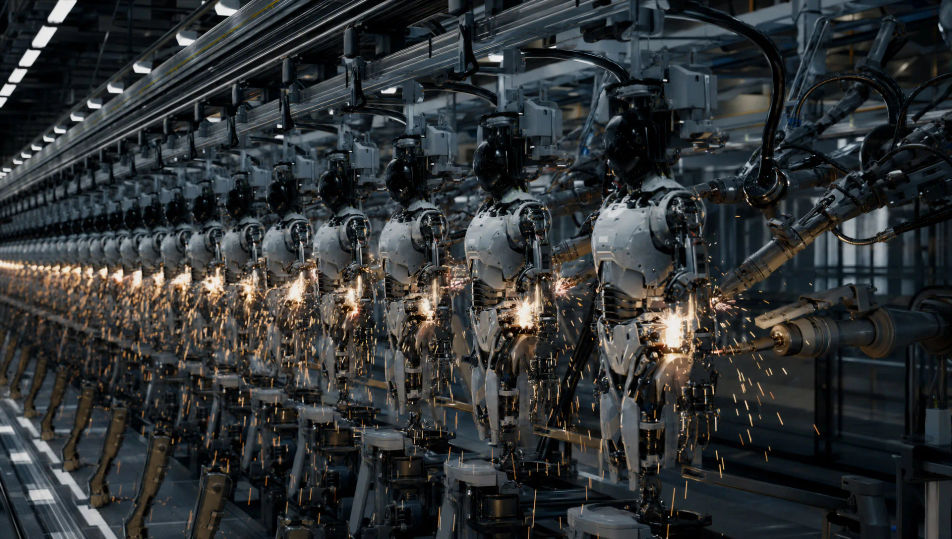
Una plaza central llena de máquinas que giran a la vez hacia la cámara. El humo se arrastra entre los portales y la catedral del fondo. Quedan autos abandonados y una luz de alarma que late en las fachadas.
Editar prompt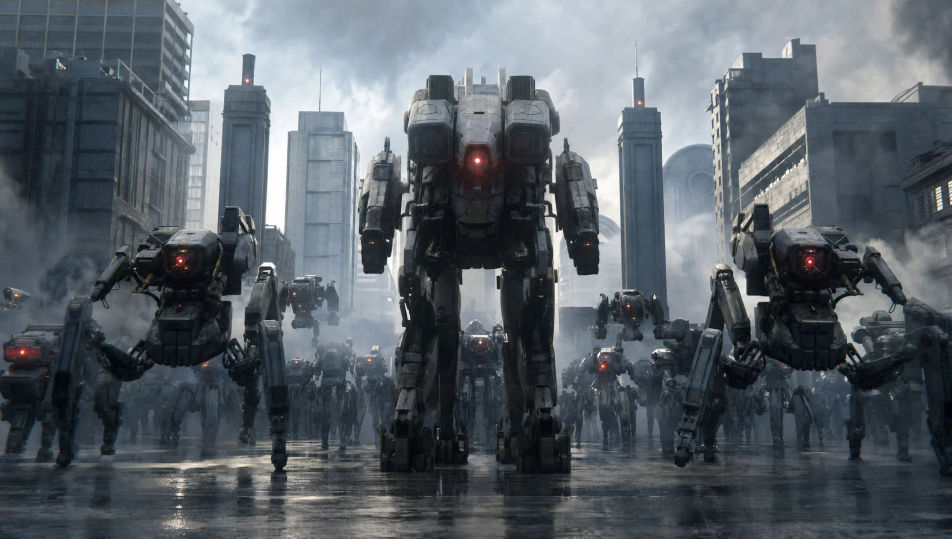
Una máquina desgastada cruza un desierto de matorral y cactus bajo un cielo pálido e inmenso. La sombra se estira detrás de ella. El horizonte está vacío en todas direcciones.
Editar prompt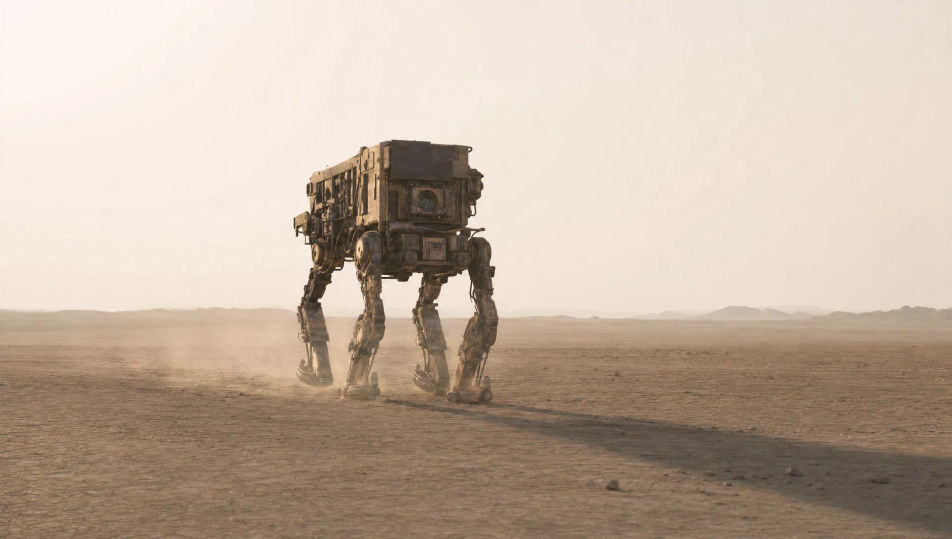
Escribe la escena de robot que quieres, en palabras simples.
Morphic genera un clip cinematográfico y listo para usar en tu canvas en segundos.
Ajusta el prompt, regenera variaciones y luego descarga o comparte la toma.
Cinematic time-freeze short film for any scene

Dramatize any text conversation into a cinematic multi-shot video.
One image to a 9-scene cinematic video.
Drop in a photo of yourself. Get a 12-second cinematic movie with animation and a matched soundtrack.

Share a scene description with character references. Get a full storyboard with shot angles and mood.

Feed in a single image. Get 9 cinematic beats laid out as a 3x3 storyboard grid.
Videos de anime mecha con IA
Crea videos de anime mecha en Morphic: lanzamientos de cabina, bahías de hangar, batallas a escala de ciudad y retratos de pilotos desde un prompt.
Videos de ciencia ficción con IA
Crea videos de ciencia ficción con IA en Morphic. Naves, mundos alienígenas, estaciones y ciudades orbitales, desde un prompt en español.
Videos cyberpunk con IA
Crea videos cyberpunk con IA en Morphic: callejones de neón bajo la lluvia, tianguis nocturnos y megaciudad latina, desde un prompt en español.
Videos de superhéroes con IA
Genera videos de superhéroes en Morphic. Aterrizajes en azoteas, rescates en el aire, guaridas secretas y escenas de acción cómic desde prompts sencillos.
Comienza gratis hoy, con la opción de mejorar tu plan o cancelar cuando quieras.
Basic
2400 mensual créditos
1 usuario
Todos los modelos
Workflows
Standard
3625 mensual créditos
1 usuario
Todos los modelos
Workflows
Pro
6350 compartidos mensual créditos
1 usuario
Todos los modelos
Workflows
Max
24650 compartidos mensual créditos
1 usuario
Todos los modelos
Workflows
Enterprise
Para límites más altos
Personalizado
términos de precios y facturación

Free
Para experimentar
$0
gratis para siempre