Callejón de neón mojado por la lluvia
Llueve fuerte sobre un callejón angosto, entre torres de la megaciudad. Los letreros rojos y cian se reflejan en el asfalto mojado. De las rejillas del piso sale vapor.
Editar prompt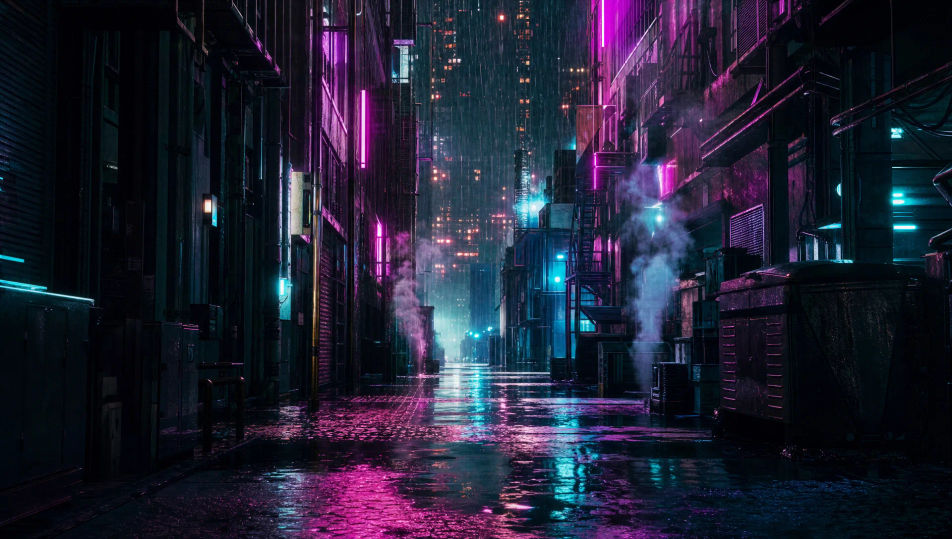
Dirige tu propia megaciudad desde el navegador con el generador de videos cyberpunk con IA de Morphic. Puedes quedarte en el neón de siempre o mover el género a una ciudad latina, con cables cruzados sobre la calle, tianguis nocturno y una capa de smog encima del valle. Genera al netrunner que cruza el callejón mojado, el cielo de anuncios holográficos o la clínica clandestina en magenta quirúrgico. Cada toma lleva su música con Music. El corto lo armas en Canvas, en vertical si va para Reels o TikTok.
Llueve fuerte sobre un callejón angosto, entre torres de la megaciudad. Los letreros rojos y cian se reflejan en el asfalto mojado. De las rejillas del piso sale vapor.
Editar promptVista amplia de la ciudad de noche. Los anuncios holográficos llenan el aire entre las torres y el tráfico volador se cuela por los huecos. Al fondo se queda una bruma magenta.
Editar prompt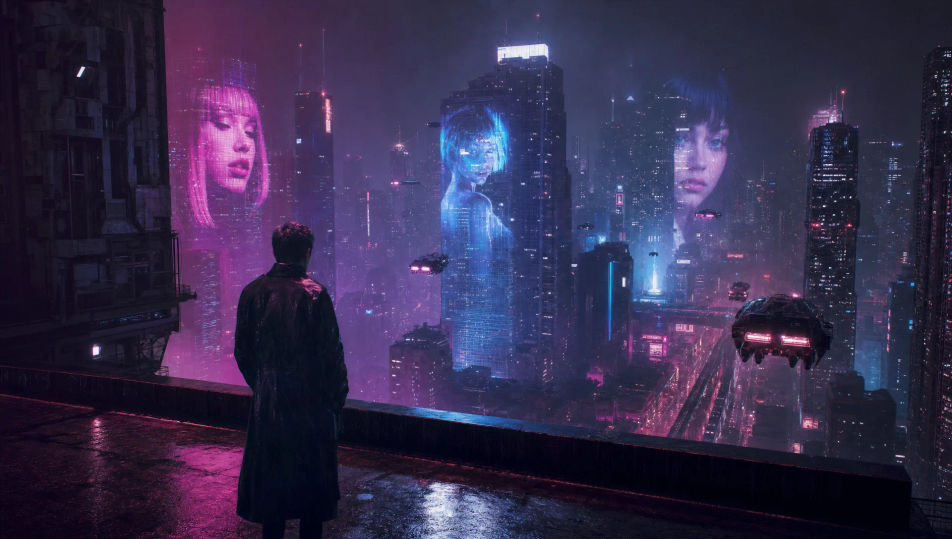
Una clínica de callejón, apenas iluminada en magenta quirúrgico. Al centro está la mesa de operaciones de cromo. Hay prótesis en el estante y una pecera que brilla cian en la esquina.
Editar prompt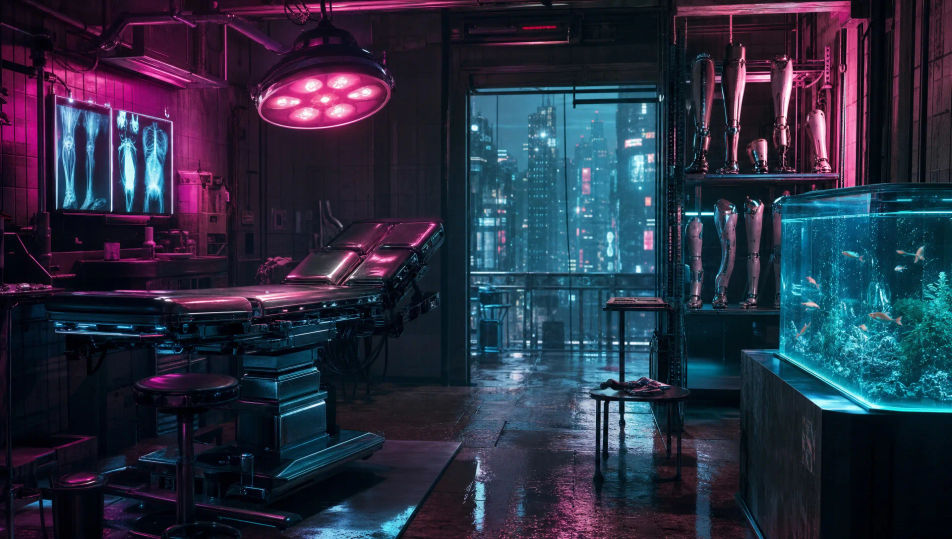
Una figura al filo de la azotea, con el valle entero cubierto por una capa de smog magenta y cian. Solo los anuncios de neón más altos alcanzan a asomar sobre la bruma.
Editar prompt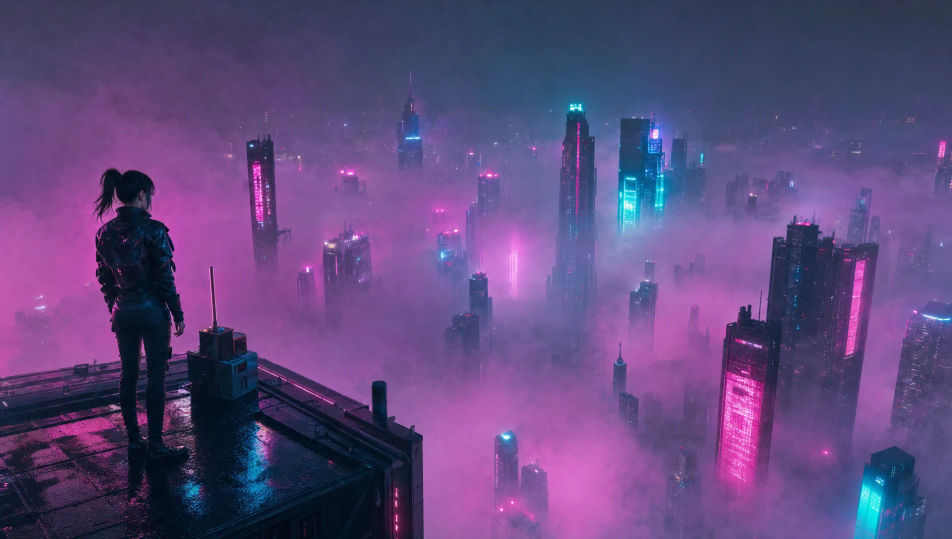
Escribe la escena de Cyberpunk que quieres, en palabras simples.
Morphic genera un clip cinematográfico y listo para usar en tu canvas en segundos.
Ajusta el prompt, regenera variaciones y luego descarga o comparte la toma.
Cinematic time-freeze short film for any scene

Dramatize any text conversation into a cinematic multi-shot video.
One image to a 9-scene cinematic video.
Drop in a photo of yourself. Get a 12-second cinematic movie with animation and a matched soundtrack.

Share a scene description with character references. Get a full storyboard with shot angles and mood.

Feed in a single image. Get 9 cinematic beats laid out as a 3x3 storyboard grid.
Videos de anime cyberpunk con IA
Crea videos de anime cyberpunk con IA en Morphic: calles de neón bajo la lluvia, visores rotos y azoteas de medianoche, a partir de un prompt en español.
Videos de ciencia ficción con IA
Crea videos de ciencia ficción con IA en Morphic. Naves, mundos alienígenas, estaciones y ciudades orbitales, desde un prompt en español.
Neo-noir AI Videos
Generate neo-noir videos with Morphic across four director-coded modes: wet-neon, sun-blown LA, comic chiaroscuro, and corporate-night.
Videos de robots con IA
Crea videos de robots con IA en Morphic. Androides, líneas de ensamblaje, drones y máquinas con personalidad a partir de un prompt en español.
Comienza gratis hoy, con la opción de mejorar tu plan o cancelar cuando quieras.
Basic
2400 mensual créditos
1 usuario
Todos los modelos
Workflows
Standard
3625 mensual créditos
1 usuario
Todos los modelos
Workflows
Pro
6350 compartidos mensual créditos
1 usuario
Todos los modelos
Workflows
Max
24650 compartidos mensual créditos
1 usuario
Todos los modelos
Workflows
Enterprise
Para límites más altos
Personalizado
términos de precios y facturación

Free
Para experimentar
$0
gratis para siempre