A one-second vertical hook
A full-height 9:16 frame where the product drops in and settles under bright daylight, a fast camera snap on the first beat and a clean background that keeps the eye on the item.
Editar prompt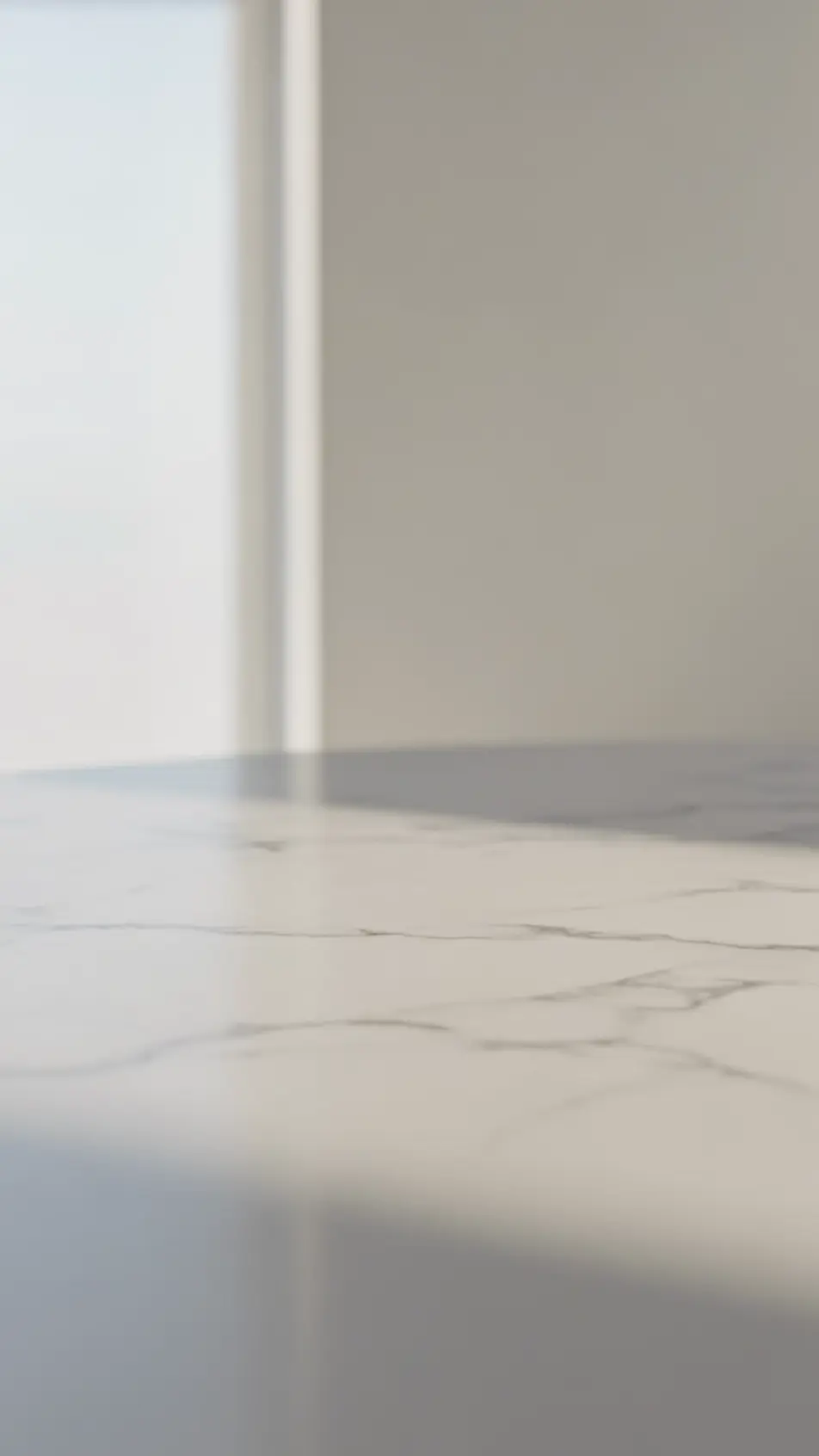
Produce a Snapchat ad video in your browser with Morphic's vertical ad generator, one concept cut to every duration. Generate the fast hook, the product beat, and the swipe-up end card as full-height 9:16 shots. Voice it with Speech, then order the beats into 6, 15, and 30 second versions on the Canvas.
A full-height 9:16 frame where the product drops in and settles under bright daylight, a fast camera snap on the first beat and a clean background that keeps the eye on the item.
Editar promptA handheld front-camera shot of a person in a real room speaking straight to lens, soft window light and a slight natural sway that makes the ad read as native to the feed.
Editar prompt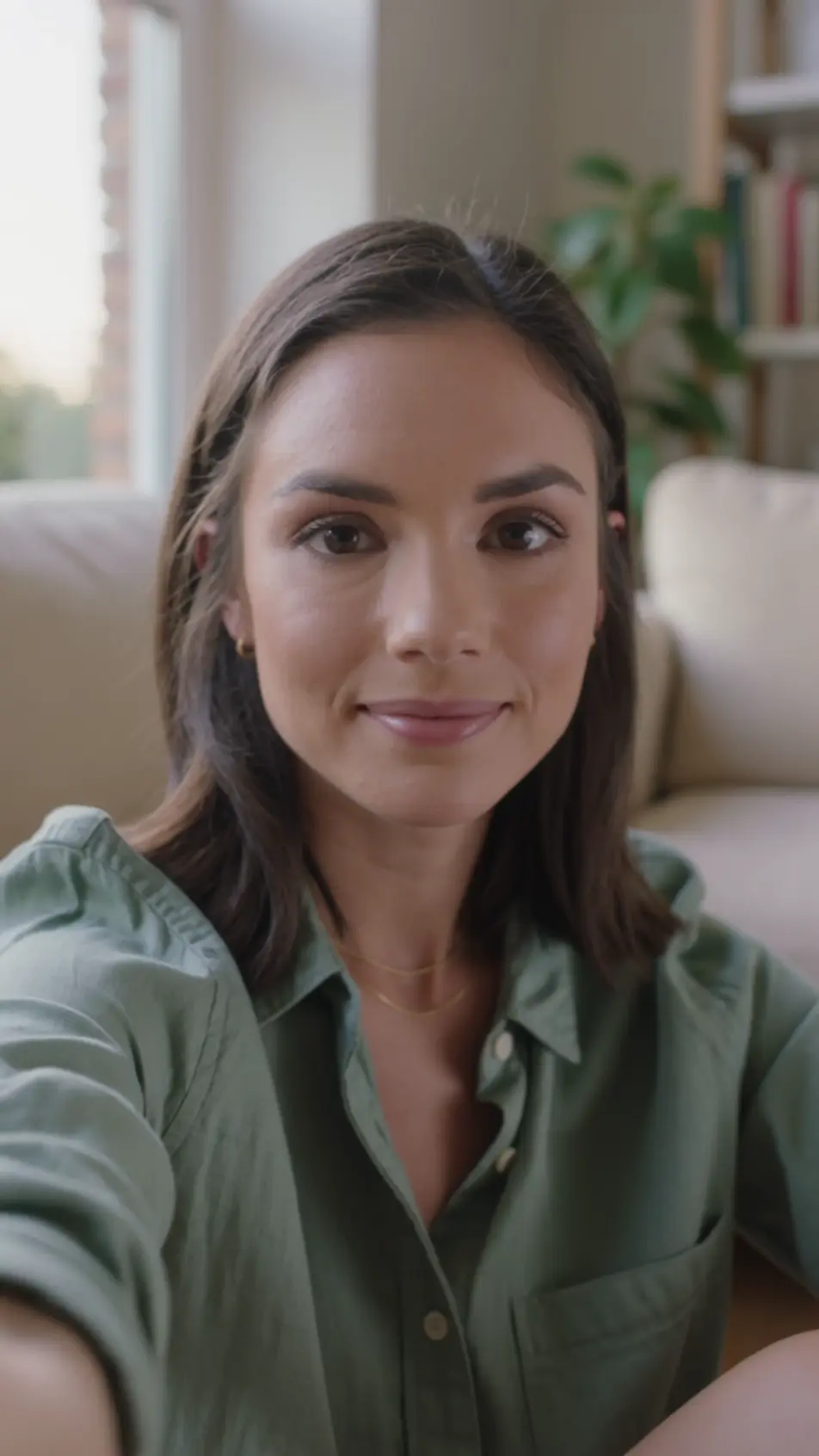
A vertical frame that wipes from a cluttered problem to a tidy result in one quick motion, the two states matched in framing so the change reads instantly under even light.
Editar prompt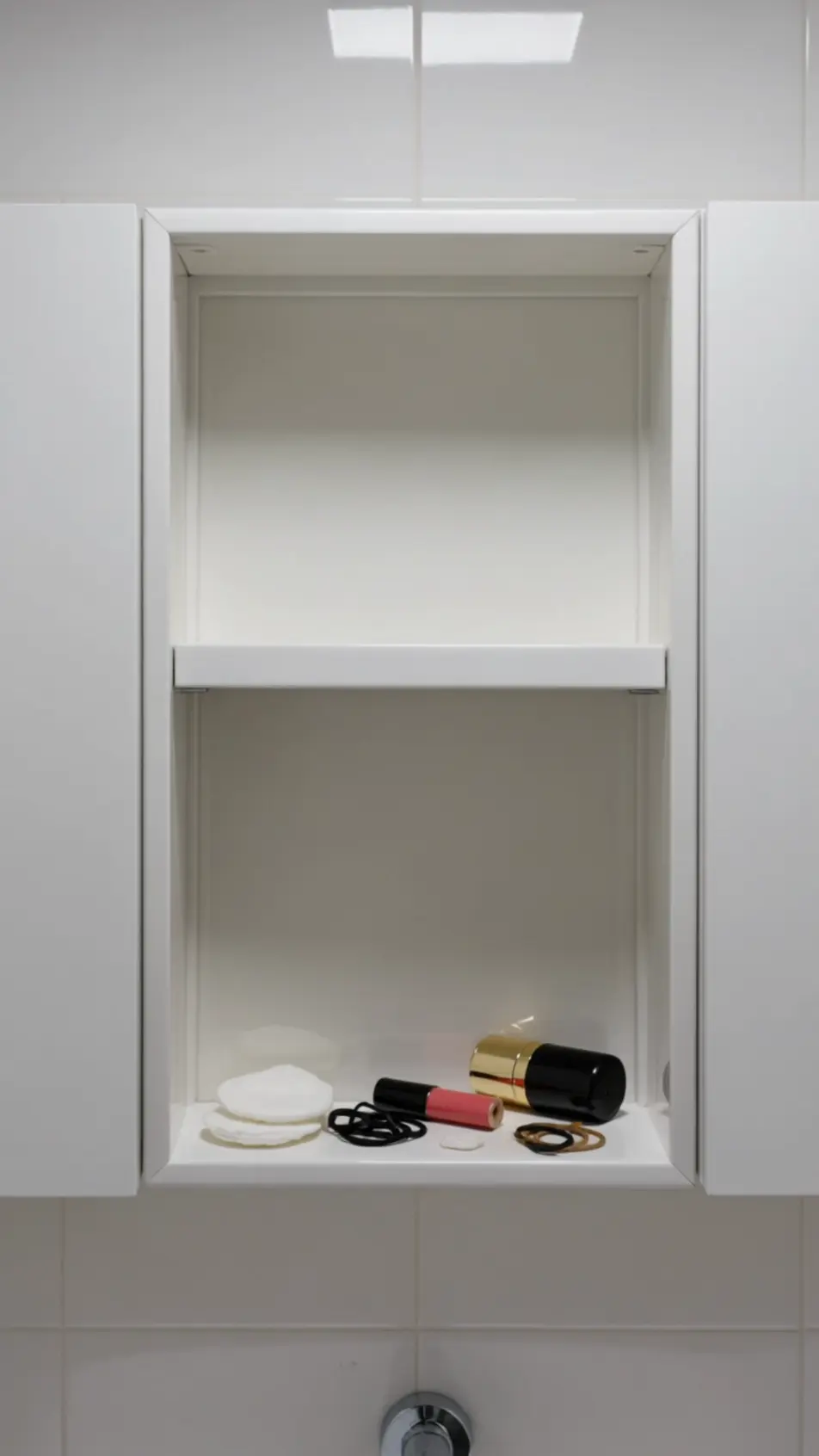
A closing vertical frame on a bold flat color field carries a single abstract geometric mark at center and a soft upward-arrow gesture pulsing near the bottom.
Editar prompt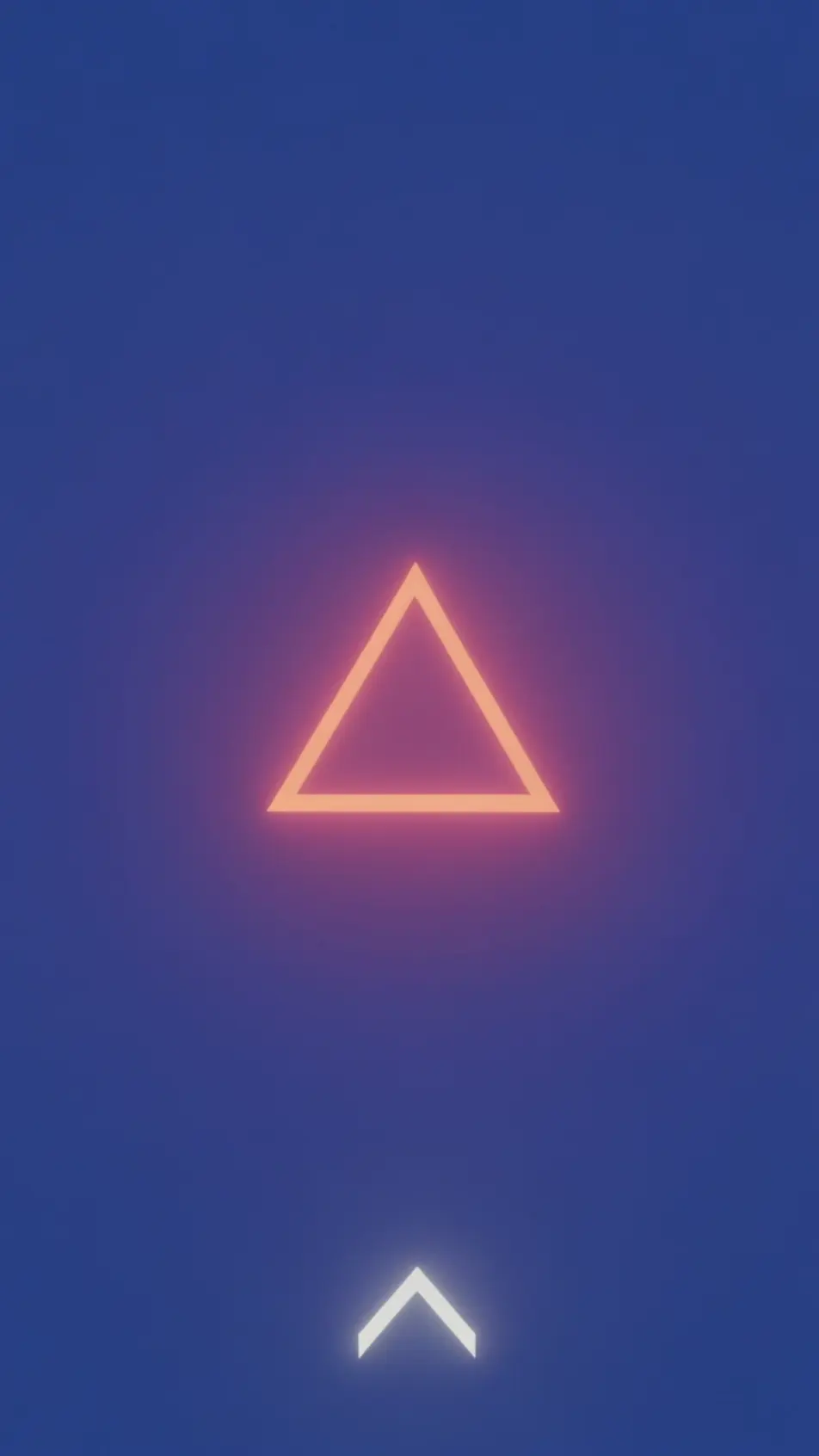
Escribe la escena de Snapchat ad video que quieres, en palabras simples.
Morphic genera un clip cinematográfico y listo para usar en tu canvas en segundos.
Ajusta el prompt, regenera variaciones y luego descarga o comparte la toma.

Dramatize any text conversation into a cinematic multi-shot video.
Cinematic time-freeze short film for any scene

Generate a professional film title card from scratch, with optional cinematic animation.
Photo of any real-estate becomes a cinematic renovation timelapse video with construction SFX and music.
One image to a 9-scene cinematic video.

Describe a first-person scenario. Get sequential POV frames animated into video clips with audio.
AI Vertical video ads
Produce a 9:16 vertical video ad with AI on Morphic. Frame a hook, product beat, and end card, then reformat one ad for every platform without re-editing.
AI Story ad videos
Produce a full-screen story ad video with AI on Morphic. Build a first-frame hook, product beat, and tap-to-shop end card, publish the same day.
AI TikTok Spark ads
Produce a TikTok Spark ad with AI on Morphic. Build a creator-style hook, hands-on demo, and soft call to action, then cut it to every duration and aspect.
AI YouTube Shorts ads
Produce a YouTube Shorts ad with AI on Morphic. Build a fast 9:16 hook, product beat, and loop-ready end card, then cut 6, 15, and 30 second versions.
Comienza gratis hoy, con la opción de mejorar tu plan o cancelar cuando quieras.
Basic
2400 mensual créditos
1 usuario
Todos los modelos
Workflows
Standard
3625 mensual créditos
1 usuario
Todos los modelos
Workflows
Pro
6350 compartidos mensual créditos
1 usuario
Todos los modelos
Workflows
Max
24650 compartidos mensual créditos
1 usuario
Todos los modelos
Workflows
Enterprise
Para límites más altos
Personalizado
términos de precios y facturación

Free
Para experimentar
$0
gratis para siempre