AI Teleportation Effect videos

Direct instant teleportation in your browser with Morphic's teleportation effect AI video generator. Generate a figure dissolving into particles and re-forming across the room, or a subject blinking between doorways. Hit the vanish on a beat with Music, then stitch the sequence on the Canvas.

Teleportation effect variations you can direct

Teleportation effect sequences you can stage

A dissolve across an empty warehouse

A lone figure stands in a cavernous warehouse, breaks into blue particles, and re-forms fifty feet away as the swarm streaks between the two spots. Cool low light, a locked wide shot that holds both positions in frame.

Editar prompt

A transporter beam on a ship deck

A crew member stands on a marked pad as a vertical beam of light descends and the body fades within it. Hard rim light, faint haze, a slow push-in that ends on the empty pad.

Editar prompt

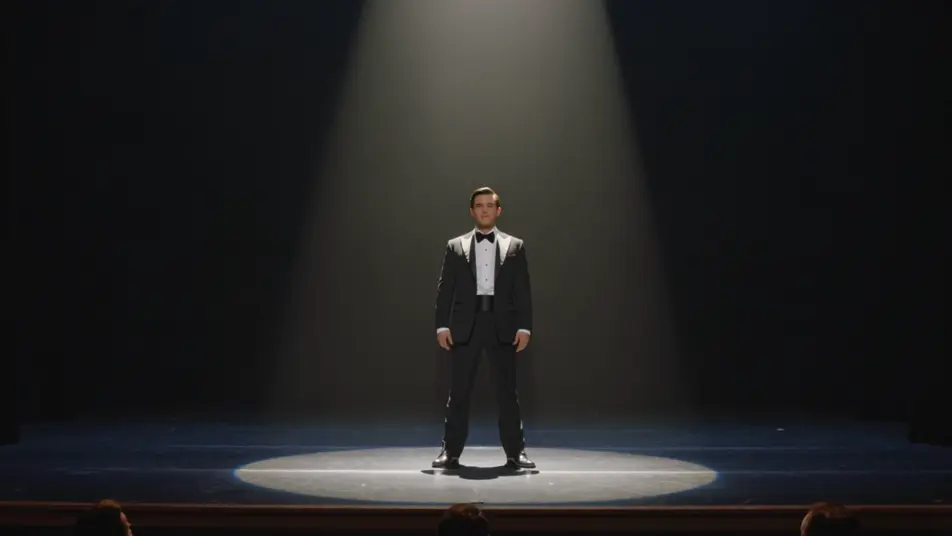
A stage vanish in smoke

A performer under a single spotlight is swallowed by a burst of smoke and gone when it clears. Warm front key, deep theater black around them, a static frame that lets the reveal land.

Editar prompt

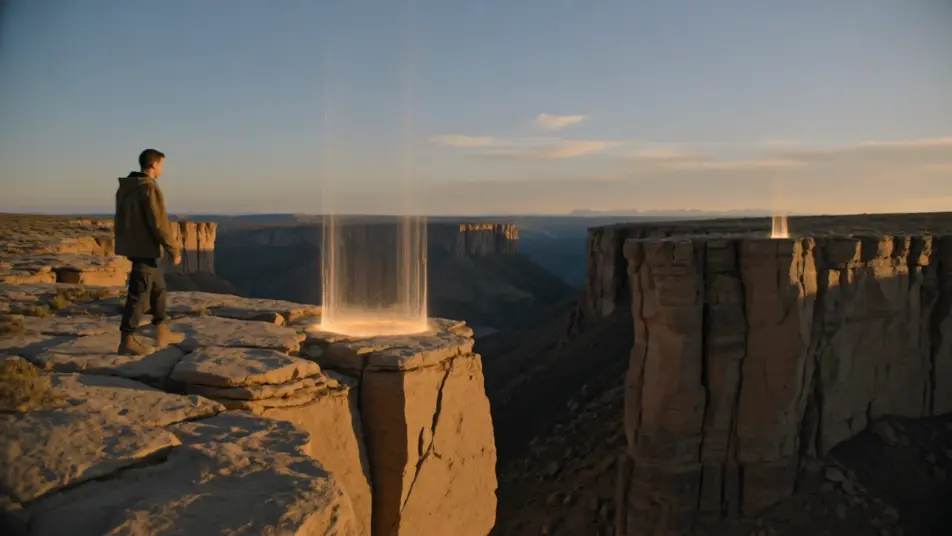
A portal jump across a canyon

A figure steps into a shimmering rift at a cliff edge and emerges from a matching rift on the far wall of the canyon. Golden dusk light, a wide static shot that keeps both portals visible for the jump.

Editar prompt

Crea videos de teleportation effect en tres pasos

  1. 01

    Describe tu escena de teleportation effect

    Escribe la escena de teleportation effect que quieres, en palabras simples.

  2. 02

    Genera el video

    Morphic genera un clip cinematográfico y listo para usar en tu canvas en segundos.

  3. 03

    Refina tu video de teleportation effect

    Ajusta el prompt, regenera variaciones y luego descarga o comparte la toma.

Workflows relacionados

También te puede gustar

Precios simples

Comienza gratis hoy, con la opción de mejorar tu plan o cancelar cuando quieras.

Basic

$9/ mes
facturado como $0 por año

900 mensual créditos

1 usuario

Todos los modelos

Workflows

Standard

$24/ mes
facturado como $0 por año

3200 mensual créditos

1 usuario

Todos los modelos

Workflows

Pro

$45/ mes
facturado como $0 por año

6200 compartidos mensual créditos

1 usuario

+ hasta 4 más con costo adicional

Todos los modelos

Workflows

Pro Max

$170/ mes
facturado como $0 por año

24000 compartidos mensual créditos

1 usuario

+ hasta 9 más con costo adicional

Todos los modelos

Workflows

Enterprise

Para límites más altos

Personalizado

términos de precios y facturación

High-volume credits
Límites de asientos personalizados
Todos los modelos
Workflows
Pricing Gradient

Free

Para experimentar

$0

gratis para siempre

Hasta 20 créditos
Solo 1 usuario
Modelos limitados
Workflows

Preguntas frecuentes

Where can I make teleportation effect videos with AI?
You can create teleportation videos directly in your browser on Morphic. Open the Text to Video tool, describe the subject, the exit point, the arrival point, and how it travels, and Morphic produces the clip. No compositing or VFX plugins needed.
What kinds of teleportation shots work best with AI video?
Particle dissolves, beam-outs, and portal step-throughs all read cleanly. The strongest teleports keep the camera fixed so the eye reads both the vanish and the arrival in one frame, and give the transit a clear texture, particles, a beam, or smoke, so the travel feels deliberate rather than a cut.
How do I write a good prompt for a teleportation video?
Name the subject, where it leaves, where it appears, and the look of the transit. Add the light and camera. If both positions sit inside one frame, describe that too. The clearer the exit-and-arrival, the smoother the teleport Morphic returns.
How do I keep the teleportation smooth between scenes?
Keep the transit style and light consistent across clips, and describe them the same way in each prompt. On the Canvas you can place the vanish and arrival shots side by side and refine each until the disappearance and reappearance line up into one continuous sequence.
Can I add music and narration to my teleportation videos?
Yes. The Music tool produces an original soundtrack, and a teleport hits hardest when the vanish lands on a beat. The Speech tool generates narration in the voice you choose, layered onto the clip so a transporter or portal scene can carry a voiceover.
Do I need video editing experience to make a teleportation video?
No. Morphic runs in your browser and you direct it with plain-language prompts. If you can describe where the subject leaves and where it arrives, you can produce a teleport clip. The prompts on this page are written so anyone can paste and run.