La apertura en silencio
Una toma inicial contenida que fija el tono antes de que pase nada. Puede ser una figura sola o un paisaje quieto. La cámara se acerca con paciencia.
Editar prompt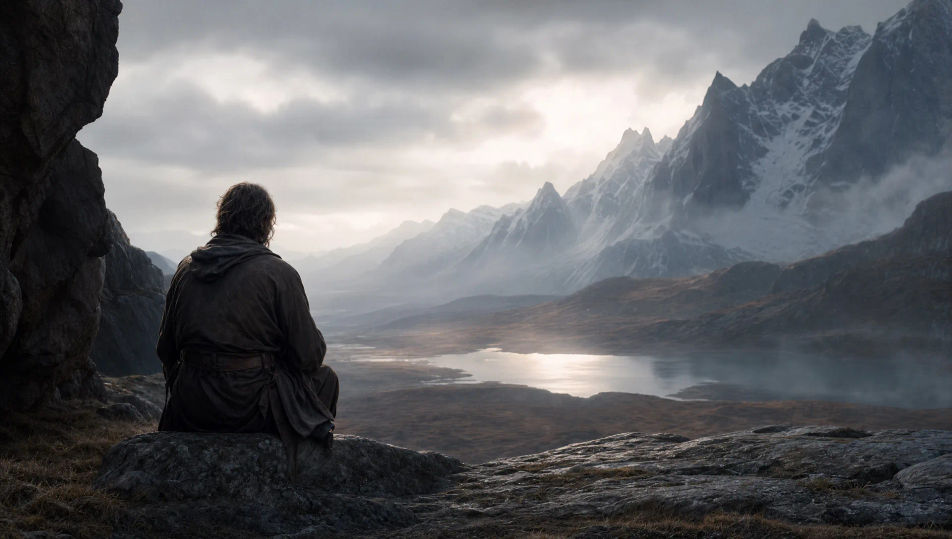
Dirige el tráiler de tu historia desde el navegador con el generador de tráileres con IA de Morphic. Arranca con una apertura en silencio, sube la tensión con un montaje que aprieta el ritmo y remata con el título que entra a negros. La narración la pone Speech y la música que crece la pone Music. En Canvas acomodas los momentos en orden hasta que el avance queda armado para YouTube, TikTok o la presentación de tu proyecto.
Una toma inicial contenida que fija el tono antes de que pase nada. Puede ser una figura sola o un paisaje quieto. La cámara se acerca con paciencia.
Editar promptEl punto donde la historia gira: un hallazgo, una llegada o una amenaza. Se encuadra limpio para que la premisa se entienda en una sola toma.
Editar prompt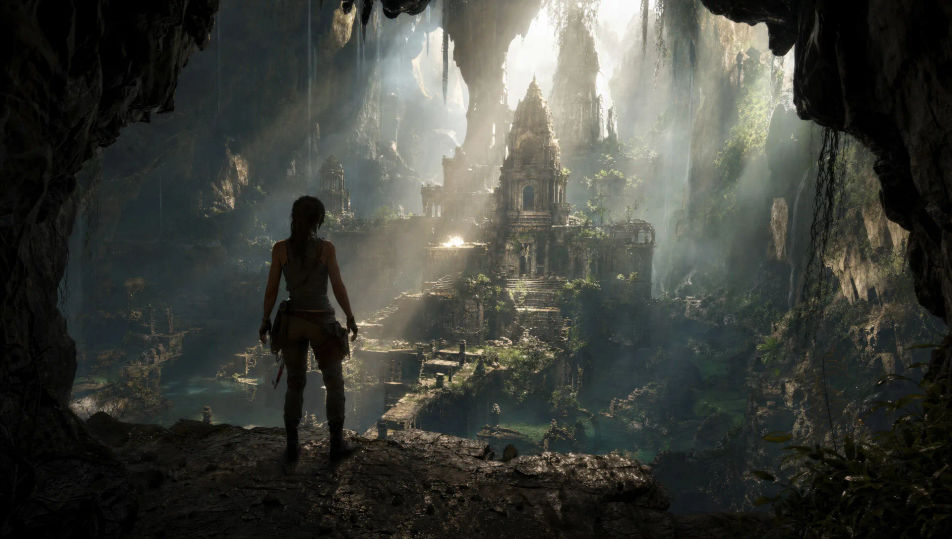
Una seguidilla de tomas rápidas con acción, riesgo y espectáculo. Cada corte queda más cerrado que el anterior. La intensidad trepa hasta el pico.
Editar prompt
Un corte seco a un cuadro limpio y dramático, hecho para sostener el título. Mucho espacio negativo y una sola luz fuerte. Antes de él se siente el silencio.
Editar prompt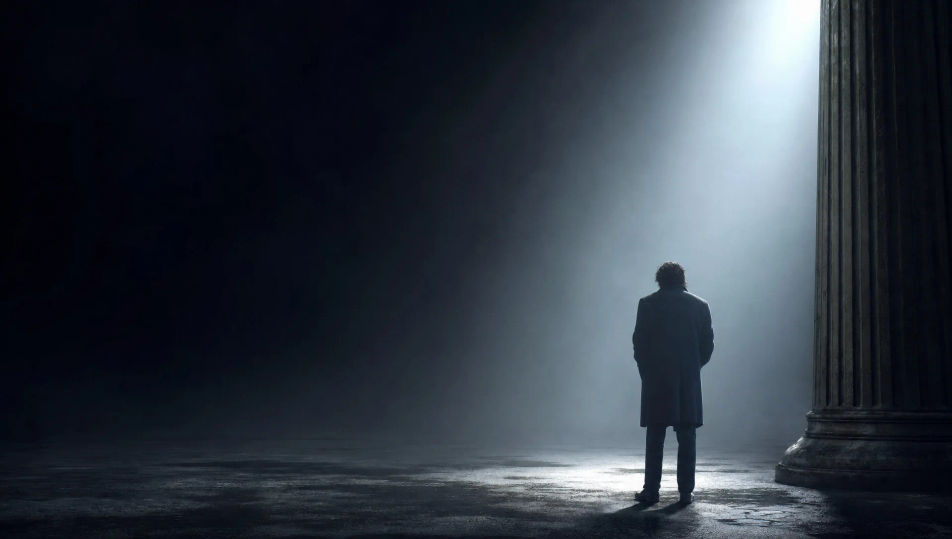
Escribe la escena de tráiler que quieres, en palabras simples.
Morphic genera un clip cinematográfico y listo para usar en tu canvas en segundos.
Ajusta el prompt, regenera variaciones y luego descarga o comparte la toma.
Drop in a photo of yourself. Get a 12-second cinematic movie with animation and a matched soundtrack.
Cinematic time-freeze short film for any scene

Dramatize any text conversation into a cinematic multi-shot video.
One image to a 9-scene cinematic video.

Share a scene description with character references. Get a full storyboard with shot angles and mood.

Feed in a single image. Get 9 cinematic beats laid out as a 3x3 storyboard grid.
Videos musicales con IA
Crea videos musicales con IA en Morphic. Escenarios, tomas narrativas y escenas de concepto a partir de un prompt en español, sin editor ni cámara.
Videos de ciencia ficción con IA
Crea videos de ciencia ficción con IA en Morphic. Naves, mundos alienígenas, estaciones y ciudades orbitales, desde un prompt en español.
Videos de fantasía con IA
Crea videos de fantasía con IA en Morphic. Castillos, dragones, bosques encantados y batallas épicas a partir de un prompt en español, sin instalar nada.
Videos de superhéroes con IA
Genera videos de superhéroes en Morphic. Aterrizajes en azoteas, rescates en el aire, guaridas secretas y escenas de acción cómic desde prompts sencillos.
Comienza gratis hoy, con la opción de mejorar tu plan o cancelar cuando quieras.
Basic
2400 mensual créditos
1 usuario
Todos los modelos
Workflows
Standard
3625 mensual créditos
1 usuario
Todos los modelos
Workflows
Pro
6350 compartidos mensual créditos
1 usuario
Todos los modelos
Workflows
Max
24650 compartidos mensual créditos
1 usuario
Todos los modelos
Workflows
Enterprise
Para límites más altos
Personalizado
términos de precios y facturación

Free
Para experimentar
$0
gratis para siempre