Frames to Video
Pilih dua frame atau lebih dari sebuah adegan untuk secara otomatis menghasilkan frame antara dan membuat video.
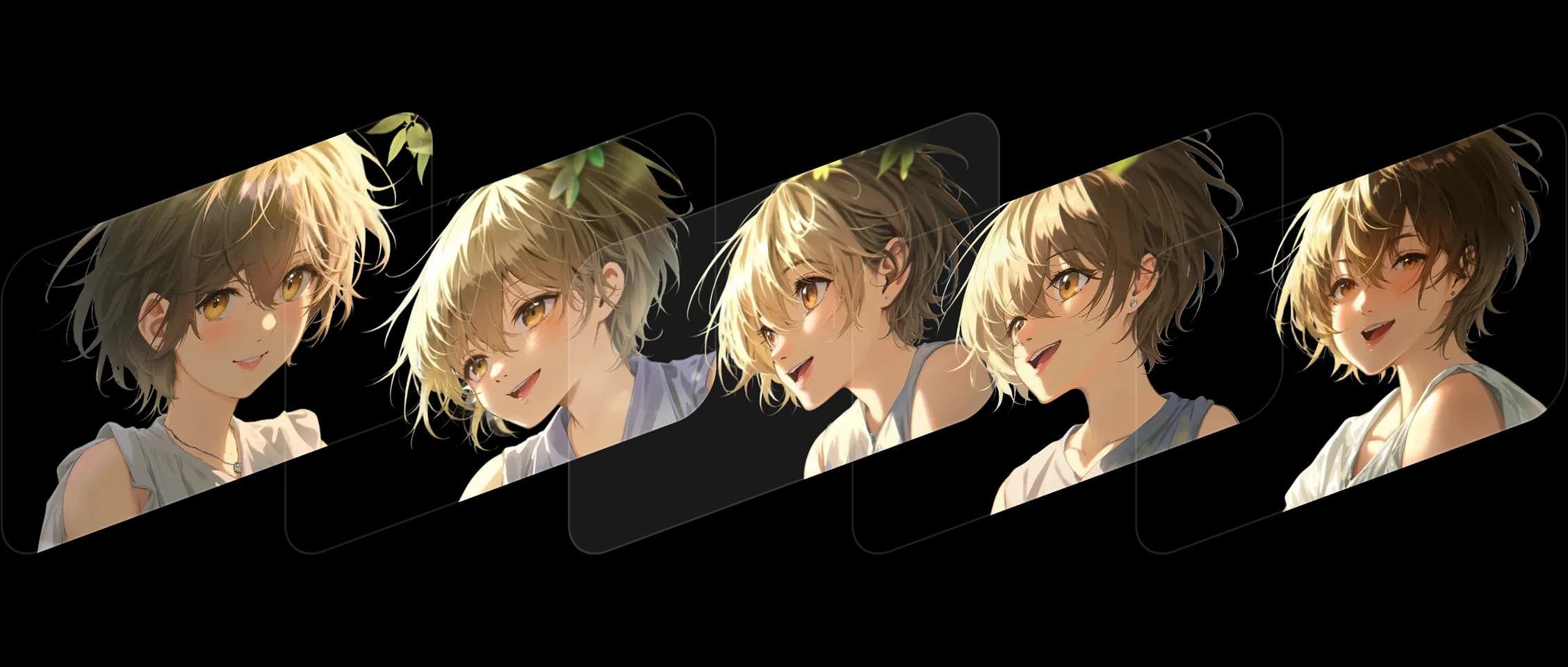
Pilih frame Anda, atur urutannya, dan Morphic mengisi bagian antara sambil menjaga gaya dan cerita Anda tetap konsisten.
Setiap transisi mengalir dengan halus, mempertahankan detail dan ekspresi yang menghidupkan adegan Anda. Ia bekerja dengan indah di berbagai gaya, dari seni digital hingga still live-action.
Morphic tidak sekadar menganimasikan perubahan, ia memahaminya. Warna, komposisi, dan emosi tetap setia sepanjang prosesnya.
Saya mengubah beberapa frame diam menjadi bidikan bergerak. Rasanya seperti menyaksikan karya seni saya menjadi hidup.
Lihat cara kerja Frames to Video di dalam Morphic.
Inilah yang dibuat kreator hanya dengan mengunggah dua frame.

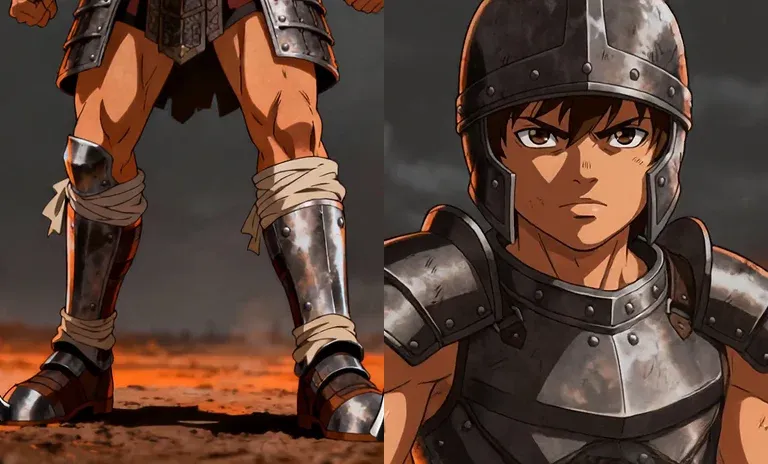
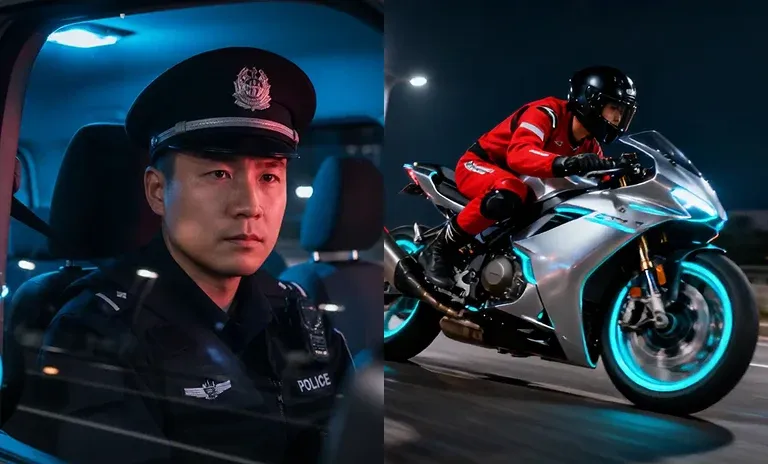
Arahkan kursor untuk melihat frame input
Di Morphic, kami membangun alat yang menjembatani keheningan dan gerakan. Frames to Video melanjutkan visi itu, mengubah momen diam menjadi cerita yang berkelanjutan. Coba sekarang