Perbandingan fitur
| Fitur | Morphic | Higgsfield |
|---|---|---|
| Canvas bebas dan tak terbatas | Ya | Tidak |
| Editor timeline untuk penyusunan video | Ya | Tidak |
| Workflows | Ya | Tidak* |
| Sistem lapisan (Layers) untuk tiap elemen | Ya | Tidak |
| Alat storyboarding AI | Tidak | Ya |
| Alat pembuatan influencer AI | Tidak | Ya |
*Canvas Higgsfield merangkai prompt dan model menjadi pipeline node. Morphic Workflows bersifat percakapan dan berjalan dari Canvas, Copilot, atau dashboard.
Perbandingan akurat per Maret 2026
Kenapa Morphic jadi alternatif Higgsfield AI terbaik
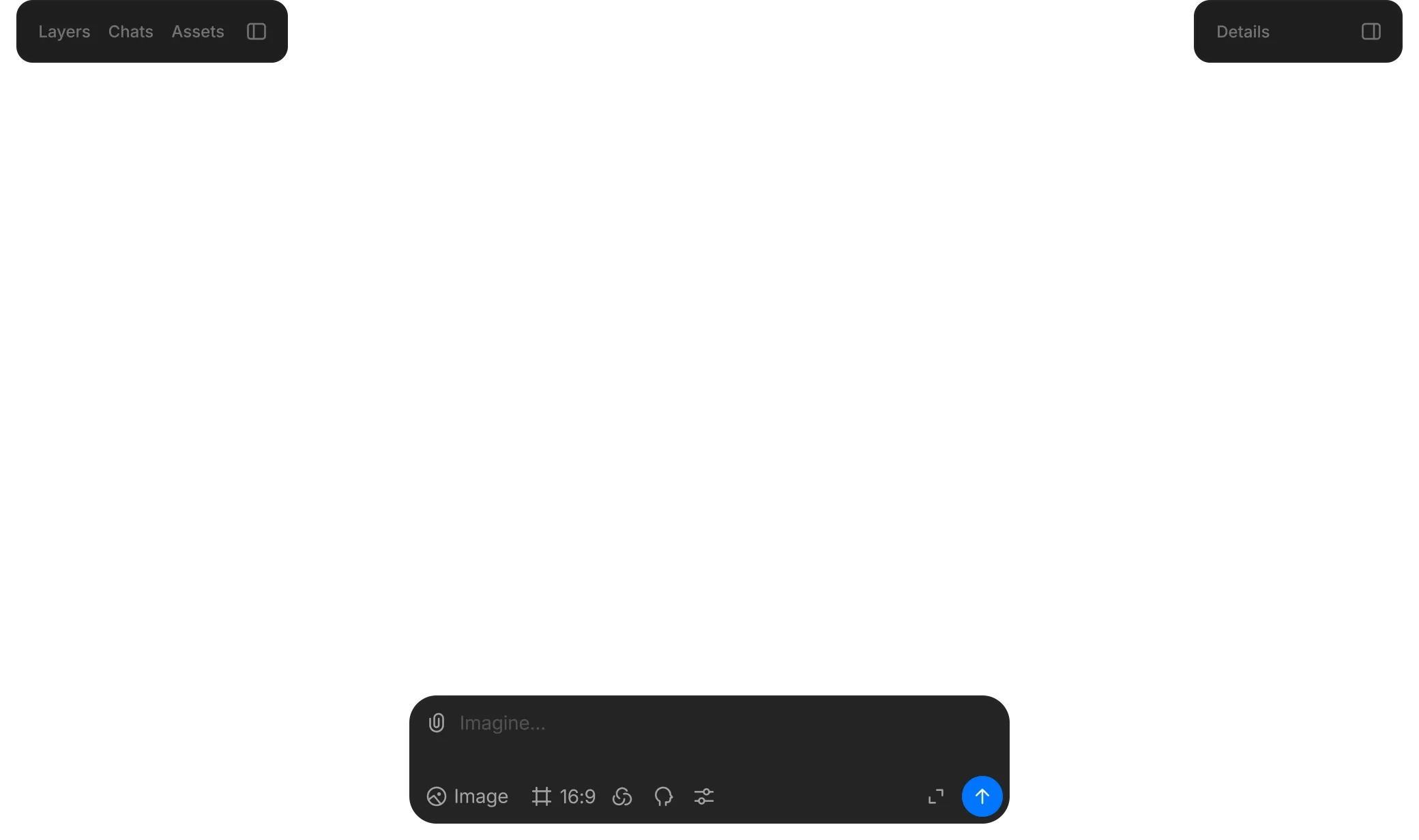
Canvas
Tata adegan di Canvas bebas tanpa batas, generate gambar, dan edit frame dengan Inpainting, Outpainting, dan menggambar.
Workflows
Ubah proses yang bisa diulang menjadi Workflow yang bisa dibagikan hanya dengan satu klik, yang bisa Anda jalankan lewat Canvas, Copilot, atau dashboard.
Copilot
Rekan kreatif langsung di dalam Canvas: jelaskan yang Anda inginkan, lalu tarik gambar dan video hasil generasi langsung ke Canvas.
Compose
Editor timeline untuk penyusunan akhir dengan drag-and-drop, transisi bawaan (Fade, Circle Open, Slide, Wipe), dan pengeditan lapisan audio.
Layers
Uraikan sebuah adegan menjadi elemen-elemen terpisah dan edit tiap elemen dengan Smart Select, Point Select, penataan ulang, penguncian, dan penggandaan.
Models dan kolaborasi
Latih Models pada karakter, gaya, produk, atau objek untuk hasil yang konsisten, dan bekerja secara real-time dengan kursor yang dibagikan di Canvas yang sama (paket Pro ke atas).
Jelajahi dengan CanvasTempat ide mengambil bentuk
Mengobrol dengan CopilotMitra Anda dalam berimajinasi
Bangun dengan ComposeUbah momen menjadi cerita

Project

Share
Apa pun dari sebuah prompt
Hasilkan gambar, tambahkan gerakan, dan satukan semuanya dengan suara.
Edit dengan presisi
Pilih objek, segmentasikan, tingkatkan resolusi, dan arahkan dengan prompt.
Tetap konsisten
Gunakan kembali karakter dan gaya di berbagai adegan dengan nada dan tampilan yang selaras.
Kesimpulan: Morphic alternatif terbaik
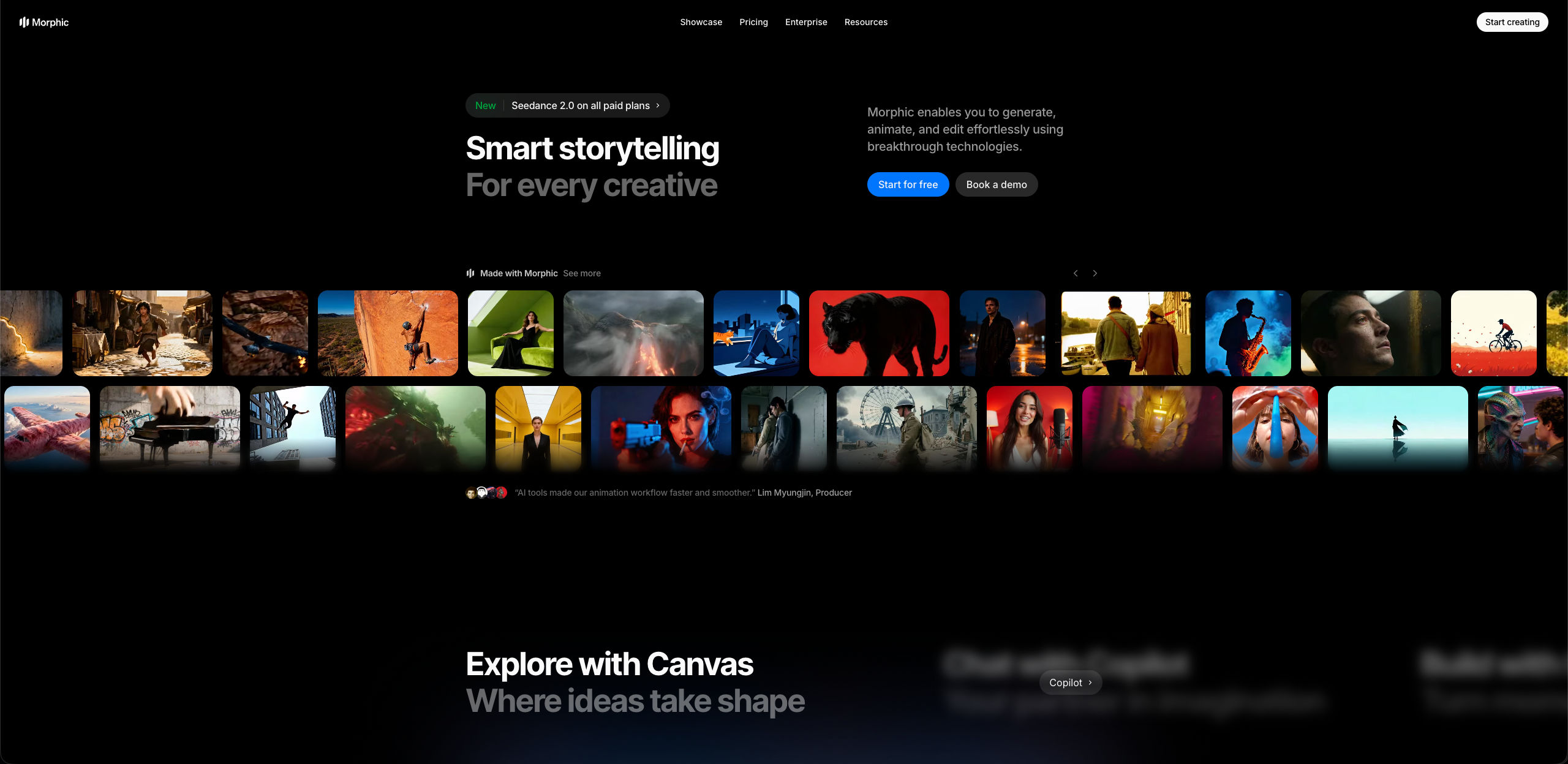
Sebagai alternatif Higgsfield AI yang menyeluruh, Morphic menyatukan proses generate, edit, dan menyusun video di satu tempat: Canvas bebas, Copilot untuk brainstorming, timeline Compose, pelatihan Models, Layers, dan kolaborasi langsung.
Higgsfield AI membagi fungsi-fungsi ini ke modul-modul terpisah untuk gambar, video, audio, dan pengeditan, dengan alat khusus seperti storyboarding AI dan pembuatan influencer.
Apa kata kreator tentang Morphic

This is a 100% AI-made film. But so well done!
This is how AI filmmaking should be done.
Very realistic and professionally written and directed by the @morphic team on their platform and without using Seedance 2.0

Morphic has been my first choice for image generation for more than 9 months now.
But it's also a great all-in-one platform that can fully support your entire creative workflow.
Highly recommend trying Morphic.

On Morphic Canvas, you can easily group and sort your files, making it a breeze to pick what you need or just grab everything at once. @morphic
Current obsession: GPT Image 2 on Morphic.
Harga sederhana
Mulai gratis hari ini, dengan opsi untuk upgrade atau membatalkan kapan saja.
Basic
2400 bulanan kredit
1 pengguna saja
Semua model
Workflows
Standard
3625 bulanan kredit
1 pengguna saja
Semua model
Workflows
Pro
6350 bersama bulanan kredit
1 pengguna
Semua model
Workflows
Max
24650 bersama bulanan kredit
1 pengguna
Semua model
Workflows
Enterprise
Untuk batas yang lebih tinggi
Khusus
ketentuan harga dan penagihan

Free
Untuk bereksperimen
$0
gratis selamanya
FAQ
Morphic adalah alternatif Higgsfield AI yang kuat, menggabungkan Canvas, Copilot, dan Compose sehingga Anda bisa generate, edit, dan menyusun video dalam satu lingkungan dengan lebih sedikit perpindahan antar-alat. Fitur inti Morphic mencakup:
- Canvas bebas untuk generate, edit, dan menata adegan secara visual
- Copilot yang menyatu di Canvas sebagai rekan kreatif untuk brainstorming dan generasi
- Editor timeline Compose dengan transisi (Fade, Slide, Wipe, Circle Open)
- Pelatihan Models untuk karakter dan gaya yang konsisten di seluruh adegan
- Layers dengan Smart Select dan Point Select untuk mengedit tiap elemen
- Generasi audio termasuk suara, musik, dan efek suara
- Kolaborasi langsung untuk tim mulai paket Pro
Higgsfield AI menata fungsinya lewat modul-modul terpisah untuk generasi gambar, generasi video, audio, dan pengeditan.
Perbedaan utamanya terletak pada cara tiap platform menyusun proses kreatif. Morphic menggabungkan Canvas, Copilot, dan Compose sehingga proses generate, edit, dan menyusun video berlangsung dalam satu lingkungan dengan lebih sedikit perpindahan antar-alat:
- Canvas adalah kanvas bebas untuk merancang adegan, Inpainting, Outpainting, menggambar, dan pengeditan visual
- Copilot adalah rekan kreatif yang menyatu di Canvas, untuk brainstorming dan generasi lewat percakapan
- Compose adalah editor timeline untuk penyusunan akhir dengan transisi dan lapisan audio
- Dengan Models, Anda melatih AI pada karakter dan gaya untuk konsistensi di seluruh adegan
- Layers memberi Anda kontrol atas tiap elemen dengan Smart Select dan Point Select
Higgsfield AI menata fungsinya lewat modul-modul terpisah, termasuk modul khusus untuk generasi gambar, generasi video, audio, pengeditan, dan karakter.
Bisa. Morphic dirancang untuk proyek video AI utuh, tempat proses generate, edit, dan menyusun berlangsung dalam satu lingkungan yang terhubung:
- Generate dan edit adegan di Canvas dengan Inpainting, Outpainting, dan alat gambar
- Kembangkan ide dan buat aset lewat percakapan dengan Copilot
- Susun video akhir Anda di timeline Compose dengan transisi dan audio
- Latih Models untuk karakter dan gaya yang konsisten di seluruh proyek Anda
Higgsfield AI menyediakan alat generasi lewat modul-modul terpisah dan aplikasi satu klik, tetapi tidak menyertakan editor timeline di platform web-nya.
Punya. Morphic menyertakan Compose, editor timeline yang bekerja bersama Canvas dan Copilot:
- Tarik adegan dengan drag-and-drop dari tab Assets
- Gambar, klip video, dan audio di timeline
- Transisi bawaan seperti Fade, Circle Open, Slide, dan Wipe
- Kontrol penuh atas urutan dan lapisan audio
- Telusuri aset yang dibuat di Canvas dan Copilot lewat tab Assets, atau unggah materi Anda sendiri
Aset yang dibuat di Canvas dan Copilot disimpan di tab Assets, tempat Anda bisa menariknya ke timeline Compose.
Dengan fitur Models Morphic, Anda melatih AI pada karakter, gaya, produk, dan objek berdasarkan gambar referensi Anda sendiri. Setelah dilatih, Anda merujuk sebuah Model di tiap prompt, dan Model itu mempertahankan identitas visual yang sama di berbagai adegan, pose, lingkungan, dan rasio aspek. Anda tidak perlu lagi menjelaskan konsep visual yang sama berulang kali.
Higgsfield AI juga mendukung konsistensi karakter, lewat Soul ID.
Morphic menawarkan beberapa fitur yang saat ini tidak dimiliki Higgsfield:
- Canvas bebas tempat Anda generate, edit, dan menata adegan secara visual di satu tempat
- Editor timeline Compose dengan transisi, pengeditan lapisan audio, dan penyusunan drag-and-drop
- Layers dengan Smart Select, Point Select, dan pengeditan tiap elemen di seluruh proyek Anda
Fitur-fitur ini saling terhubung sehingga Anda bisa berpindah dari generate ke edit hingga penyusunan dengan lebih sedikit perpindahan antar-modul.
Ya. Morphic menghasilkan suara, dialog, musik, dan efek suara di platform yang sama tempat Anda membuat visual:
- Generasi suara dengan pilihan suara karakter dan bahasa
- Generasi dialog dengan suara karakter yang berbeda
- Generasi musik dengan durasi yang bisa disesuaikan
- Generasi efek suara sesuai panjang yang dibutuhkan adegan
Audio dibuat di Canvas dan disusun di timeline Compose bersama klip video dan gambar Anda, jadi Anda tidak perlu berpindah ke alat audio terpisah.
Bisa. Morphic menyediakan paket gratis, jadi Anda bisa menjelajahi lingkungan kreatif sebelum memilih paket berbayar:
- Generate gambar, buat video, dan latih satu Model kustom
- Susun sebuah proyek di timeline Compose dengan transisi dan audio
- Edit dengan Layers lewat Smart Select dan Point Select
Morphic menawarkan kolaborasi langsung di Canvas, tempat anggota tim mulai paket Pro bekerja bersama secara real-time. Fitur kolaborasinya mencakup:
- Kursor yang dibagikan, jadi Anda bisa melihat apa yang sedang dikerjakan rekan tim
- Generate dan edit secara bersamaan di Canvas yang sama
- Semua gambar, video, Layers, dan varian tetap dibagikan, jadi semua orang melihat versi terbaru
- Ikuti tampilan seorang anggota tim dengan mengeklik avatarnya, tampilan Anda tersinkron otomatis
Higgsfield AI menawarkan paket tim dengan folder bersama, komentar aset, dan fitur berbagi.
Tidak. Morphic dirancang agar Anda bekerja secara visual dan lewat percakapan, bukan berjibaku dengan antarmuka teknis:
- Canvas terasa lebih seperti alat desain ketimbang editor teknis
- Copilot menemani proses pembuatan lewat percakapan alami dan menghasilkan aset dari deskripsi Anda
- Compose memakai pengeditan timeline drag-and-drop dengan transisi siap pakai seperti Fade, Circle Open, Slide, dan Wipe
- Tanpa perlu coding, konfigurasi node, atau penyiapan pipeline
Platform ini dibangun agar Anda bisa langsung mulai dan belajar sambil jalan.